On this page
Prepare the source and define the result
Group images by document or date and use padded sequence names such as 001, 002 and 003. Identify continuation pages, fronts, backs and duplicates.
Set acceptance criteria before processing: expected pages or records, languages, critical fields and destination format.
Use a reviewable OCR workflow
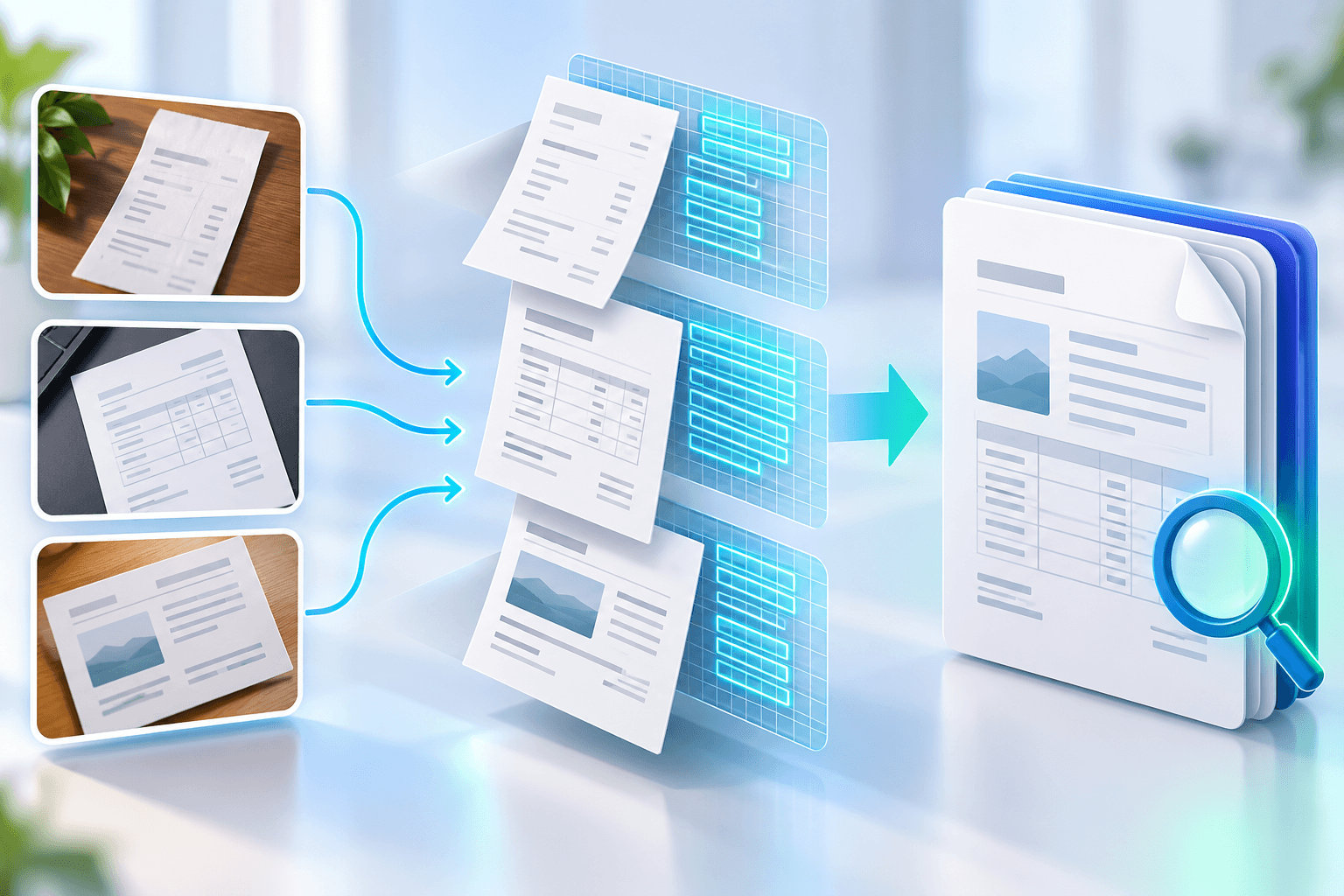
Drag pages into final order, rotate individuals and preserve real size differences. Process the complete set once instead of making overlapping derivatives.
Keep recognition evidence beside the source. Confidence prioritizes review but does not guarantee a word or number.
Verify before using the output
Inspect document boundaries and compare page count with a checklist. Search phrases from early and late pages and confirm the correct page opens.
Keep the original until the reviewed derivative is accepted. Valid structure does not prove semantic accuracy.
- Filename sorting may place page 10 before page 2.
- OCR cannot infer the business order of unrelated pages.
Put the workflow into practice
Arrange source documents, select the pages you need, and create one PDF locally in your browser. Review the result before choosing any optional next step.
Try Image to Searchable PDFFrequently asked questions
Clear answers before you merge
Is Image to Searchable PDF always exact?
No. Accuracy depends on source quality, language, layout and review.
Should I keep the original?
Yes. Keep it until the reviewed output is accepted.
What improves OCR accuracy?
Sharp upright input, correct language selection, restrained cleanup and focused review.
How should I verify the result?
Reopen it, test its intended function and compare critical content with the source.