

PDF Editing8 min read
How to Overlay One PDF on Another Without Losing Alignment
Place a PDF layer over a base document with controlled sizing, positioning, page targeting and visual verification.
Read guideFind focused guidance for PDF tasks, searchable scans, Office conversions, document security, AI-assisted review and structured data extraction.
Workflow library
110 guides available
Topic cluster
Place a PDF layer over a base document with controlled sizing, positioning, page targeting and visual verification.
Read guide
Use fit presets, direct manipulation, alignment, offsets, opacity and rotation to place an overlay precisely.
Read guide
Select the right overlay mapping and target-page strategy for letterheads, page-specific layers and repeating designs.
Read guide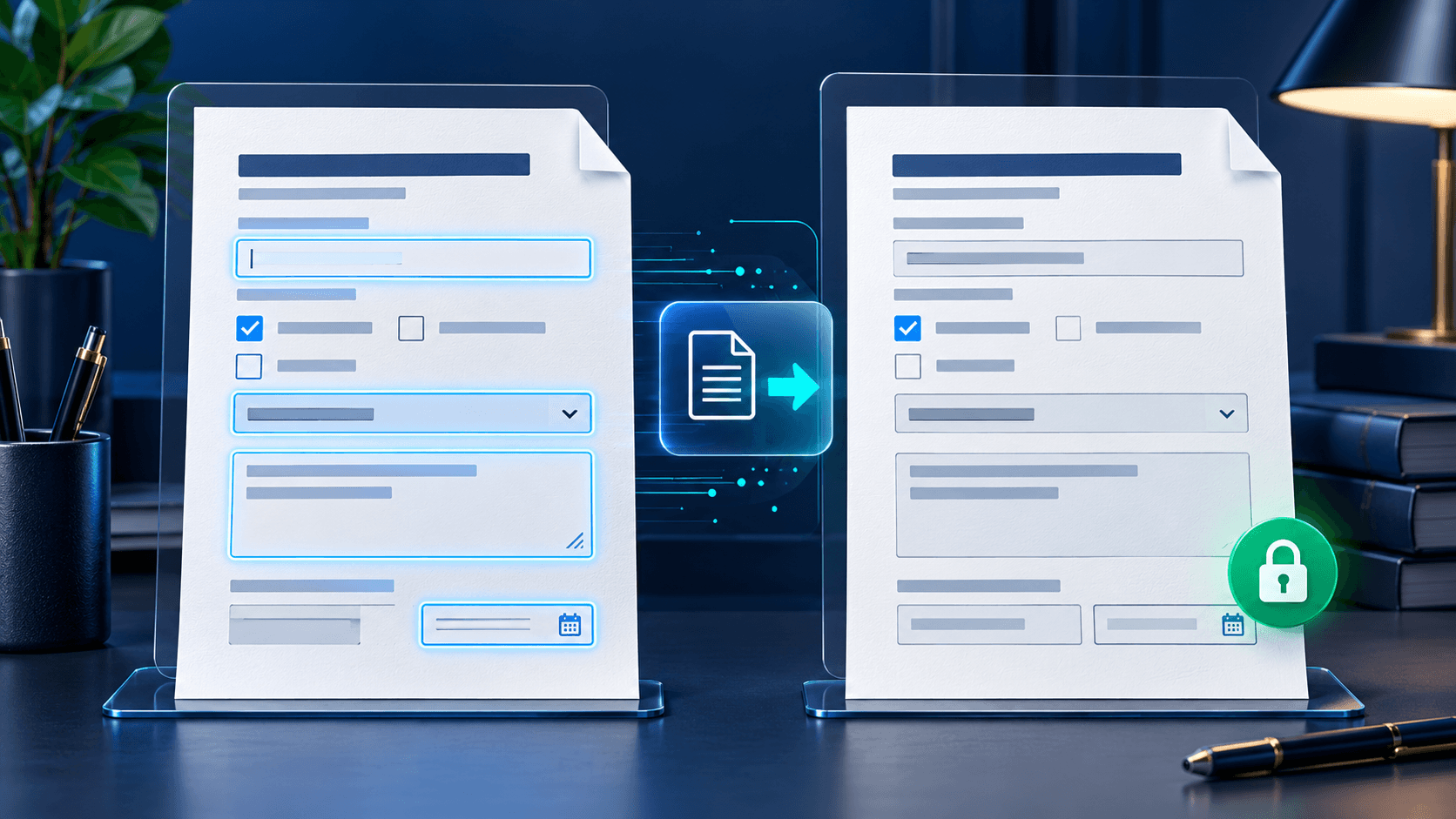
Review a completed interactive form, preserve the editable source and create a verified fixed PDF with no remaining fields.
Read guide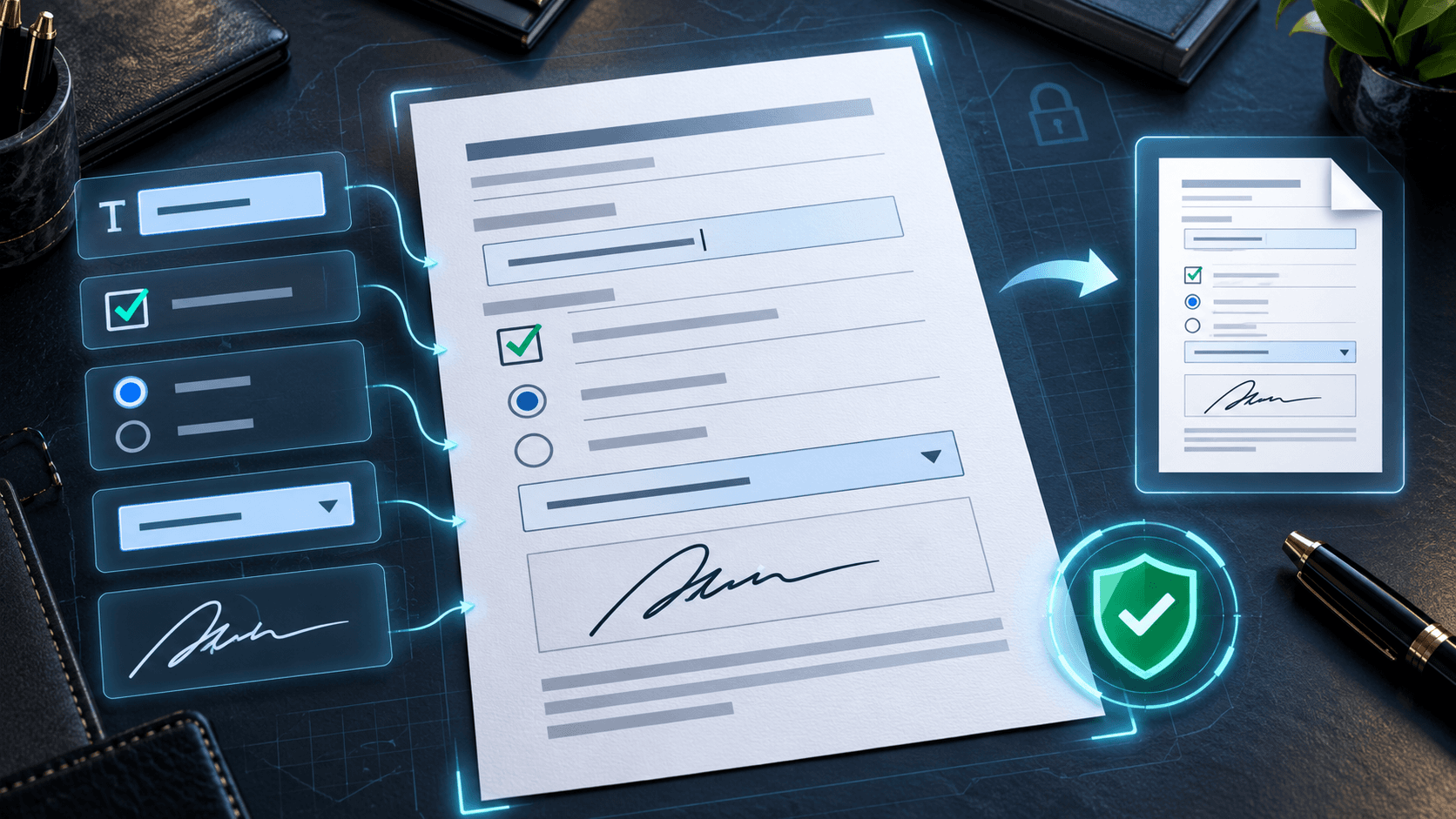
Understand appearance streams, PDF viewer differences and visual verification for flattened forms.
Read guide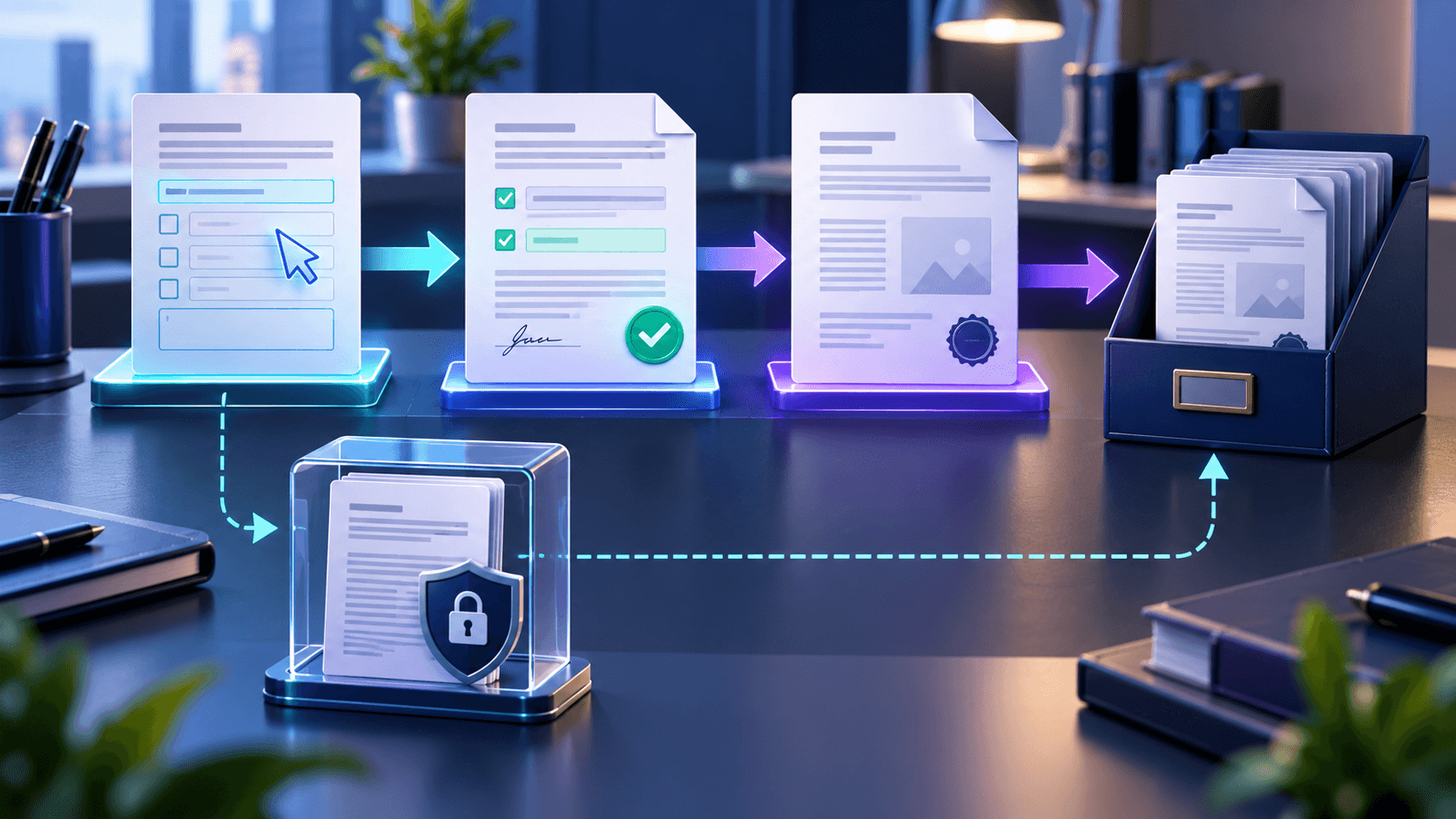
Choose between reusable editable forms and fixed flattened copies for submissions, records and controlled distribution.
Read guide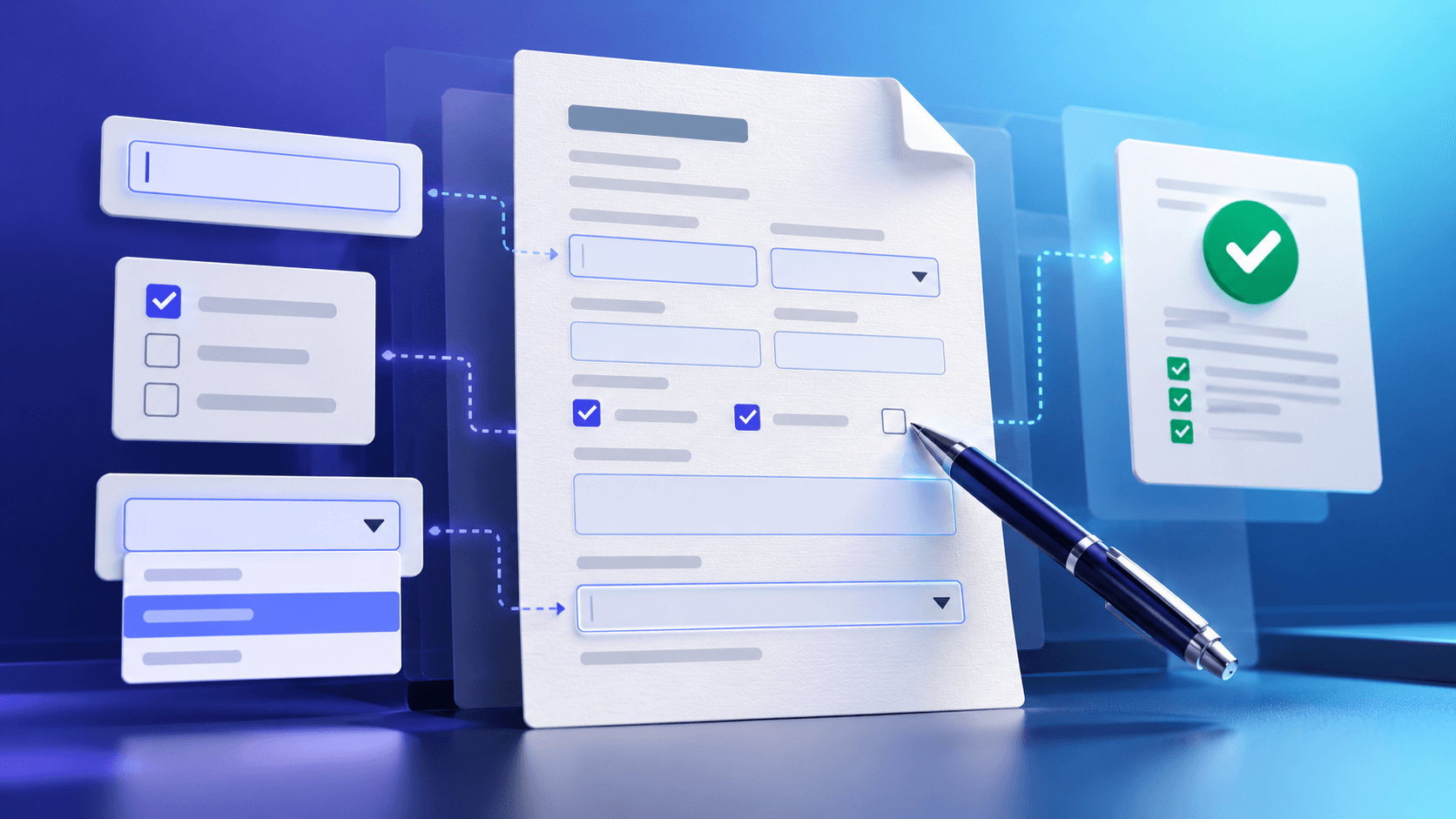
Complete interactive PDF fields, validate required responses and save a dependable filled copy without losing form values.
Read guide
Understand common AcroForm field types, required states, option behavior and practical validation.
Read guide
Review required responses, preserve interactive fields and verify a completed PDF before delivery.
Read guide
Compare A4, Letter, Legal, Tabloid and custom PDF dimensions, then choose the right physical page size for printing and distribution.
Read guide
Understand PDF content placement modes and choose the safest scaling behavior when changing page dimensions.
Read guide
Learn how trim size, bleed, safe margins and crop marks work when preparing resized PDF pages for print production.
Read guide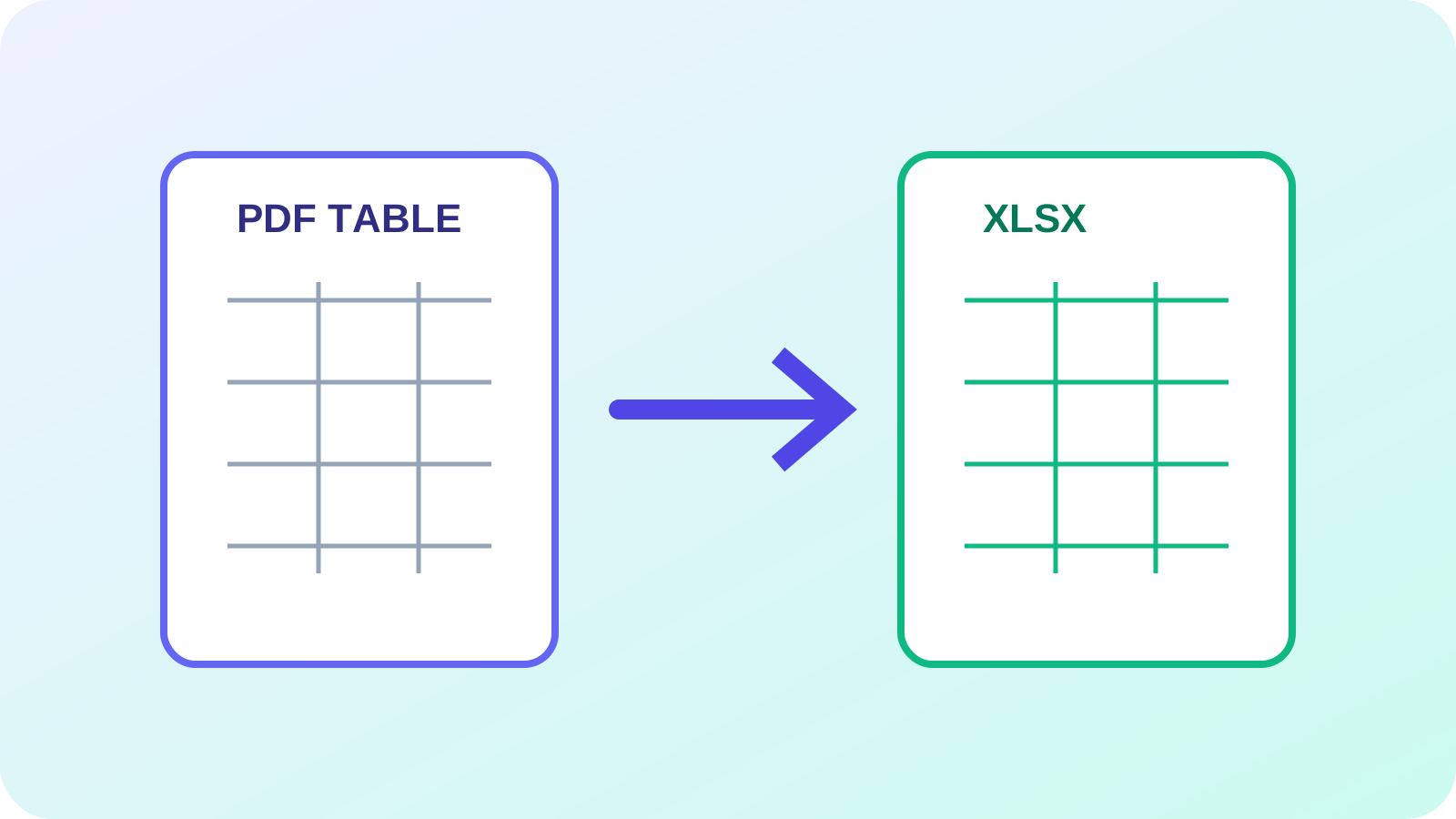
Learn how digital and scanned PDF tables become Excel workbooks, how merged cells and multi-page tables behave, and how to verify the result.
Read guide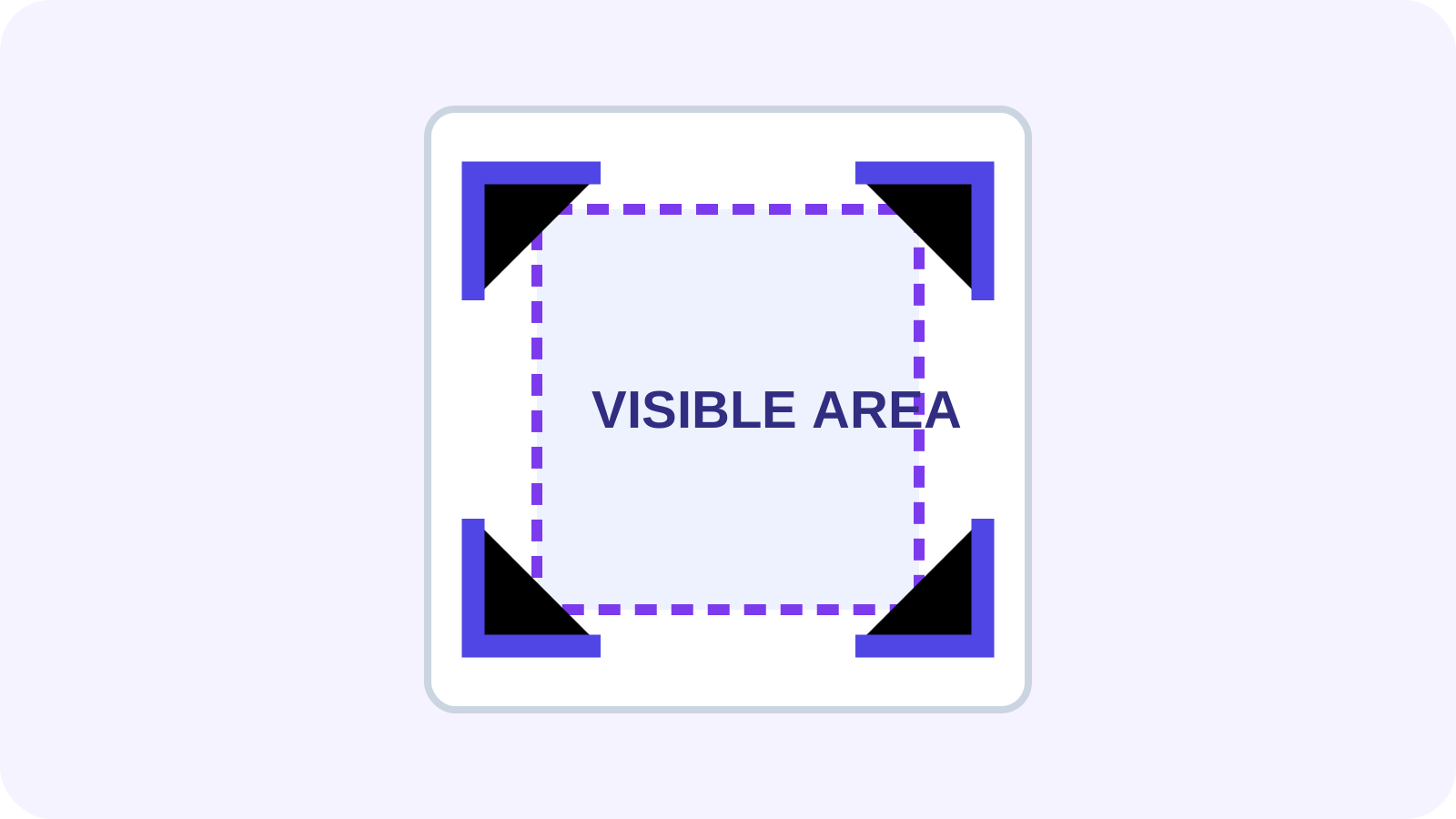
Understand PDF crop boxes, hidden content, scan margins, printing and when to change page size instead.
Read guide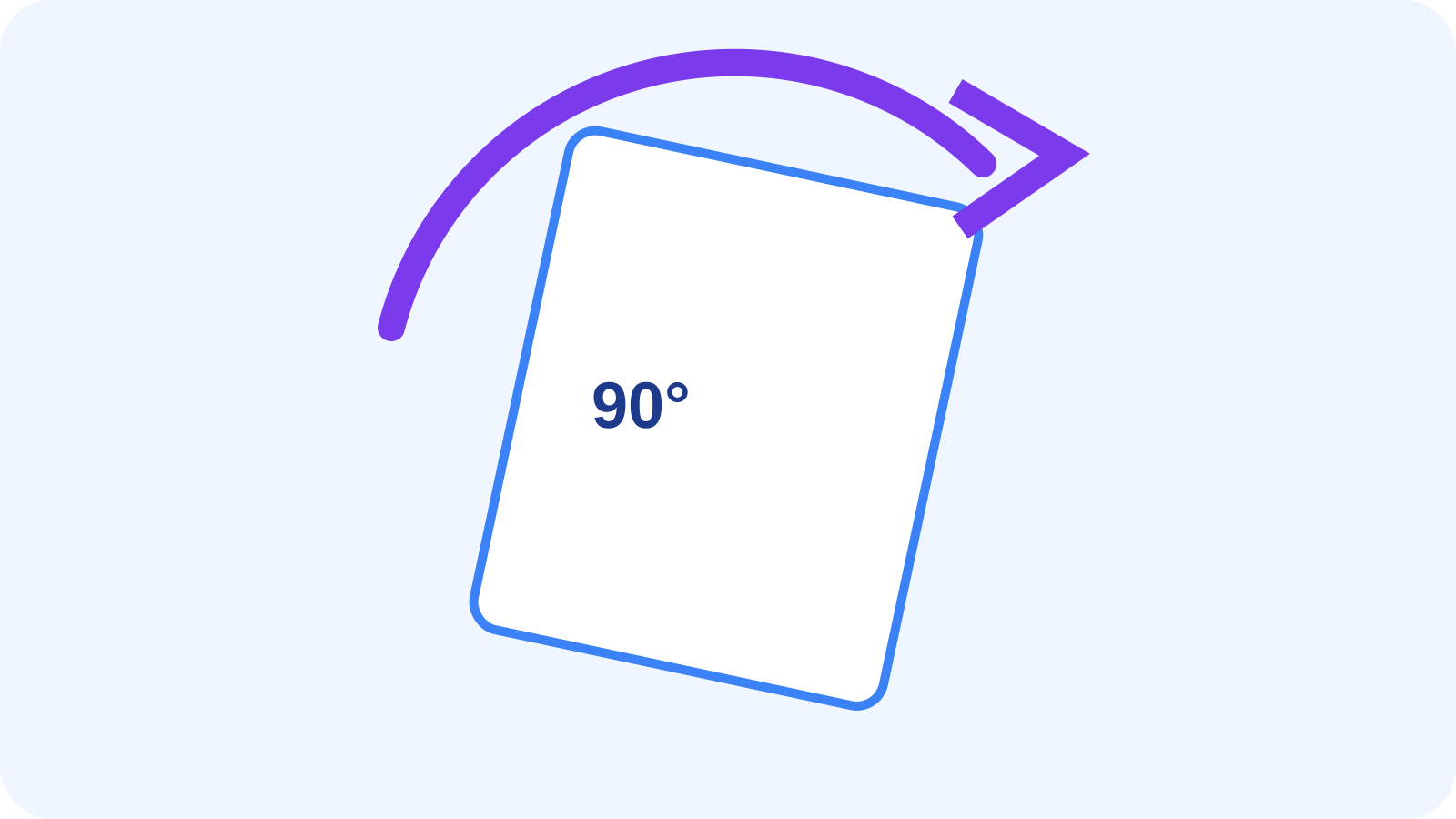
Learn how saved page rotation differs from temporary viewing, Auto Rotate and Deskew.
Read guide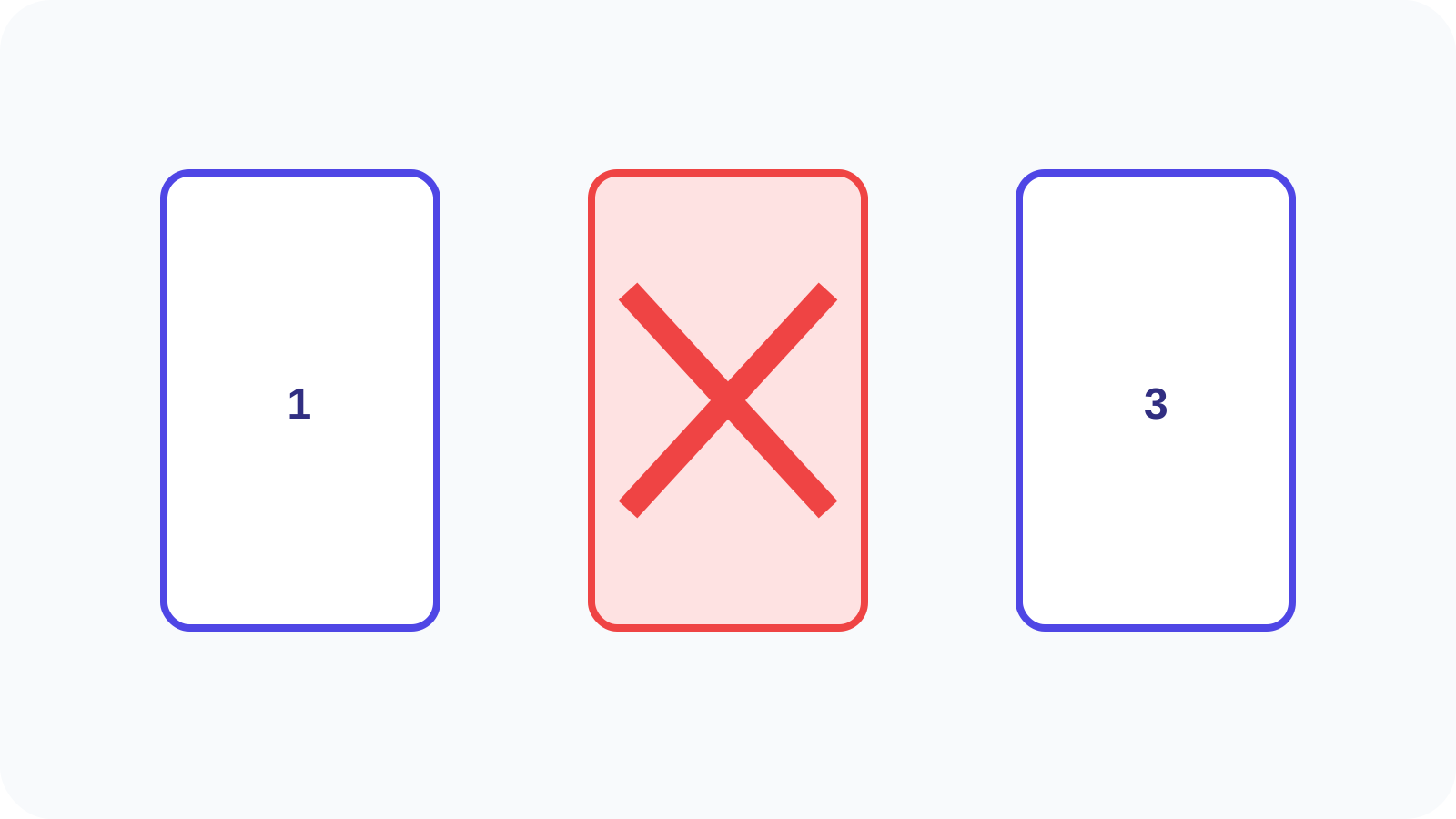
Use previews and ranges while preserving the source and understanding remove versus extract.
Read guide
Understand Nexynto-managed expiry policies, limitations and differences from encryption.
Read guide
Learn about extraction, chunking, evidence, privacy disclosure and hallucination risk.
Read guide
Control sheets, print areas, scaling, orientation, margins, gridlines and headers.
Read guide
Build text, checkbox, radio and dropdown fields with meaningful names and accessible behavior.
Read guide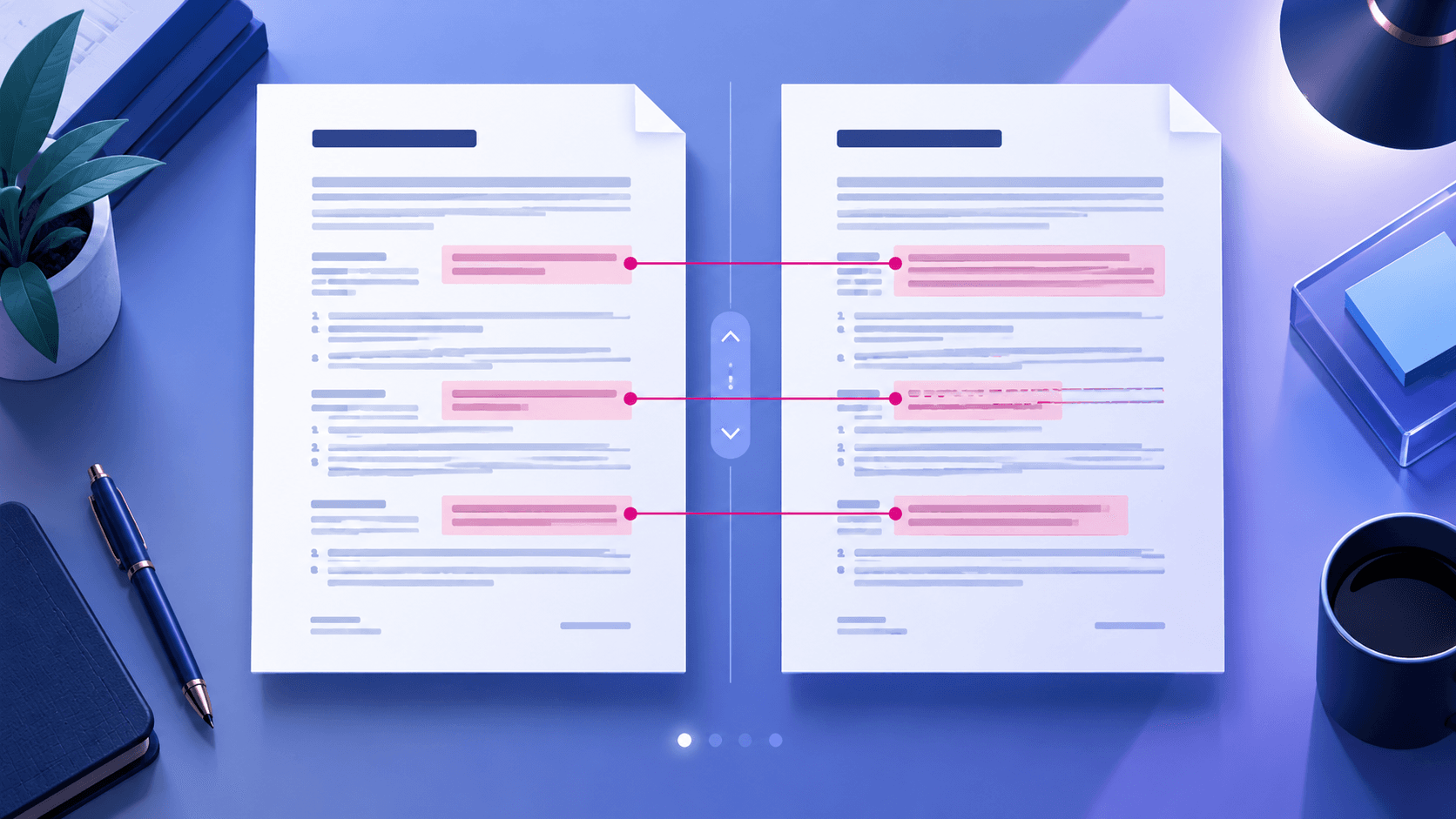
Review text, visual, geometry and page-level differences while reducing false positives.
Read guide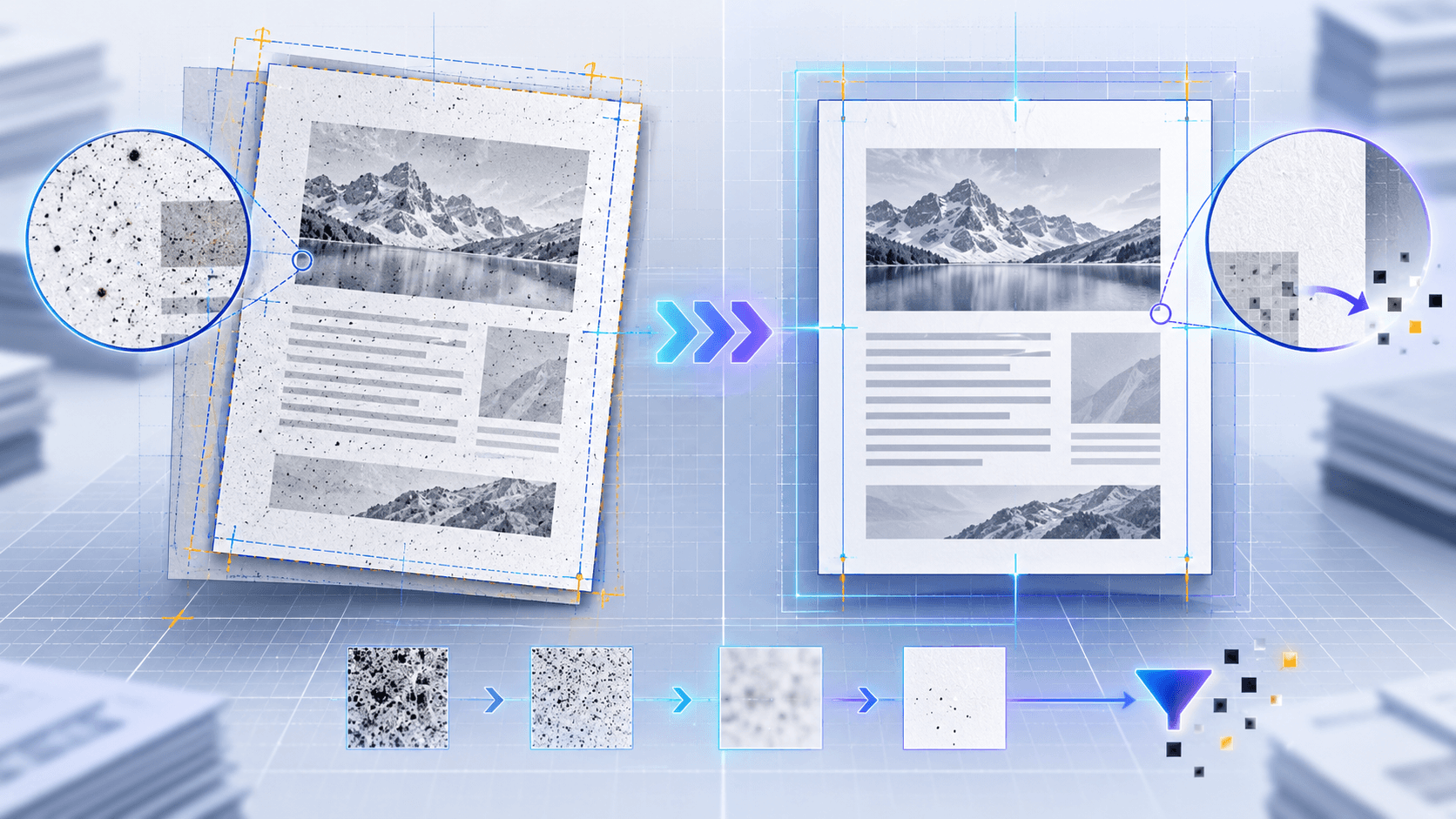
Learn how page alignment, tolerance profiles, margin exclusion and source quality affect PDF comparison results.
Read guide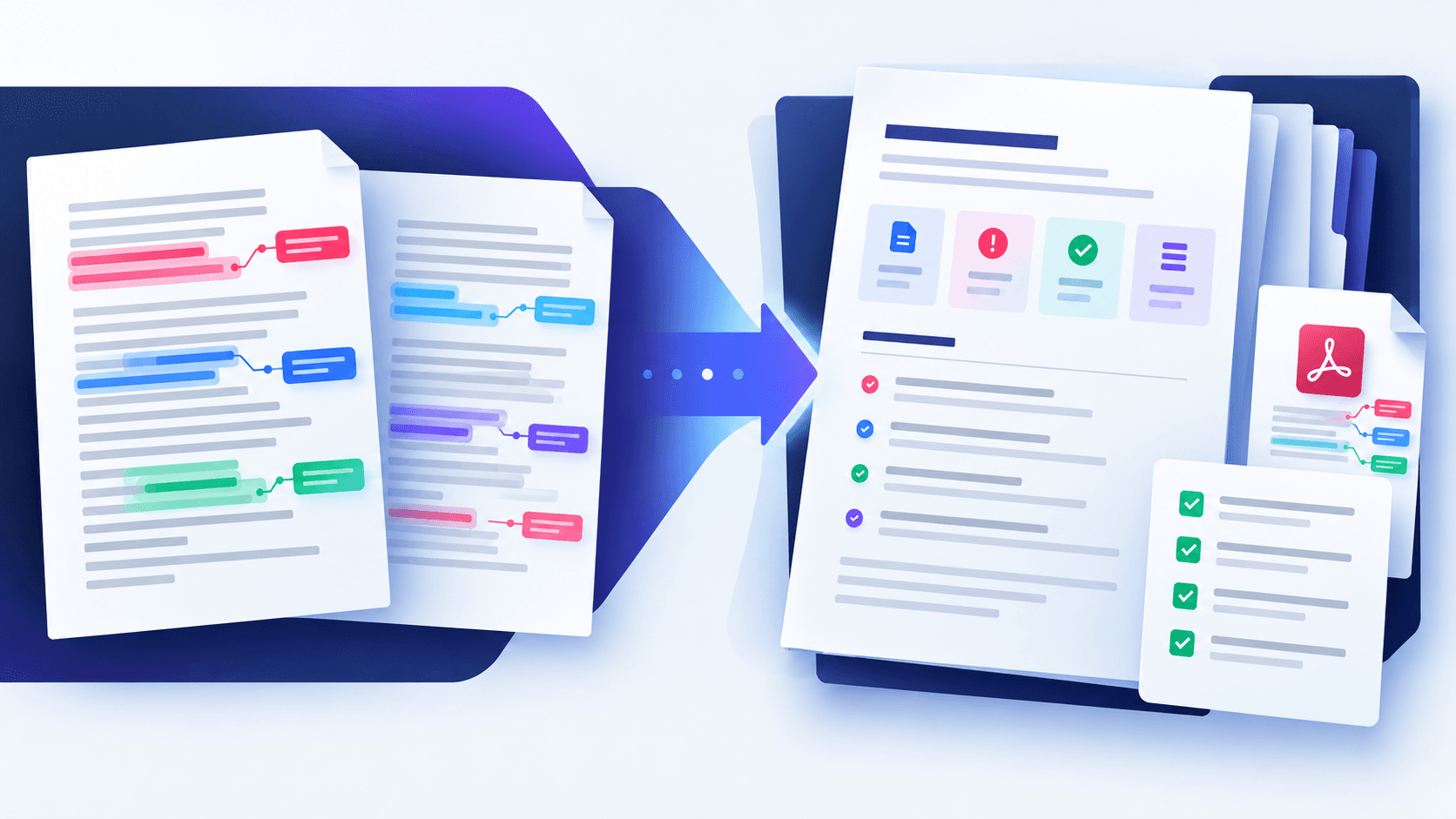
Turn page-level PDF differences into a structured report for approval, audit and document handoff.
Read guide
Balance text or image marks, opacity, rotation, placement and page selection.
Read guide
Choose when to merge, split, rearrange, remove or compress PDF pages and build a reviewable document package before sharing.
Read guide
Understand what PDF repair can recover, what it cannot reconstruct, and how to validate a repaired document before relying on it.
Read guide
Measure what makes a PDF large, choose an appropriate compression method and validate quality instead of relying on vague presets.
Read guide
Extract selectable PDF text, review page boundaries, and choose OCR only when the document has no usable text layer.
Read guideCompare direct PDF text extraction with optical character recognition for scans, screenshots, and mixed documents.
Read guide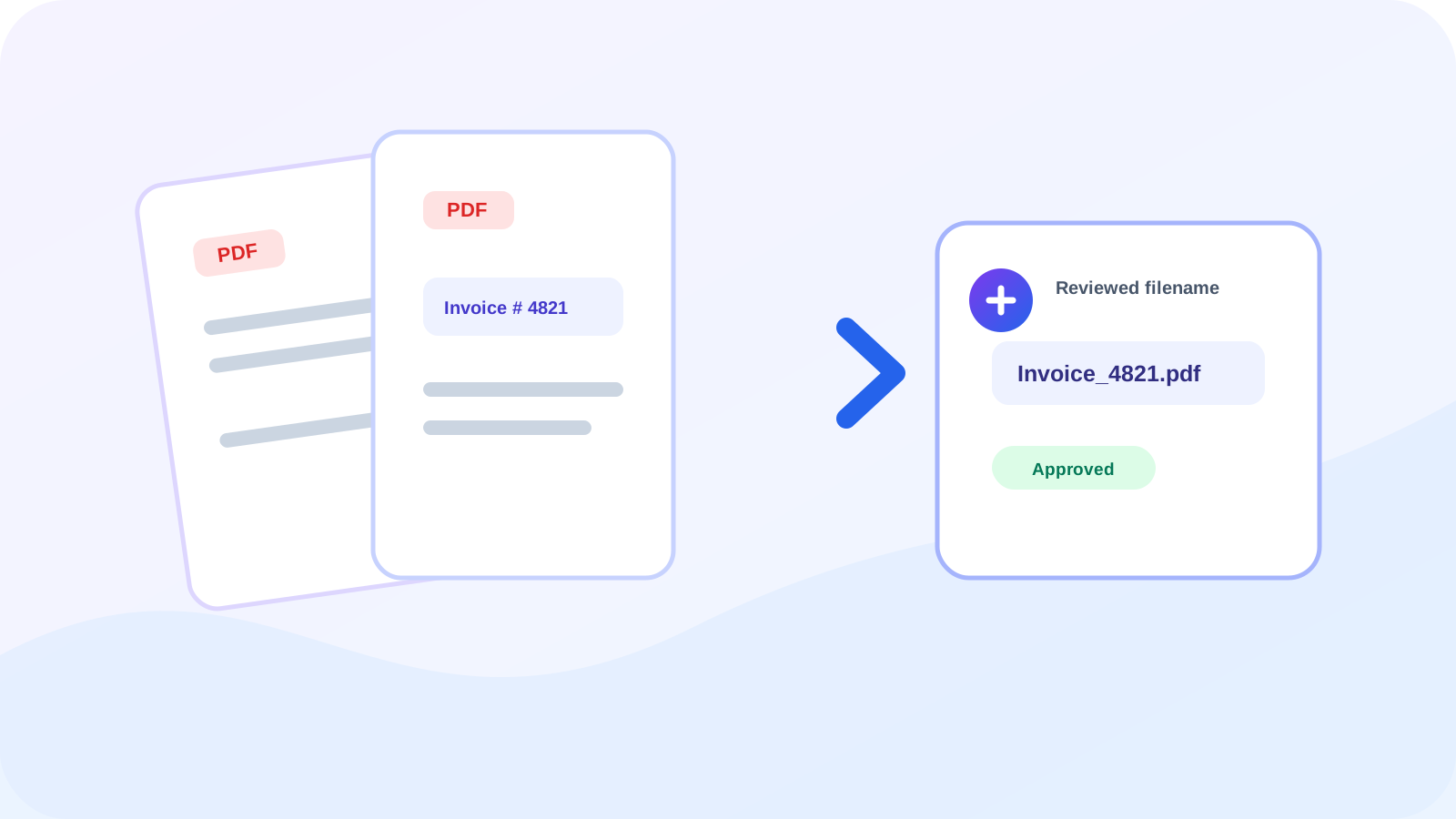
Create consistent PDF filenames from invoice numbers, reference labels, dates, or other reviewed document text.
Read guideUse OCR confidence, manual approval, and collision-safe naming when organizing batches of scanned PDF files.
Read guide
Inspect PDF annotation types, remove only the selected supported objects, and verify the cleaned result before sharing.
Read guideLearn which PDF cleanup workflow handles comments, document properties, and sensitive page content.
Read guide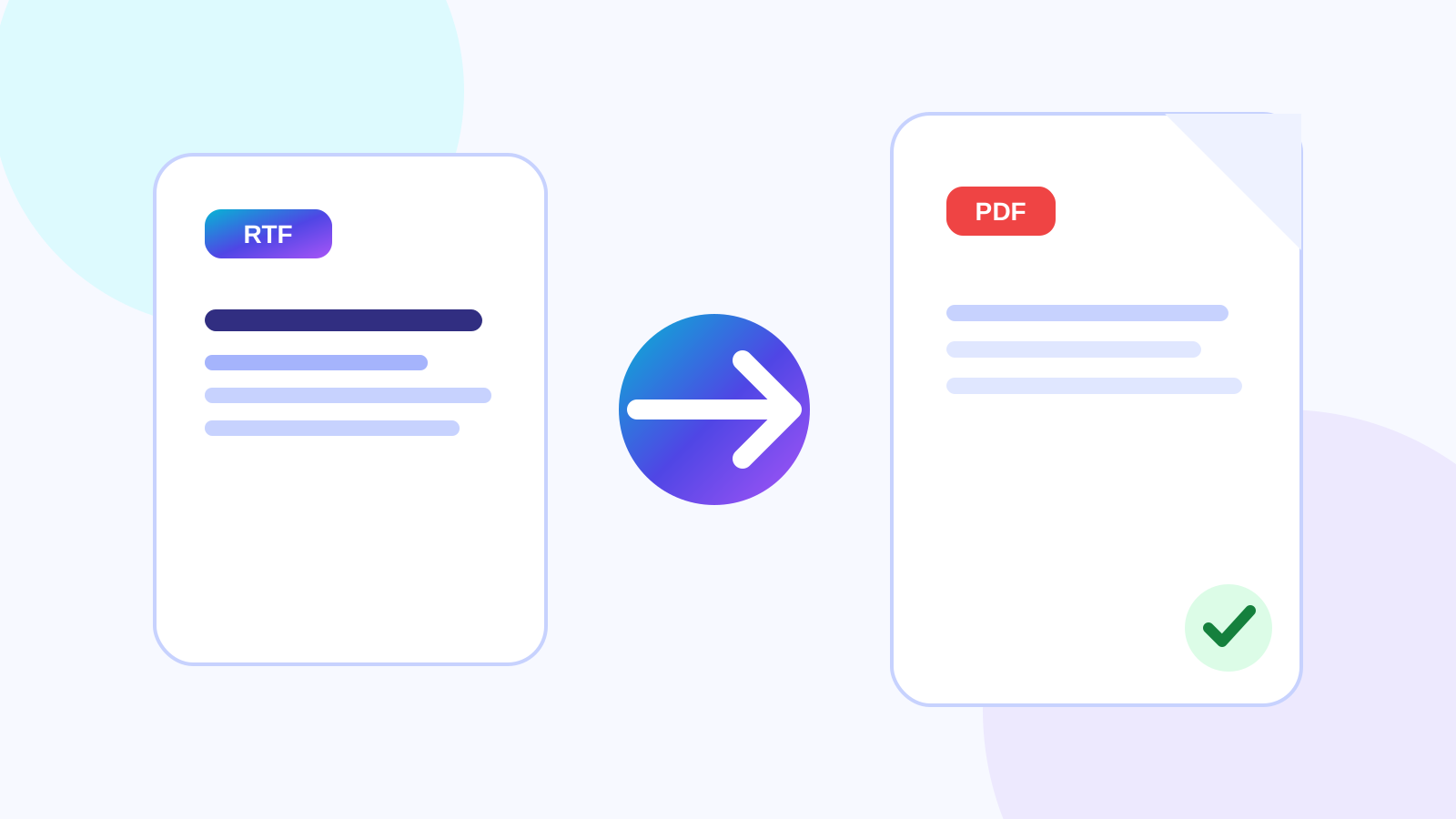
Preserve supported fonts, paragraphs and page structure by using a real document renderer and reviewing the PDF output.
Read guideCompare editable RTF documents with fixed-layout PDFs for collaboration, compatibility, sharing and print.
Read guideUnderstand font substitution, unsupported RTF controls and pagination differences between document renderers.
Read guidePrepare, convert, review, protect and transfer an RTF document as a dependable PDF delivery copy.
Read guide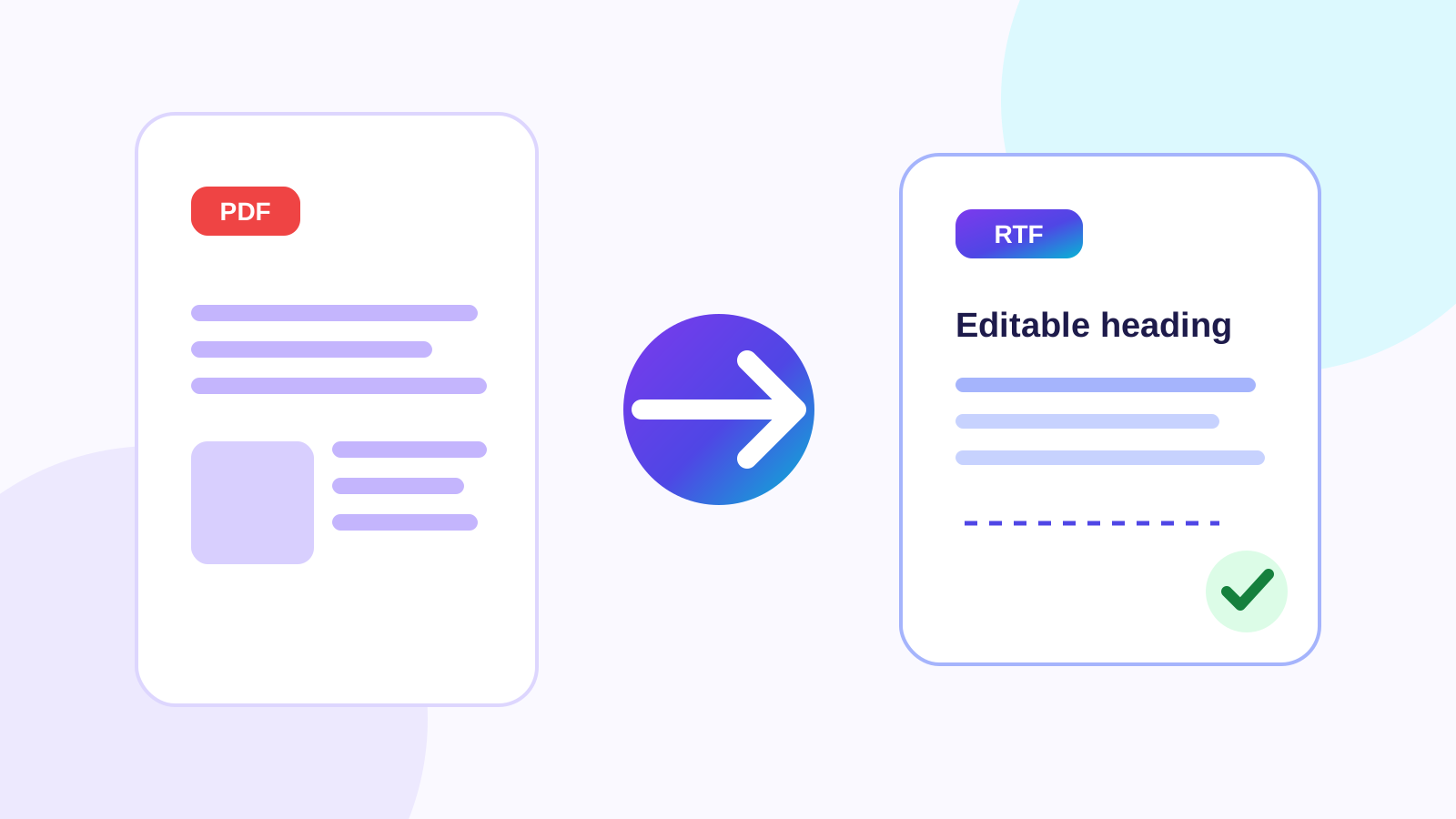
Turn a text-based PDF into genuine editable RTF while reviewing page order, paragraphs, styling and OCR notes.
Read guideChoose RTF for broad lightweight editing or DOCX for richer document reconstruction and office workflows.
Read guideLearn why positioned PDF content, columns, fonts, images and tables may shift in an editable RTF document.
Read guideUnderstand text-based PDFs, scanned pages, OCR and complex layouts before exporting editable rich text.
Read guide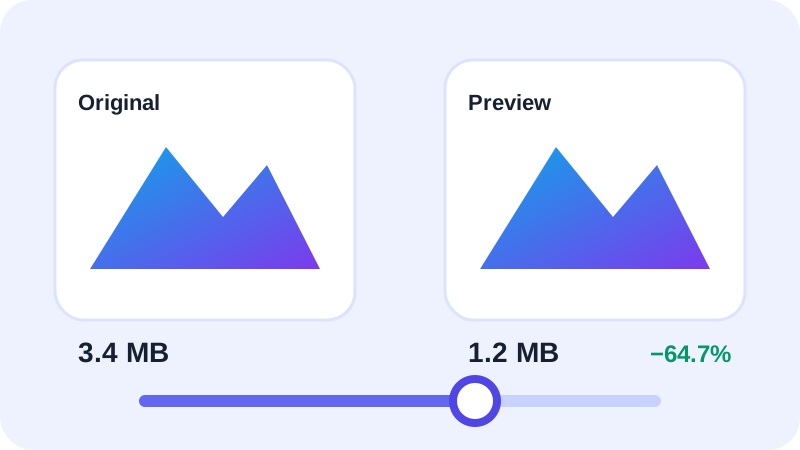
How to Convert HEIC to JPG Without Losing Too Much Quality. Learn the practical settings, tradeoffs and review steps for a reliable browser-local workflow.
Read guide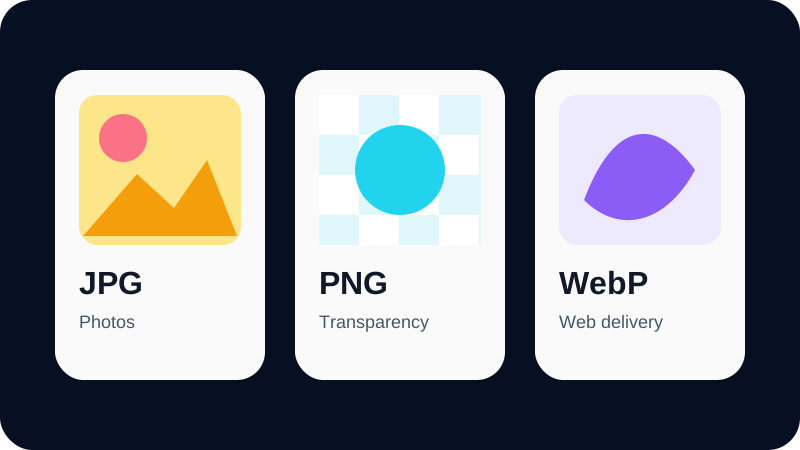
HEIC vs JPG: Quality, Size and Compatibility. Learn the practical settings, tradeoffs and review steps for a reliable browser-local workflow.
Read guide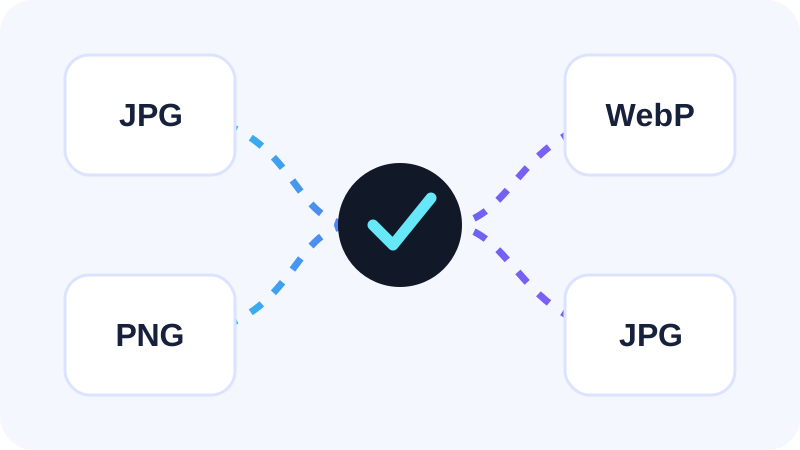
How to Convert iPhone Photos to JPG. Learn the practical settings, tradeoffs and review steps for a reliable browser-local workflow.
Read guide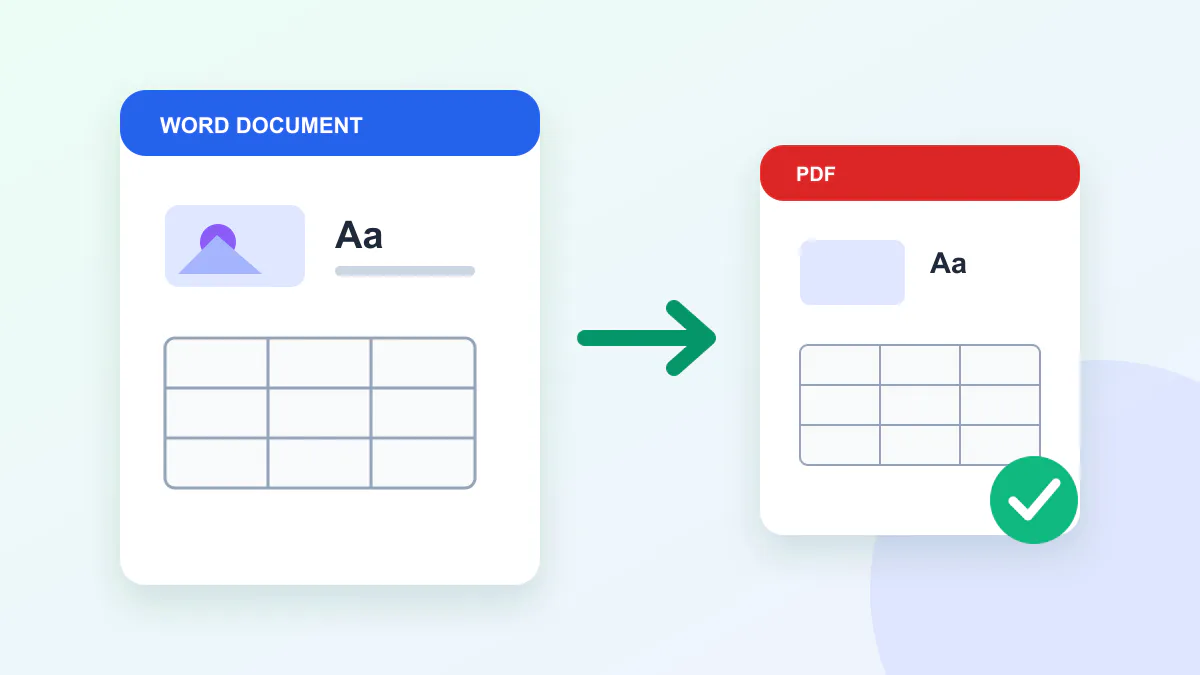
Why Does iPhone Use HEIC Instead of JPG?. Learn the practical settings, tradeoffs and review steps for a reliable browser-local workflow.
Read guide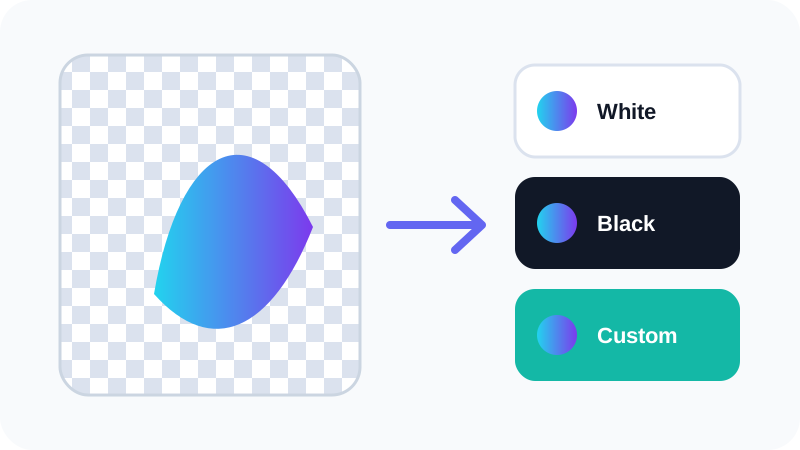
How to Convert HEIC to PNG. Learn the practical settings, tradeoffs and review steps for a reliable browser-local workflow.
Read guide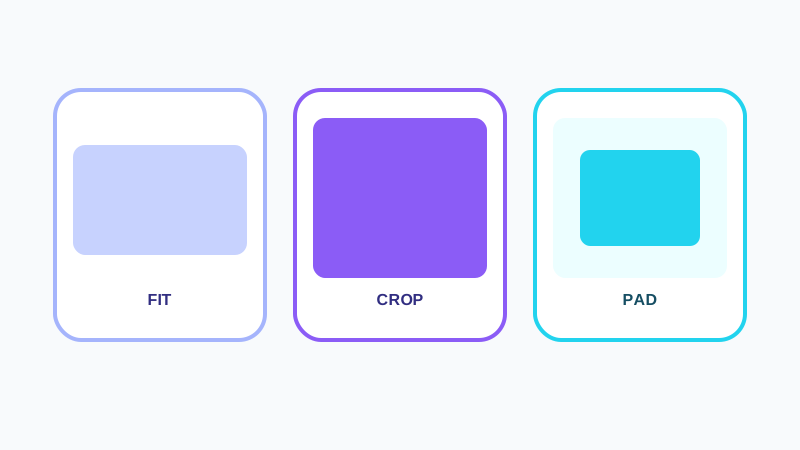
HEIC vs PNG: Which Format Is Better?. Learn the practical settings, tradeoffs and review steps for a reliable browser-local workflow.
Read guide
When PNG Is Better Than JPG. Learn the practical settings, tradeoffs and review steps for a reliable browser-local workflow.
Read guide
How to Convert iPhone Photos for Design and Editing. Learn the practical settings, tradeoffs and review steps for a reliable browser-local workflow.
Read guide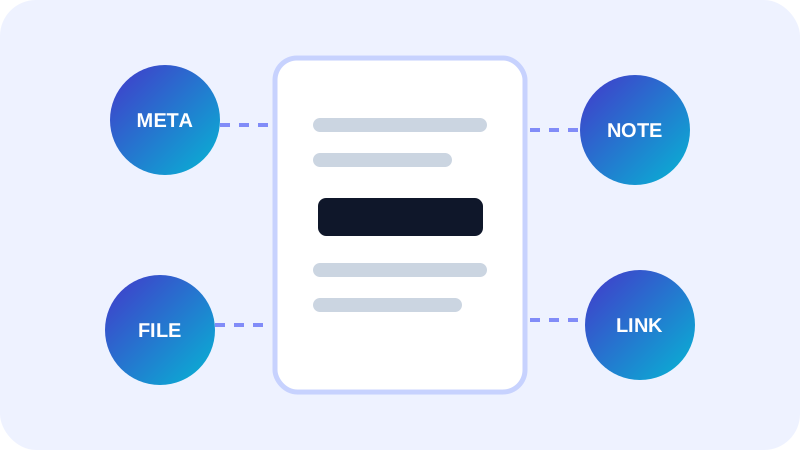
How to Convert HEIC Photos to PDF. Learn the practical settings, tradeoffs and review steps for a reliable browser-local workflow.
Read guide
How to Combine Multiple iPhone Photos Into One PDF. Learn the practical settings, tradeoffs and review steps for a reliable browser-local workflow.
Read guide
Best PDF Page Size for Photos and Scans. Learn the practical settings, tradeoffs and review steps for a reliable browser-local workflow.
Read guide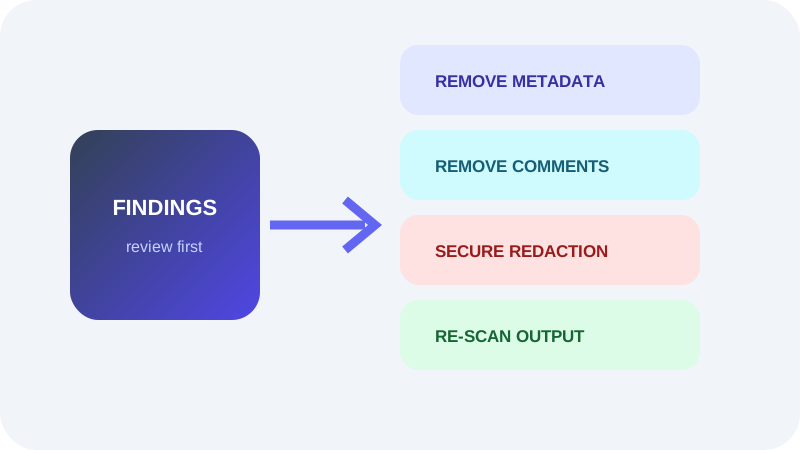
HEIC to PDF for Receipts, Documents and Reports. Learn the practical settings, tradeoffs and review steps for a reliable browser-local workflow.
Read guideUnderstand how PDF metadata, comments, forms, attachments, active actions and hidden page content can reveal information.
Read guide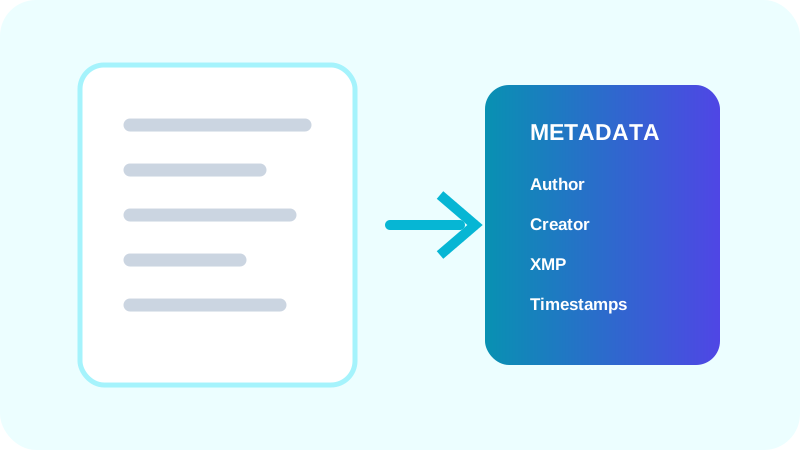
Review common PDF document information and XMP metadata before sending a document.
Read guide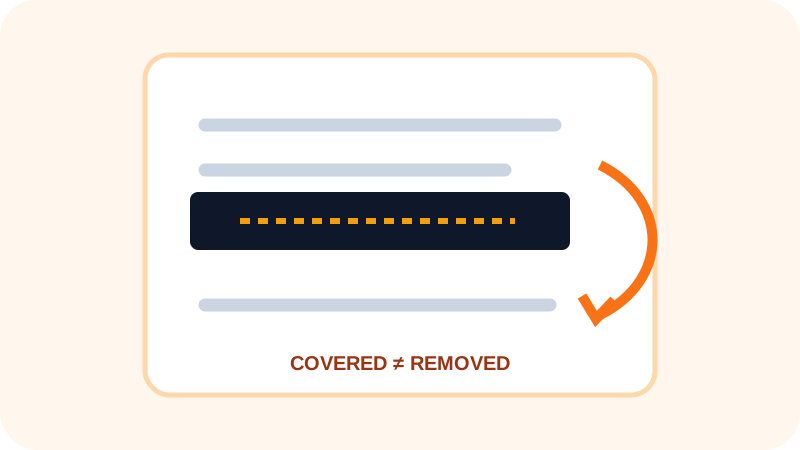
Learn how visual rectangles can leave searchable text underneath and how to verify a redacted PDF.
Read guide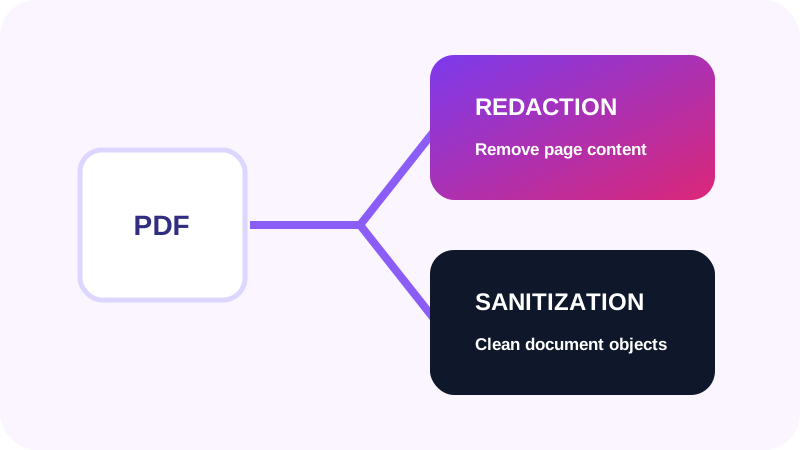
Compare page-content redaction with document-wide sanitization of metadata, comments, actions and attachments.
Read guideUse a category-by-category workflow to remove unnecessary identity data, review artifacts and hidden content.
Read guide
Preserve nested folder structure, validate file limits, and deliver a large project folder through one controlled transfer.
Read guideUnderstand when a one-time transfer is appropriate, what it controls, and how it differs from expiry or password protection.
Read guidePreserve image proportions with aspect-ratio lock, Fit, Crop, Pad and proportional scaling.
Read guideCompare image Fit, Crop and Pad behavior for exact frames and proportional output.
Read guideUse named social image presets with crop anchors and a live preview.
Read guideApply one consistent resize profile to a searchable, bounded image batch.
Read guideConvert ordinary raster images while preserving dimensions and making deliberate quality and transparency choices.
Read guideCompare JPG, PNG and WebP for photos, transparency, graphics and web delivery.
Read guideChoose a deliberate background when flattening transparent PNG pixels into JPG.
Read guideBalance image format, dimensions and encoder quality using real before-and-after measurements.
Read guidePreserve paths, shapes, strokes and text while identifying effects that need review.
Read guideCompare SVG and PDF for web graphics, print, document delivery and archival workflows.
Read guide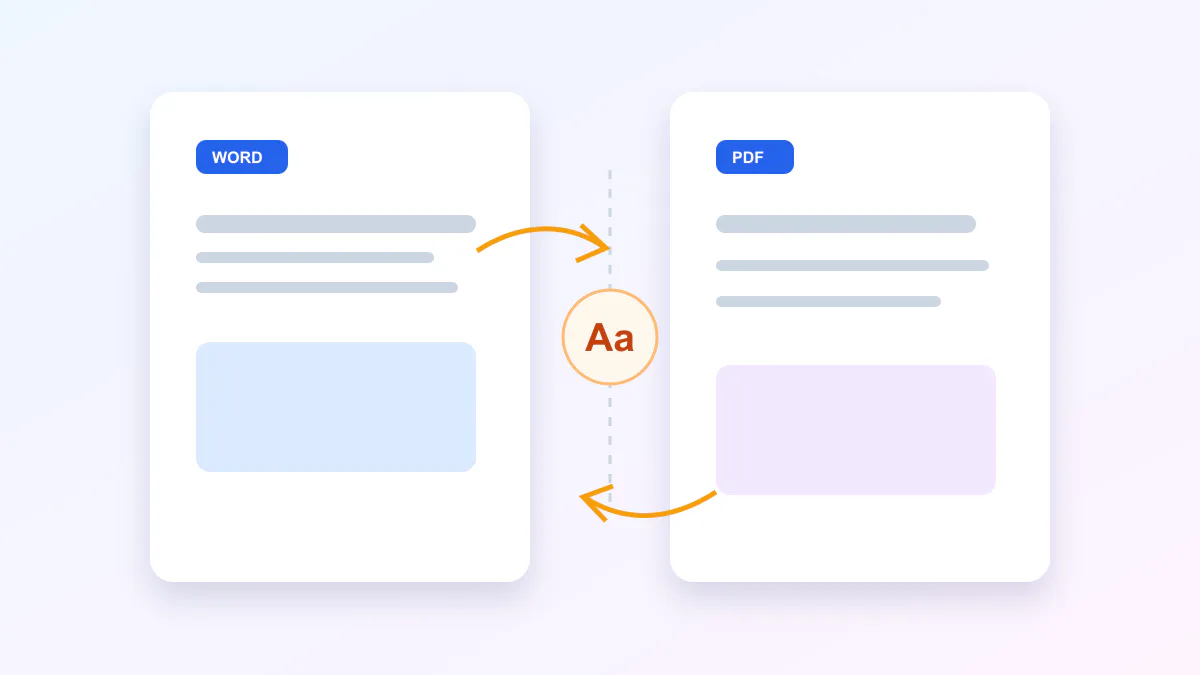
Review page dimensions, fonts, color, transparency and advanced effects before PDF export.
Read guideDiagnose font substitution, filter differences and transparency changes when converting SVG artwork to PDF.
Read guide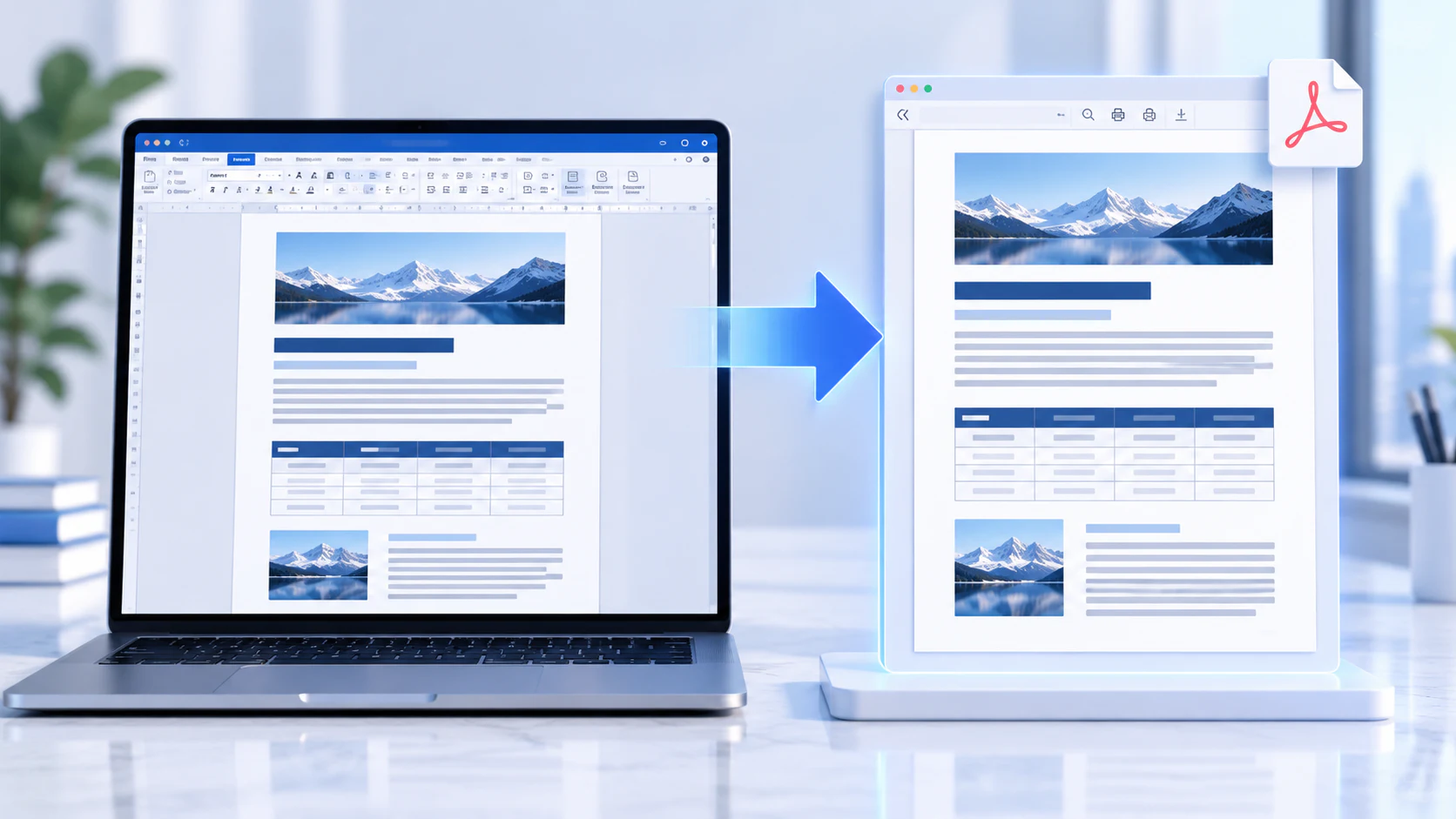
Prepare Word page layout, sections, fonts, tables and images for a higher-fidelity PDF export.
Read guideUnderstand font metrics, pagination, floating objects, tracked changes and Office renderer differences.
Read guideUse font analysis, source-quality images and table review to improve Word-to-PDF fidelity.
Read guide
Prepare fonts, paragraphs, tables, images and page ranges for a cleaner editable Word conversion.
Read guideUnderstand fixed PDF coordinates, Word reflow, font substitution, columns and table reconstruction.
Read guideIdentify image-only pages, choose OCR deliberately, and proofread recognized text in Word.
Read guide
Learn how font reuse, glyph validation, baseline positioning, color and rotation preserve supported native PDF text edits.
Read guideUnderstand the difference between native PDF text and OCR-assisted text before editing scanned documents.
Read guideUse an object-level PDF workflow to add searchable text, embedded images and working links without rasterizing the document.
Read guide
Learn how to combine multiple PDF files without reducing page, image or text quality. See what affects PDF quality and merge files directly in your browser.
Read guideUnderstand the difference between standard PDF merging and page interleaving, including how to combine duplex scans, odd/even pages and multi-file documents.
Read guideLearn how to organize large PDF collections using naming, search, sorting, page ranges, compact views and structured merge workflows.
Read guide
Learn how to divide a PDF into exact page-range files, validate boundaries, name outputs clearly, and review every result before downloading.
Read guide
Split a large PDF by page count, bookmarks or a verified target size while keeping page order, output names and review controls manageable.
Read guide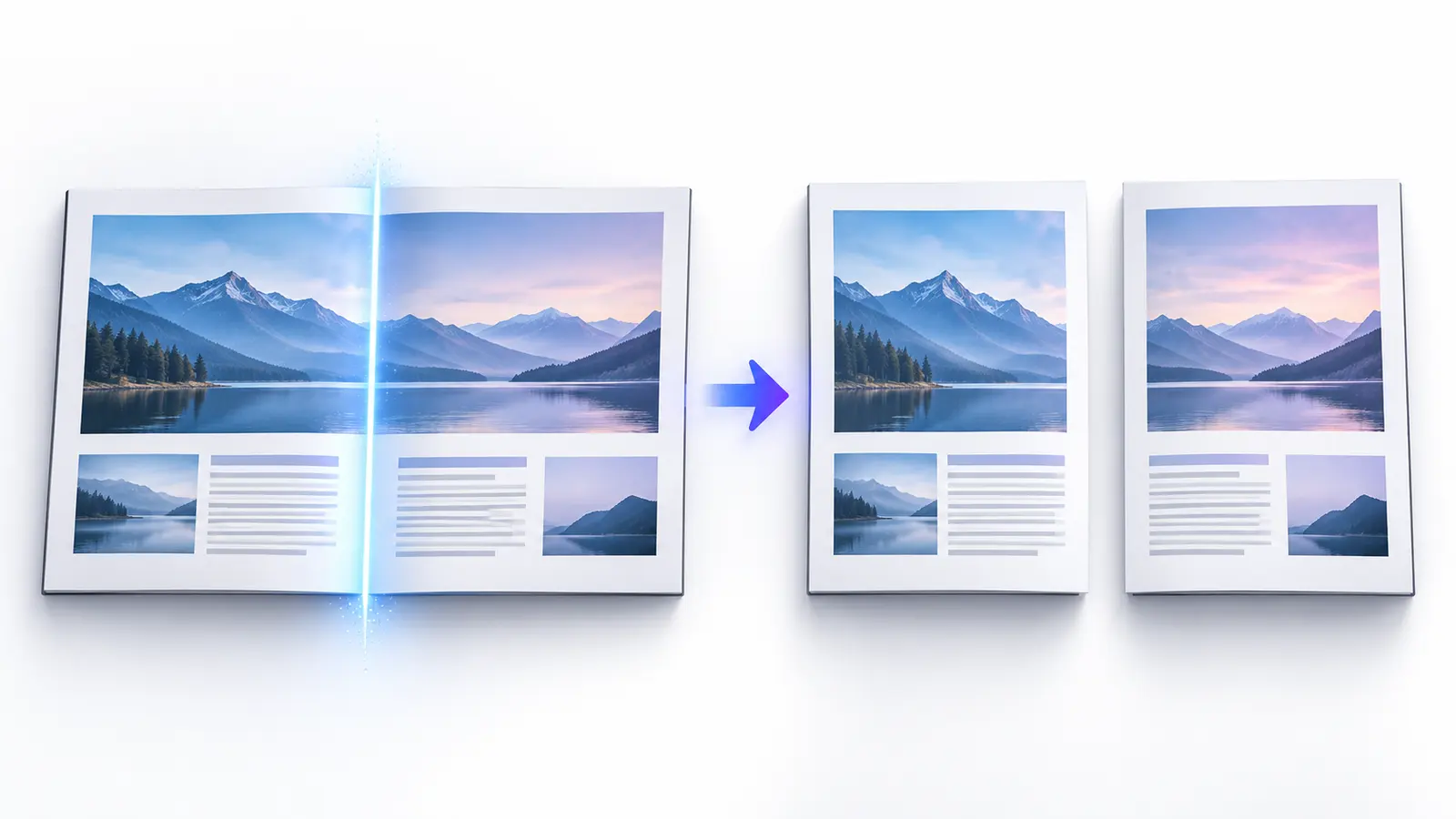
Learn how to split landscape book spreads and double-page scans into individual left and right PDF pages with the correct gutter and reading order.
Read guideLearn how safe PDF optimization differs from rasterization, what can reduce file size, and how to preserve a high-quality master.
Read guideUnderstand why scans, photographs, fonts, duplicate resources, editing history, and page count can make a PDF large.
Read guideCompare structural PDF optimization with page rasterization, including quality, searchability, links, forms, and file-size trade-offs.
Read guide
Build a safer PDF-sharing workflow with data minimization, password protection, separate communication channels, and output verification.
Read guide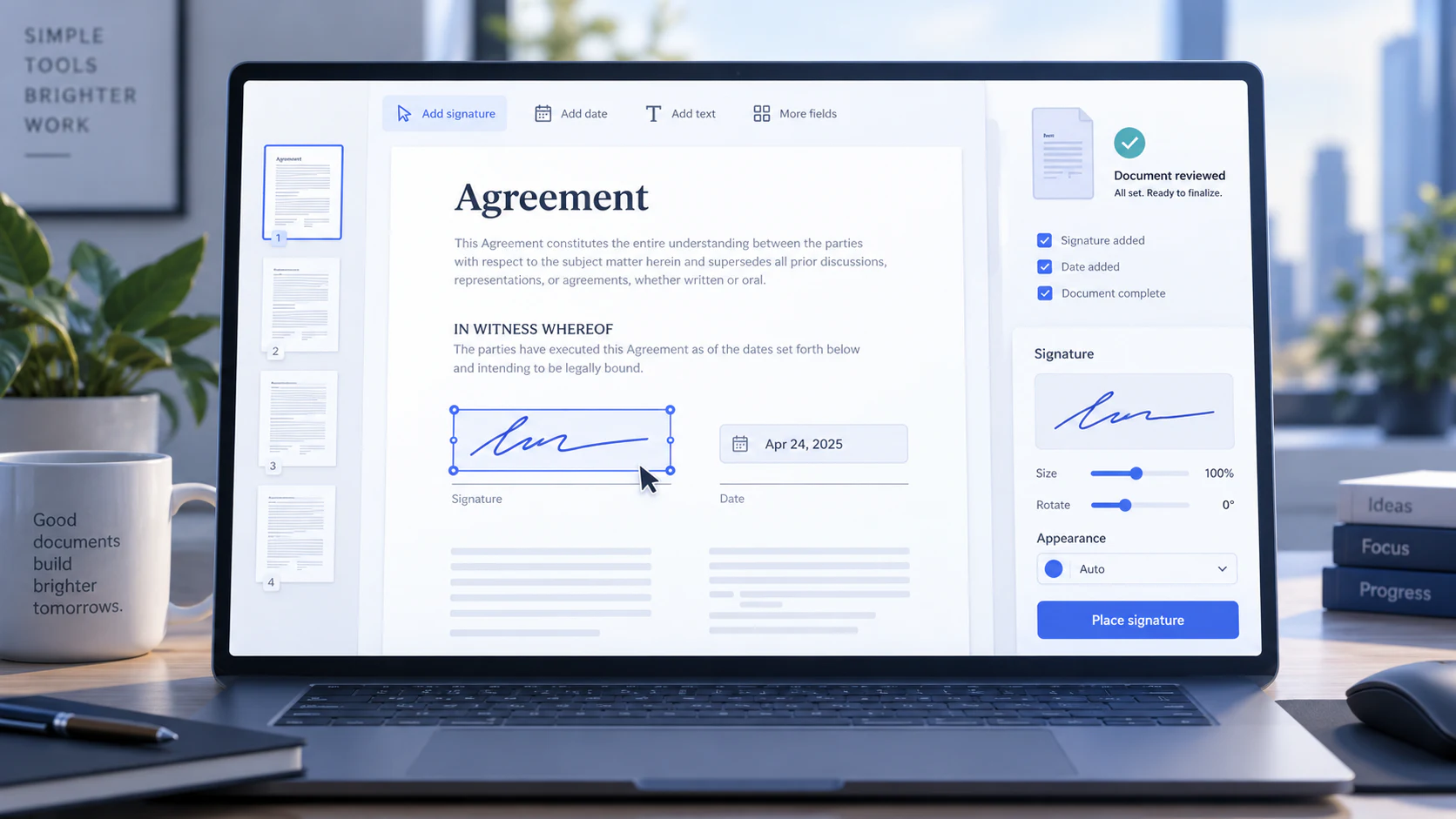
Create and place a typed, drawn, or uploaded visual signature in a PDF, then review and export the signed copy.
Read guideCompare typed and drawn visual signatures with certificate-based digital signatures and choose the method your workflow requires.
Read guidePlace initials and signing dates on one or more PDF pages with clear formatting, bounded placement, and careful review.
Read guideTopic cluster
Add a searchable OCR text layer to scanned PDF pages, choose the right language and review recognition errors before using the result.
Read guideImprove OCR results through resolution, orientation, language selection, contrast and a practical validation workflow.
Read guideTopic cluster
Understand PDF-to-Word fidelity, editable output, font substitution, scanned pages and when visual layout may change.
Read guide
Choose the correct PowerPoint-to-PDF or PDF-to-PowerPoint workflow and understand font, animation and editability tradeoffs.
Read guideTopic cluster

Apply real PDF redaction, inspect hidden content and validate the exported document before sharing sensitive information.
Read guide
Compare PDF open passwords, permission flags, encryption, read-only settings and transfer-link access controls.
Read guideLearn how to replace oversized email attachments with an expiring transfer link, clear access controls, and a recipient-friendly download flow.
Read guideSet a strong transfer password, share it safely, and combine it with expiry and download limits for controlled file delivery.
Read guideChoose a file-transfer expiry that balances recipient access with the risk of leaving sensitive files available for too long.
Read guideCompare controlled file delivery with long-lived cloud collaboration and choose the right model for a document workflow.
Read guideChoose a useful PDF password, apply supported permissions, store recovery information safely, and verify the protected output.
Read guideUnderstand PDF open passwords, owner passwords, encryption, and viewer-enforced printing, copying, editing, and annotation controls.
Read guideTopic cluster

Understand document retrieval, page references, citations, missing evidence and why important AI answers still require human review.
Read guideUse human review, source comparison and privacy-aware inputs when summarizing, chatting with or analyzing documents using AI.
Read guideTopic cluster
Prepare scans for table OCR, distinguish bordered and borderless tables, and validate rows, columns and numeric values after extraction.
Read guideChoose Word for document text or Excel for structured tables and understand the OCR, layout and validation limits of each path.
Read guideChoose the focused tool for your source format and goal. Review its processing disclosure and limitations before handling sensitive or important files.