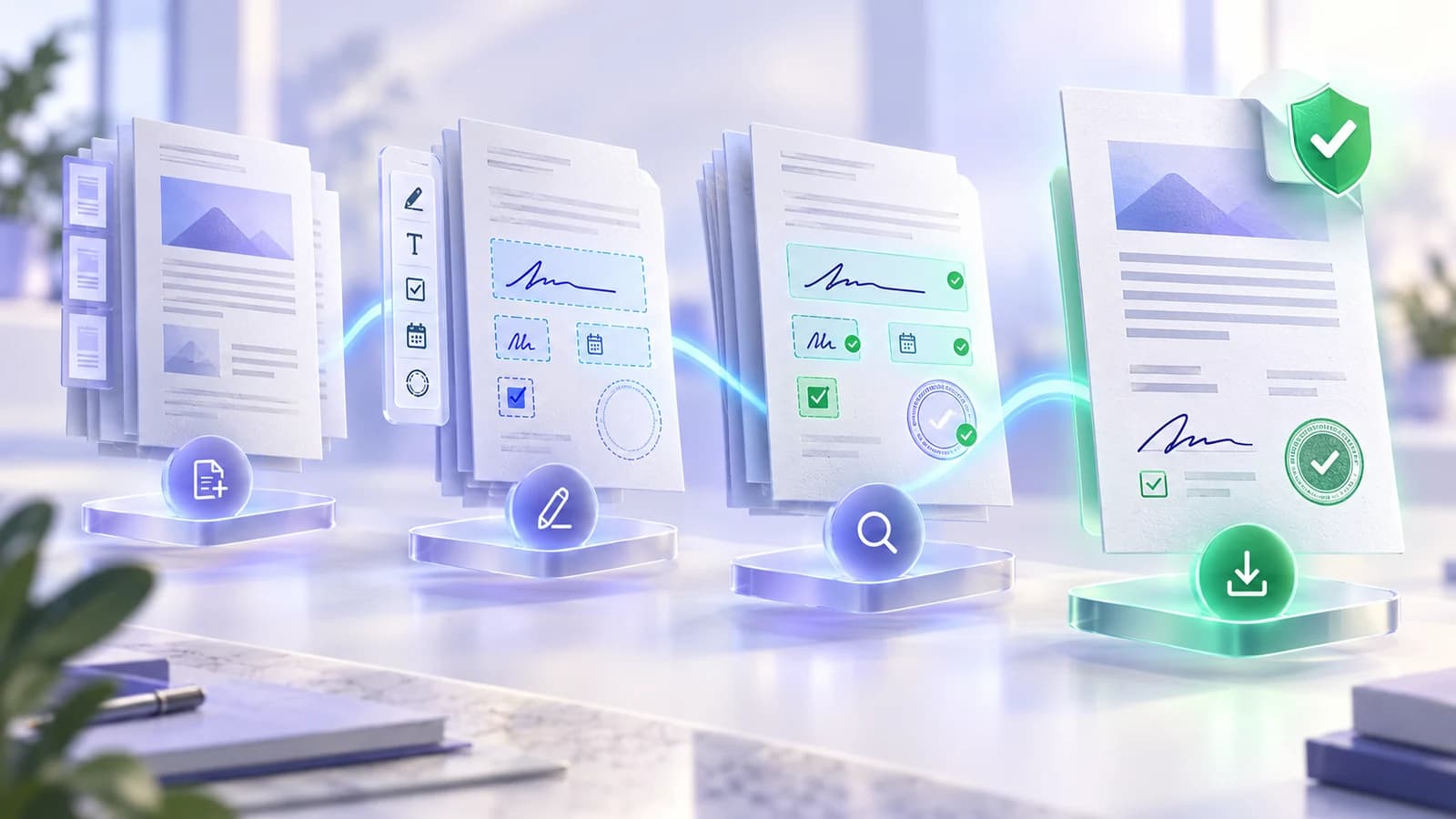
Project-proposal.pdfVersion 4 · reviewed
Approved
CONNECTED DOCUMENT PRODUCTIVITY
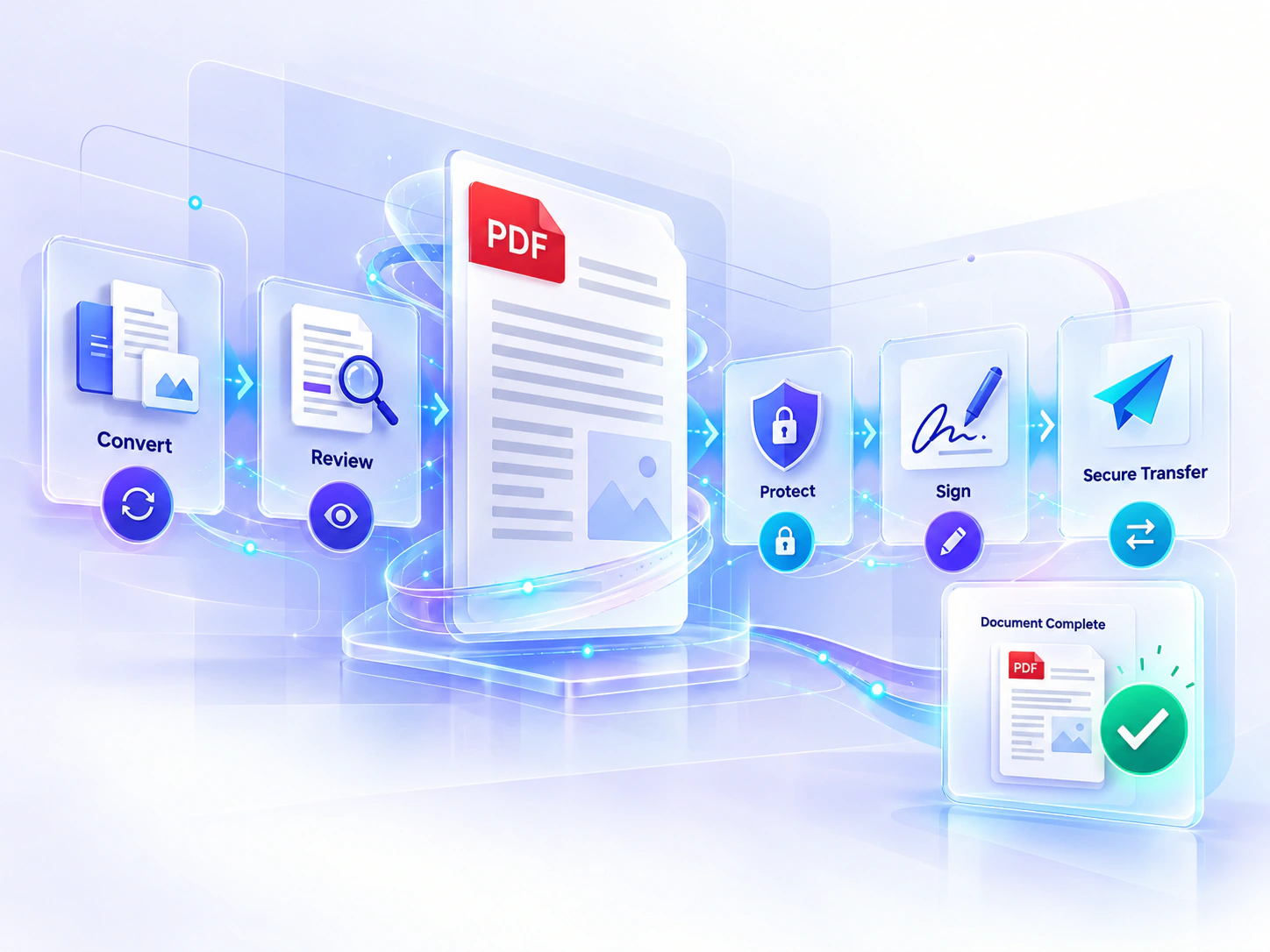
Work across PDFs, office files, images, visual signatures, transfers and clearly labelled document AI without treating every task as a disconnected utility.
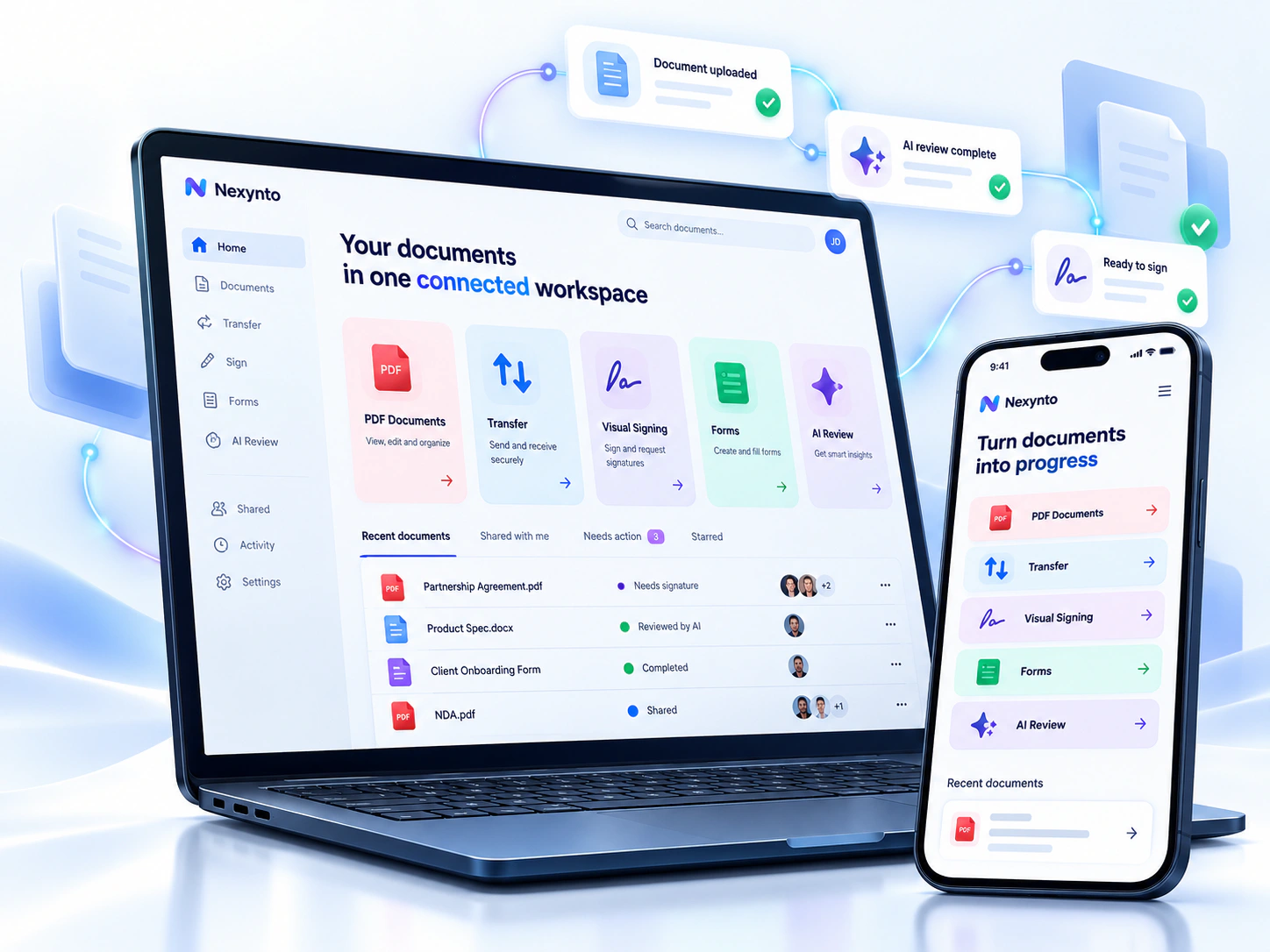

Nexynto platform map
Start with a file, build a process or understand what is inside your documents.
 Nexynto workspaceChoose a capability, review the result and continue where supported.
Documents workspace
Personal · OrganizationStore and organize files, inspect previews, find content, manage versions, collect review decisions and continue into the right Nexynto workflow.
File Transfer
WebMove completed work into a controlled transfer without rebuilding the handoff. Set supported access conditions, create the link, and monitor or revoke it from the sender workflow.


Sign & approve
Two focused pathsUse fast visual self-signing for your own document, or start a managed recipient workflow with assigned fields and completion tracking.
Forms & Data Collection
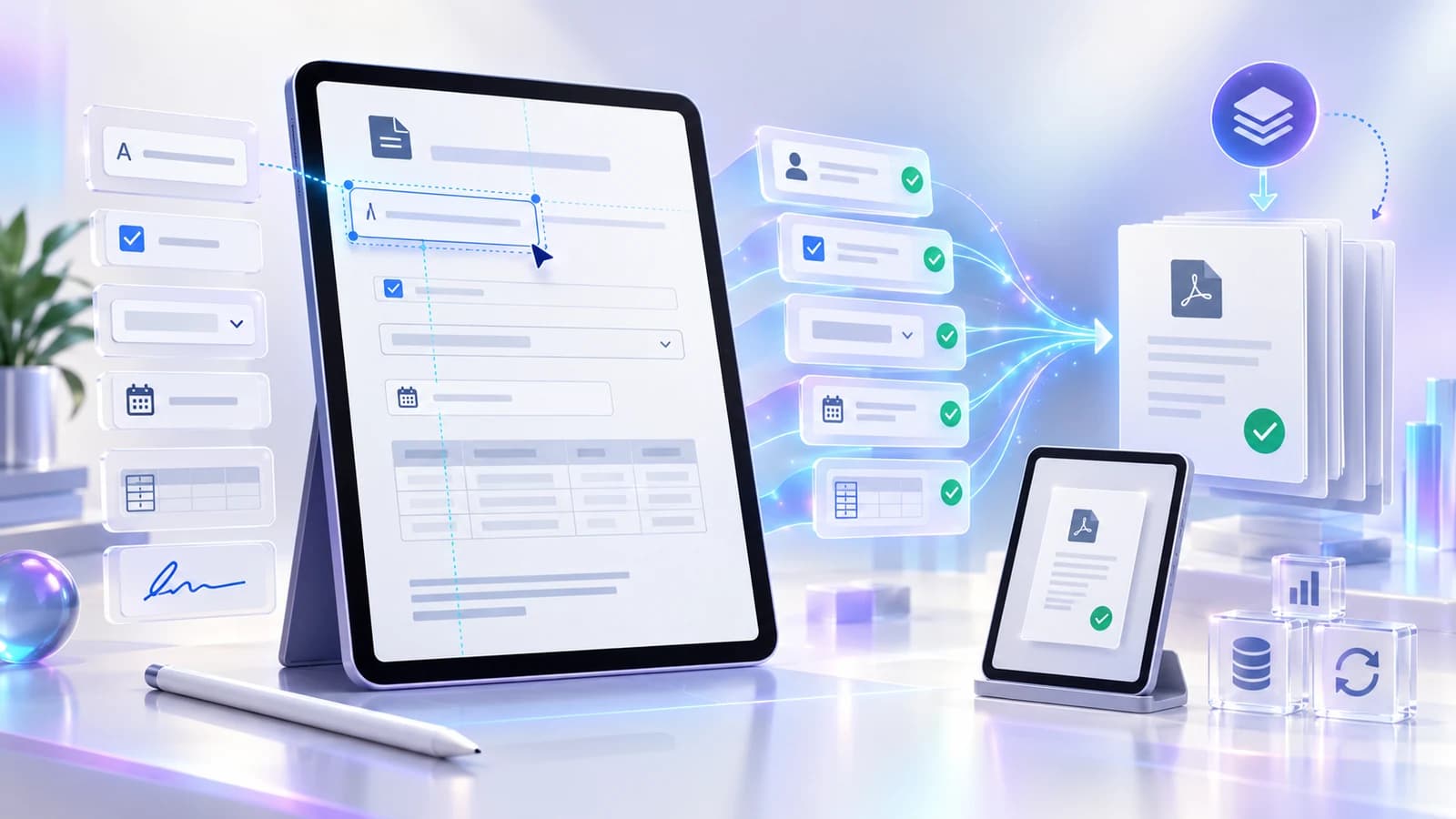
WebTurn supported PDFs into guided, reusable forms. Place the right fields, preview each page, validate the structure and carry clean information into the next document workflow.

AI Document Intelligence
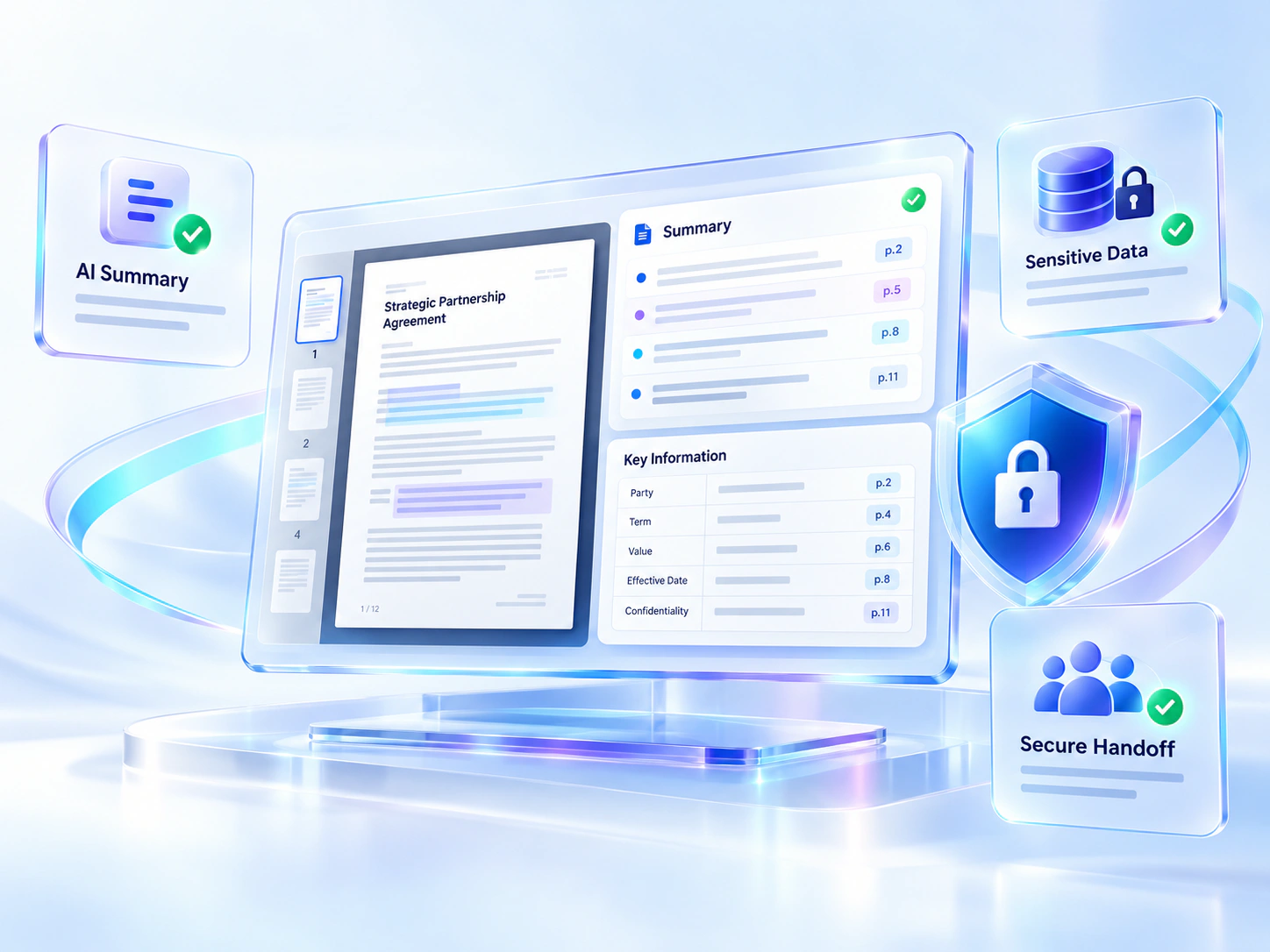
AI-assistedUse distinct workflows to summarize, ask, extract, analyze or propose redactions. Evidence-aware results expose source context where supported so important conclusions can be checked.
File Productivity & Batch Work
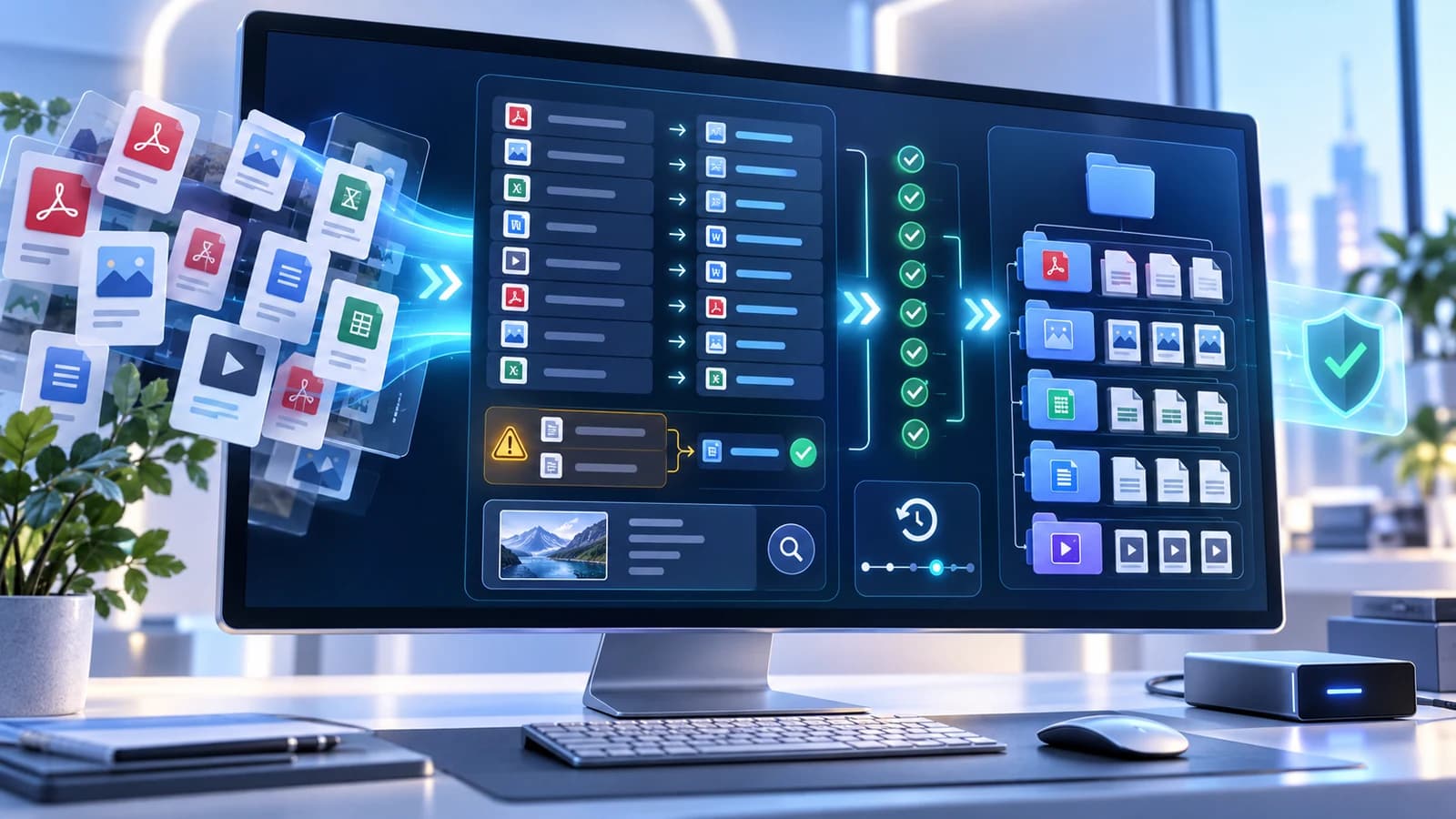
Available in Nexynto DesktopHandle authorized local files as a reviewed operation instead of repeating the same task file by file. See every proposed change, resolve conflicts and keep a supported path back.
Capture & Record
Windows desktop capabilityCapture a screen region, visible window, current monitor or guided scrolling page, then annotate the screenshot and export a new PNG without leaving the Nexynto desktop workspace.
Supported path
Recording status: the recording interface is designed, but its native encoder, microphone and system-audio pipeline are not enabled in the current build. Recording is not presented as available.

Connected work
Live handoffs · planned collectionsMove compatible results into a supported next action without choosing the same file again. Planned local working sets stay clearly separated from the live web handoff experience.
Nexynto Connected WorkspaceSESSION ACTIVECurrent file
Protect sensitive content, then prepare the reviewed result for visual signing.

PDF & Document Tools
88 current toolsFlagship workspaces can expose settings, visual previews, review states, verification and useful next actions instead of hiding the decisions that shape the output.
Plans
Start with the right product experience for study, individual productivity, or controlled team collaboration. Compare the currently available features before choosing.
Learning, research and personal document work.
Focused personal and professional productivity.
A direction for shared work and controlled administration.
Choose a focused tool, understand how it works, review the result and continue into the next supported action.