On this page
Group presentations by delivery purpose
Use lossless output for print-sensitive or image-heavy decks, professional 300 DPI for ordinary distribution and compact 150 DPI for lightweight review copies. Separate archival work from casual sharing when it needs a PDF/A request.
Shared slide ranges and notes choices should only be used across decks with matching structure and audience.
Keep progress and retry states file-specific
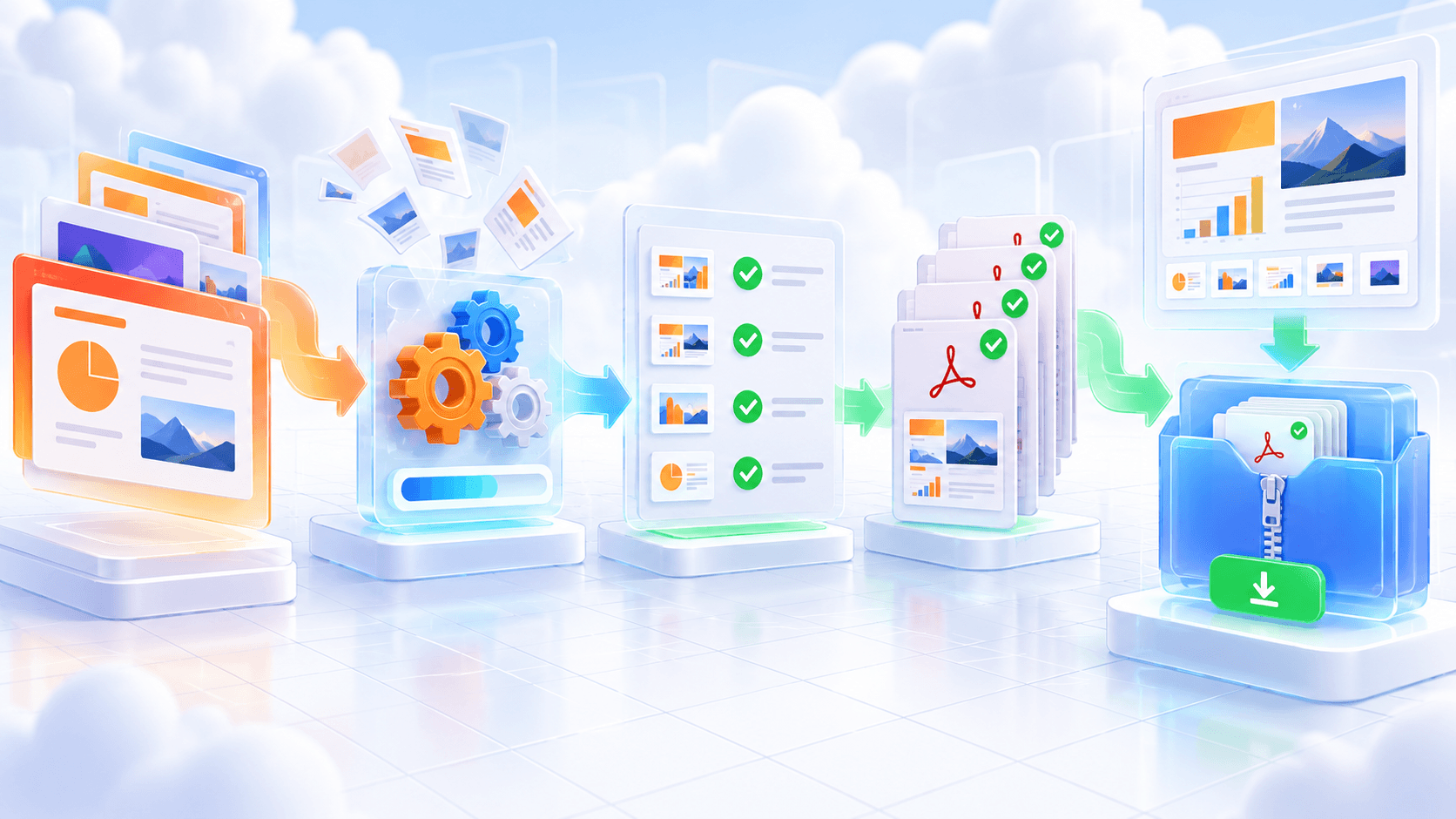
Each ODP should upload, render and finish independently. A damaged package or unsupported object in one file should not hide PDFs already completed from the rest of the batch.
Read the failure message before retrying. Repeated failures can indicate a damaged ODP, missing conversion capacity or source content the office renderer cannot load.
Verify before downloading or sharing
Preview every high-value presentation and sample routine batch items. Check the most complex slide, the widest text blocks and any deck that uses media, uncommon fonts or transparency.
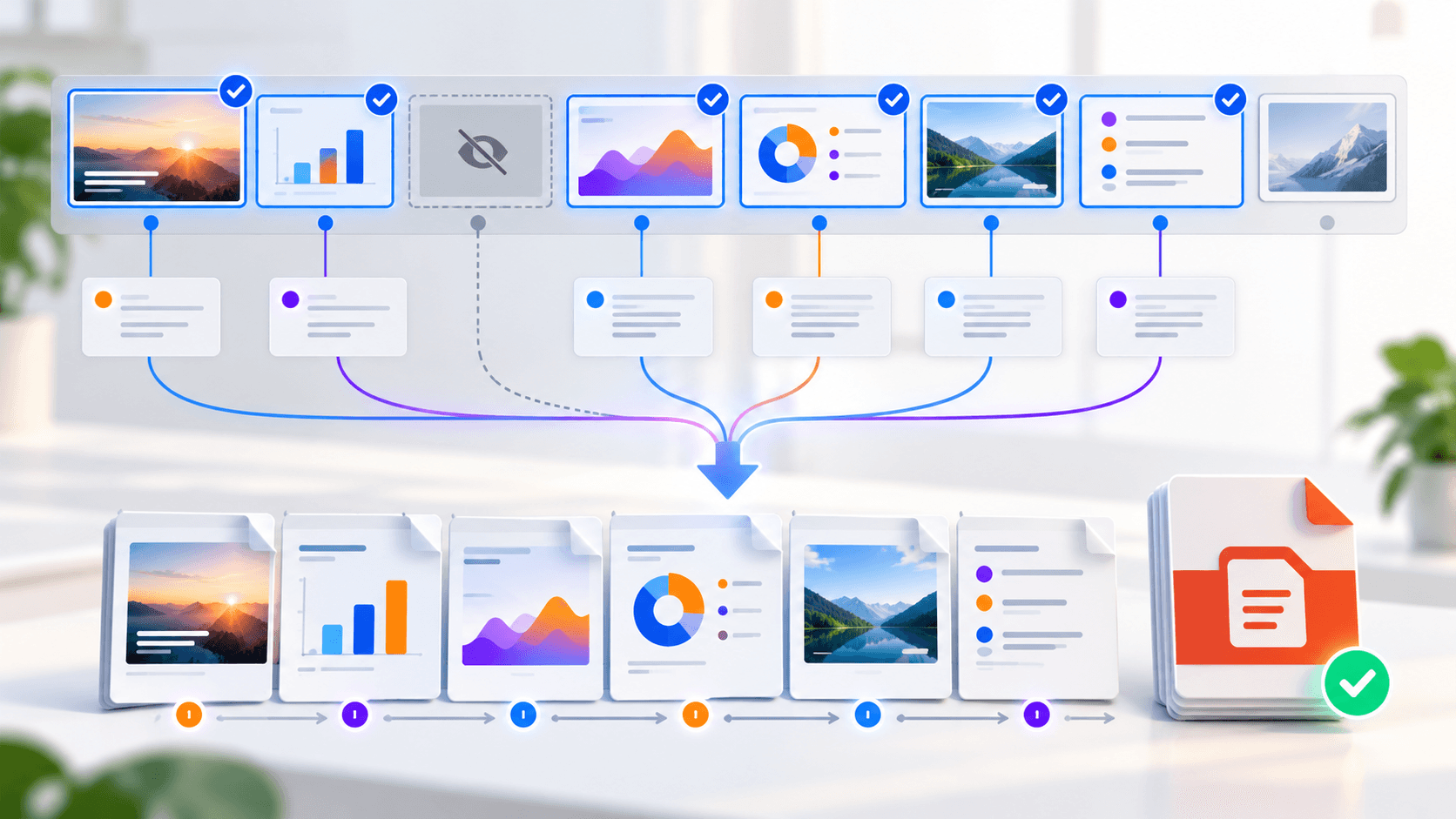
- Confirm slide order and page count.
- Check hidden-slide and notes decisions.
- Inspect fonts, diagrams and image quality.
- Download individual results or the completed ZIP.
Put the workflow into practice
Add one ODP deck or a batch, choose slide scope, hidden-slide and notes behavior, select the delivery profile, then preview every completed PDF before download.
Try ODP to PDFFrequently asked questions
Clear answers before you merge
Does one failed deck block the batch?
No. Completed PDFs remain available and failed files can be retried.
Can results be downloaded together?
Yes. A completed multi-file batch can be downloaded as a ZIP.
Should every deck use the same slide range?
Only when the decks have a consistent structure.