On this page
Prepare the source and define the result
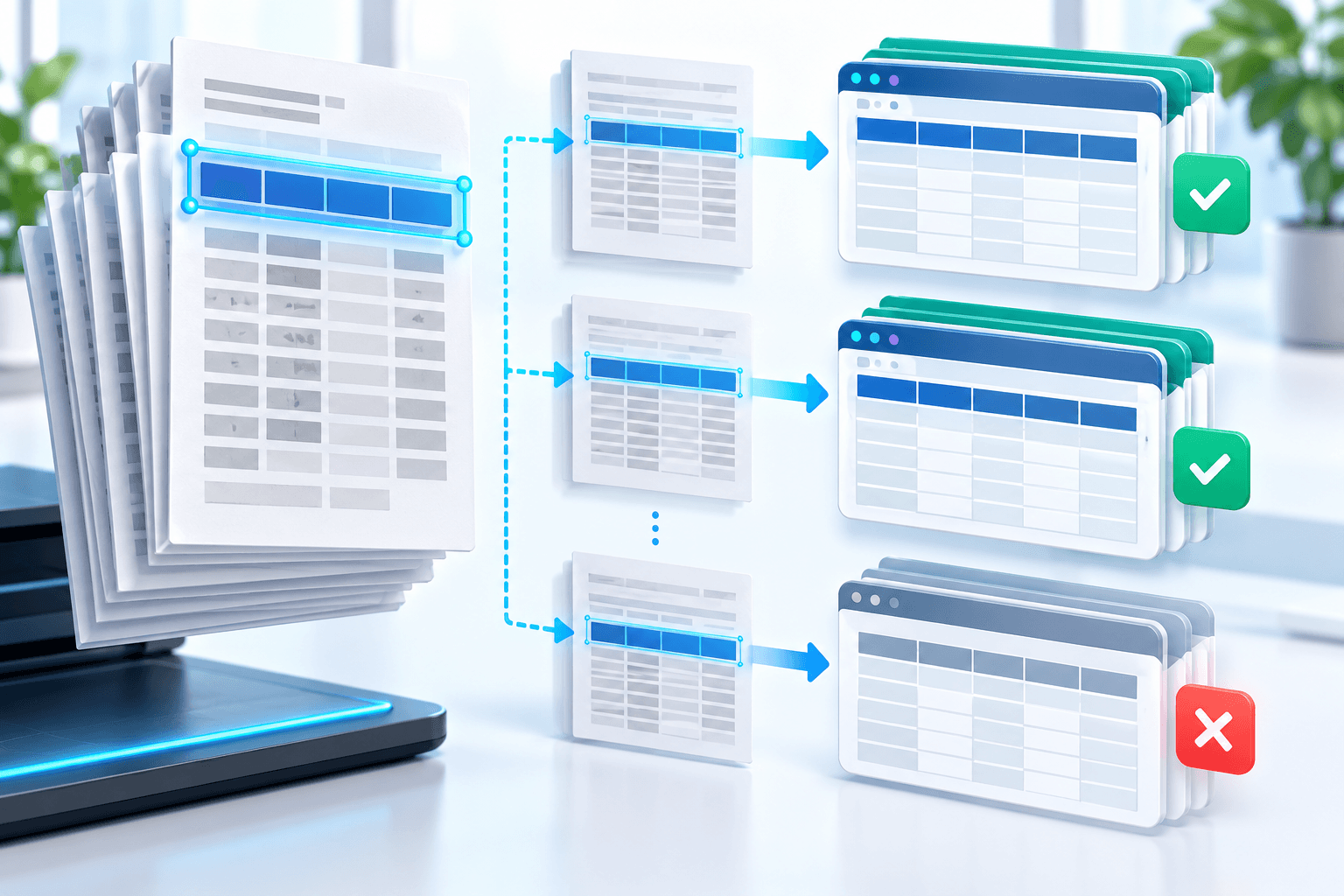
Compare wording, units and positions. Choose to keep every header, keep the first match, or start a new sheet when structure changes.
Set acceptance criteria before processing: expected pages or records, languages, critical fields and destination format.
Use a reviewable OCR workflow
Normalize whitespace and compare candidates conservatively. Preserve page provenance and log skipped headers; never delete a row only because it is near the top.
Keep recognition evidence beside the source. Confidence prioritizes review but does not guarantee a word or number.
Verify before using the output
Inspect every header change and confirm the first data row survived. Filter the workbook for label text to find duplicates or misclassified rows.
Keep the original until the reviewed derivative is accepted. Valid structure does not prove semantic accuracy.
- Similar headers can describe different units.
- Removing labels without provenance makes correction harder.
Put the workflow into practice
Arrange source documents, select the pages you need, and create one PDF locally in your browser. Review the result before choosing any optional next step.
Try OCR PDF to ExcelFrequently asked questions
Clear answers before you merge
Is OCR PDF to Excel always exact?
No. Accuracy depends on source quality, language, layout and review.
Should I keep the original?
Yes. Keep it until the reviewed output is accepted.
What improves OCR accuracy?
Sharp upright input, correct language selection, restrained cleanup and focused review.
How should I verify the result?
Reopen it, test its intended function and compare critical content with the source.