
Add PDFs
Choose two or more PDF documents.
Combine multiple PDF files into one document, arrange them exactly how you want, or interleave pages automatically.
or choose files from your device
PDF • Multiple files supported • Processed locally
VISUAL ORDERING
Drag and reorder PDFs
SMART INTERLEAVE
Alternate pages automatically
FILE SEARCH
Find files in large sets
ADVANCED SETTINGS
Control pages and order
CONNECTED WORKFLOW
Continue without re-upload
Choose two or more PDF documents.
Build the exact page sequence you need.
Download or continue in a compatible tool.
Standard
Interleave
Common questions
Upload two or more PDFs, arrange them in the order you want, choose Merge, then preview or download the combined document.
Yes. Add multiple PDF files to the workspace and combine them into one document in a single workflow.
Yes. Reorder files before merging so reports, appendices, invoices, or scanned pages appear in the sequence you need.
Yes. You can preview uploaded PDFs and review the final combined document before downloading it.
No. This tool reads and combines selected files in your browser, so they do not need to be uploaded to Nexynto Tools servers.
The tool combines existing PDF pages and does not intentionally downsample their content. Use Compress PDF separately if file size is the priority.
An encrypted PDF may not open for merging. If you know the password, unlock the file first and then add it to the merger.
Because processing is local, the practical limit depends on available browser memory and device performance.
Interleaving alternates selected pages across files: page one from each file, then page two from each file, while keeping remaining pages from longer documents.
Yes. Choose PDFs available to your mobile browser, arrange them in the responsive workspace, and merge locally. Practical limits depend on the device’s available memory.
Guides
Practical guides for organizing, combining and managing documents.
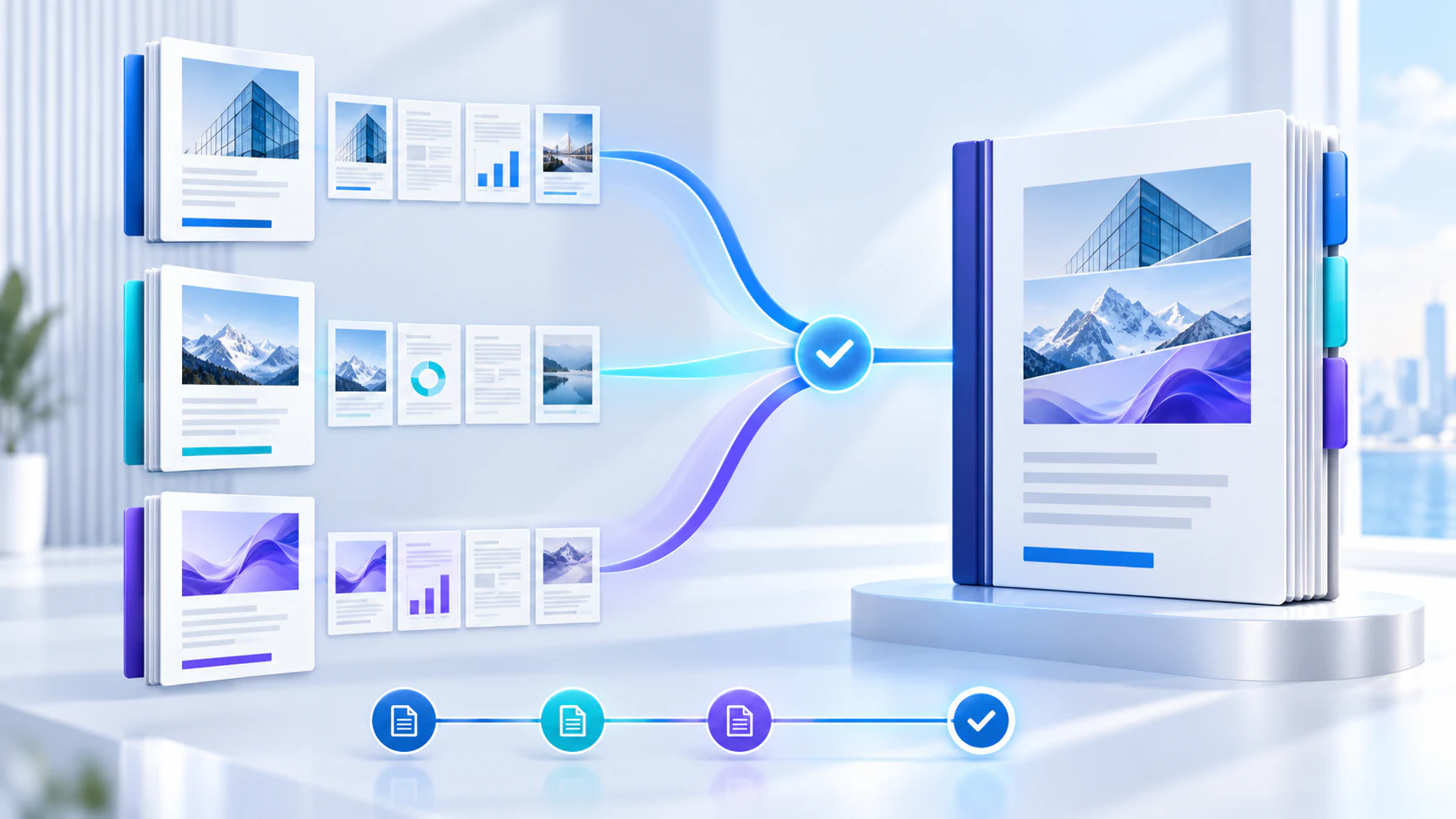
PDF workflow · 12 min read
Understand page copying, image quality, fonts, scans, safe merging, and when to compress afterward.
Read guideMerge methods · 10 min read
See how document order changes and choose the right method for duplex scans and complete files.
Read guideDocument operations · 14 min read
Use naming, manifests, search, sorting, page ranges, and compact views to control document sets at scale.
Read guide