
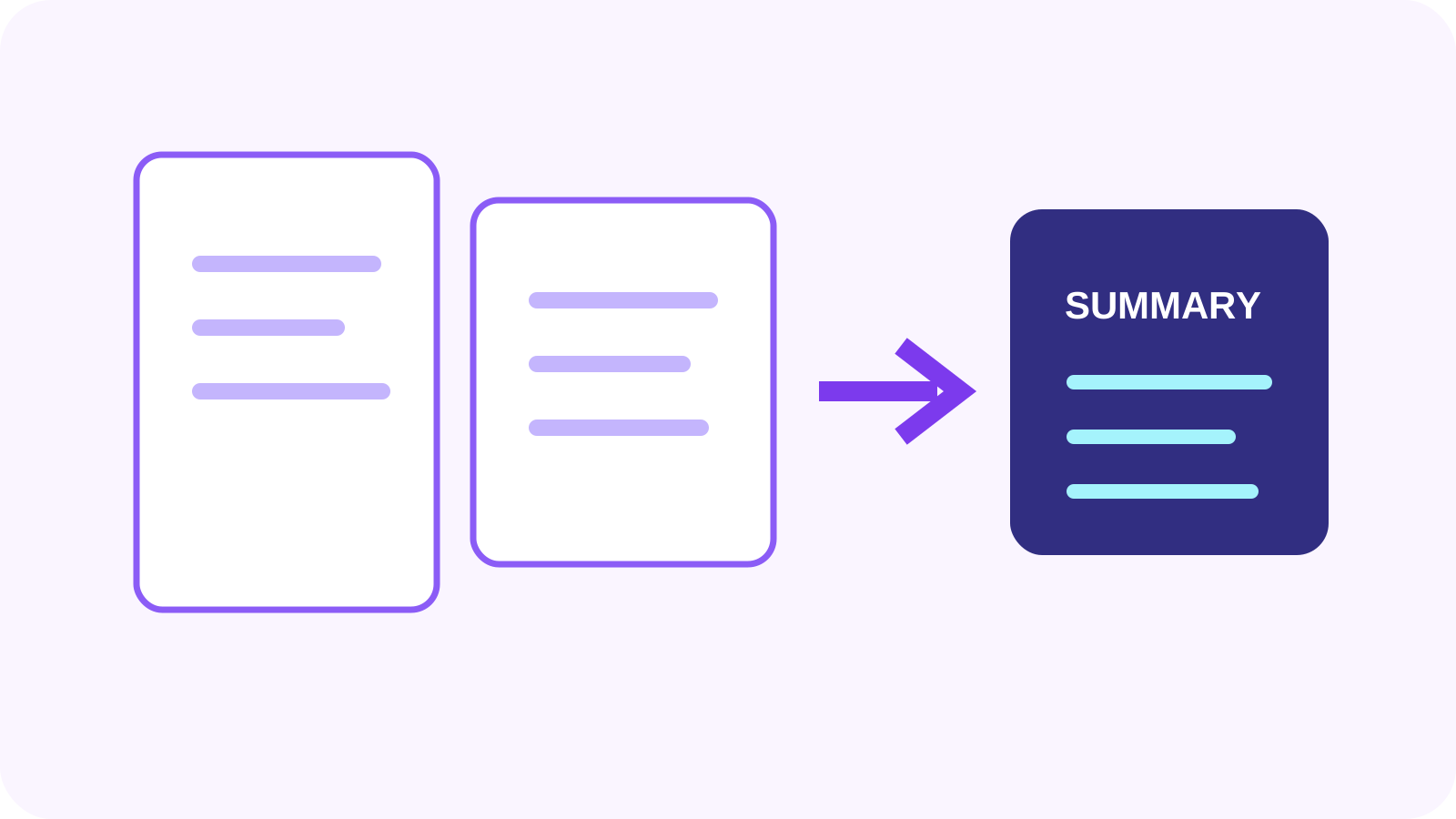
Document AI
How AI PDF Summarization Works
Extraction, chunking, evidence, hallucination risk and review.
Read articleGrounded document intelligence
Generate page-referenced summaries and inspect the source evidence behind the result.
A clear three-step workflow
The tool stays focused: add the right source, make an informed choice, then inspect the output before using it.
Confirm the PDF has readable text or run OCR first.
Choose a result mode and generate the summary through the AI gateway.
Check important claims, numbers and omissions against the source pages.
Tool profile
PDF Summarizer extracts available document text and asks the configured AI service to produce a selected summary style. Page references are displayed when the service returns grounded evidence.
Practical example: Summarize a board pack for initial orientation, then open cited pages to verify decisions, dates and financial figures.
Know before processing: A summary can omit context or state something incorrectly. Citations support review but do not guarantee correctness. Processing uses the disclosed server-side AI workflow.
Choose concise, balanced or comprehensive depth
Generate summaries, key points or action-focused output
Jump from references back to source pages
Show extraction and coverage warnings
Core tasks
Specific needs
Detailed questions
Frequently asked questions
Only after OCR supplies usable text. Scan quality and recognition errors affect the evidence.
No. References help you review claims but do not prove every statement or inference.
Long documents are chunked and compressed; context can be separated and lower-priority details omitted.
Yes. The tool uses a backend-mediated AI service and displays that processing disclosure.
Connected workflow
Expert guides
Detailed, tool-specific guidance with practical limits and verification steps—not generic conversion copy.
Document AI
Extraction, chunking, evidence, hallucination risk and review.
Read article
AI review
A practical verification workflow for consequential AI output.
Read articleGrounded answers
See how evidence retrieval and source references support document chat.
Read articleNexynto extracts page text locally, sends prepared evidence through its server-side AI gateway, and asks the model to cite supporting pages.
Page references make a summary auditable by letting you move from a generated statement back to the document evidence.
Frequently asked questions
No. It identifies supporting source material; you should still verify the interpretation.
The browser prepares document text. Extracted evidence is processed through the Nexynto server-side AI gateway.
It is the share of document pages referenced by the generated result, not a confidence score.