On this page
01
Use concise running headers
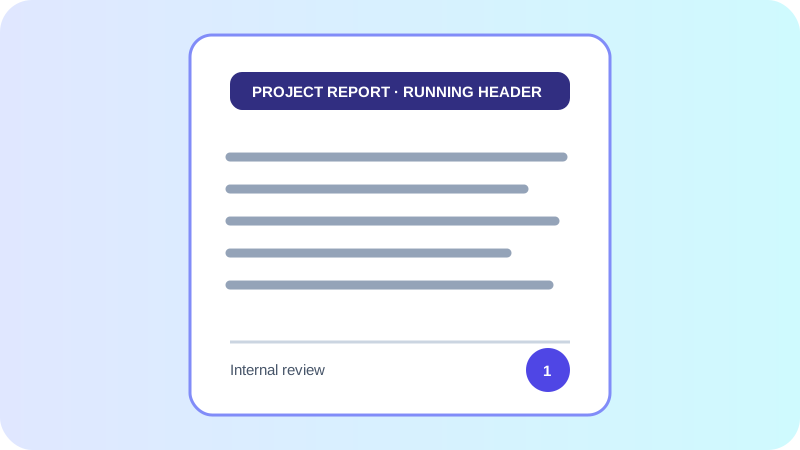
Keep a running header short enough to fit every selected page size. A project name, report name or date is usually more useful than a full sentence.
03
Set meaningful PDF metadata
The PDF title is separate from the filename. Use a human-readable title for document properties and a filesystem-safe filename for downloads and sharing.
Put the workflow into practice
Arrange source documents, select the pages you need, and create one PDF locally in your browser. Review the result before choosing any optional next step.
Try TXT to PDFFrequently asked questions
Clear answers before you merge
Are headers repeated on every page?
Yes. The configured running header is placed on each generated PDF page.
Can I use a footer without page numbers?
Yes. Footer text and page numbering are independent controls.