On this page
Start with page geometry
A4 works well for international office documents, while Letter is common in North America. Legal provides extra vertical space and A5 creates a compact reading format. Orientation should follow line length: portrait for ordinary prose and landscape for wide logs or code-like text.
Use measured wrapping and comfortable typography
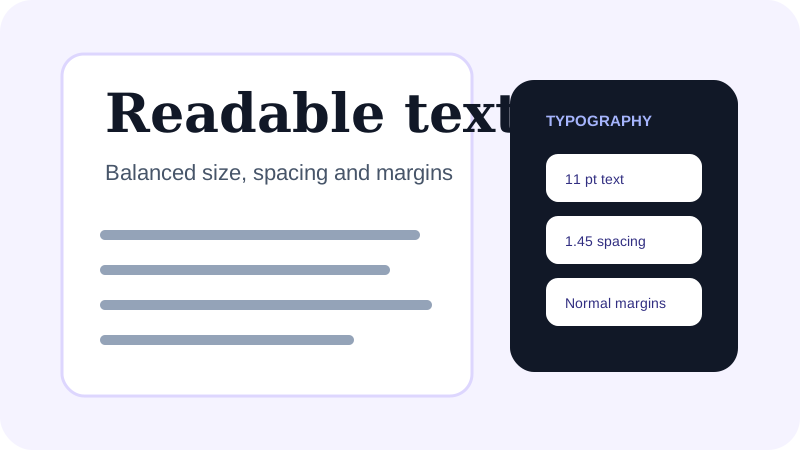
Word wrapping should use the actual font width rather than a fixed character count. Choose a text size between 10 and 12 points for normal reading, then use line spacing around 1.4 to avoid dense pages. Monospaced type is useful when columns or log indentation matter.
Review boundaries before sharing
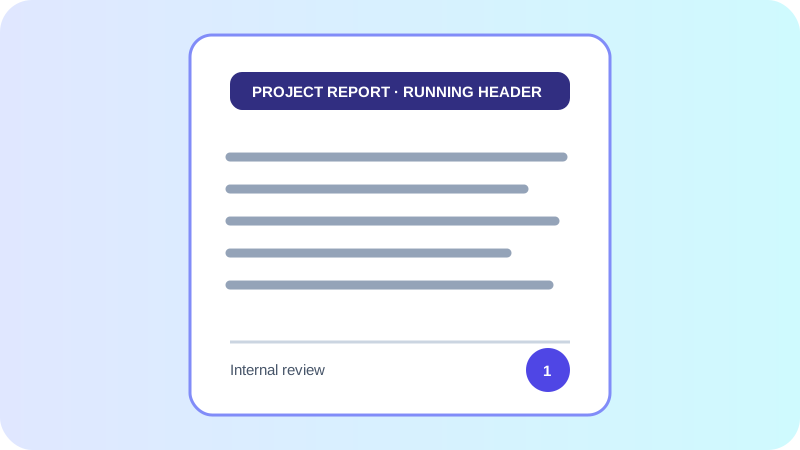
Check the first page, the first page after a long paragraph and the final page. Confirm that headers and footers do not collide with body text and that long URLs break inside the printable area.
Put the workflow into practice
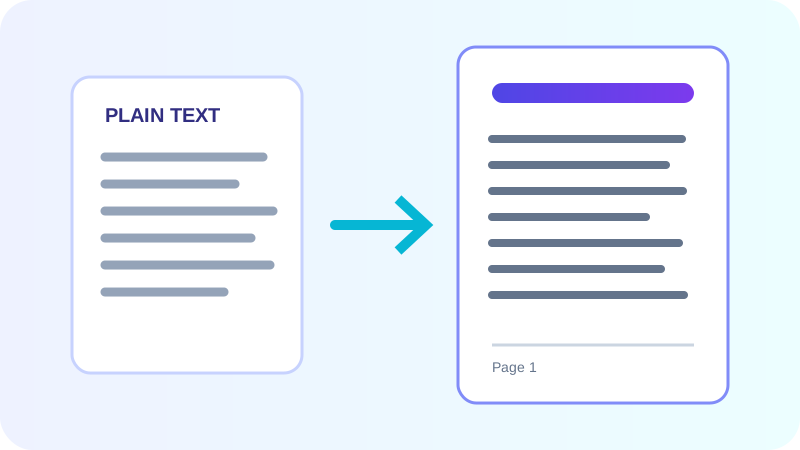
Arrange source documents, select the pages you need, and create one PDF locally in your browser. Review the result before choosing any optional next step.
Try TXT to PDFFrequently asked questions
Clear answers before you merge
Which page size should I use?
Use A4 for most international documents, Letter for North American workflows, Legal for long forms, and A5 for compact reading copies.
Why does measured wrapping matter?
Characters have different widths. Measuring the selected font produces safer line breaks than cutting every line after a fixed number of characters.