On this page
Match the profile to the content
Helvetica is neutral for notes and reports, Times is comfortable for longer prose, and Courier helps preserve the rhythm of logs and fixed-width content. A multilingual font is needed when standard PDF fonts cannot encode the source characters.
Control document density
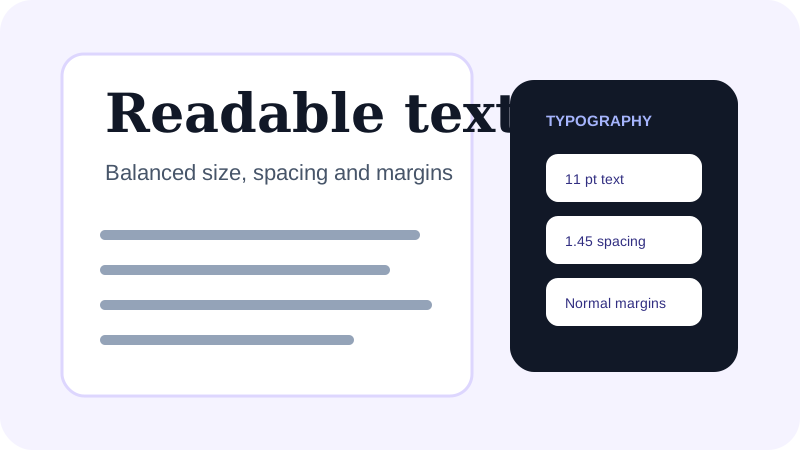
Narrow margins fit more text but reduce annotation space. Wide margins make review easier. Compact leading reduces page count, while comfortable or spacious leading improves sustained reading.
Handle long words and URLs
Unbroken URLs, hashes and identifiers may exceed the printable width. Enable oversized-word breaking so these values remain within the page rather than extending beyond the edge.
Put the workflow into practice
Arrange source documents, select the pages you need, and create one PDF locally in your browser. Review the result before choosing any optional next step.
Try TXT to PDFFrequently asked questions
Clear answers before you merge
What is a good default text size?
Eleven points with comfortable line spacing is a practical starting point for ordinary notes and reports.
Which font is best for logs?
Courier is useful when spacing and character alignment matter, although very wide lines may still need landscape orientation.