On this page
Define the exported slide scope
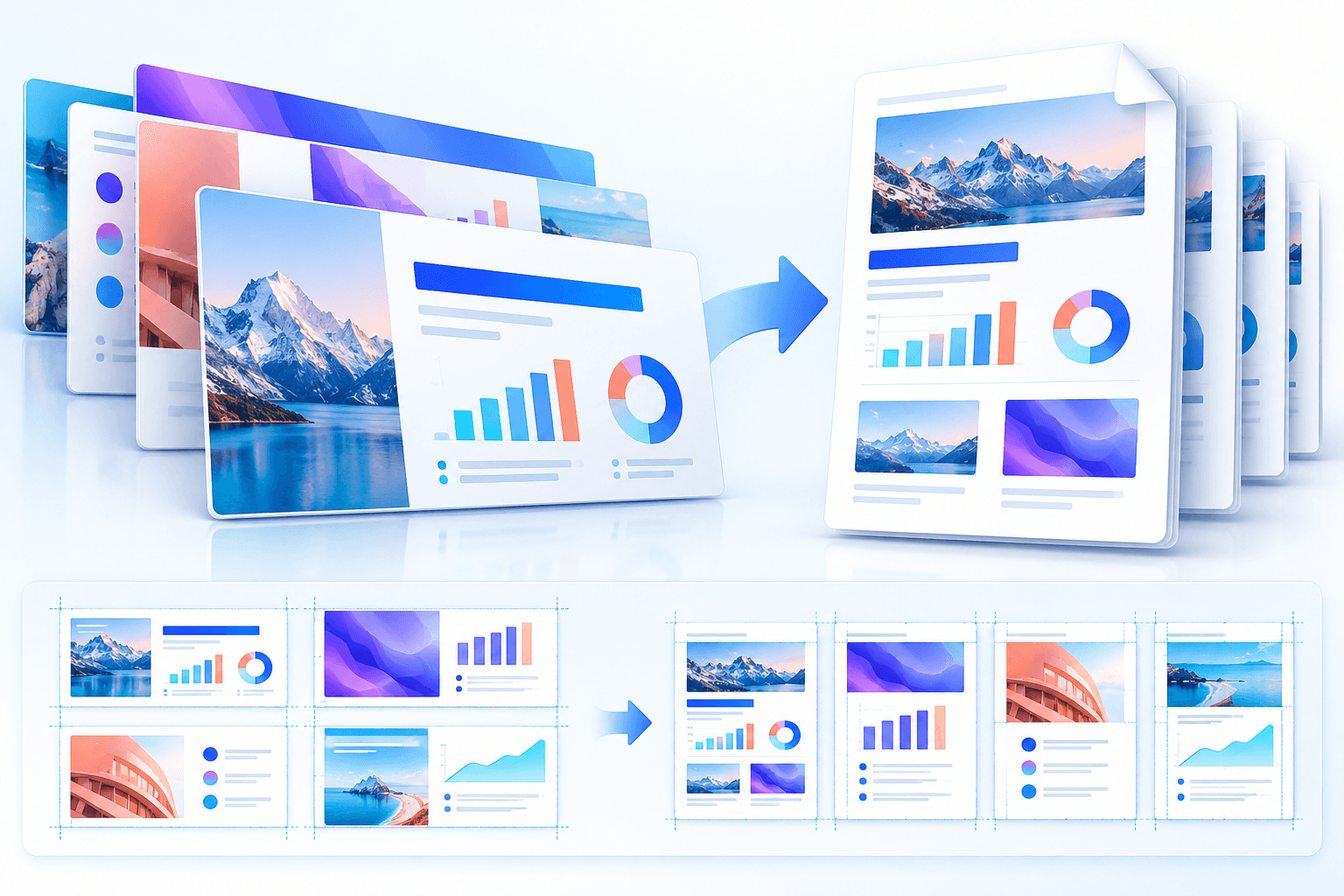
Use all slides for a complete deck or a validated range such as 1-3,5 for a focused handout. Hidden slides are excluded by default and should be included only when they are intentionally part of the deliverable.
Speaker-notes pages produce additional printable pages when notes exist. Because notes change pagination, include them only for instructor, presenter or review copies.
Retain useful PDF structure
Tagged PDF asks the renderer to preserve reading structure for assistive technology. Bookmarks provide navigation and supported document links can remain interactive in standard PDF output.
Presentation accessibility begins in the source: meaningful reading order, alternative text, clear contrast and descriptive links cannot be manufactured reliably during export.
Choose standard PDF or PDF/A-1b
Standard PDF is the practical choice for normal sharing and interactive links. PDF/A-1b focuses on long-term visual reproduction, requests embedded standard fonts and limits features that conflict with archival conformance.
A renderer profile is not the same as independent formal validation. Organizations with regulated archives should validate the completed file with their required compliance system.
Put the workflow into practice
Arrange source documents, select the pages you need, and create one PDF locally in your browser. Review the result before choosing any optional next step.
Try PowerPoint to PDFFrequently asked questions
Clear answers before you merge
Can I export PowerPoint speaker notes to PDF?
Yes. Enable Speaker-notes pages when the renderer reports support; notes pages are added for slides that contain notes.
Should hidden slides be included?
Only when they are intentionally part of the final document. They are excluded by default.
Is PDF/A-1b formally validated?
The converter requests the PDF/A-1b export profile, but formal standards validation is a separate compliance step.