On this page
Make the deck self-contained
Embed permitted fonts in the source presentation, include linked images and media inside the file, and avoid dependencies on a single computer. Missing typefaces can change line breaks, chart labels and slide balance.
Review master layouts, cropped images, transparency, SmartArt, equations and layered diagrams before conversion. These are the areas most likely to expose renderer differences.
Choose quality for the destination
Highest quality uses lossless images without downsampling and is appropriate for detailed diagrams, print and projection. Balanced uses 300 DPI and quality compression for normal sharing. Smaller uses 150 DPI for lightweight distribution.
Image quality settings affect raster content, not vector shapes or text rendered by the presentation engine.
| Profile | Image handling | Use case |
|---|---|---|
| Highest | Lossless, no reduction | Print and detailed visuals |
| Balanced | 300 DPI, 90% quality | General sharing |
| Smaller | 150 DPI, 75% quality | Email and quick review |
Compare representative slides
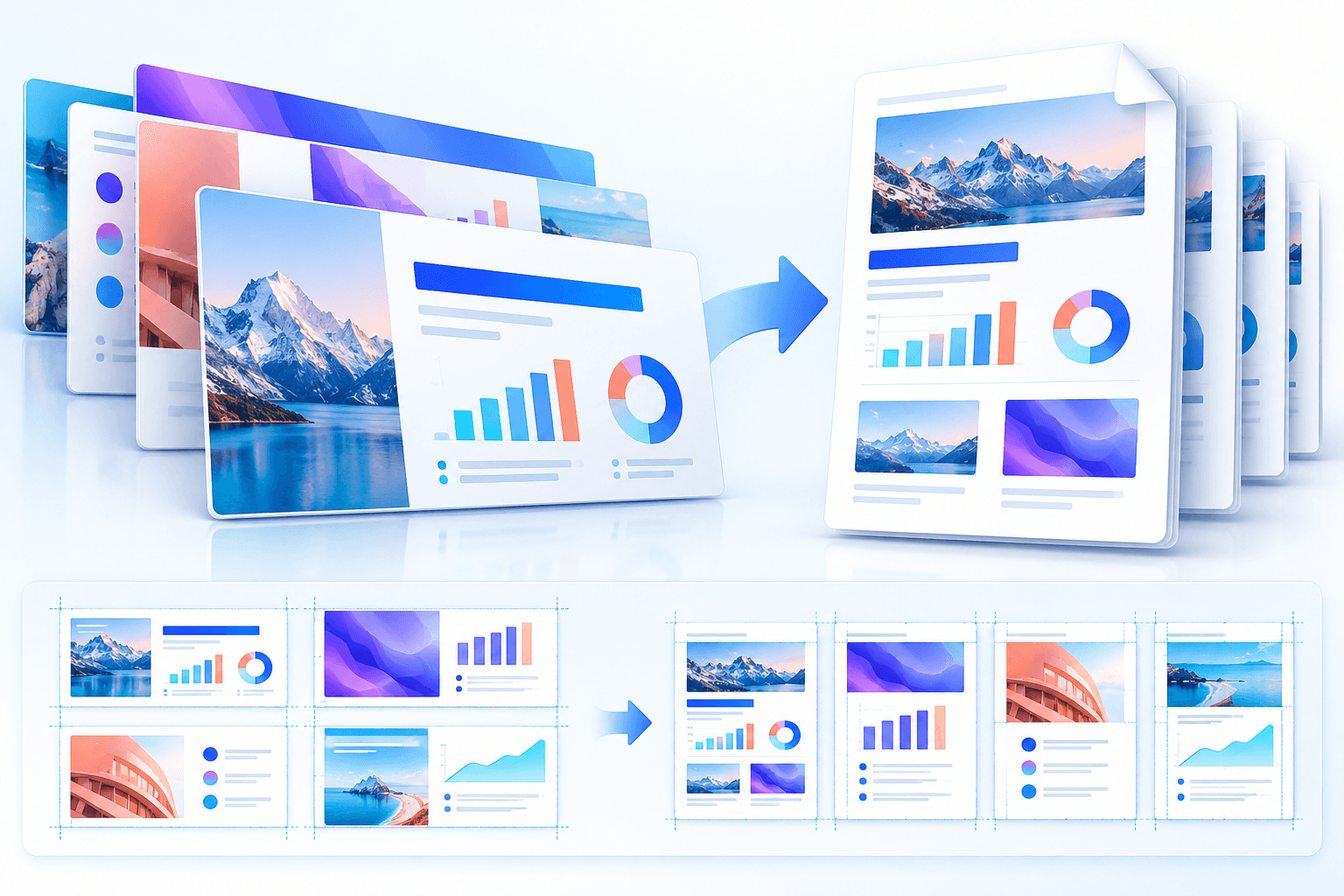
Preview the generated PDF and inspect the title slide, the densest text slide, complex charts, transparent images and the final slide. Confirm that the PDF page count matches the selected slide scope plus any requested notes pages.
Animations, transitions, audio and video become static. Verify the chosen poster frame or visible object state communicates the intended message.
Put the workflow into practice
Arrange source documents, select the pages you need, and create one PDF locally in your browser. Review the result before choosing any optional next step.
Try PowerPoint to PDFFrequently asked questions
Clear answers before you merge
Will PowerPoint fonts be embedded in the PDF?
The renderer uses available or embedded fonts where licensing and source settings permit. Missing fonts can still be substituted.
Does Highest quality improve text?
It mainly changes raster-image compression. Vector text and shapes are rendered independently.
Will animations remain?
No. PDF pages are static and cannot preserve PowerPoint animation timelines.