On this page
Render the approved page as one visual
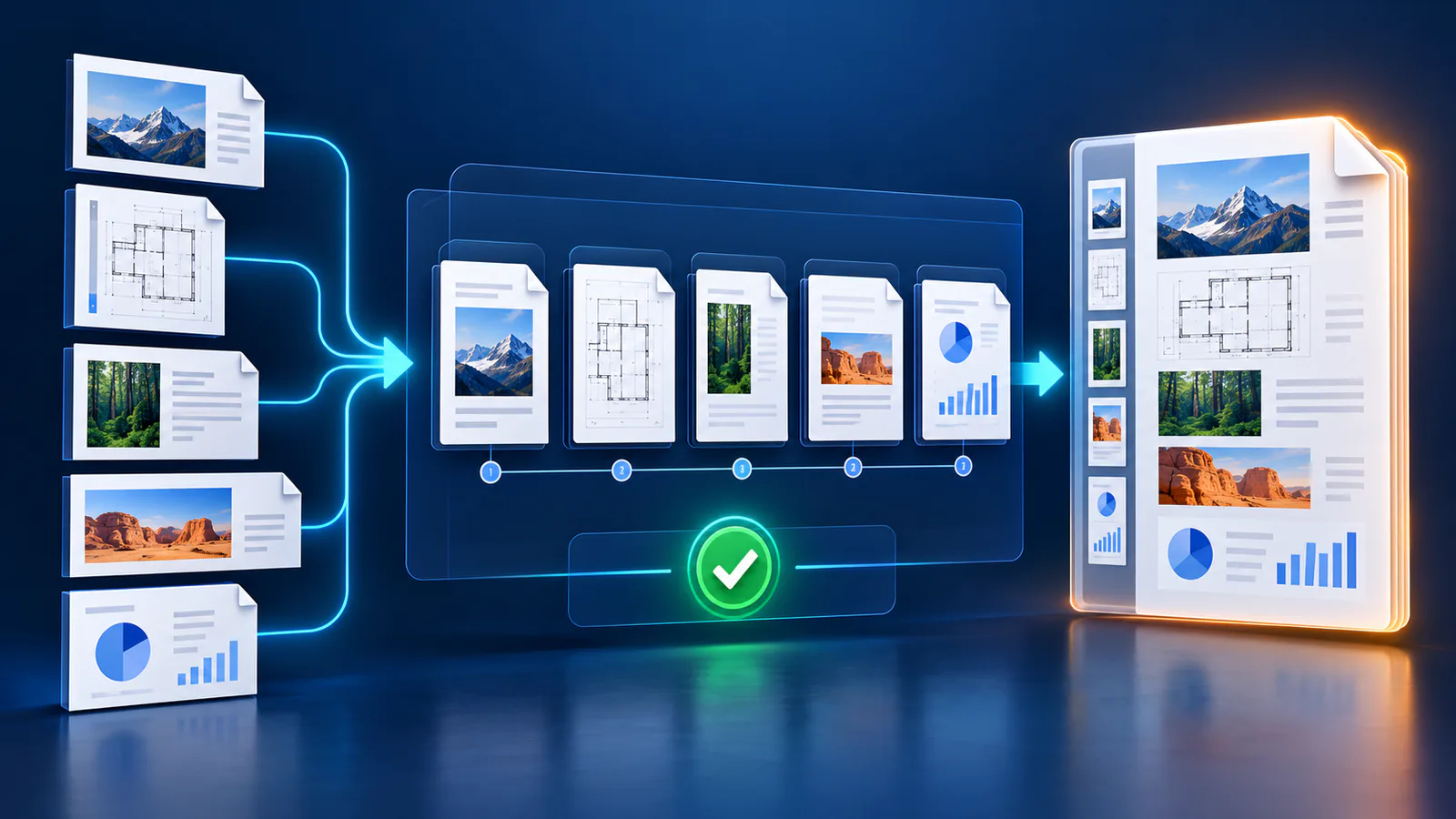
A rendered page keeps typography, diagrams and object positions together. It avoids missing-font substitutions and unreliable attempts to infer authoring objects.
Use High for ordinary presentations and Ultra for detailed plans or zooming.
Review slide sequence
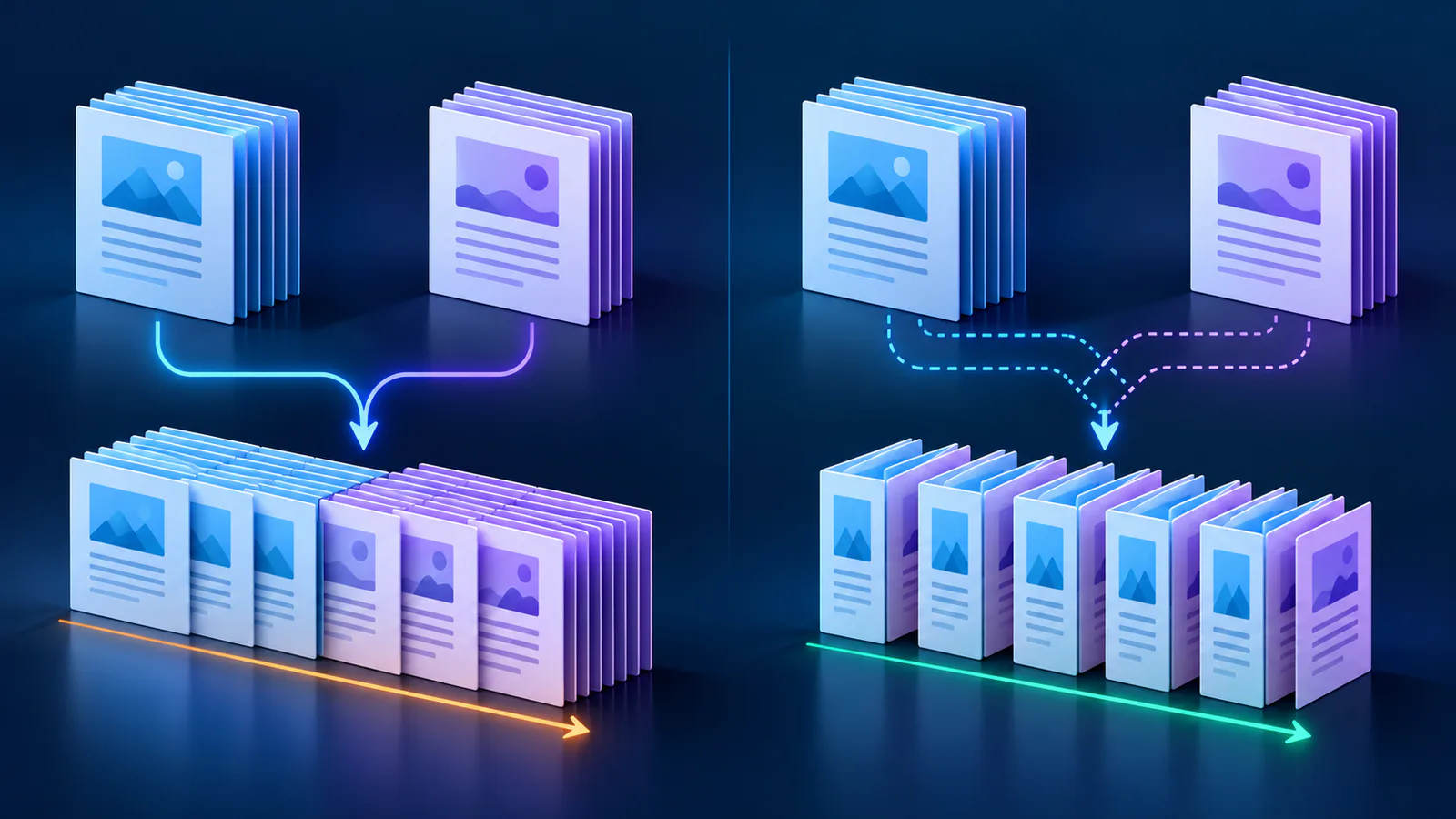
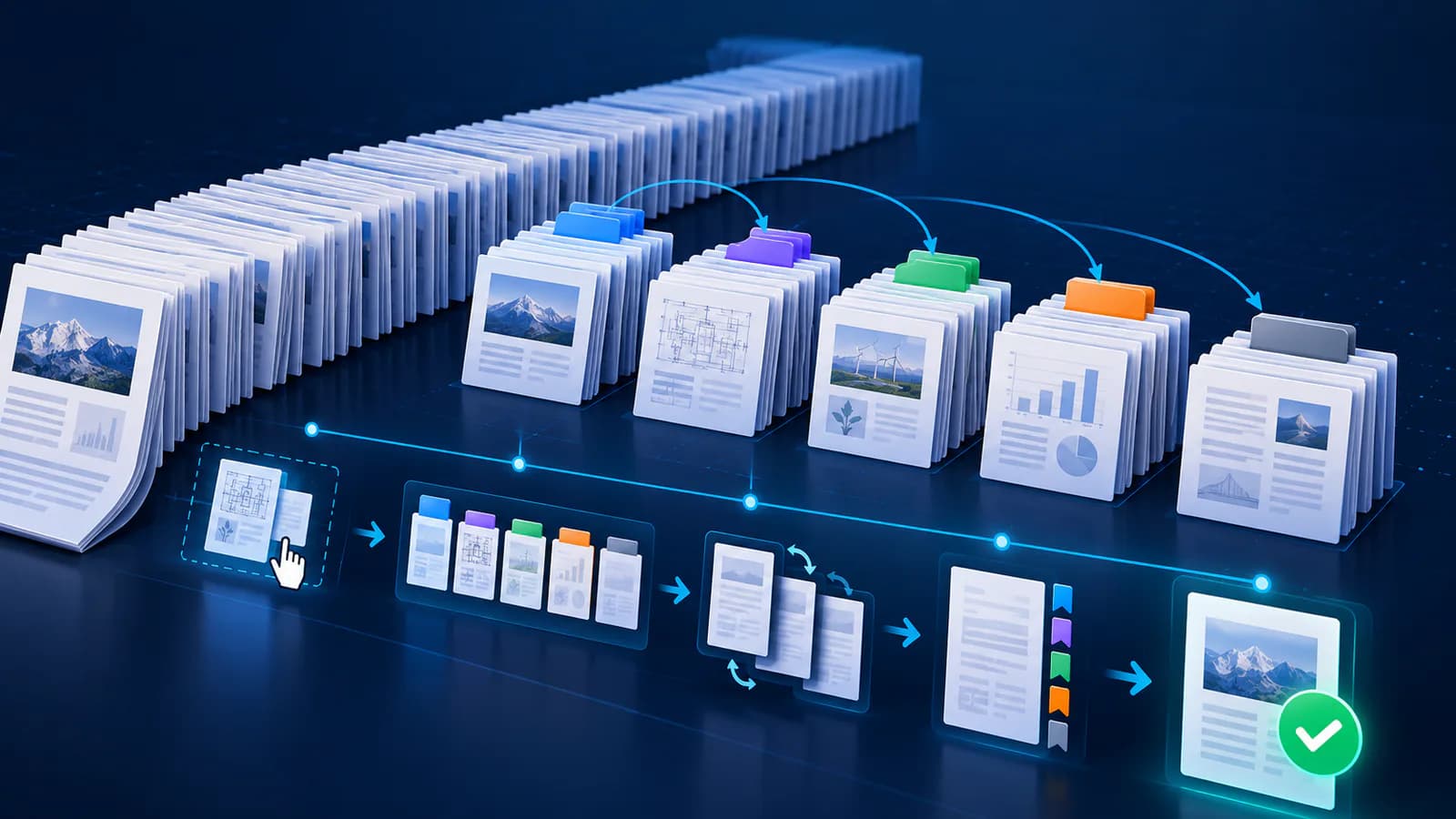
Exclude irrelevant pages and move the rest into presentation order. Confirm that portrait pages read well on the chosen slide format.
Verify structure and playback
Package checks should match slide and image counts and confirm OOXML relationships. Open the result in the target PowerPoint version before presenting.
Put the workflow into practice
Arrange source documents, select the pages you need, and create one PDF locally in your browser. Review the result before choosing any optional next step.
Try Merge PDFFrequently asked questions
Clear answers before you merge
Does this preserve fonts?
Visible text is rendered in the page image, so source fonts are not required.
Can I edit the words?
Not as separate text boxes; the page is one slide image.
Which quality is recommended?
High balances detail and file size.
Why verify the package?
It catches missing slide parts, media or relationships.