On this page
DPI controls physical scale and raster workload
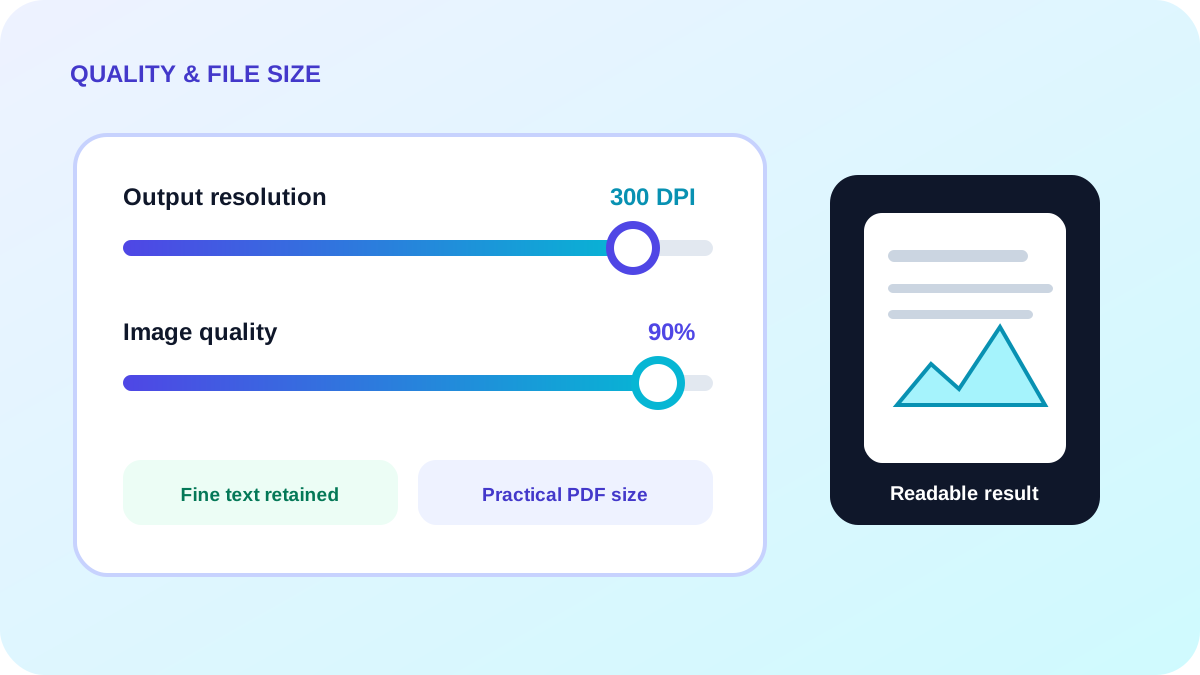
DPI maps image pixels to physical page dimensions and influences the raster size used for standardized pages. Around 150 DPI can suit screen review, while 300 DPI is more appropriate for small print and fine line work.
Quality controls compression trade-offs
Higher quality retains more fine texture but increases the PDF size. Compression artifacts are easiest to notice around small text, line art, stamps and signatures.
Test the details that matter
Convert a representative file before processing a large batch. Compare the result at normal reading zoom and inspect the smallest important text.
- Use a realistic sample scan.
- Check signatures, seals and fine lines.
- Measure final file size.
- Retain the source TIFF for archival traceability.
Put the workflow into practice
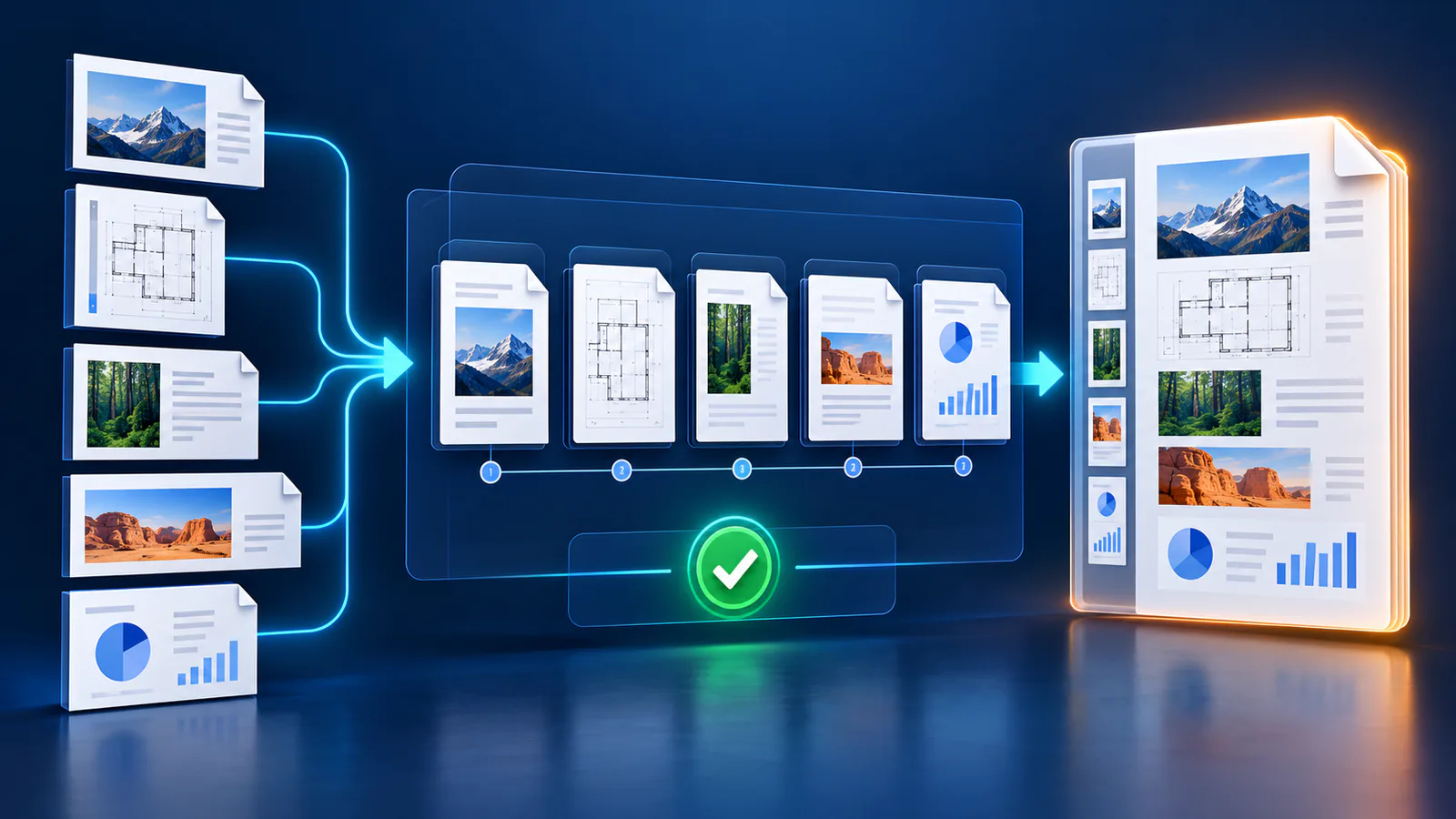
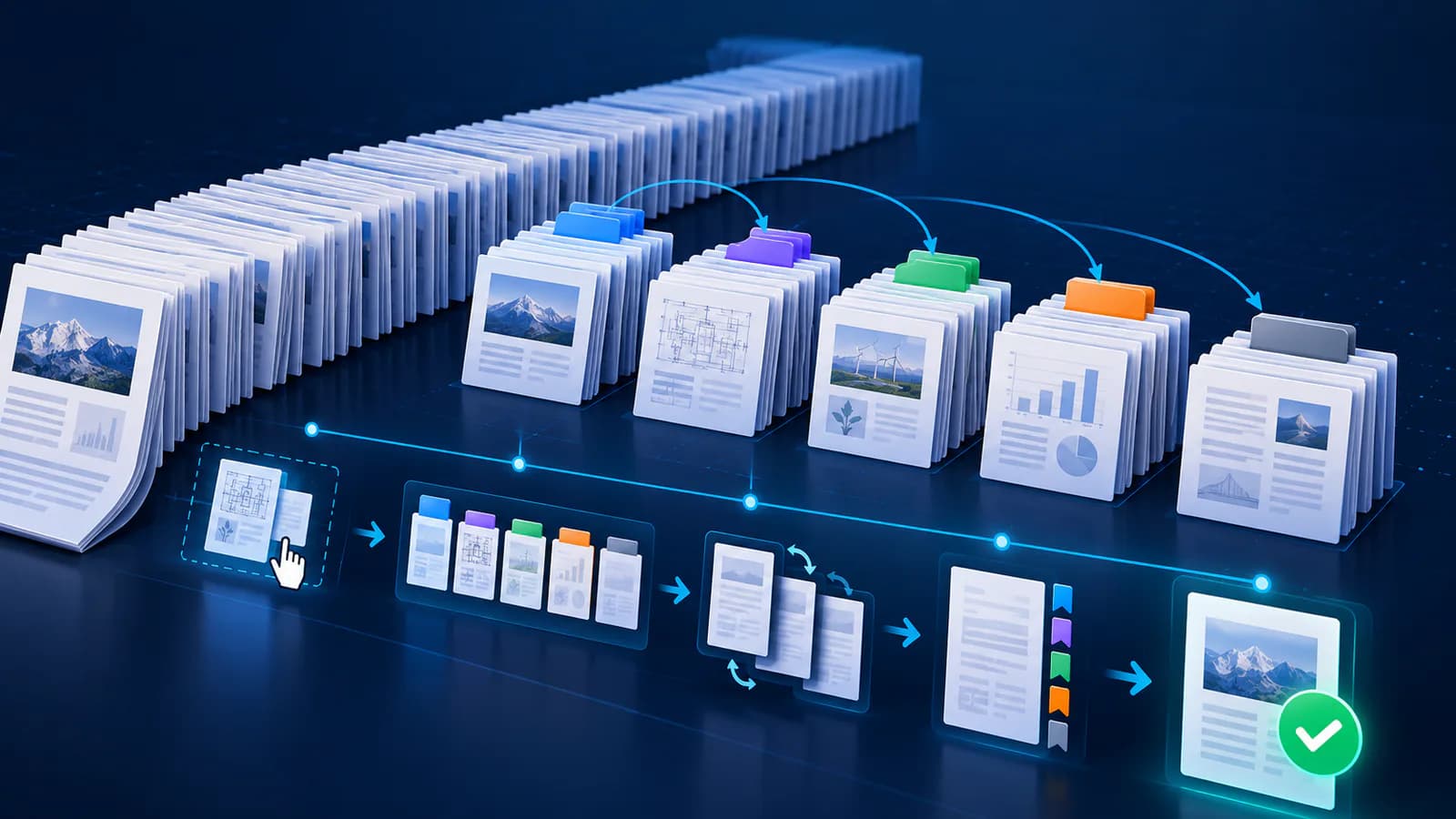
Arrange source documents, select the pages you need, and create one PDF locally in your browser. Review the result before choosing any optional next step.
Try Merge PDFFrequently asked questions
Clear answers before you merge
Is 300 DPI always required?
No. It is useful for small print and detailed scans, while 150 DPI may be sufficient for ordinary screen review.
Why is the PDF still large?
Many high-resolution frames and high quality settings can produce a large PDF.
Should I compress again afterward?
Only after checking that another compression pass does not reduce required readability.