On this page
Use each credential for its intended role
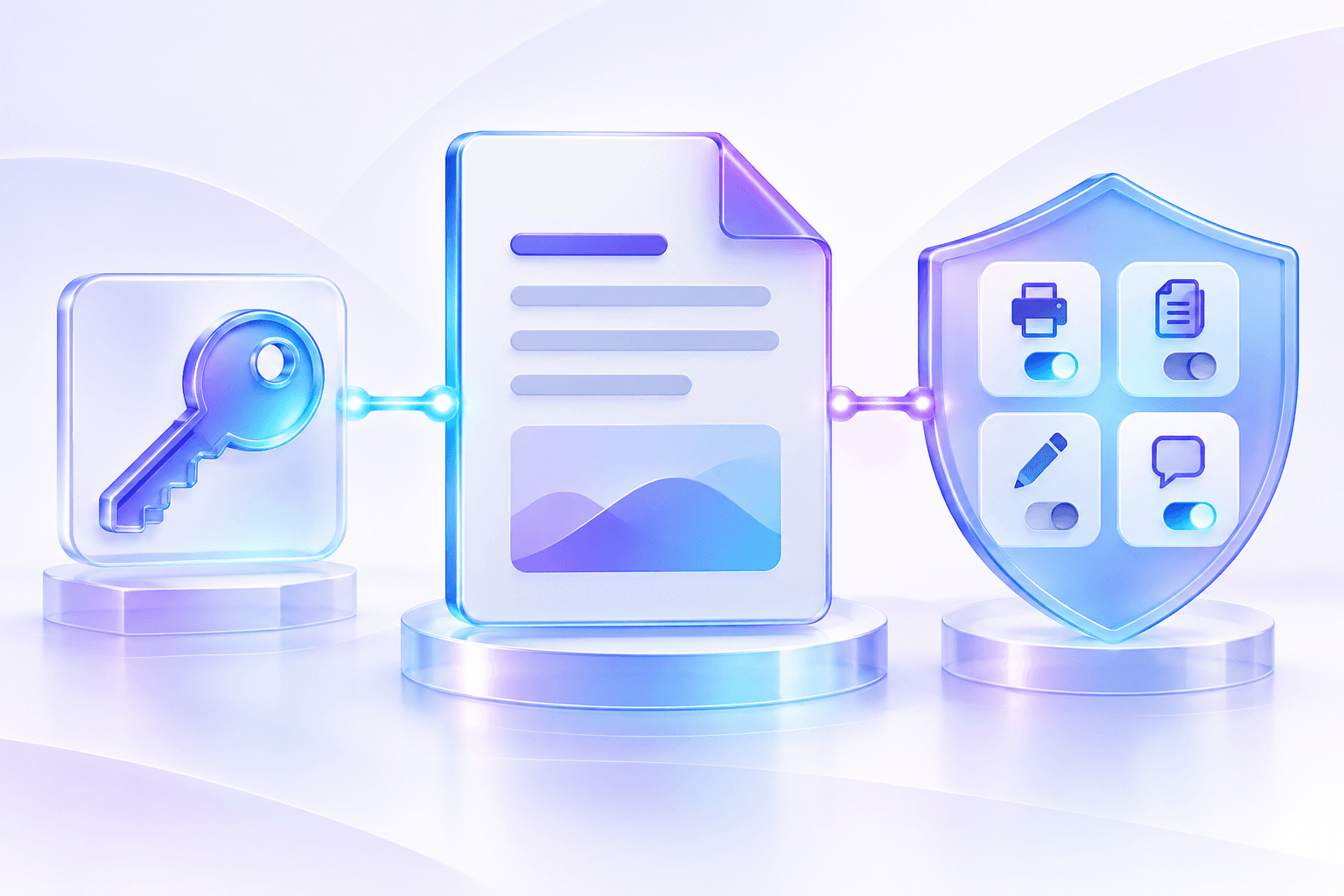
Recipients enter the open password to view the encrypted document. The owner password protects administrative control over permission settings.
When the same password is used for both roles, anyone who can open the PDF also knows the administrative credential. A separate owner password is recommended for managed delivery.
Prefer length, uniqueness and safe delivery
Use a unique password of at least 12 characters when practical, with a mixture that is not based on names, dates or common phrases. Store the owner credential in a password manager.
Do not send the PDF and its password through the same unsecured channel. Share credentials through a separate approved path.
- Avoid reused account passwords.
- Do not include the password in the filename.
- Record which owner controls the policy.
- Rotate protection by encrypting a new copy.
Plan for credential loss
Encryption is designed to prevent access without the key. Nexynto cannot recover or bypass an unknown PDF password.
Keep an access-controlled source or escrowed owner credential when organizational policy requires future access.
Put the workflow into practice
Arrange source documents, select the pages you need, and create one PDF locally in your browser. Review the result before choosing any optional next step.
Try Encrypt PDFFrequently asked questions
Clear answers before you merge
Should the open and owner password be different?
Yes for managed workflows. It separates recipient access from permission administration.
Can Nexynto recover a lost password?
No. Keep an authorized source or securely stored credential.
How should I send the password?
Use a separate approved channel rather than the same message as the PDF.