On this page
Start with an unlocked source PDF
An existing encrypted PDF must first be opened with its current credential. Applying a second security layer without authenticated access can produce misleading or unusable output.
Review the source for sensitive content before encryption. A password controls access; it does not permanently remove information.
Apply modern AES-256 encryption
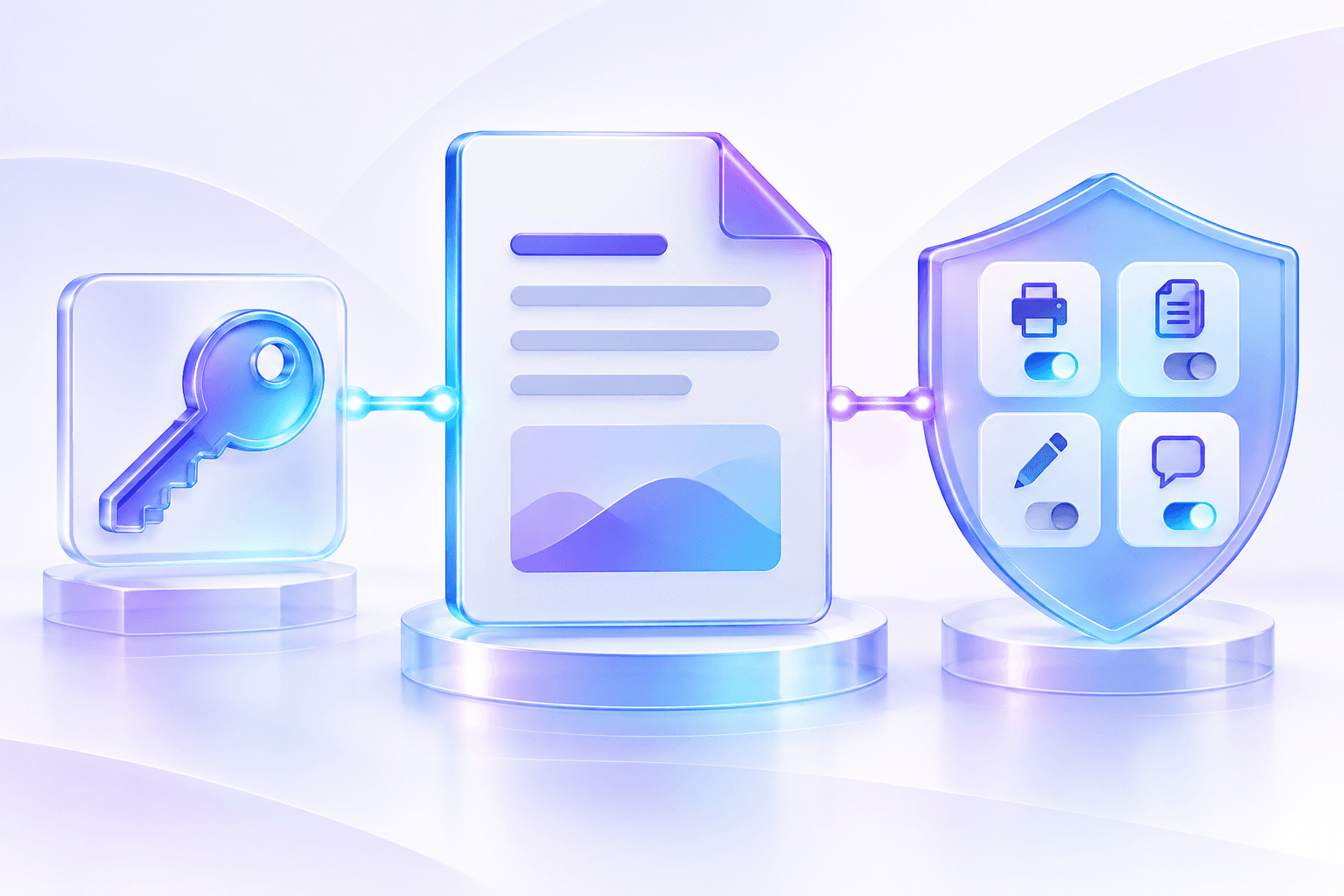
AES-256 protects PDF objects with a document-open password. A distinct owner password can protect the permission policy so the recipient credential is not also the administrative credential.
The source remains unchanged while a new encrypted result is written.
| Security element | Purpose | Verification |
|---|---|---|
| AES-256 | Encrypt PDF content | Encryption dictionary and revision |
| Open password | Control document access | Reopen output with supplied password |
| Owner password | Protect permission administration | Kept separate from recipient credential |
Verify before delivery
The output is reopened to confirm that encryption exists and the opening password succeeds. Page count, dimensions and permission flags are compared with the requested policy.
Manual review remains important for forms, bookmarks, attachments and signatures. Rewriting a digitally signed PDF can invalidate its signature.
Put the workflow into practice
Arrange source documents, select the pages you need, and create one PDF locally in your browser. Review the result before choosing any optional next step.
Try Encrypt PDFFrequently asked questions
Clear answers before you merge
What encryption does the tool use?
The advanced Encrypt PDF engine creates and verifies AES-256 protection.
Does it replace the source?
No. It creates a separate protected copy.
Can I encrypt an already-protected PDF?
Unlock the source with authorization first, then apply the new policy.