On this page
Fast for routine preparation
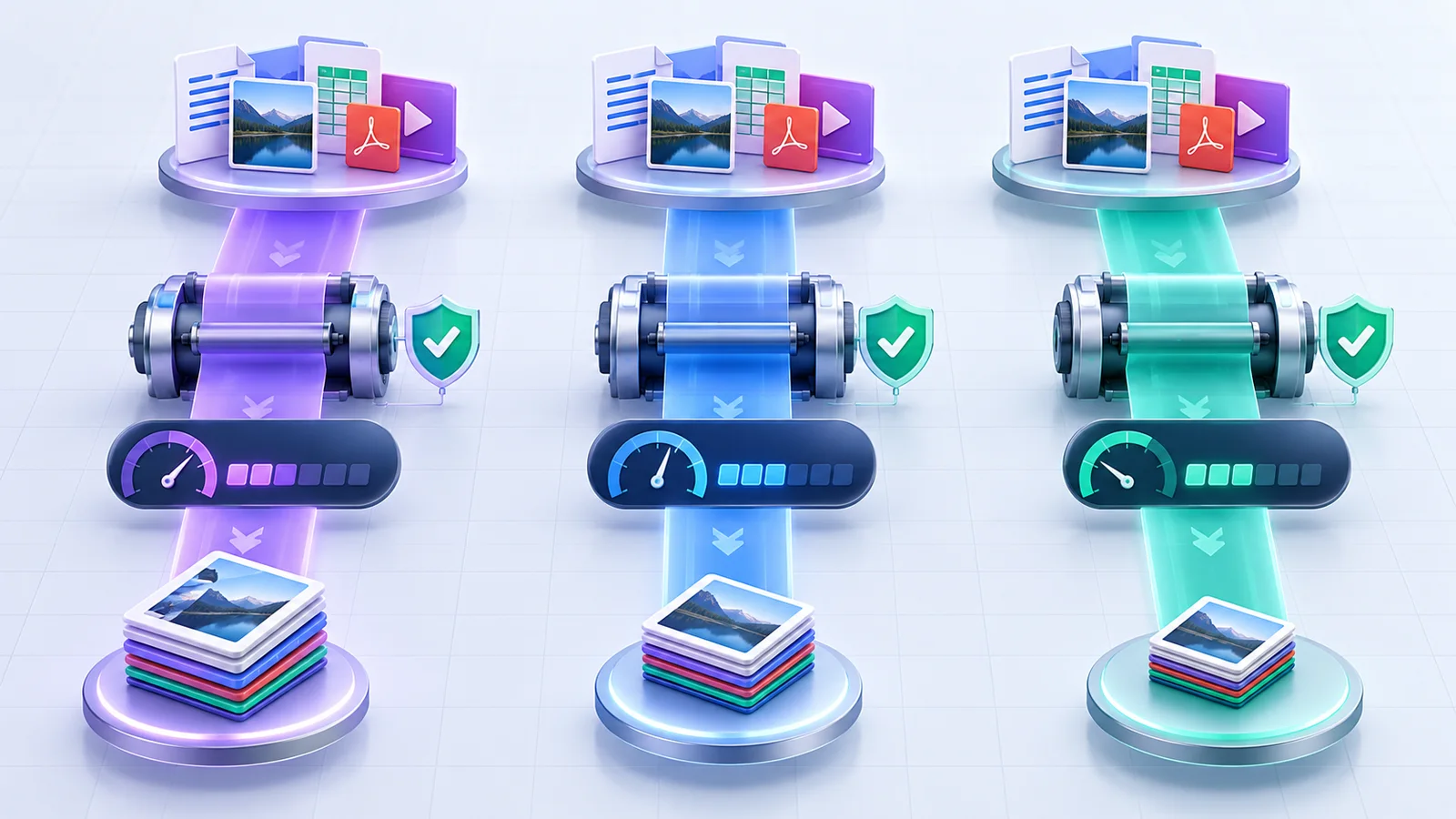
Use Fast when the batch is large, sources are already optimized, or turnaround matters more than chasing small additional savings. It applies a lighter lossless package effort.
Fast is also useful for a first pass that identifies which files are already efficient.
Balanced for normal delivery
Balanced is the default for mixed business documents. It combines standard metadata cleanup, PDF structure optimization, and a moderate Office-package compression level.
Because the process is lossless at the package level, Balanced does not intentionally reduce image resolution.
Smallest safe for maximum lossless effort
Smallest safe uses the strongest lossless package level. It can take longer and may still produce the same size when entries are already compressed.
If a strict upload limit is still missed, move the affected file to a dedicated PDF or media compression tool where downsampling can be previewed and accepted.
Decide whether metadata should remain
Descriptive metadata can be useful for records, search, authorship, and workflows. Removing it is not universally correct.
Keep an original, document the cleanup policy, and remember that rewriting metadata changes file bytes and invalidates existing digital signatures.
| Profile | Best for | Boundary |
|---|---|---|
| Fast | Large routine batches | Lightest lossless effort |
| Balanced | General delivery | Recommended default |
| Smallest safe | Harder size targets | No guaranteed reduction |
Put the workflow into practice
Arrange source documents, select the pages you need, and create one PDF locally in your browser. Review the result before choosing any optional next step.
Try Merge PDFFrequently asked questions
Clear answers before you merge
Does maximum mean lowest possible size?
It means maximum safe lossless package effort, not a guaranteed minimum.
Which profile should I choose?
Balanced is appropriate for most mixed document batches.
Will profiles reduce image quality?
No. The bulk studio does not intentionally downsample embedded media.
Can I change profiles after processing?
Yes. Return to settings and rerun the batch; keep both outputs until comparison is complete.