On this page
Match DPI to the real requirement
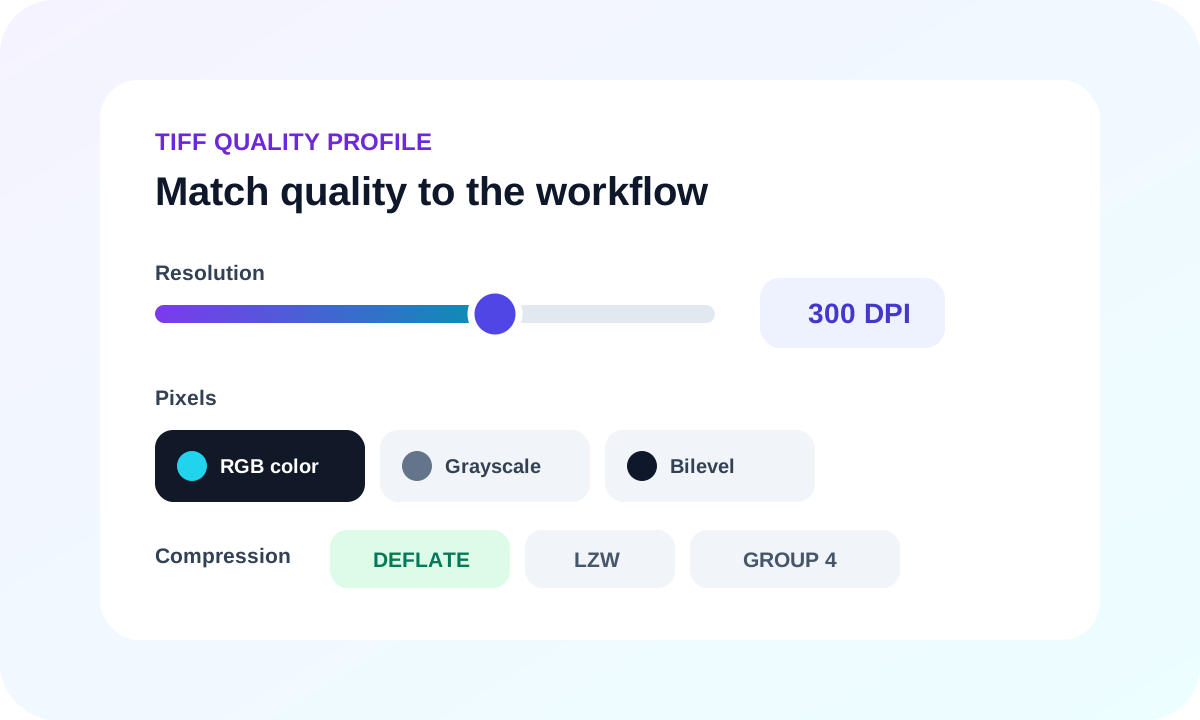
Higher DPI increases pixel dimensions rapidly. Use 300 DPI for most printed documents and move to 600 DPI only when fine rules, tiny type or a downstream imaging specification requires it.
Keep only the color information you need
RGB retains color marks and photographs. Grayscale reduces channels while retaining tones. Monochrome creates bilevel pixels suited to clean black-and-white records, but it can lose subtle shading.
Choose a compatible lossless codec
Deflate provides broad lossless compatibility. LZW is established in imaging workflows. Group 4 is highly efficient for monochrome documents and automatically requires bilevel output.
| Profile | Best use | Trade-off |
|---|---|---|
| RGB + Deflate | Color documents | Larger files |
| Grayscale + LZW | Tonal records | No original color |
| Monochrome + Group 4 | Clean text scans | No gray tones |
Put the workflow into practice
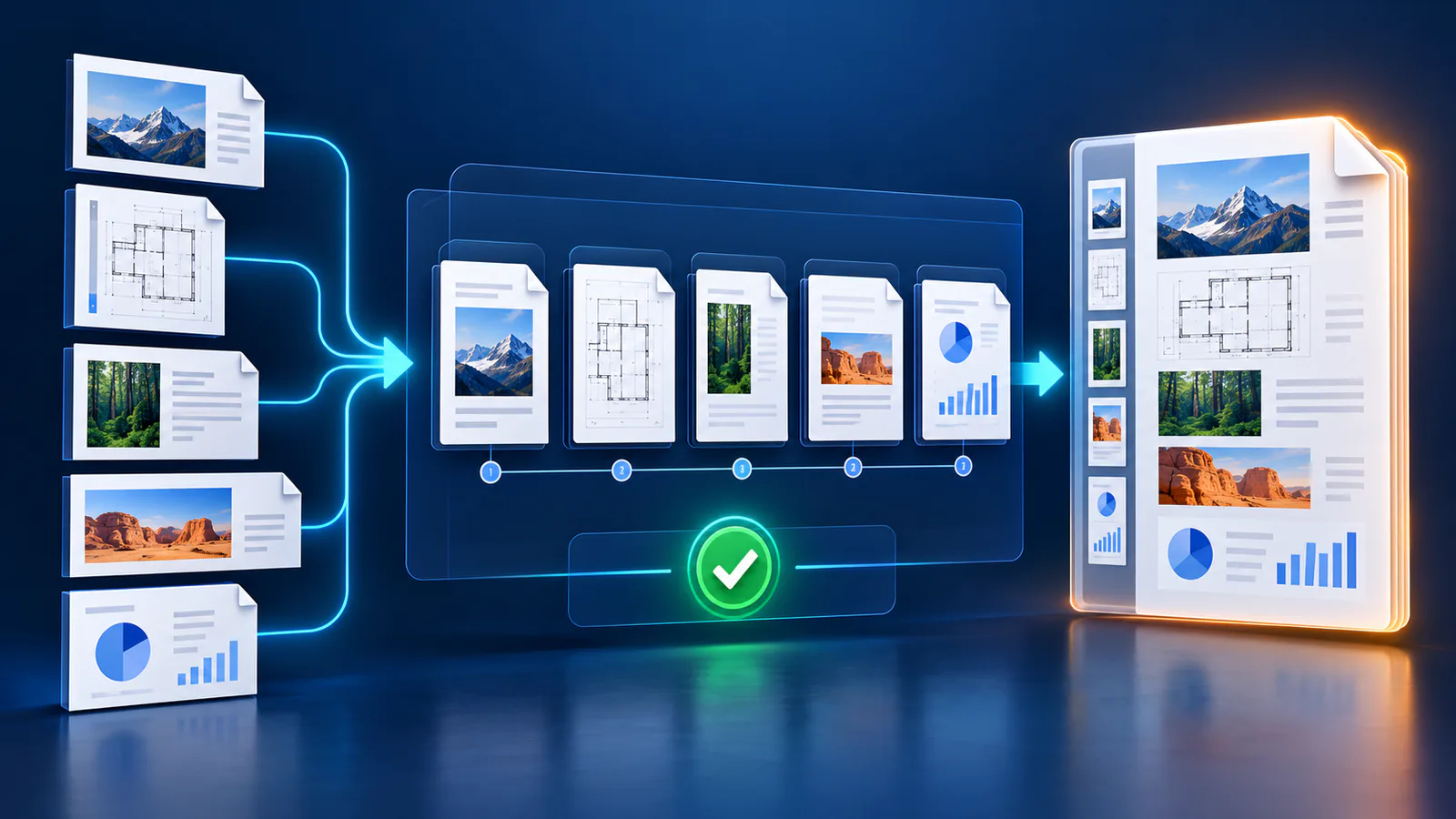
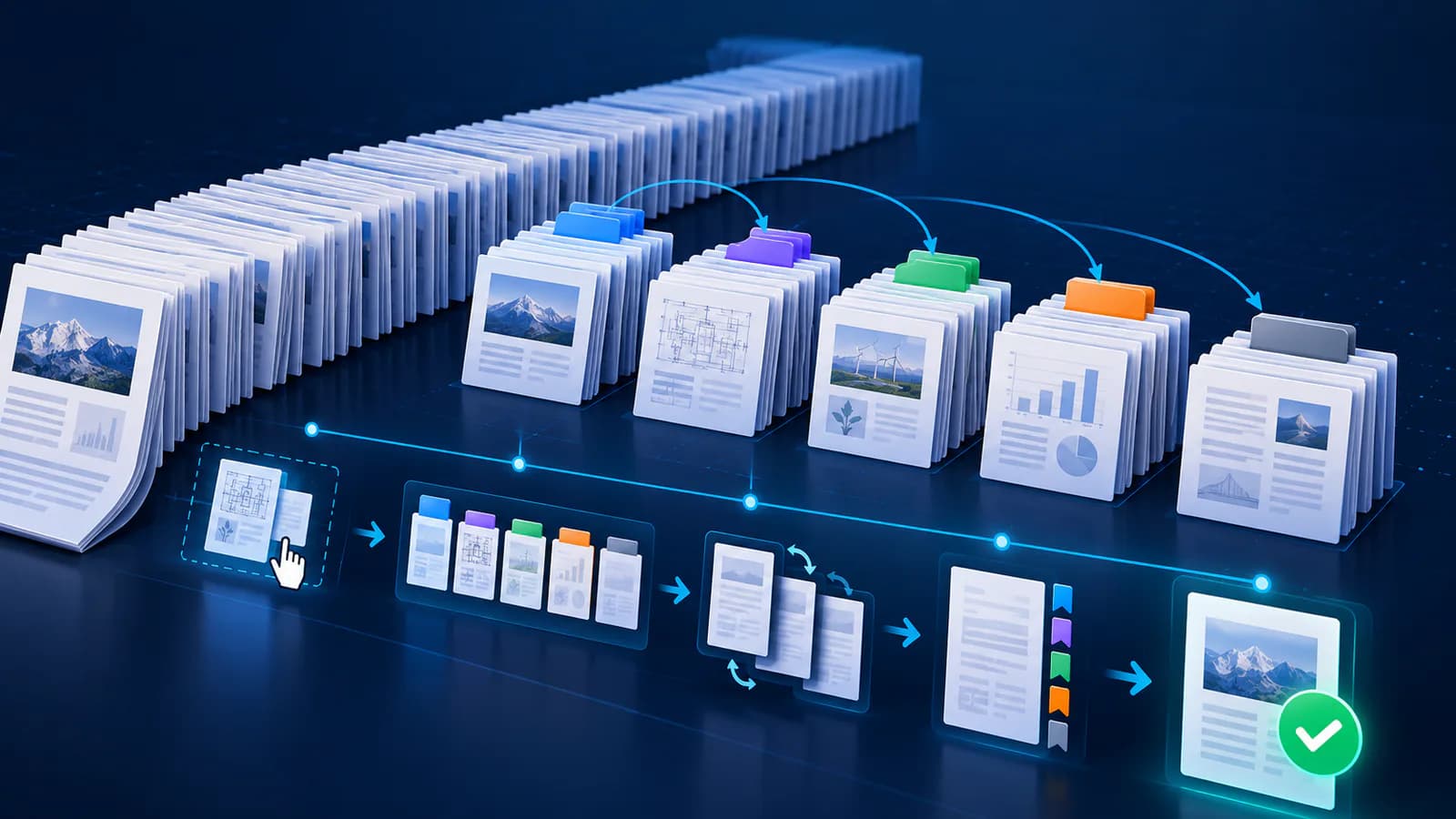
Arrange source documents, select the pages you need, and create one PDF locally in your browser. Review the result before choosing any optional next step.
Try Merge PDFFrequently asked questions
Clear answers before you merge
Is 600 DPI always better?
No. It creates much larger rasters and may add no useful detail beyond the PDF source.
Is TIFF compression lossy?
The offered Deflate, LZW and Group 4 profiles are lossless for their chosen pixel mode.
Why does Group 4 switch to monochrome?
Group 4 is designed for bilevel black-and-white images.