On this page
Classify before compressing
Start by validating extensions, duplicates, total bytes, and the number of files. A DOCX is a ZIP-based XML package, while an older DOC is a proprietary binary container. Treating both as raw byte streams can produce a smaller file that no application can open.
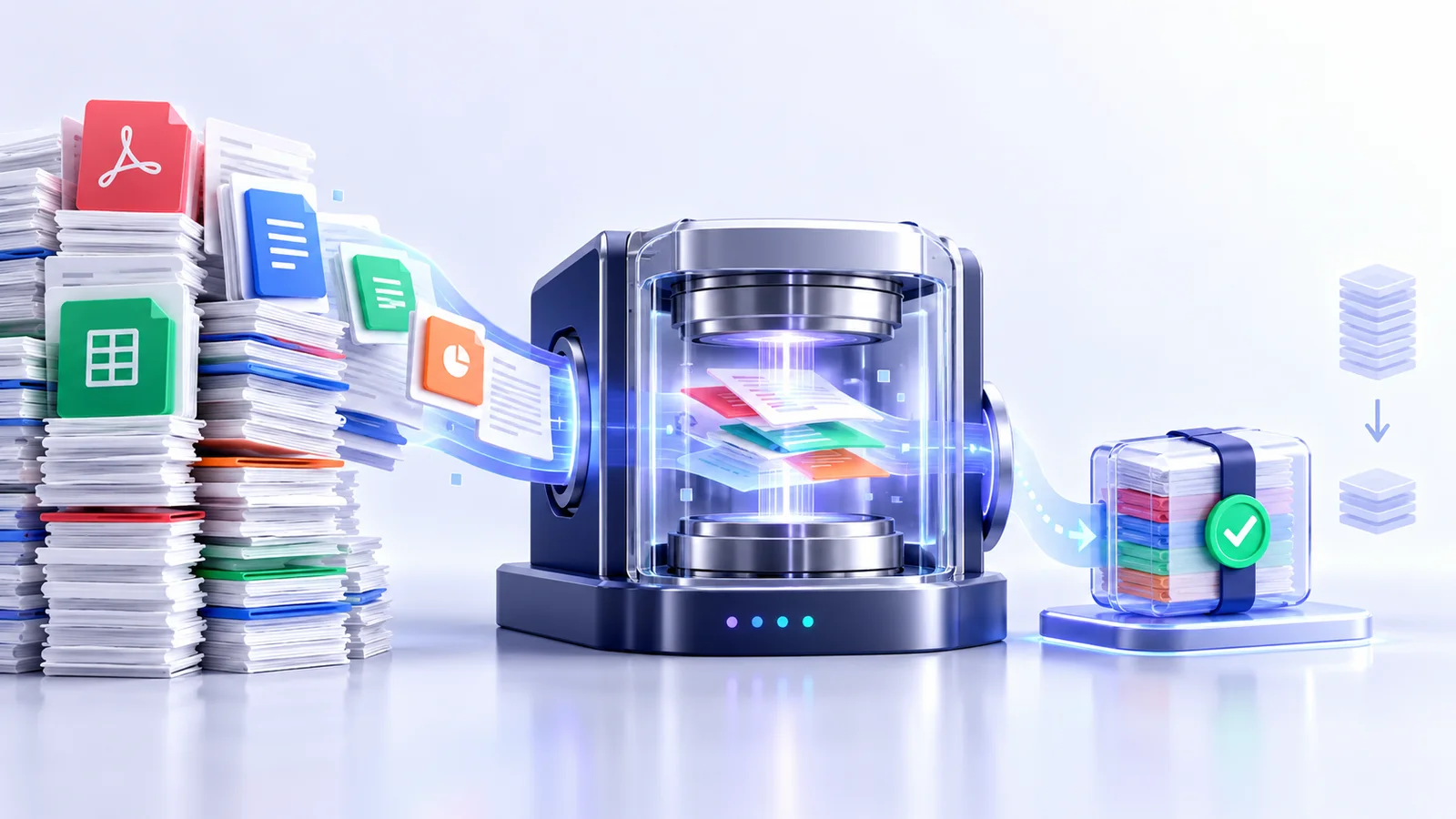
Nexynto routes PDFs to a PDF structure optimizer, modern Office packages to lossless ZIP recompression, and legacy formats to byte-preserving delivery.
Use format-safe operations only
PDF object streams and descriptive metadata can be rewritten without turning pages into images. DOCX, XLSX, and PPTX packages can be decompressed, adjusted, recompressed, and reopened for a package check.
Truncating bytes, sampling a document, or changing an extension is not compression. A small corrupt file is a failed result.
Set realistic size expectations
Modern formats frequently contain already-compressed images, fonts, and ZIP entries. Lossless recompression may save little or nothing. Keep the original when a candidate grows, and describe that file as already efficient.
Large savings usually require media downsampling or format conversion. Those are quality decisions and should live in a dedicated workflow with previews.
Control the batch as a queue
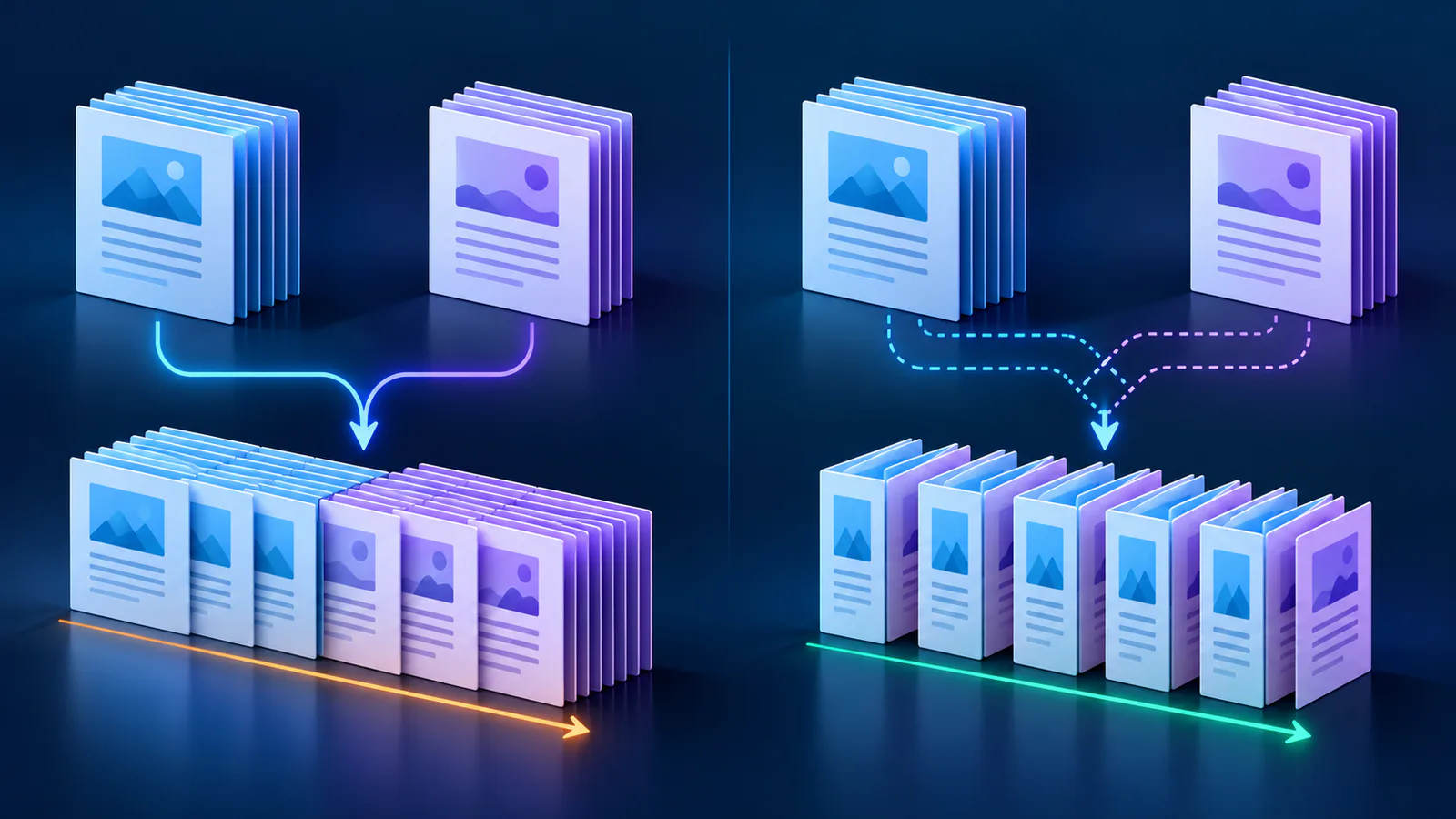
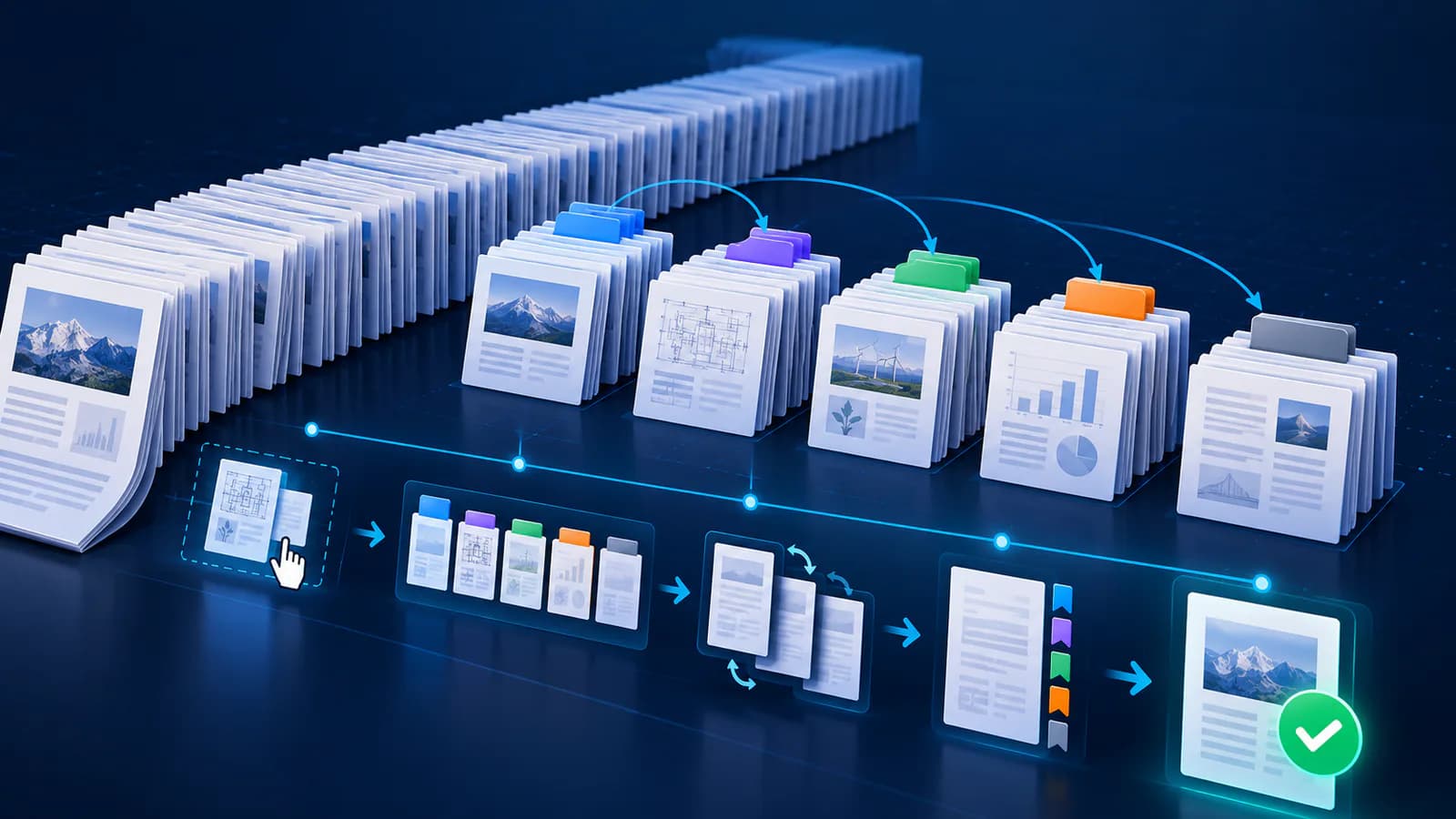
Review filenames, formats, and planned handling before pressing Process. During processing, keep per-file state visible so one malformed item does not hide the successful outputs.
After processing, reconcile completed and failed counts, then download individual results or a single ZIP. Keep source files until the delivery copies have been opened in their normal applications.
- Validate format and batch limits
- Choose one documented profile
- Start processing explicitly
- Review every exception
- Retain sources until acceptance
Put the workflow into practice
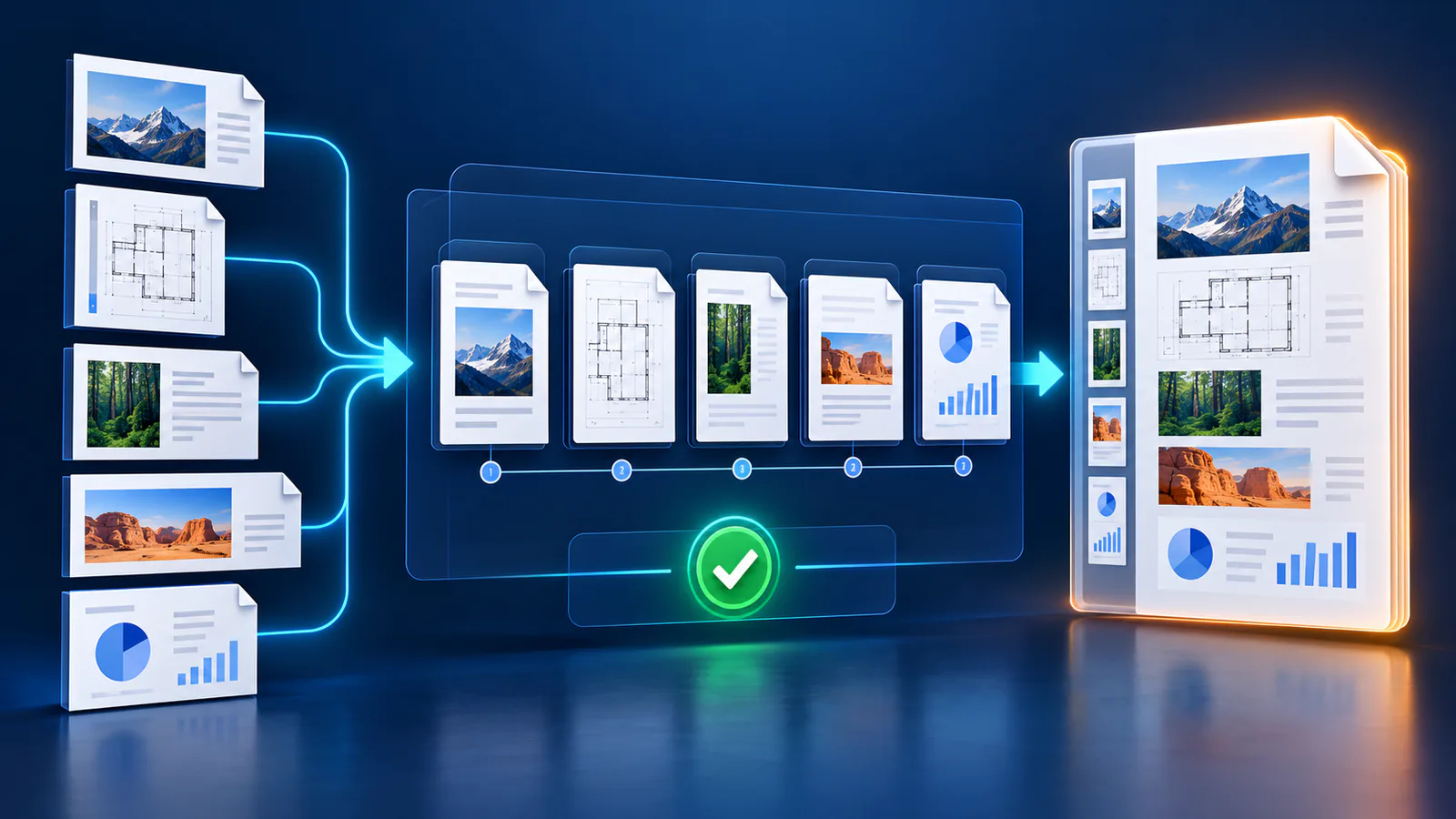
Arrange source documents, select the pages you need, and create one PDF locally in your browser. Review the result before choosing any optional next step.
Try Merge PDFFrequently asked questions
Clear answers before you merge
Can every file shrink?
No. Already-efficient packages may remain the same size, and preserving the original is safer than forcing a larger or damaged output.
Can PDF and Office files share one batch?
Yes, provided each format receives its own safe processing path.
Why preserve old DOC, XLS, and PPT files?
Their binary structures require a native document engine for safe rewriting.
Should I delete the originals?
No. Keep them until the optimized delivery copies pass application and visual review.