On this page
Prepare the ODT before fixing its pages
Update fields, accept or reject tracked changes, confirm page styles and save the document in the editor that owns the final content. The converter does not execute macros or decide whether review comments belong in the published copy.
Check that required fonts and linked assets are available. A substituted font can alter line breaks, table height and total page count even when the text itself remains intact.
Choose a delivery profile that matches the audience
Use an exact page range when the PDF should contain only an approved section. Keep tagged PDF, bookmarks and links enabled when readers need navigation and supported assistive structure.
| Profile | Image handling | Best use |
|---|---|---|
| Maximum | Lossless, source resolution | Design proof and detailed print |
| Professional | High quality, up to 300 DPI | Ordinary business delivery |
| Compact | Compressed, up to 150 DPI | Email and screen review |
Proof the fixed result, not only the source
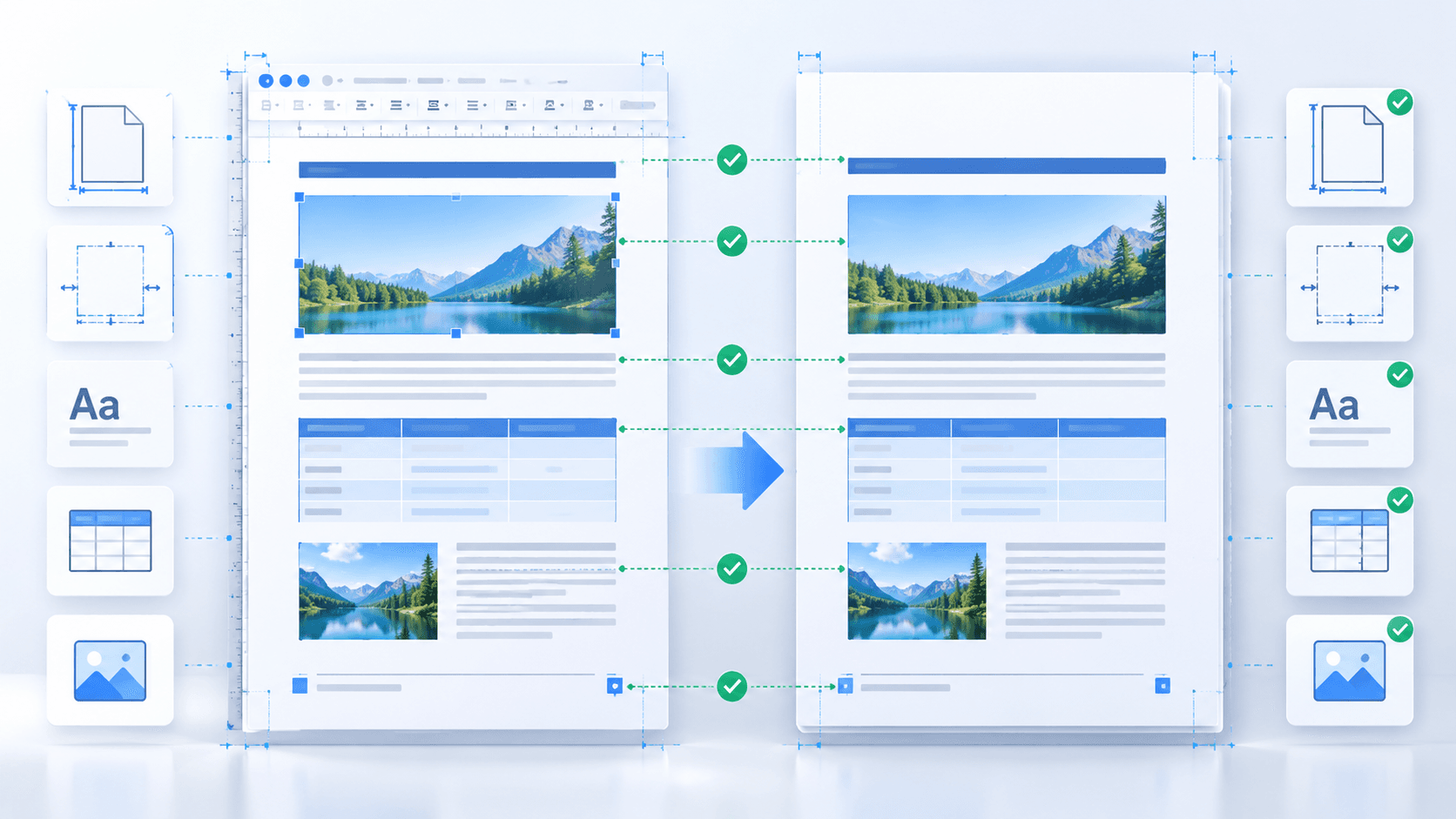
Preview the generated PDF and compare its first page, representative tables, image-heavy pages and final page with the Writer document. Confirm page count, heading order, headers, footers and hyperlinks before distribution.
- Compare page count and section boundaries.
- Inspect substituted fonts and wrapped headings.
- Open important internal and external links.
- Keep the ODT as the editable source of record.
Put the workflow into practice
Arrange source documents, select the pages you need, and create one PDF locally in your browser. Review the result before choosing any optional next step.
Try ODT to PDFFrequently asked questions
Clear answers before you merge
Does ODT to PDF keep the original document editable?
The ODT remains editable and unchanged. The PDF is a separate fixed-layout delivery copy.
Why can page count change?
Font substitution, external resources, dynamic fields and different office-renderer versions can change wrapping and pagination.
Can only selected pages be converted?
Yes. Use individual pages or ascending ranges such as 1-3,5.