On this page
Page styles define the conversion canvas
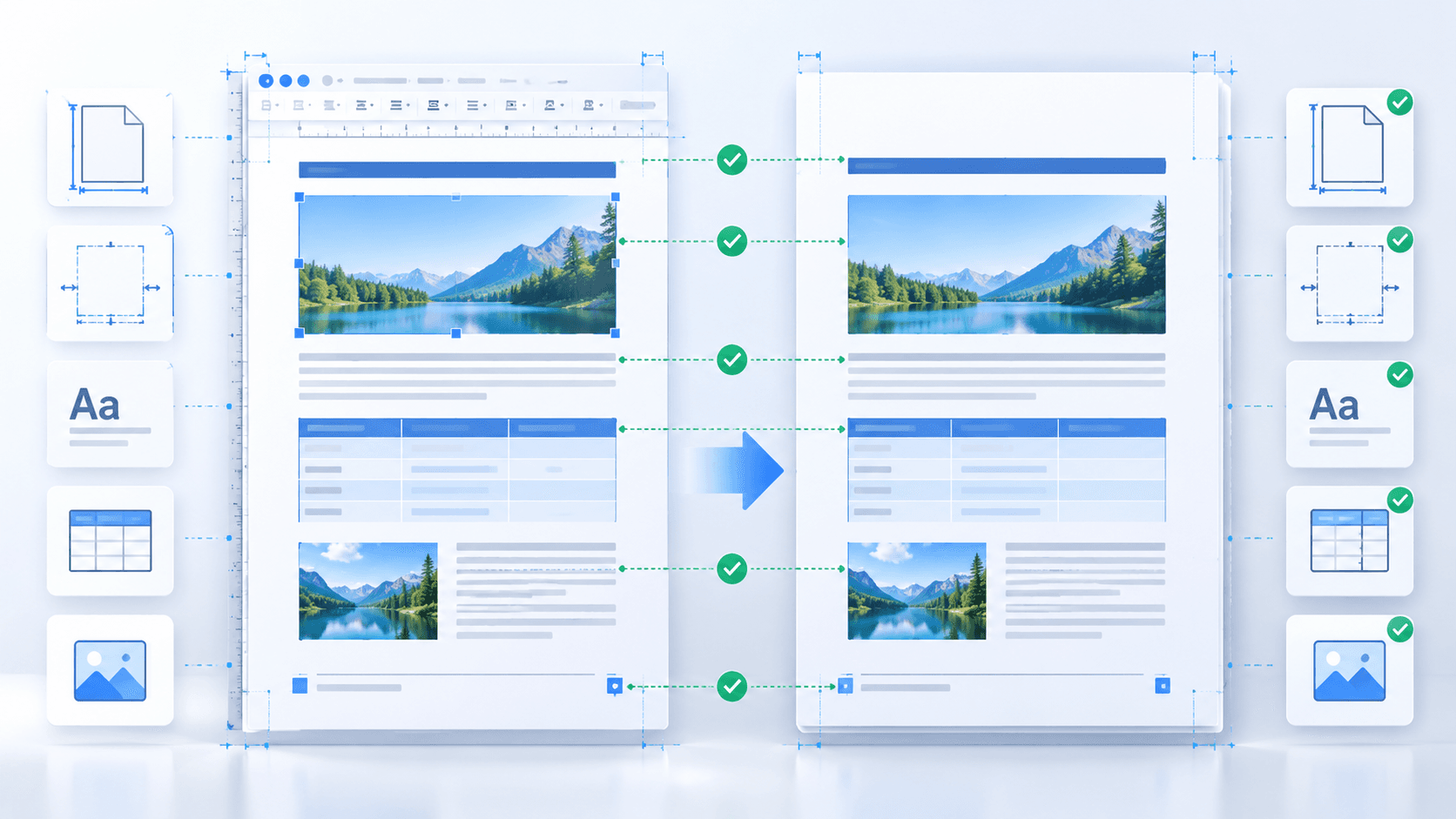
Writer page styles control page size, orientation, margins, columns, headers and footers. Confirm these settings in the ODT before export because PDF faithfully fixes the rendered page rather than redesigning it.
Tables, anchored images and floating frames deserve special attention near page boundaries. Small metric differences can move an object or create an additional page.
Treat fonts as a deployment dependency
The conversion service can only render fonts installed in its environment or embedded through supported workflows. When a typeface is unavailable, substitution can change line length and pagination.
For archive delivery, choose PDF/A-1b and independently validate regulated records. The exporter profile improves portability but does not prove every organization-specific requirement.
Put the workflow into practice
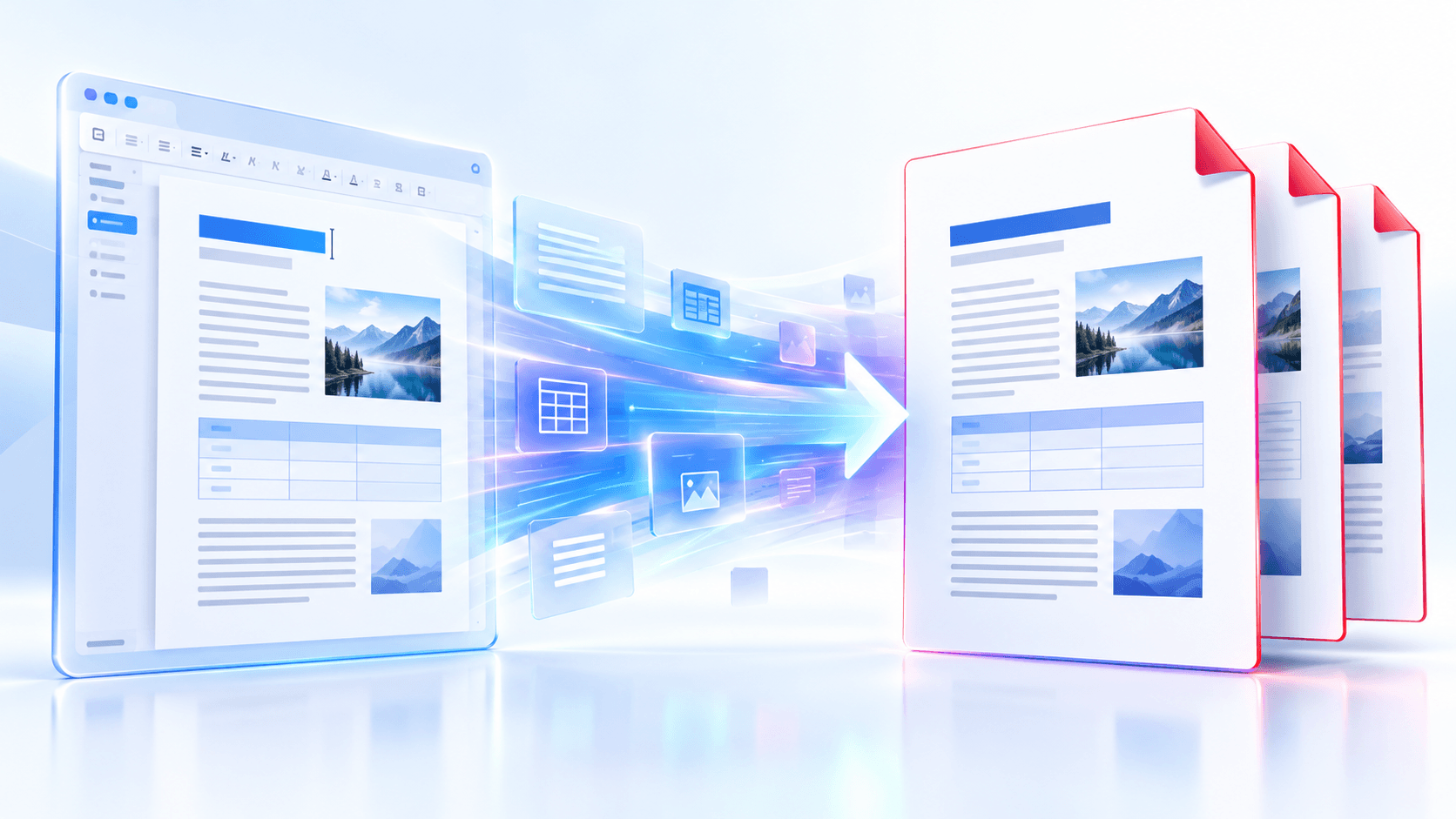
Arrange source documents, select the pages you need, and create one PDF locally in your browser. Review the result before choosing any optional next step.
Try ODT to PDFFrequently asked questions
Clear answers before you merge
Does tagged PDF guarantee accessibility?
No. It preserves supported structure, but reading order, alternative text, contrast and form labels still require review.
Can ODT links stay clickable?
Supported links can be converted when Keep document links is enabled.
Can comments be excluded?
Yes. Comment export is off by default so internal notes do not enter the delivery copy accidentally.