
On this page
Start with a quality-preserving master
Original pages
Text, vectors and images
Copy pages
Keep source objects intact
Merged PDF
New order, same page detail
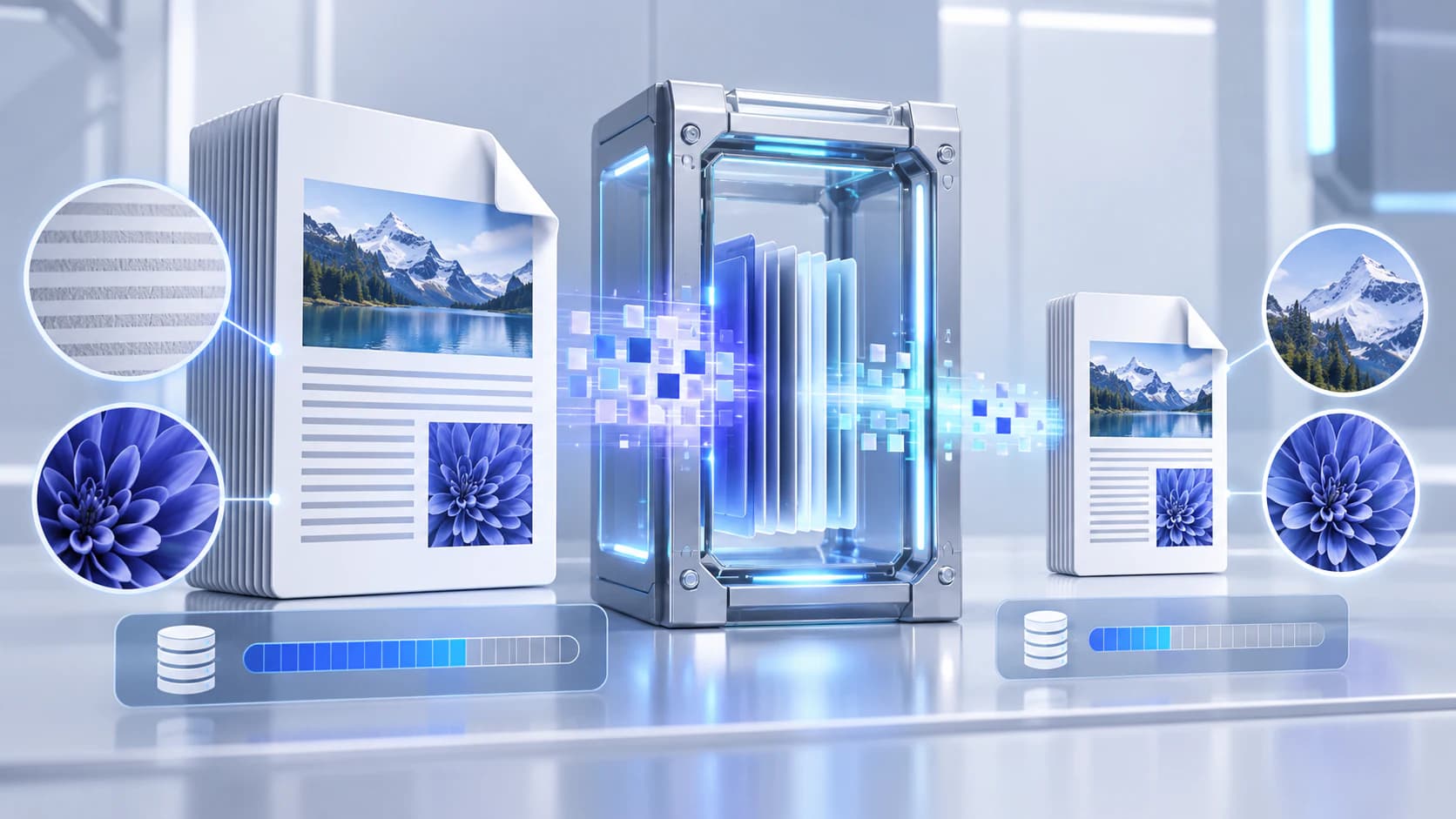
Keep the original PDF as the master before creating any compressed version. A delivery copy can be replaced after review, but discarded scan detail, flattened forms, and lost searchable text cannot always be reconstructed.
Use clear filenames so the master and compressed copy cannot be confused. A suffix such as -compressed or -email makes the purpose visible outside the compression tool.
Use safe structural optimization first
Structural optimization rewrites the PDF container and can use compressed object streams without intentionally changing page images or text. It is the appropriate first choice when fidelity, selectable text, links, and forms matter.
Already optimized documents may not shrink. That result is not a failure: it means the source may contain little removable structural overhead.
Understand image quality trade-offs
Scanned and image-heavy PDFs usually offer the greatest size-reduction opportunity because their page images contain most of the bytes. Re-rendering pages as JPEG can create a smaller delivery copy, but compression artifacts may appear around small text, signatures, gradients, and line art.
Inspect the beginning, middle, and end of the output at a useful zoom. Compare fine text and image detail rather than judging only the file-size number.
Protect searchable and interactive content
Rasterization converts the visible page into pixels. The appearance can be preserved, but searchable text, hyperlinks, form fields, layers, accessibility structure, and some annotations may be flattened.
When those capabilities matter, use structural optimization or keep the original alongside the rasterized delivery copy.
Measure and verify the result
No responsible compressor can promise a fixed reduction for every PDF. Evaluate size and usability as separate acceptance criteria.
- Compare actual input and output sizes.
- Open representative pages and zoom into small text.
- Confirm links, forms, and search when they must remain usable.
- Keep the original until the delivery copy is accepted.
Put the workflow into practice
Choose a compression method, preserve the original, and compare the measured result before using the new delivery copy.
Try Compress PDFFrequently asked questions
Clear answers before you compress
Can compression be completely lossless?
Structural optimization can preserve the page content while rewriting the container, although it may produce only a small size change.
Why did my PDF remain almost the same size?
It may already use efficient object streams and compressed images, leaving little structural overhead to remove.
Does rasterization preserve searchable text?
No. A rasterized page is an image unless a later OCR step adds a new text layer.
Should I delete the original after compression?
Keep the original master until the compressed delivery copy has been reviewed and accepted.