On this page
Choose a useful open password
Use sufficient length, avoid reused passwords and common patterns, and prefer a memorable combination of unrelated words and characters. The PDF engine requires at least four characters, but that technical minimum is not a security recommendation.
A password-strength label is guidance, not a guarantee. Store the final password in an approved password manager or another controlled system before sending the file.
Plan for password recovery
Nexynto does not place PDF passwords in URLs or browser storage and cannot recover a forgotten password from a completed job. Confirm who owns the recovery process before sharing the document.
Send the password separately when the communication risk justifies it. Avoid placing the protected file and its password in the same unprotected message.
Review permissions without overstating them
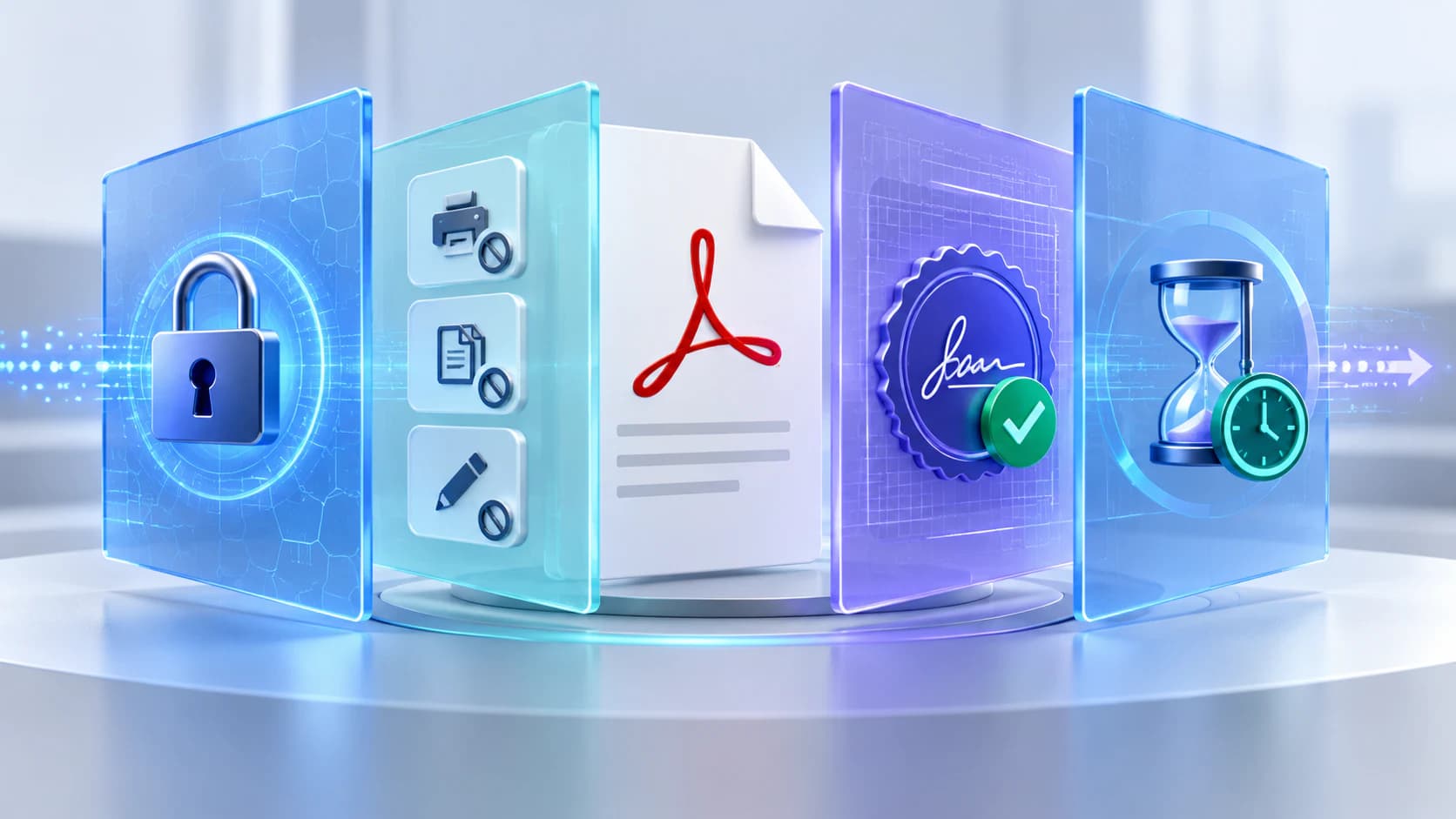
PDF permission flags can ask compatible viewers to block printing, copying, editing, or annotations. They are not equivalent to identity-aware access control and can be interpreted differently by different software.
Use permissions to express intended handling, but rely on an appropriate document-management or access-control system when you need revocation, audit trails, or user-level authorization.
Verify the protected result
Verification is part of the workflow. Do not assume that a successful download proves every target viewer will interpret permissions identically.
- Open the output in the viewer your recipient uses.
- Confirm the open password is required.
- Test each important permission flag.
- Keep the original in a controlled location.
- Confirm the output filename and delivery channel.
Put the workflow into practice
Choose passwords, review supported permission flags, and verify the server-protected result in your target PDF viewer.
Try Protect PDFFrequently asked questions
Clear answers before you protect
What is the minimum password length?
The current engine accepts four characters, but a longer unique password is a safer practical choice.
Can Nexynto recover my password?
No. Save it securely before completing the workflow.
Does encryption change visual quality?
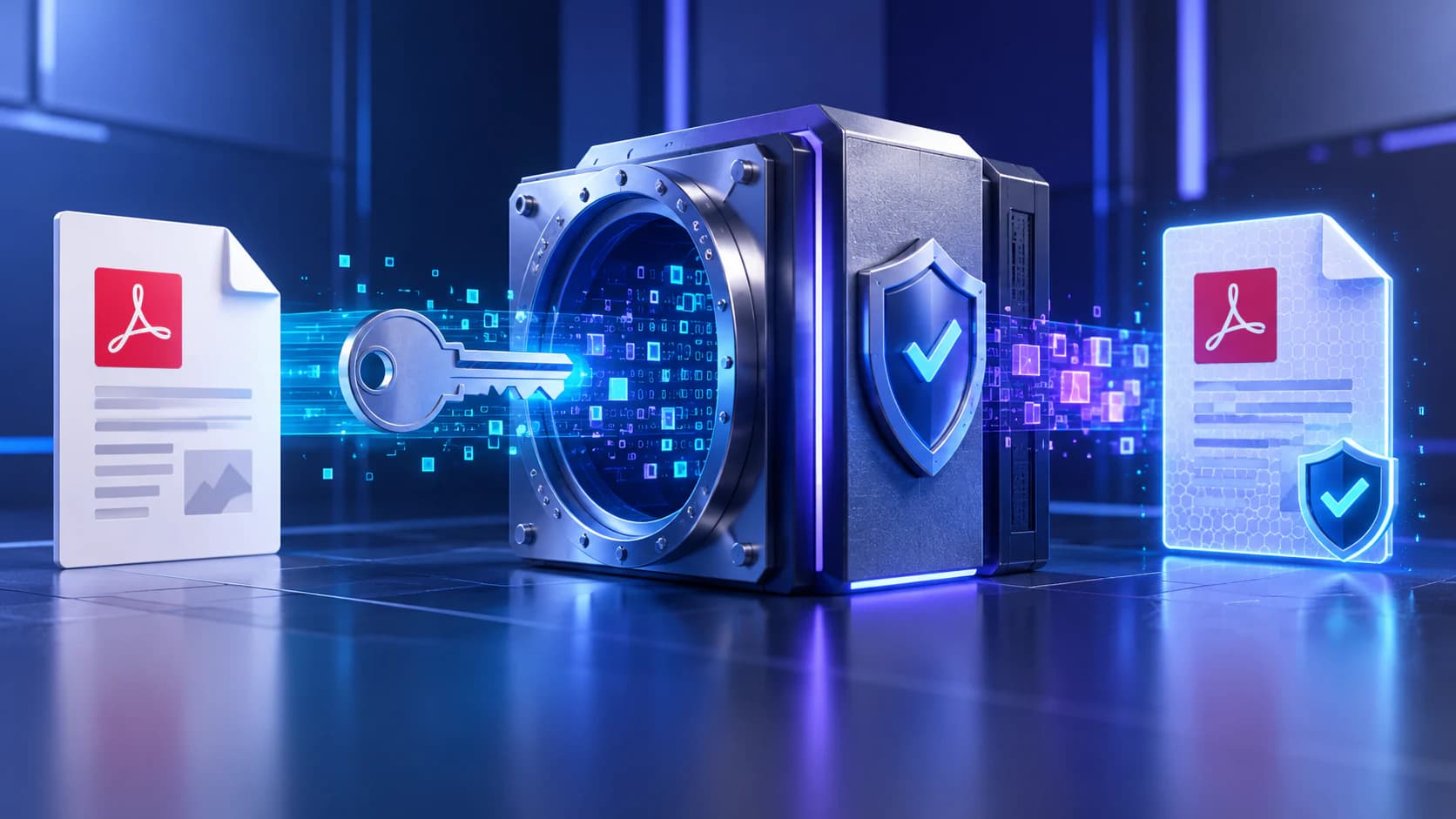
The protection operation copies pages and does not intentionally rasterize or recompress them.
Should I send the password with the PDF?
Use a separate approved channel when the document sensitivity calls for it.