On this page
Check whether OCR is actually needed
Original pages
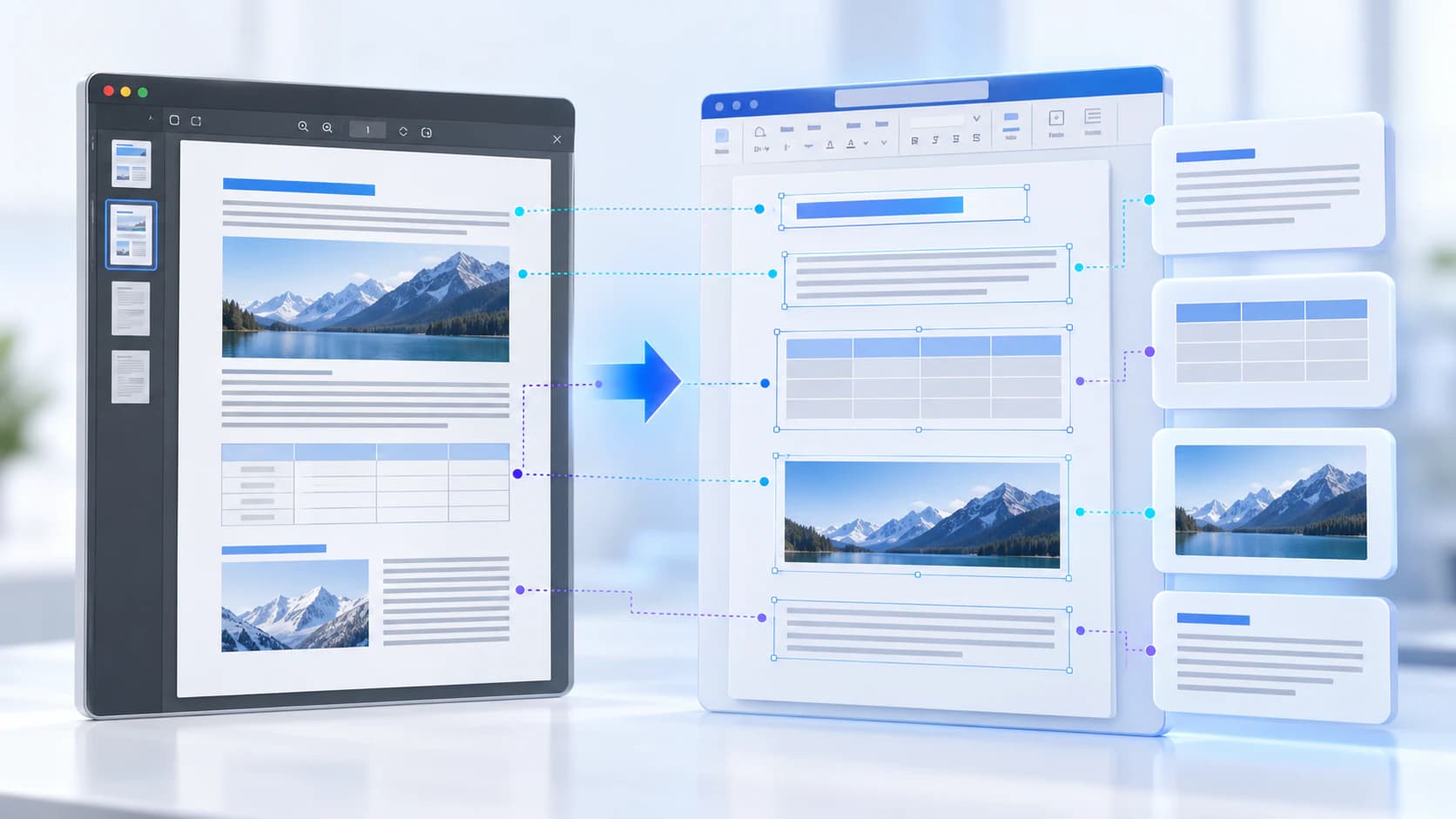
Text, vectors and images
Copy pages
Keep source objects intact
Merged PDF
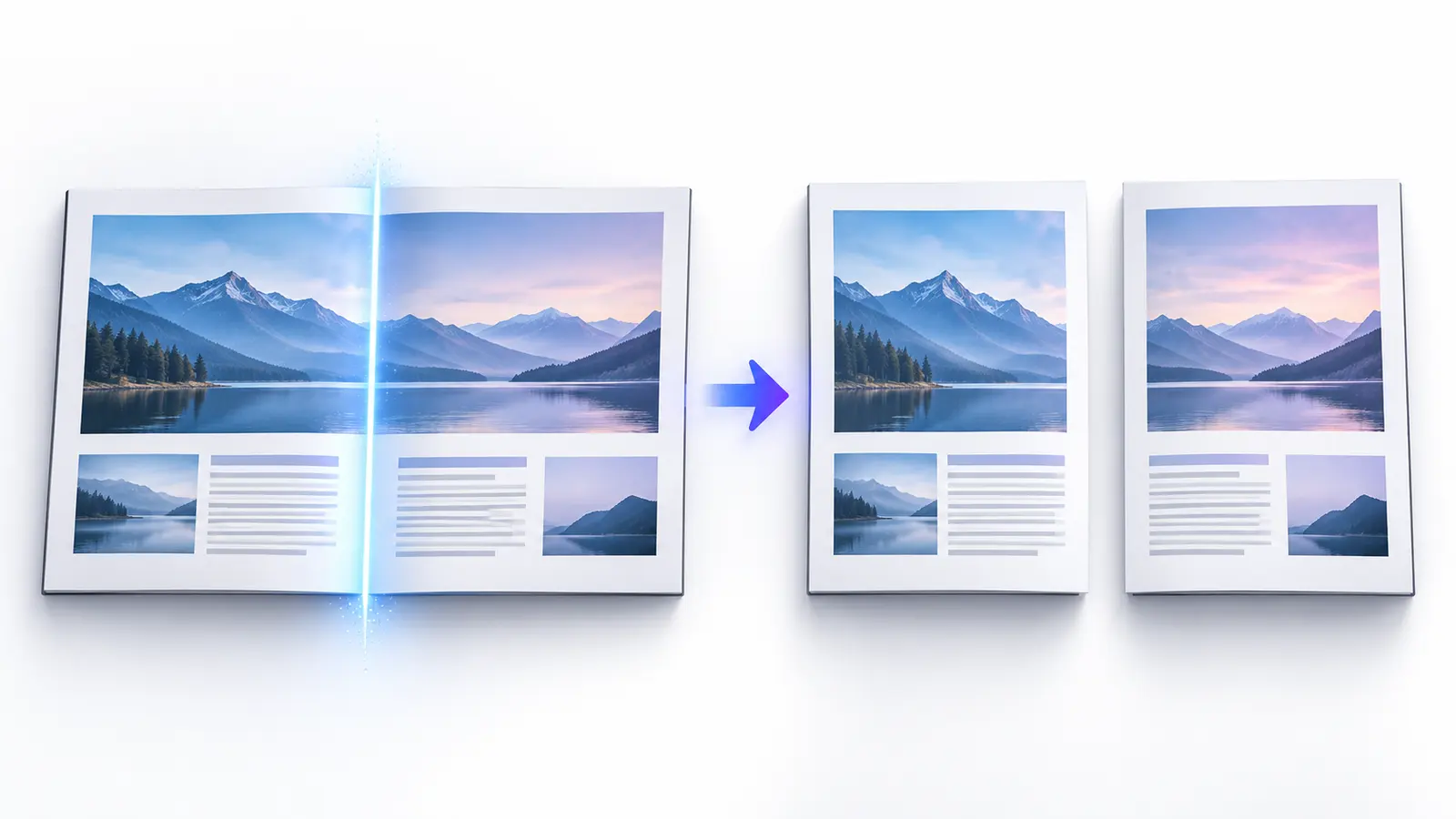
New order, same page detail
Try selecting a sentence or searching for a visible word. If text already selects correctly, the PDF has a usable text layer and another OCR pass may create duplicate or misaligned text.
Image-only pages need recognition. Mixed PDFs may contain native text on some pages and scans on others, so review more than the first page.
Choose language and run OCR
Choose the language visible on the page. Language models affect character and word recognition, especially for Arabic, accented scripts and mixed-language documents. Deskew rotated pages and improve contrast before recognition when necessary.
Use Make PDF Searchable when you need the original page appearance with a text layer. Use OCR PDF or Extract PDF Text when the recognized text itself is the main output.
- Use a clear scan near 300 DPI when possible.
- Avoid heavy JPEG artifacts and cropped characters.
- Confirm orientation before recognition.
- Review names, amounts and identifiers manually.
Validate the searchable output
Reopen the exported PDF, search for words on several pages and compare copied text with the visible scan. A successful export can still contain recognition errors.
OCR confidence is an estimate, not proof. Low-confidence text, handwriting, stamps, tables and unusual typography need human review.
Put the workflow into practice
Arrange source documents, select the pages you need, and create one PDF locally in your browser. Review the result before choosing any optional next step.
Try Make PDF SearchableFrequently asked questions
Clear answers before you merge
Does OCR change the page image?
A searchable-PDF workflow normally retains the visible scan and adds a text layer, but review the exported pages.
Which OCR language should I choose?
Choose the primary language printed on the page and add supported secondary languages only when needed.
Why is copied text incorrect?
OCR estimates characters from pixels; blur, skew, low contrast and unusual fonts reduce accuracy.
Can handwriting be recognized?
Results vary widely. The current workflow should not be treated as reliable handwriting transcription.