On this page
Fixed pages and editable flow are different models
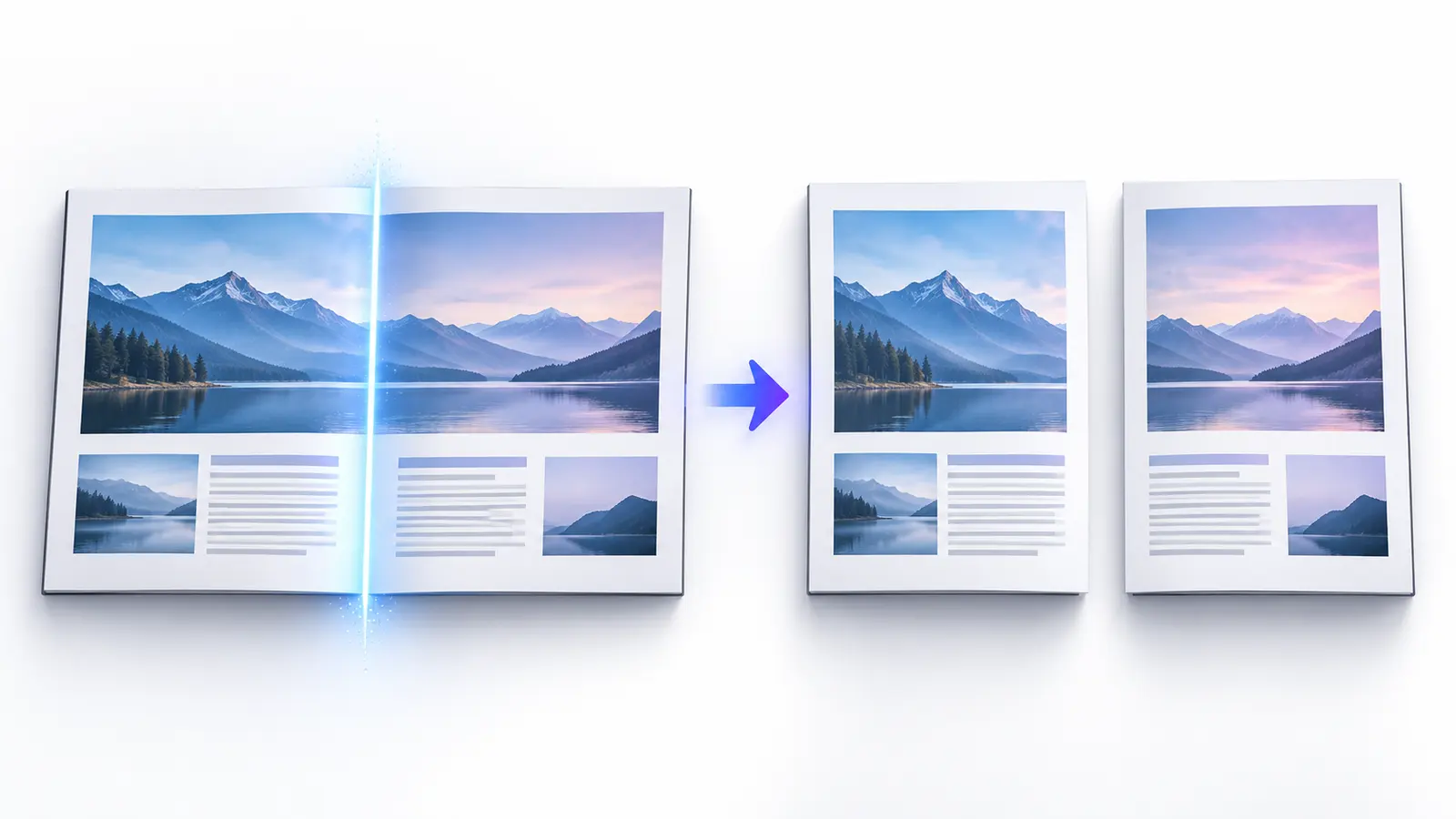
Original pages
Text, vectors and images
Copy pages
Keep source objects intact
Merged PDF
New order, same page detail
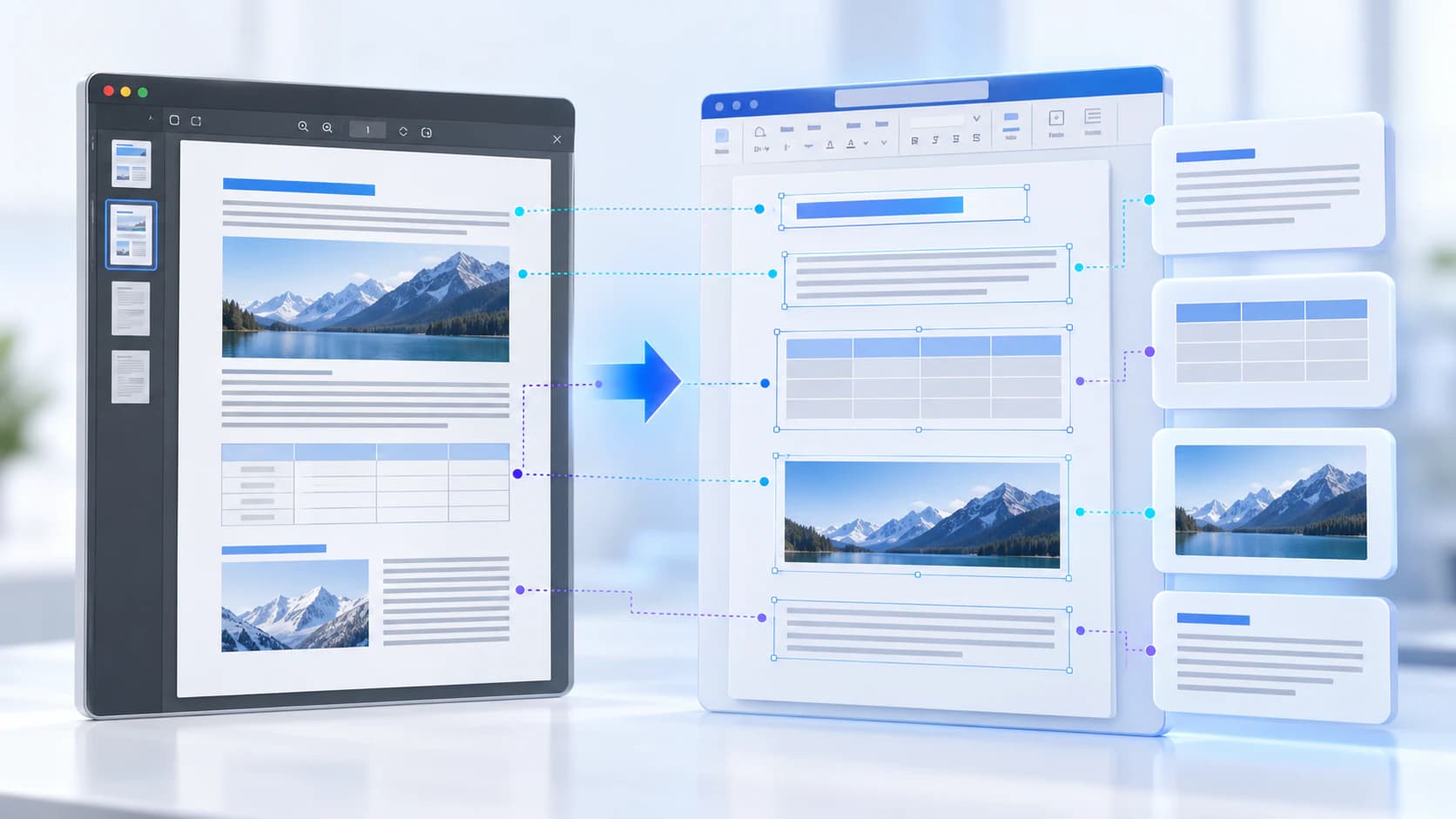
A PDF can position every line independently. Word expects paragraphs, styles, sections, lists and tables that can reflow when edited. A converter must infer those structures from page geometry.
Simple single-column documents usually convert more cleanly than brochures, forms, magazines or pages with overlapping objects.
Expect font and layout decisions
If the source font is unavailable or not legally extractable, the output may use a substitute with different character widths. That can change wrapping and page breaks even when the text is correct.
Scanned pages need OCR before editable text exists. OCR can misread characters and does not know the exact original font. Review tables, headers, footnotes and text boxes carefully.
- Use a text-based source PDF when possible.
- Install or choose suitable fonts before final editing.
- Compare every table and multi-column section.
- Keep the PDF as the visual reference.
Choose the output that matches the next task
Use Word when you need to revise prose and document structure. Use PowerPoint for slide-oriented reuse, Excel for table data, or HTML/Markdown for semantic text workflows.
If you only need to quote or search the document, text extraction may introduce fewer layout assumptions than a full Word reconstruction.
Put the workflow into practice
Arrange source documents, select the pages you need, and create one PDF locally in your browser. Review the result before choosing any optional next step.
Try PDF to WordFrequently asked questions
Clear answers before you merge
Will the Word file look exactly like the PDF?
Not always. Complex layouts and unavailable fonts can change while content is reconstructed for editing.
Is all converted text editable?
Text-based content may be editable; scanned pages require OCR and page imagery may remain non-editable.
Why do page breaks move?
Font metrics, margins and reconstructed paragraph flow can differ from fixed PDF positioning.
Should I use OCR before conversion?
Use OCR when the PDF contains page images without a usable text layer.