On this page
Font availability changes text metrics
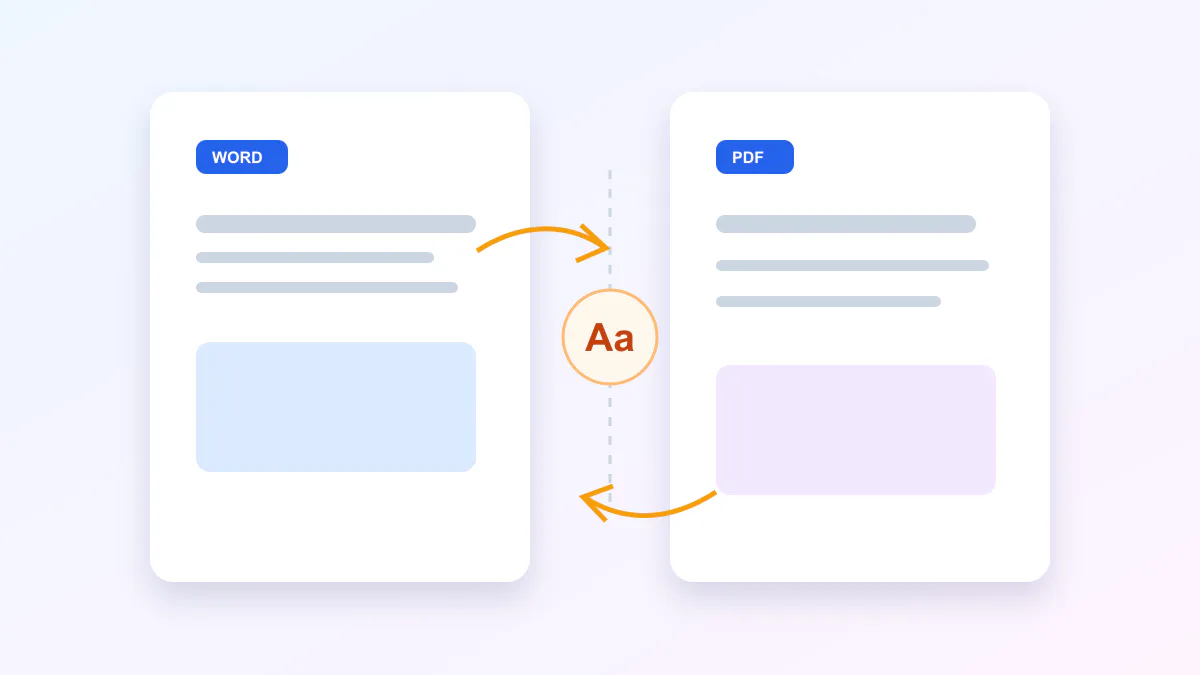
SVG text names a font family but does not always contain the font data. If that family is unavailable, a substitute can change character widths, line breaks and alignment.
Use common installed fonts, embed permitted font resources in an authoring workflow, or convert critical display lettering to paths before export. Keep body text as text when search and accessibility matter.
- Check every declared font family.
- Review weight and italic variants.
- Compare line endings after conversion.
- Avoid relying on a remote font URL.
Filters do not always have a PDF equivalent
Blur, drop shadows, color matrices and multi-step filter graphs are evaluated differently by browser and PDF engines. The safest converter preserves unrelated paths as vectors and warns about the affected effect.
Inspect filtered objects at normal size and high zoom. A localized raster result is preferable to silently flattening the complete artwork.
Transparency depends on the output format
An unpainted PDF page can preserve transparent artwork even though most PDF viewers display the page against white. GIF supports one-bit transparency, while animated WebP supports full alpha.
Standard WebM and H.264 MP4 delivery is more dependable with transparency flattened to an intentional background. Choose white or a brand color instead of accepting an accidental black canvas.
Put the workflow into practice
Arrange source documents, select the pages you need, and create one PDF locally in your browser. Review the result before choosing any optional next step.
Try SVG Export StudioFrequently asked questions
Clear answers before you merge
Should I convert SVG text to paths?
Use paths for critical display lettering when visual portability outweighs searchability; otherwise preserve text and review substitutions.
Can PDF support transparency?
Yes, PDF graphics can use transparency, although the page is commonly displayed against white by viewers.