On this page
Reconcile the queue first
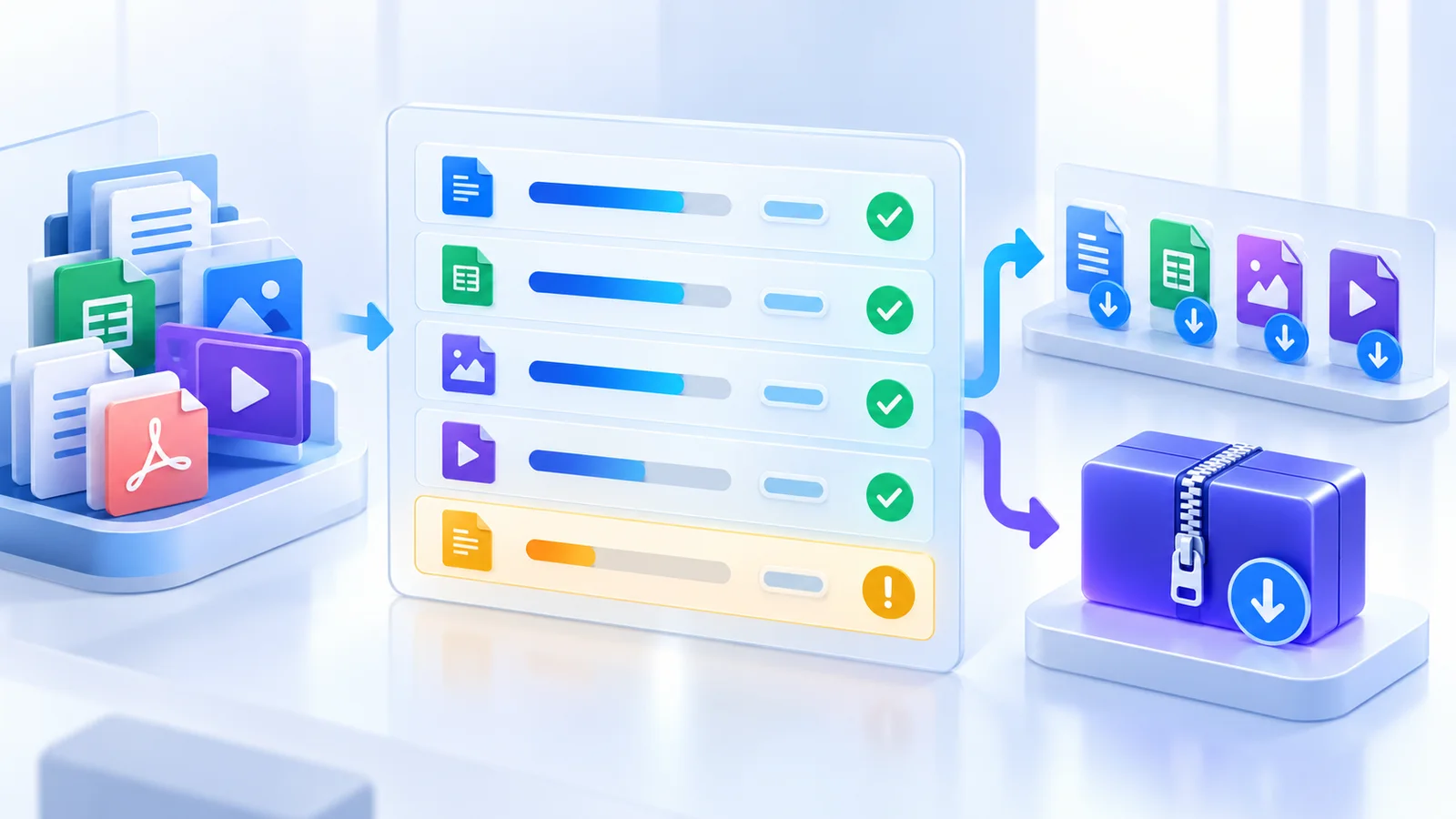
Compare source, completed, preserved, and failed counts. Every source should have one explainable outcome. A single ZIP download must not make a missing file invisible.
Review duplicate names and confirm the output suffix does not overwrite a source during download.
Understand structural checks
A generated PDF can be reopened and its page count compared with the source. A modern Office package can be reopened and checked for its content-type manifest. These checks catch gross corruption.
They do not prove that every page rendered identically or that every formula, animation, link, and macro behaves as intended.
Open representative outputs
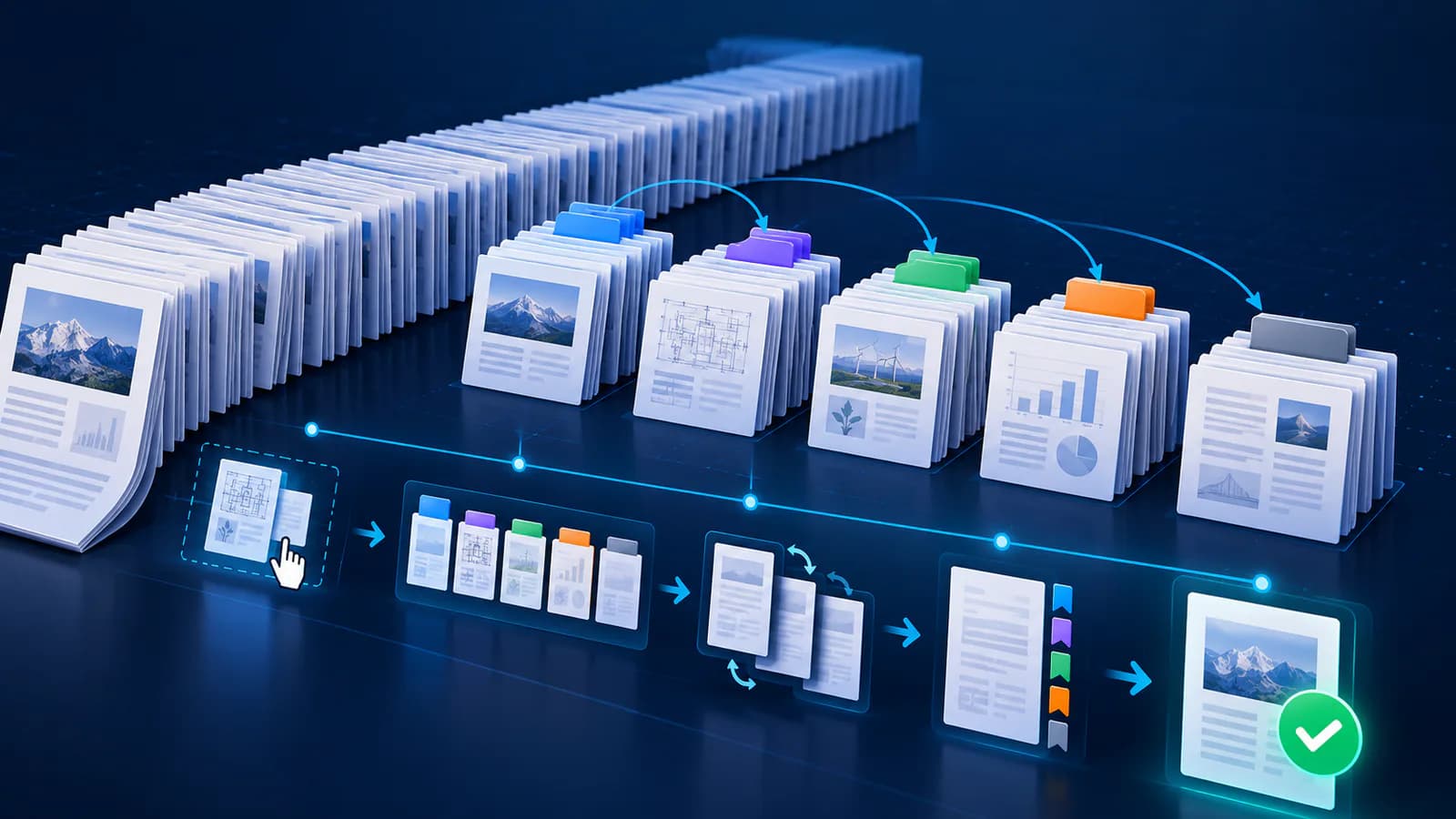
Open PDFs and inspect page boundaries, fonts, forms, annotations, and signatures. Open Word files for layout, Excel workbooks for formulas and charts, and PowerPoint decks for media and transitions.
Prioritize high-risk files, unusually large reductions, and anything that previously produced an application repair warning.
Package only accepted results
Download individual files when different owners must approve them. Use one ZIP after all outputs are accepted and the receiving system supports the archive size.
Keep the original batch and the measured result report until the recipient confirms delivery.
- Reconcile file counts
- Review failures separately
- Open high-risk outputs
- Check signatures and metadata policy
- Retain source files
Put the workflow into practice
Arrange source documents, select the pages you need, and create one PDF locally in your browser. Review the result before choosing any optional next step.
Try Merge PDFFrequently asked questions
Clear answers before you merge
Does reopening prove visual fidelity?
No. It proves basic structural readability; visual and application-level review is still required.
What should I do with failed files?
Retry individually, confirm the file opens at the source, and use a format-specific tool if necessary.
Can metadata cleanup affect signatures?
Yes. Any byte change can invalidate a cryptographic signature.
Is ZIP creation another document conversion?
No. It packages accepted result files without changing their internal document content.