On this page
DPI determines rendered detail
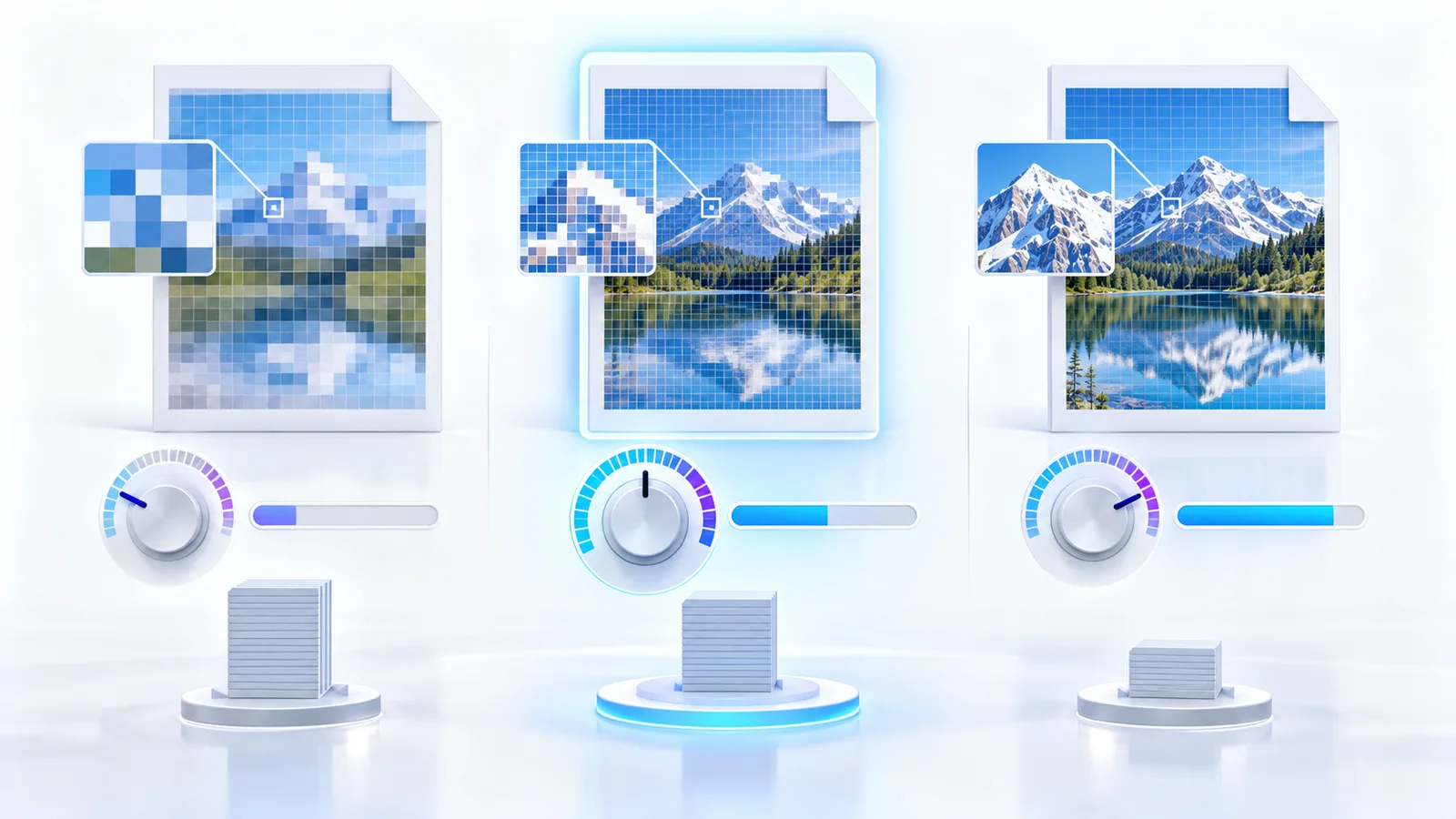
Screen-oriented output near 110 DPI is suitable for quick review. Balanced output around 144 DPI works well for ordinary sharing. Print-oriented 200 DPI better protects small type, while 300 DPI is appropriate only when high detail justifies the memory and size cost.
Doubling DPI approximately doubles each page dimension and can quadruple its pixel count. Long PDFs can therefore consume significant browser memory.
JPEG quality controls compression artifacts
Higher JPEG quality preserves edges and subtle gradients but increases the output size. Lower quality can introduce ringing around text and block artifacts in photographs.
Start around 88–92 percent for mixed office documents. Inspect small type, diagrams, stamps and screenshots before reducing quality further.
Choose color or grayscale deliberately
Grayscale can reduce size and is useful for monochrome records, but it removes color cues from charts, status marks, signatures and instructional content.
Do not use grayscale merely to chase a smaller file when color carries business meaning.
Test representative pages first
Use a custom page range containing the smallest text, densest illustration and most important signature or stamp. Compare the result at normal viewing size and 200 percent zoom.
Once the preset is accepted, process the complete page range and reconcile the output page count.
Put the workflow into practice
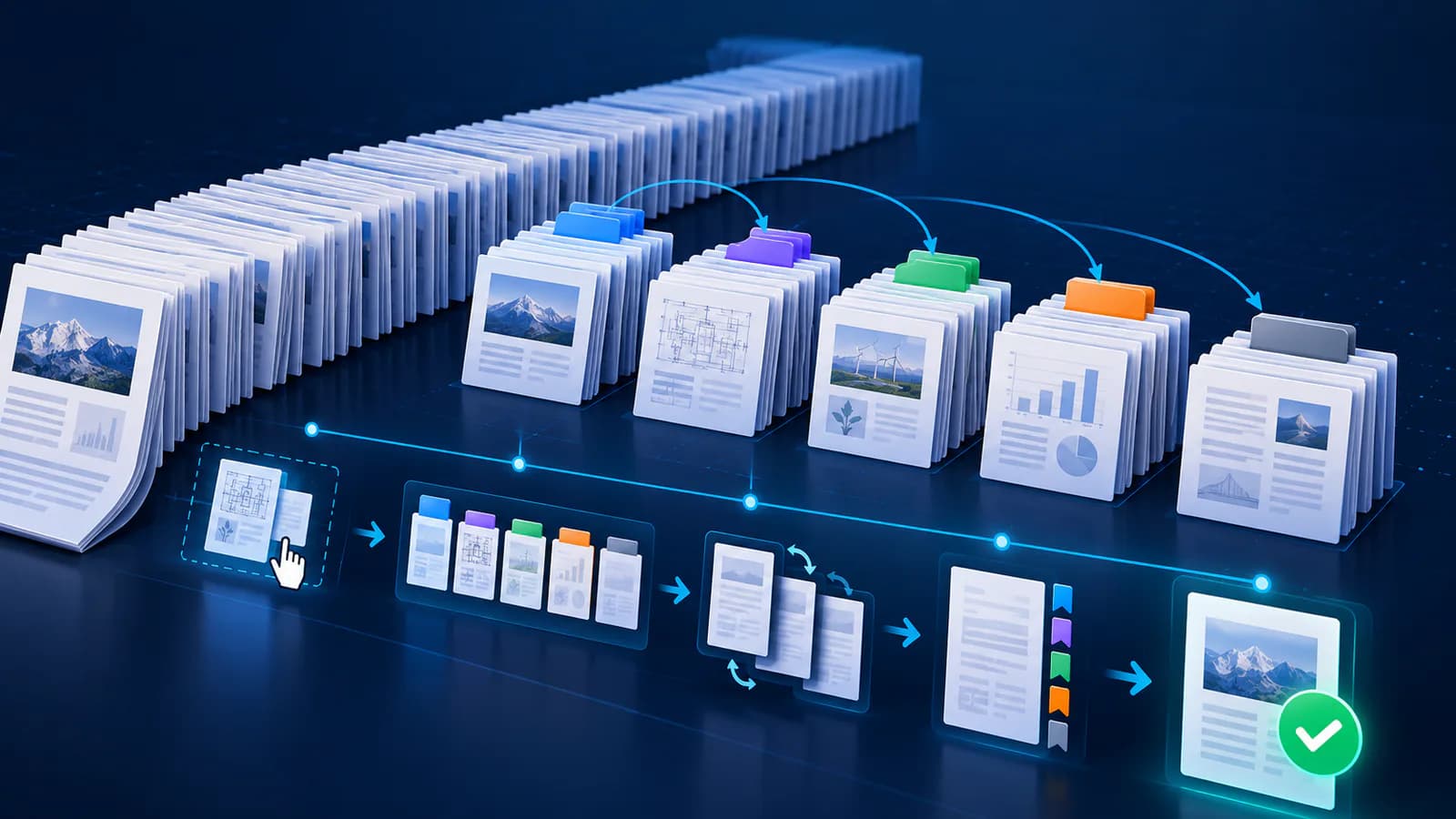
Arrange source documents, select the pages you need, and create one PDF locally in your browser. Review the result before choosing any optional next step.
Try Merge PDFFrequently asked questions
Clear answers before you merge
Which DPI should I choose first?
Balanced 144 DPI is a practical starting point for most office documents.
Is 300 DPI always better?
No. It creates many more pixels, uses more memory and often produces a much larger file.
Does JPEG quality change page dimensions?
No. It changes image compression; DPI controls the rendered pixel dimensions.
When should I use grayscale?
Use it only when the source is effectively monochrome and color is not meaningful.