On this page
Use enough pixels for the destination
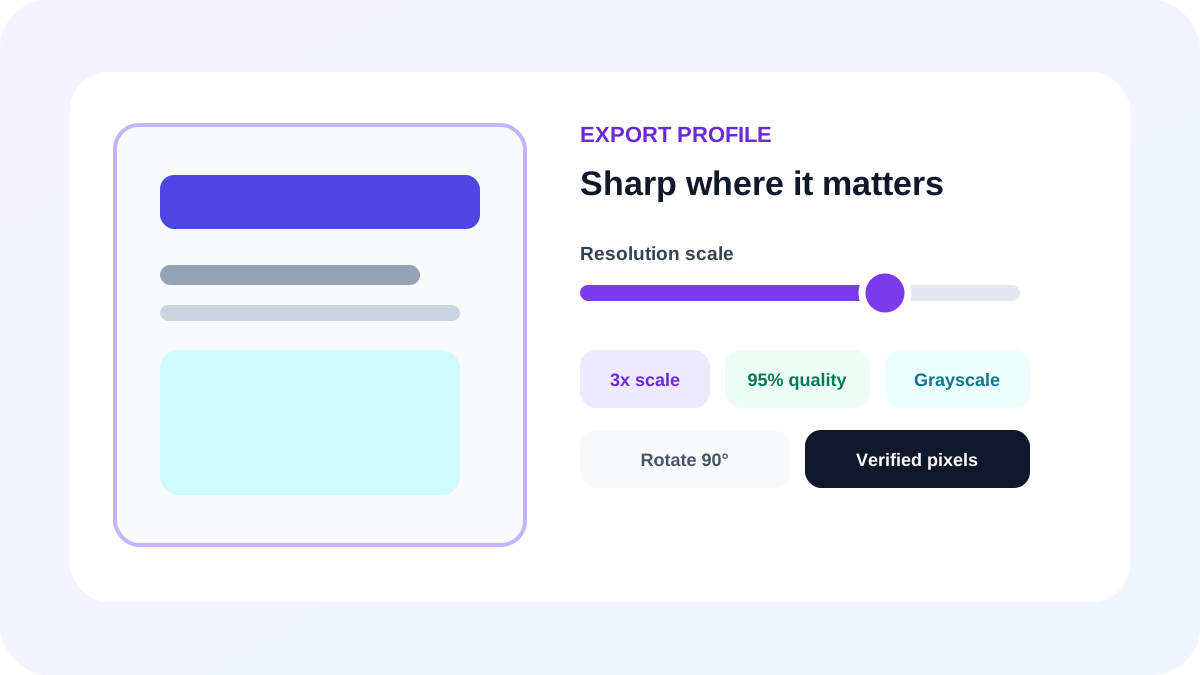
A 1x render is useful for quick previews. Higher scale settings create sharper zoomed text and larger images. Use the lowest scale that satisfies the real display, print or archive requirement because pixel count and memory rise rapidly.
Apply quality only where it has an effect
JPG and WebP quality changes the balance between visual fidelity and file size. PNG and BMP are treated as lossless outputs, so a lossy quality percentage does not apply.
Select a deliberate color treatment
Keep original color for branded pages and photographs, use grayscale when color is unnecessary but tonal detail matters, and use black and white for clean high-contrast records. Always inspect fine text after monochrome conversion.
- Color preserves the complete appearance.
- Grayscale reduces color information but retains tones.
- Black and white uses a fixed luminance threshold.
- Rotation is applied during rendering, not as metadata alone.
Put the workflow into practice
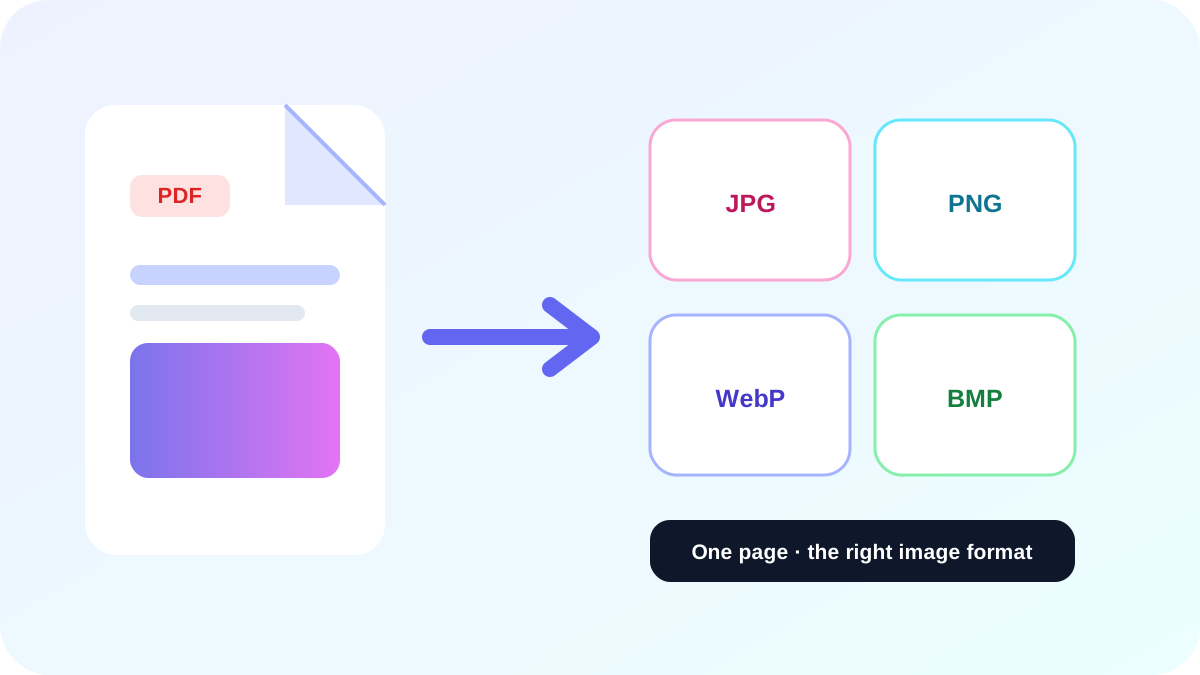
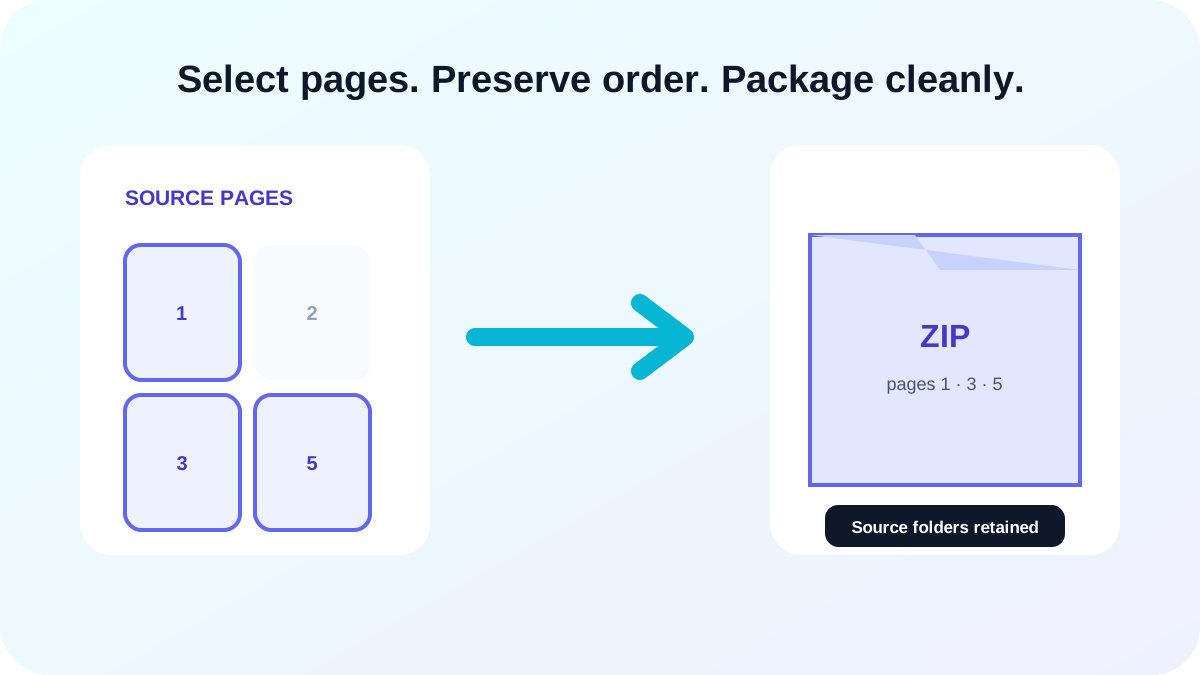
Arrange source documents, select the pages you need, and create one PDF locally in your browser. Review the result before choosing any optional next step.
Try PDF to ImageFrequently asked questions
Clear answers before you merge
Does 4x always look better?
It creates more pixels, but may add no useful detail for a small destination and consumes much more memory.
Why is PNG quality not adjustable?
PNG output is lossless; resolution, rather than a lossy quality percentage, controls the amount of page detail.
Can I rotate output images?
Yes. Choose 90, 180 or 270 degrees before conversion.