On this page
Choose a selection method
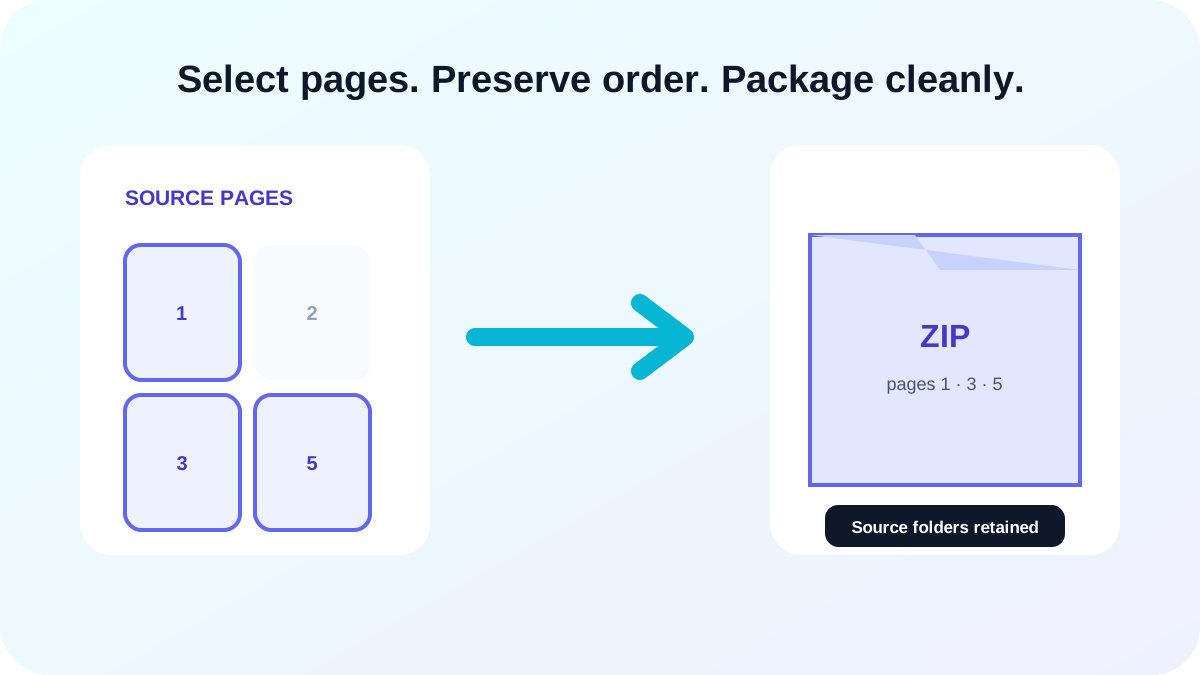
Use a typed range for known pages, odd or even mode for duplex-derived sets, and manual selection when page decisions depend on preview content. Multiple PDFs can remain in one workspace with their own source-page numbering.
Plan large browser-local conversions
Each rendered page occupies browser memory before it is encoded. For very long PDFs, choose a focused page set or a lower render scale, download the completed batch, then continue with another range.
Build a clean handoff package
Download one result directly when only one image is needed. For multiple pages or PDFs, use ZIP packaging so related outputs stay together and folders separate source documents.
- Retain source-page numbers.
- Use predictable source filenames.
- Check ZIP folder structure.
- Review failed pages before handoff.
Put the workflow into practice
Arrange source documents, select the pages you need, and create one PDF locally in your browser. Review the result before choosing any optional next step.
Try PDF to ImageFrequently asked questions
Clear answers before you merge
Can I export odd or even pages?
Yes. Both selection modes are available in the studio.
Can I mix multiple PDFs?
Yes. Add multiple PDFs and export selected images from the shared batch workspace.
Does conversion start on upload?
No. Upload prepares previews; full export begins only after you choose the conversion button.