
Add images
Choose one image or a practical batch.
Image format converter
Convert JPG, PNG and WebP images between formats with live preview, quality controls, transparency handling and batch support.
JPG
PNG
WebP
JPG
One converter
FORMAT
JPG, PNG, WebP
QUALITY
Real lossy controls
TRANSPARENCY
Safe JPG background
METADATA
Clear removal policy
BATCH
Multiple images
PREVIEW
Before and after
Supported conversions
JPEG is treated as a JPG synonym. GIF, BMP, SVG, HEIC and TIFF remain outside this ordinary raster converter.
How it works
Choose one image or a practical batch.
Set format, quality and any JPG background.
Compare real browser-encoded size and appearance.
Format comparison
JPG
Best for
Smaller lossy files and broad compatibility.
PNG
Best for
Lossless pixels and alpha transparency.
WebP
Best for
Efficient lossy output with transparency support.
PNG and WebP may contain transparent pixels. JPG cannot, so the studio warns you and lets you preview white, black or a custom color before encoding.
The ordinary raster pipeline uses browser decoding and canvas re-encoding. Files are not uploaded to the Nexynto server for this workflow.
Frequently asked questions
Add a JPG or WebP image, choose PNG as the output format, review the live preview, then convert. PNG keeps transparency and uses lossless browser encoding.
Choose JPG and select a background. Transparent PNG pixels must be flattened because JPG does not support transparency.
Yes. Select WebP and choose a quality preset or custom encoder quality. Dimensions remain unchanged.
PNG is lossless, while JPG and WebP use adjustable lossy encoding. The live preview and measured output size help you choose deliberately.
The selected white, black or custom background replaces transparent pixels. The studio warns you before conversion.
No. Browser canvas re-encoding removes most EXIF, GPS, camera and other metadata. The current studio states this explicitly.
Yes. Add multiple images, search or sort the bounded workspace, and apply one output profile to the full batch.
JPG suits photos and broad compatibility, PNG suits transparent or lossless graphics, and WebP provides efficient modern web delivery.
No. Ordinary JPG, PNG and WebP decoding, preview and re-encoding happen in your browser.
Yes. The mobile studio places the selected file and preview before the settings and provides a sticky conversion action.
Editorial guides
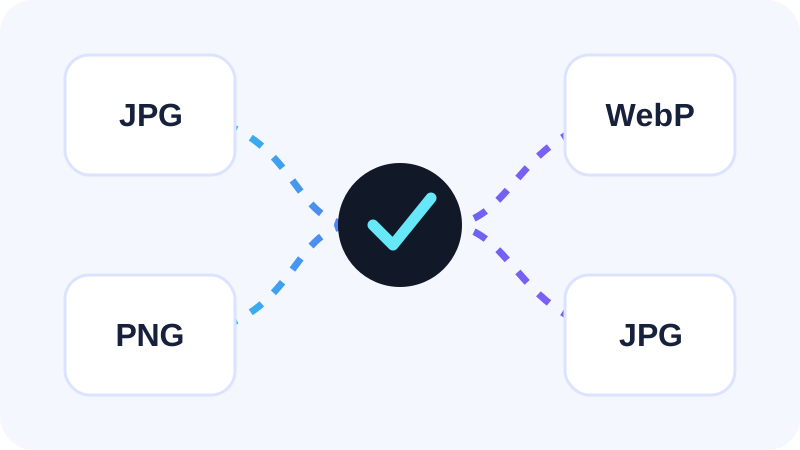
Image conversion · 7 min read
Choose the right output while keeping dimensions, transparency and quality decisions clear.
Read guide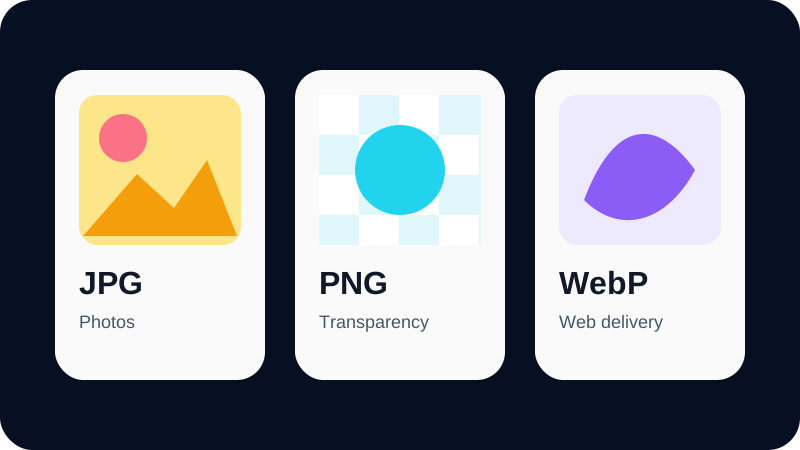
Format guide · 8 min read
Compare photo compression, transparency and modern web delivery without one-size-fits-all claims.
Read guide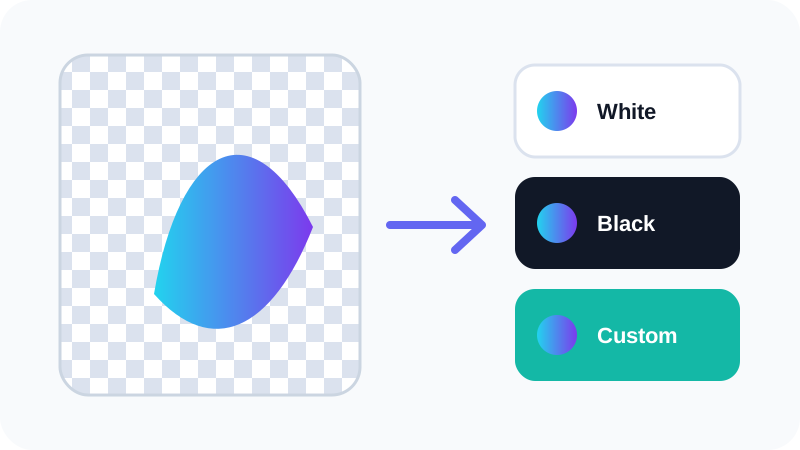
Transparency · 6 min read
Flatten transparent pixels onto a deliberate background instead of accepting an accidental result.
Read guide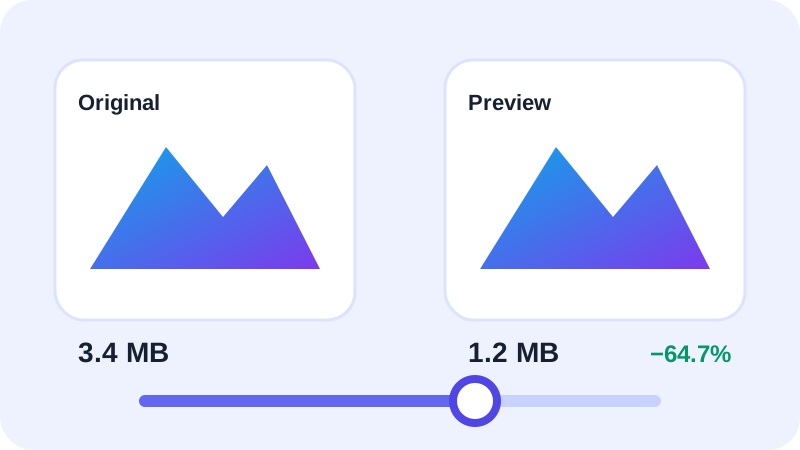
Image quality · 8 min read
Balance dimensions, format and encoder quality using real previews instead of guesswork.
Read guide