On this page
Prepare the image set
Remove accidental duplicates, check orientation and use meaningful filenames when possible. Mixed JPG, PNG, WebP, BMP and GIF inputs can share one workspace when the browser can decode them.
Build and verify page order
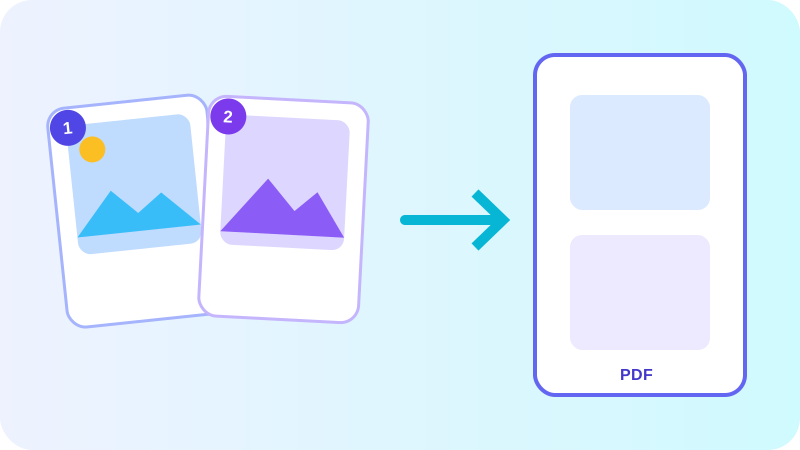
Drag cards or use explicit move controls to place every image. Page labels should update with the workspace so the final PDF follows the visible sequence exactly.
Choose one PDF or individual PDFs
A merged PDF is useful for albums, scan packets and submissions. Individual PDFs preserve one image per file and can be packaged into a ZIP for batch delivery.
Put the workflow into practice
Arrange source documents, select the pages you need, and create one PDF locally in your browser. Review the result before choosing any optional next step.
Try Image to PDFFrequently asked questions
Clear answers before you merge
Does the visible image order become PDF order?
Yes. The combined PDF follows the current workspace sequence.
Can I rotate only one image?
Yes. Each image has independent left and right rotation controls.