On this page
Choose source-sized or standard pages
Auto creates a page from each image’s proportions. A4, Letter, Legal, A3 and A5 create predictable paper. Custom dimensions support special print and presentation workflows.
Fit versus fill
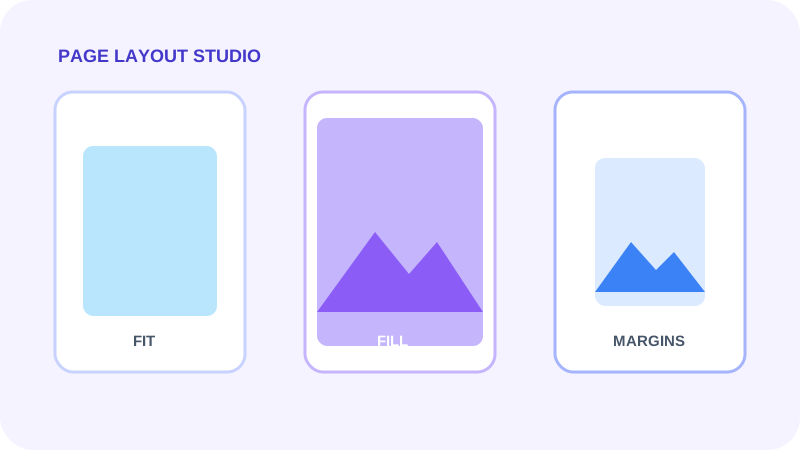
Fit keeps the complete image and may leave background space. Fill covers the content area but can crop edges. Original respects source scale where possible, while stretch can distort proportions.
Use alignment and margins intentionally
Horizontal and vertical alignment control where unused space appears. Margins create a safe border for printing, captions or presentation.
Put the workflow into practice
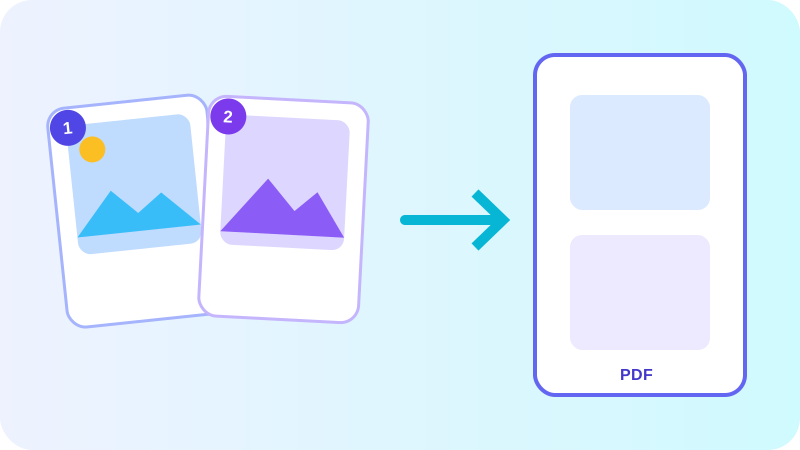
Arrange source documents, select the pages you need, and create one PDF locally in your browser. Review the result before choosing any optional next step.
Try Image to PDFFrequently asked questions
Clear answers before you merge
Which mode avoids cropping?
Fit keeps the entire image visible inside the available page area.
Can I create custom page dimensions?
Yes. Choose Custom and enter page width and height in PDF points.