On this page
Select a quality profile by purpose
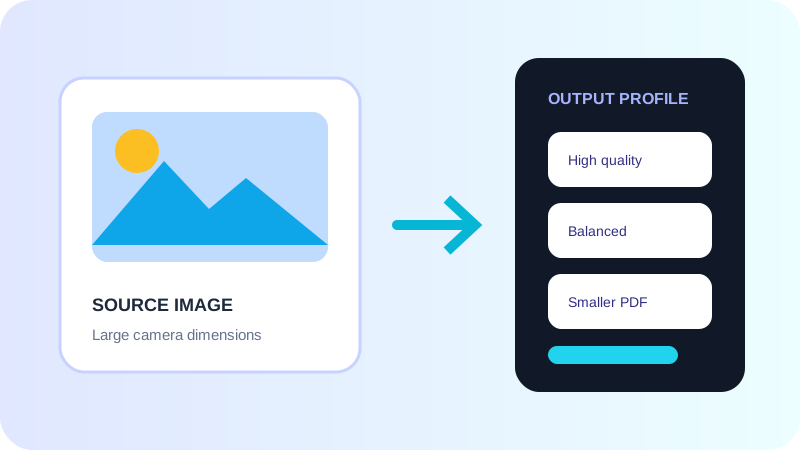
High quality suits print and detailed scans. Balanced is a useful sharing default. Smaller output is appropriate when quick delivery matters more than close zoom.
Start with sensible source dimensions
Very large camera photos contain more pixels than a screen document usually needs. Resize copies before PDF creation when full camera resolution adds no practical value.
Preview and measure the result
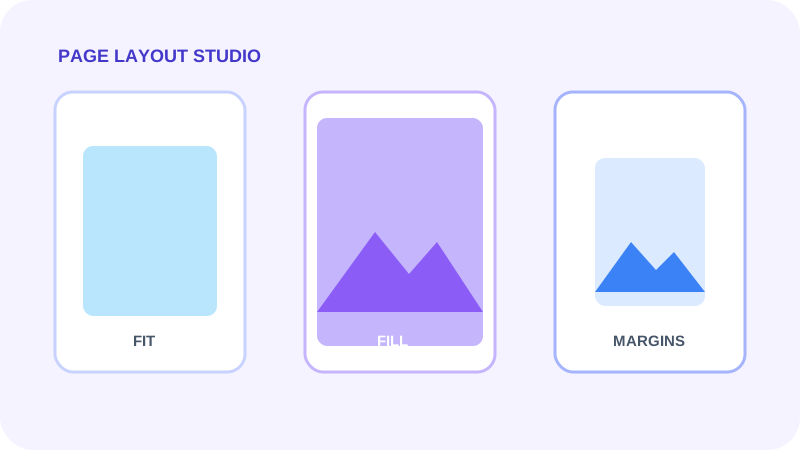
Review small text, image edges and cropped boundaries. Compare the measured result size rather than assuming that a named preset is suitable for every source.
Put the workflow into practice
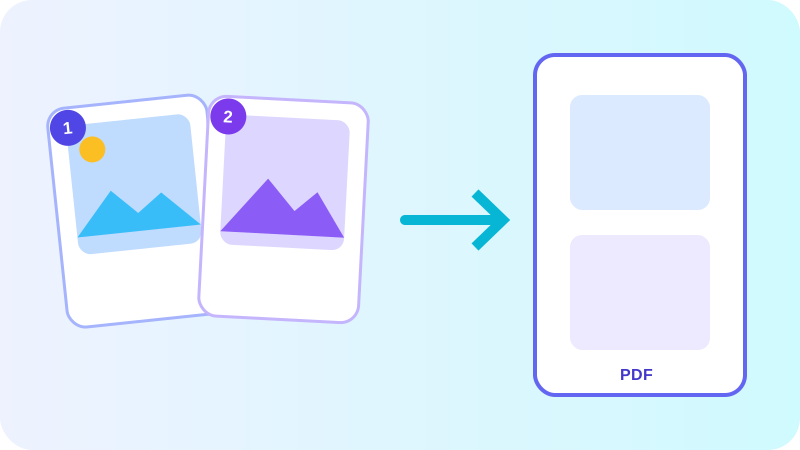
Arrange source documents, select the pages you need, and create one PDF locally in your browser. Review the result before choosing any optional next step.
Try Image to PDFFrequently asked questions
Clear answers before you merge
Which profile is a good default?
Balanced is a practical starting point for normal viewing and sharing.
Does optimization resize my original files?
No. It changes the embedded page image used in the new PDF; source files remain unchanged.