On this page
Start with readable source text
Native text usually produces cleaner paragraphs than OCR. Scanned pages require recognition and review because names, punctuation and reading order can be misread.
Remove headers, footers and page numbers that should not repeat inside the ebook.
Create meaningful chapters and navigation
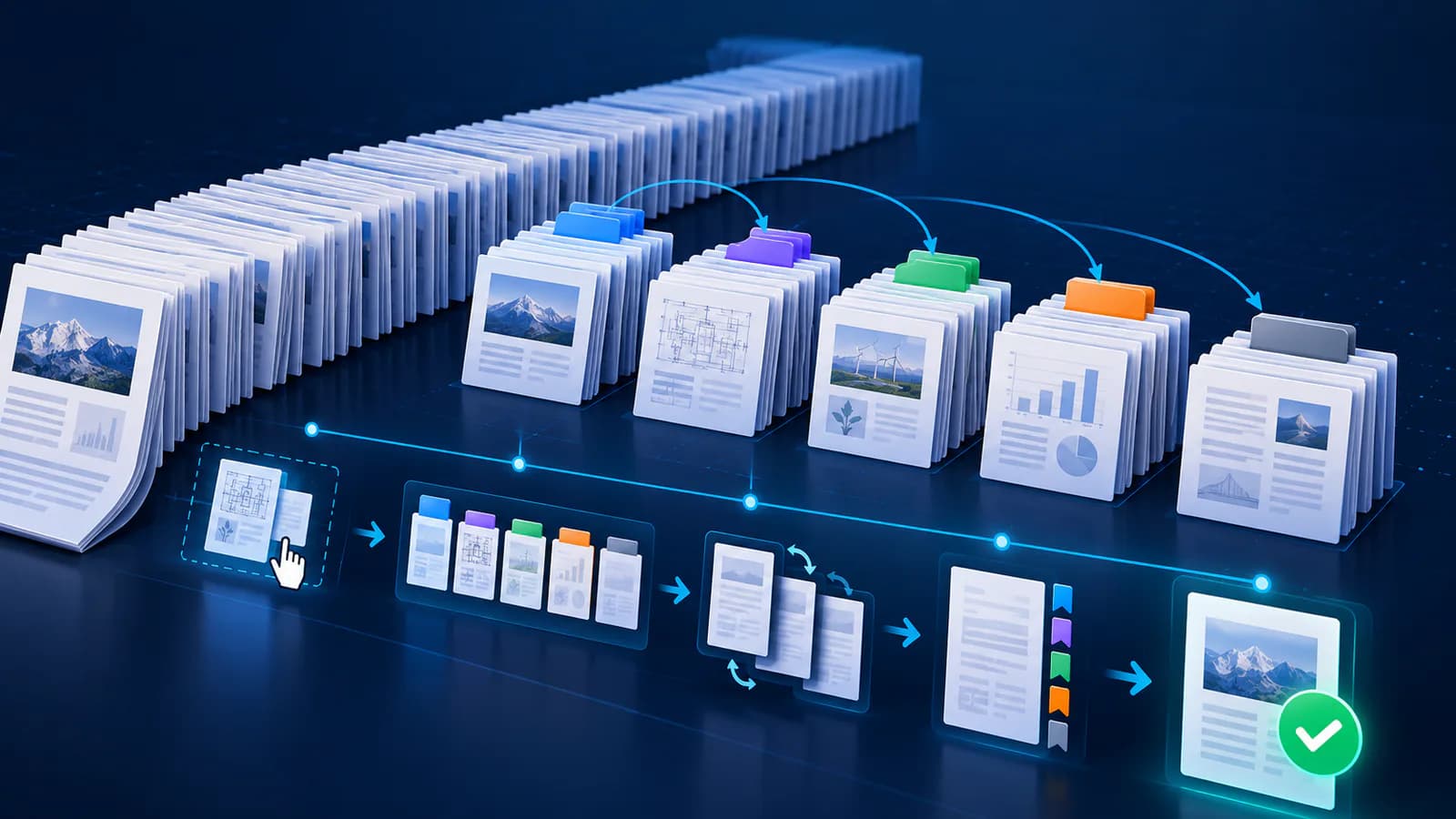
Rename chapter candidates, merge continuation pages and exclude unwanted front matter.
Navigation and package spine should follow the same reviewed sequence.
Test package and reading experience
Structural validation checks required files, but editorial review remains necessary. Test font resizing, navigation and chapter boundaries in the target reading app.
Put the workflow into practice
Arrange source documents, select the pages you need, and create one PDF locally in your browser. Review the result before choosing any optional next step.
Try Merge PDFFrequently asked questions
Clear answers before you merge
Does EPUB keep PDF page numbers?
Not reliably; reflowable text repaginates for each reader.
Should every page be a chapter?
No. Merge continuation pages and use meaningful chapters.
What metadata is essential?
Use an accurate title and language at minimum.
Is validation enough?
No. Also review the book in a real reader.