On this page
Why blank pages need visual review
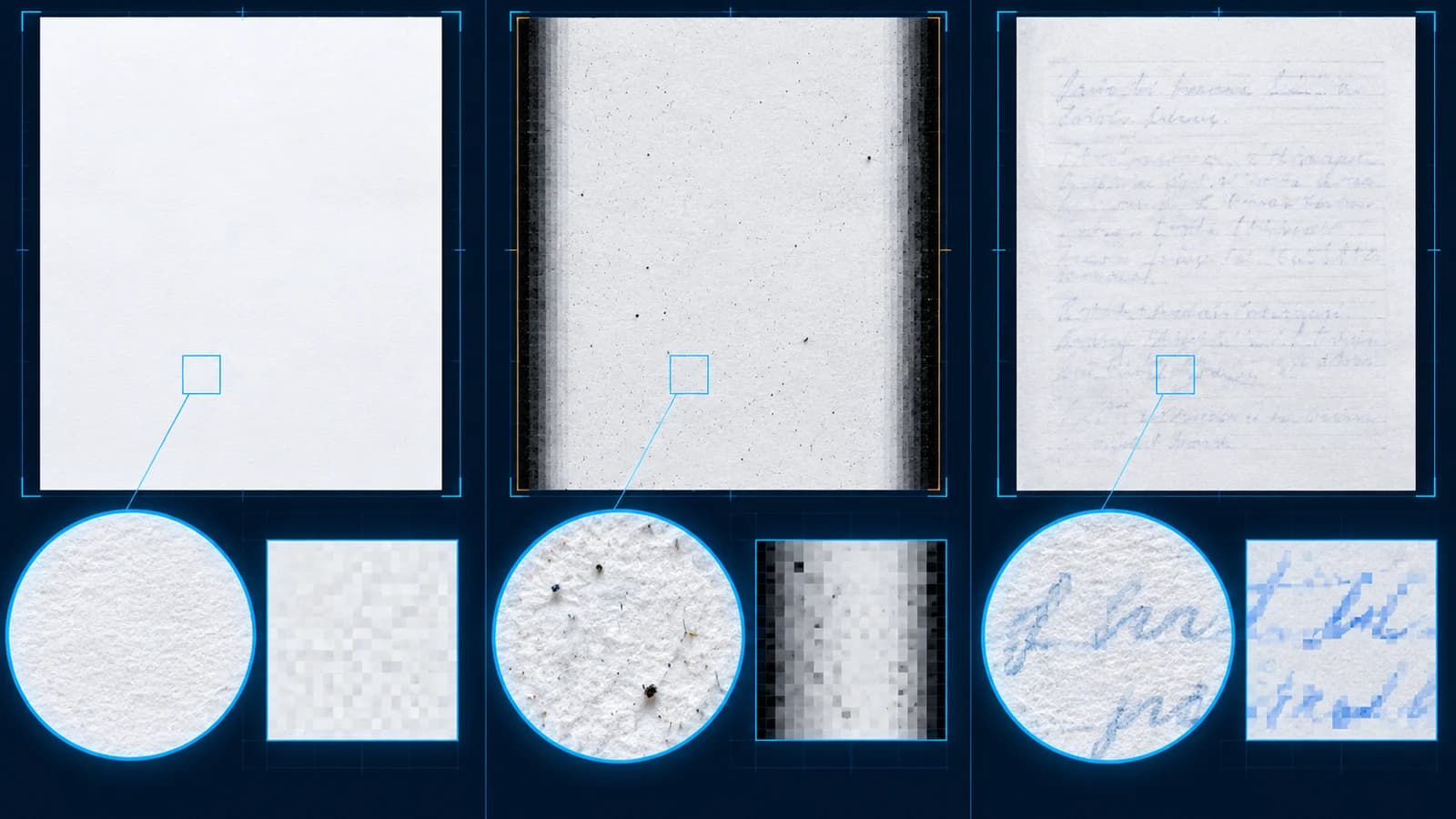
A page can appear empty at normal zoom while still containing a faint signature, separator label, page number or form mark. Conversely, an empty scan may contain dust and dark scanner edges that make a simple pixel test look non-blank.
Treat detection as a suggestion. Compare the thumbnail, measured ink percentage and full page preview before marking a page for removal.
Analyze the complete document
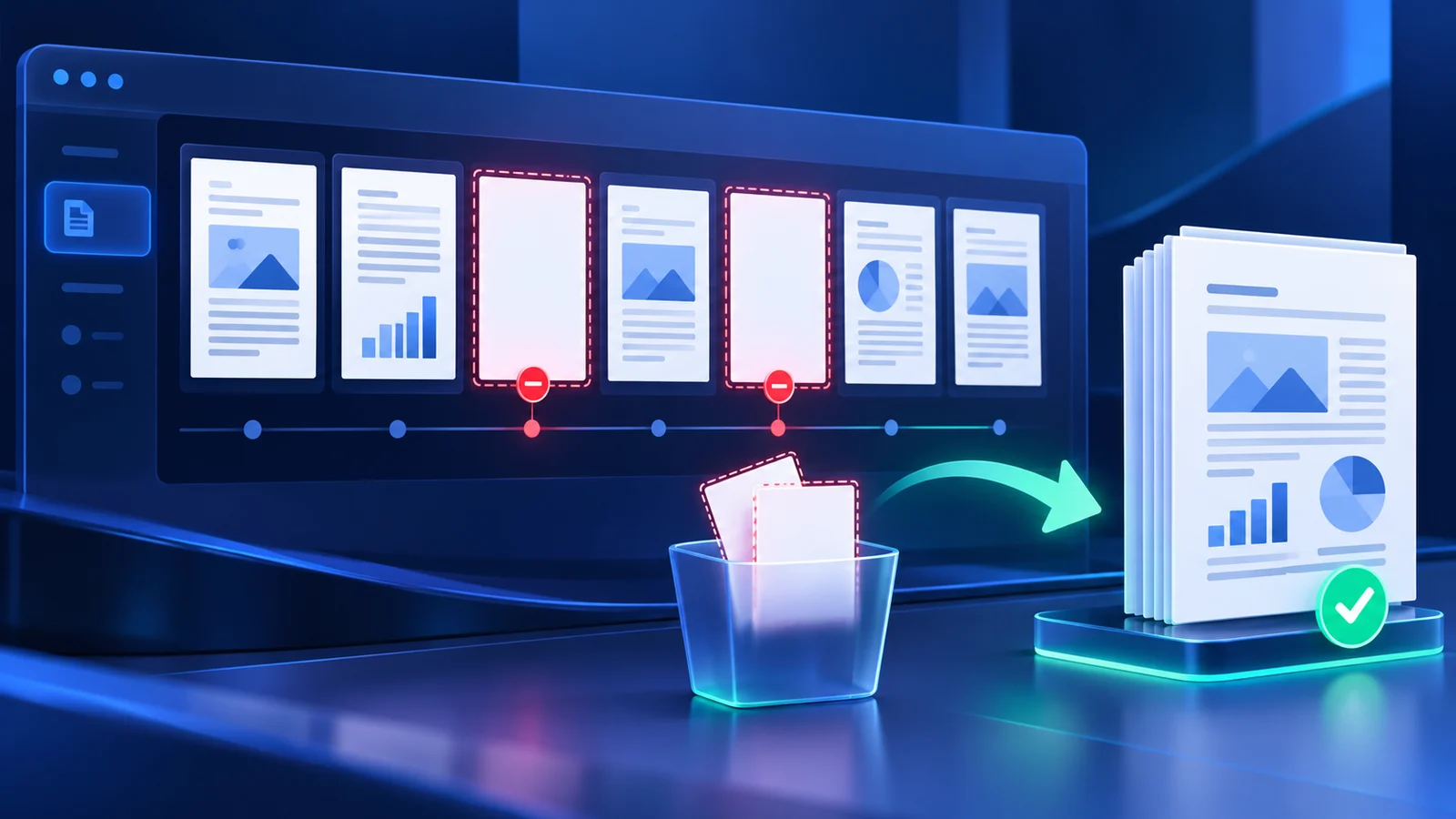
Start with balanced sensitivity and analyze every page. The tool renders page previews locally, ignores the selected scanner border and measures pixels below the chosen white level.
Likely blank pages are selected for review, but the PDF is not changed. Use the Suggested filter to inspect candidates and the Keep filter to check pages that remain.
Confirm each selected page
Open every candidate at a useful preview size. Keep sparse pages when they carry a signature, separator meaning, handwritten note or required pagination.
If the document is noisy, adjust the border, white level or isolated-speck control and analyze again. Do not compensate for scanner noise only by choosing the most aggressive preset.
Create and verify the cleaned copy
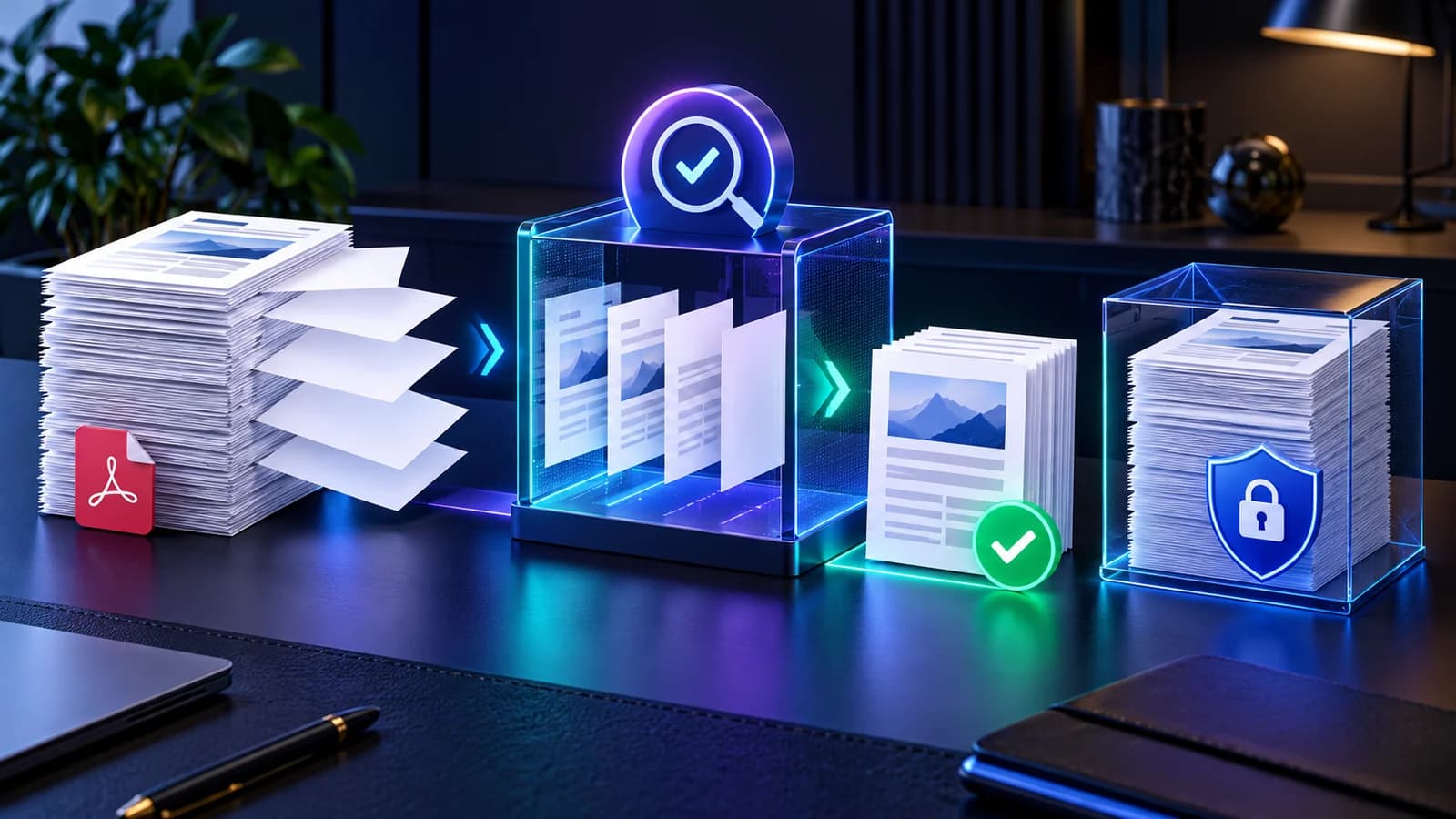
Give the output a clear filename, compare the selected and retained page counts, then create the cleaned PDF. Nexynto copies retained pages into a new document while leaving the source untouched.
The result is reopened and its retained page count and first rendered page are checked before download. Keep the original until the cleaned copy has been accepted.
Put the workflow into practice
Analyze the full PDF, compare every suggested blank page with its measured ink evidence, confirm the removal set, then create and verify a separate cleaned copy.
Try Remove Blank PagesFrequently asked questions
Clear answers before you remove blank pages
Are suggested pages deleted automatically?
No. Suggestions are only review selections. Removal happens after you confirm and create the cleaned PDF.
Can a blank page contain hidden content?
Yes. Faint marks, signatures, form objects or meaningful separators require visual review.
Does cleanup change the original PDF?
No. The tool builds a separate cleaned copy and leaves the selected source file unchanged.
Can I remove known page numbers instead?
Yes. Use Remove PDF Pages when detection is unnecessary.