On this page
Choose the smallest useful grid
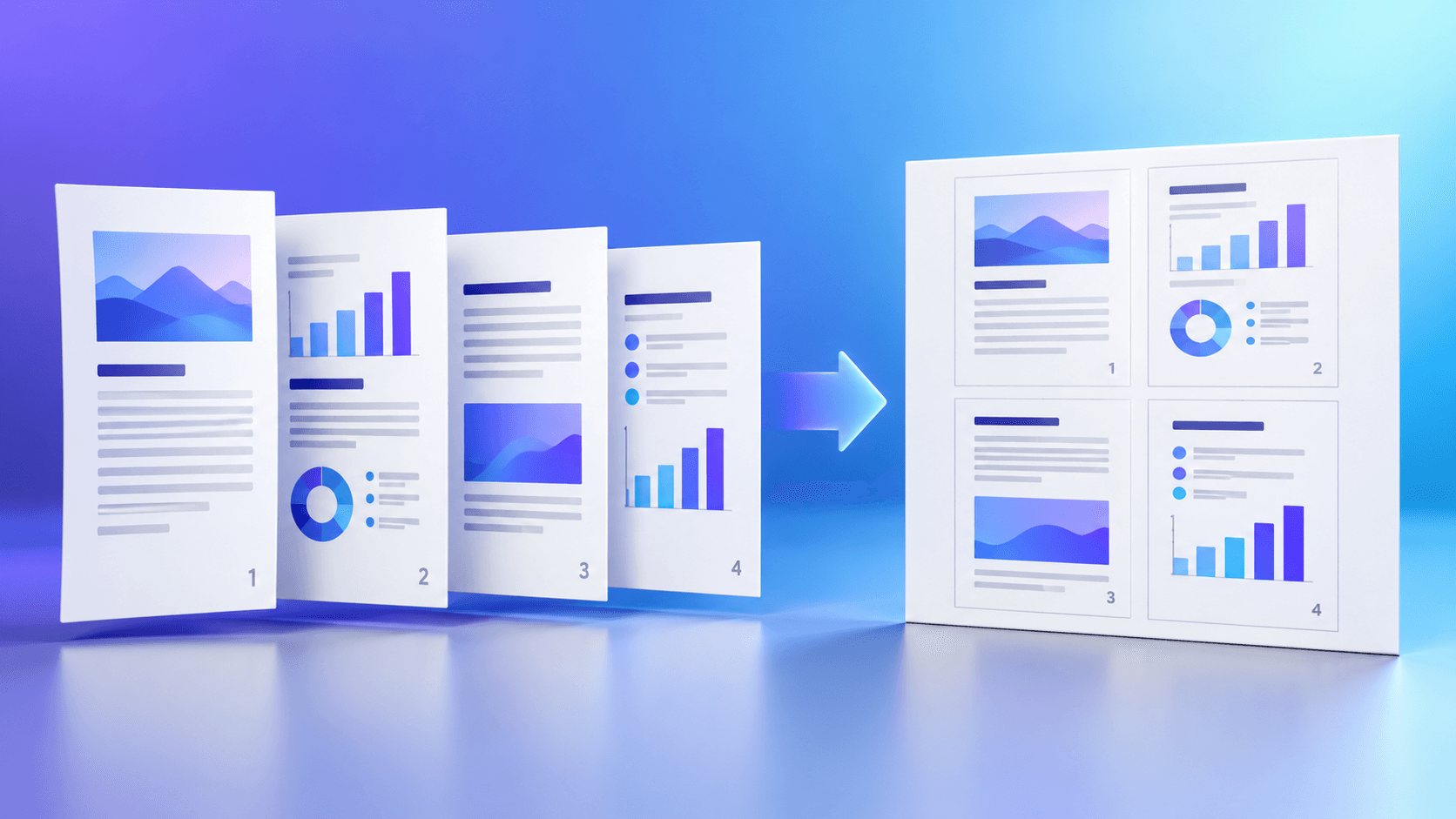
Two-up keeps text relatively large and works well for handouts. Four-up is a practical middle ground for review packs, while six-up and higher are better for visual scanning or large originals.
Use a custom row and column count only when the output sheet and source proportions support it. More cells do not automatically create a better result.
Match the grid to the output sheet
Landscape sheets often suit two-column and wide grids. Portrait sheets can work better for vertical page sequences or compact contact sheets.
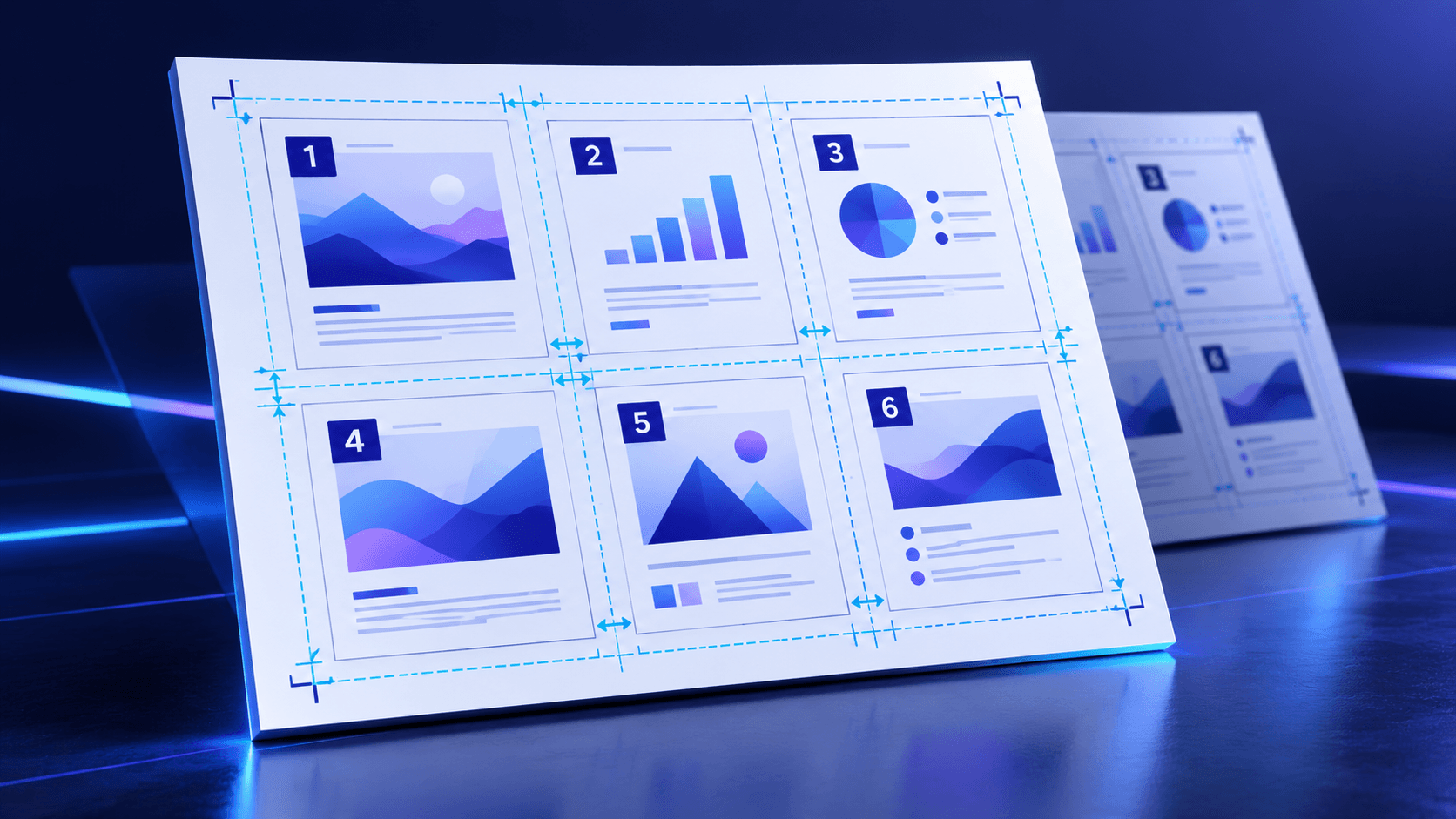
Margins protect the layout near printer edges, while gutters keep neighboring pages visually separate.
Confirm source order before export
Row order fills left to right, then moves down. Column order fills top to bottom before moving across. Right-to-left order is useful for workflows that read in that direction.
Review the first, a middle and the final output sheet—especially when the final sheet has empty cells.
Verify the generated PDF
The expected output sheet count is the selected page count divided by grid capacity, rounded up. Reopen the PDF and confirm its physical sheet dimensions.
A rendered preview checks that the composition is displayable, but important print jobs should still be proofed on the intended printer.
Put the workflow into practice
Choose the output paper and grid, set page order, margins and gutters, then create and verify the N-up PDF before printing.
Try Pages Per SheetFrequently asked questions
Clear answers before you arrange pages
What is an N-up PDF?
It is a PDF where several source pages are scaled and placed on each new output sheet.
Which layout is easiest to read?
Two-up is usually the most readable; higher values trade readability for fewer sheets.
Does this change the source PDF?
No. It creates a separate layout PDF.
Can I use only selected pages?
Yes. Enter individual pages and ranges in the studio.