On this page
Compare the resulting cell shape
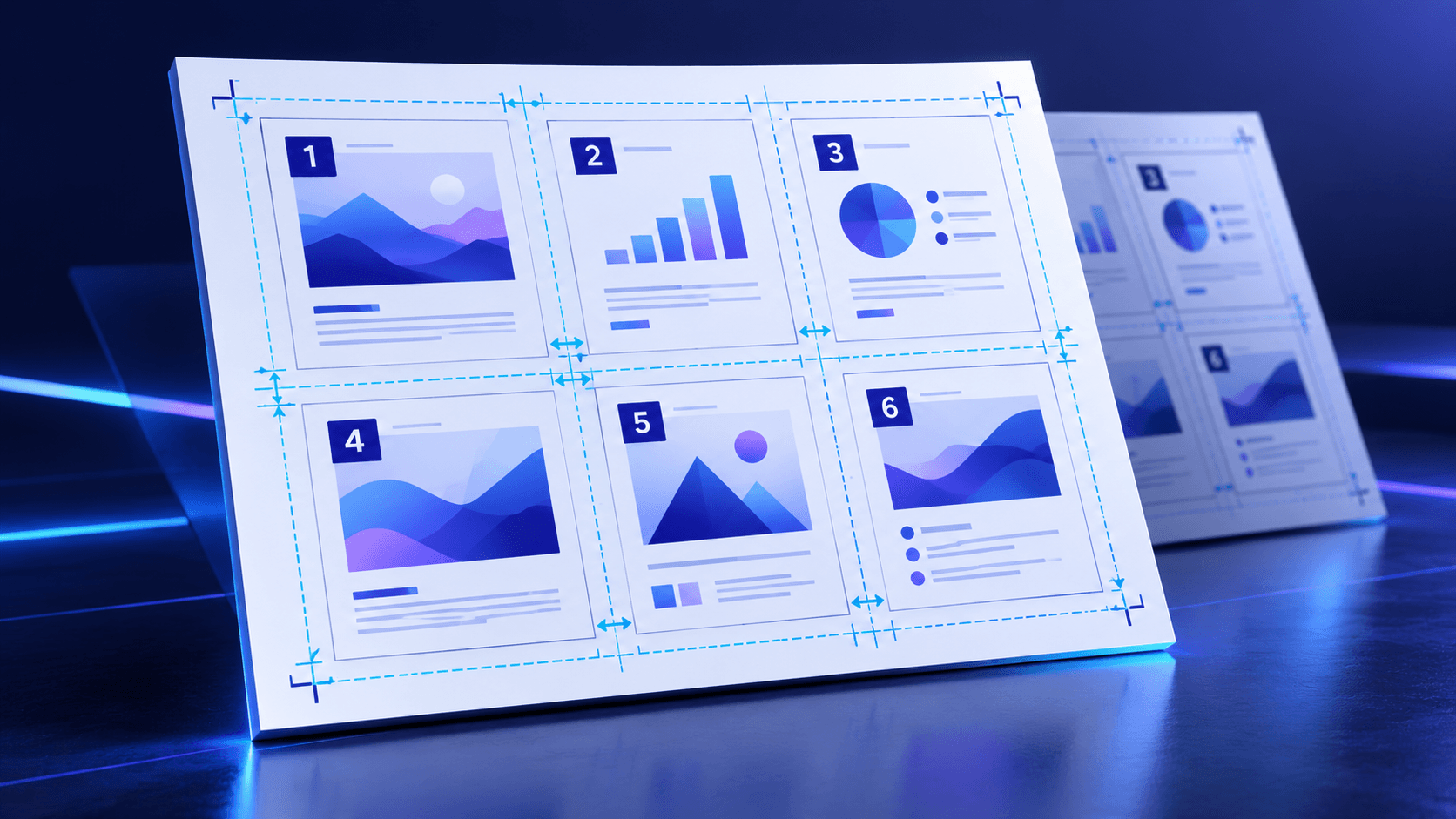
A landscape sheet with a two-column grid provides wider cells. A portrait sheet with multiple rows provides taller cells.
Match the cell shape to the source page proportions before judging the scale.
Use auto-rotation deliberately
Auto-rotation can turn a source page by 90 degrees when that provides a meaningfully larger fit. It is useful for mixed-orientation documents.
Disable it when every source page must keep its original reading orientation.
Proof at the intended paper size
A screen preview can appear readable at high zoom while the printed page is too small. Test one representative sheet at actual size.
Check captions, footnotes, fine table text and any content close to the source page edge.
Put the workflow into practice
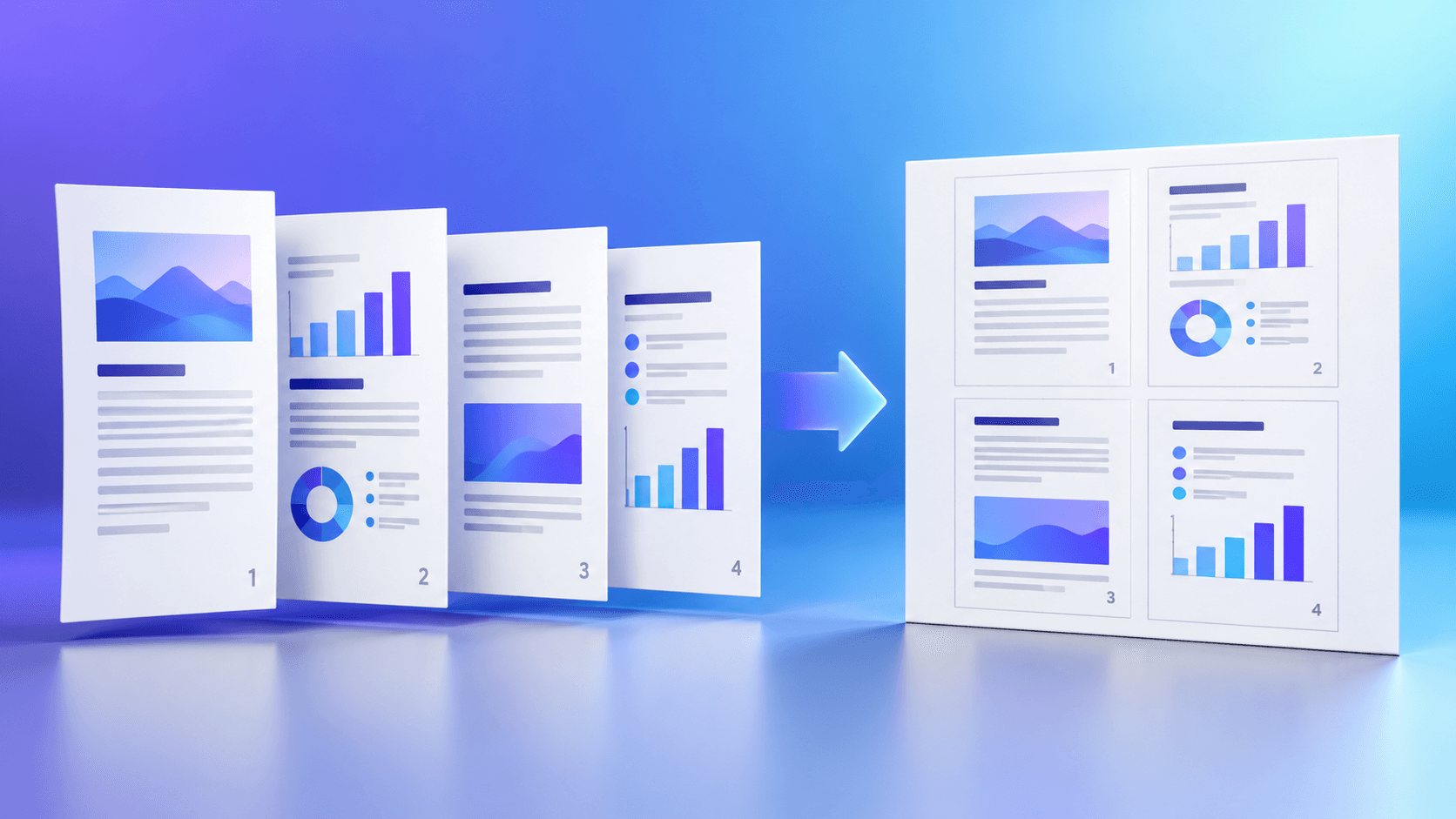
Choose the output paper and grid, set page order, margins and gutters, then create and verify the N-up PDF before printing.
Try Pages Per SheetFrequently asked questions
Clear answers before you arrange pages
Is landscape always better for two-up?
Often, but not always. Source aspect ratio and reading direction still matter.
Will auto-rotation rotate every page?
No. It rotates only when the alternative orientation provides a better fit.
Does orientation rotate the source PDF?
It changes the output sheet orientation; individual source rotation is a separate fit decision.
Should I print a proof?
Yes, especially for six-up or denser layouts.