
On this page
What one-time access actually controls
Original pages
Text, vectors and images
Copy pages
Keep source objects intact
Merged PDF
New order, same page detail
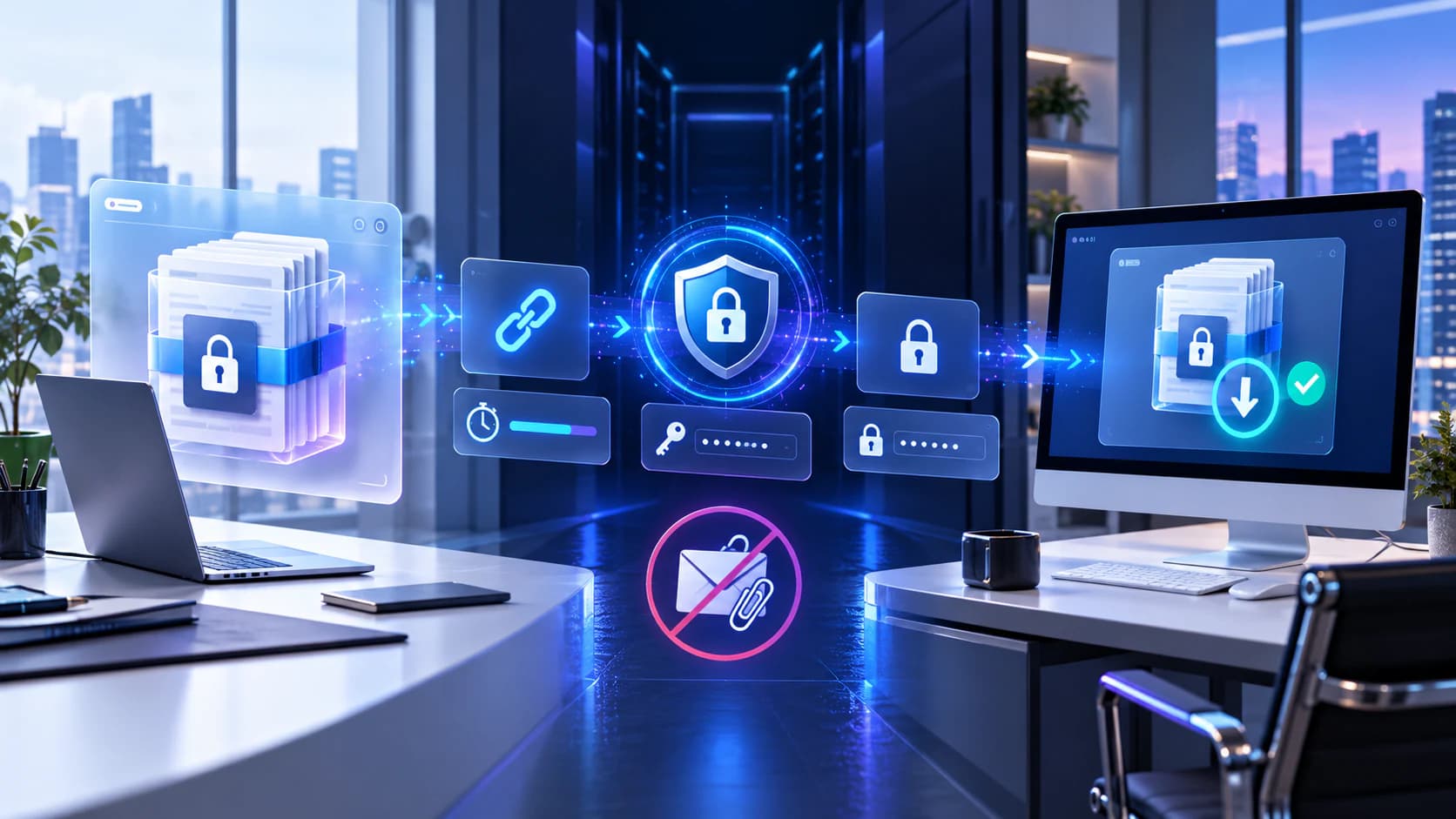
Nexynto applies the allowance with an atomic server-side manifest update. When the first authorized download starts, competing or later download requests are rejected instead of relying on a button hidden in the browser.
Preview can be configured separately. For a strict delivery, disable preview; for review-first delivery, allow preview and understand that supported content can be seen before the download allowance is used.
- Use a password when possession of the link alone is not enough.
- Choose preview policy independently from the download limit.
- Revoke the transfer if the intended recipient no longer needs access.
When to use one-time sharing
It fits final contract packages, controlled handovers, and sensitive exports where repeated retrieval is unnecessary. It is less suitable for teams that need multiple devices, unreliable connections, or repeated access during a project.
One-time access does not prove who downloaded the file. Requiring email entry adds a declared address to the access event, but without email verification it must not be treated as verified identity.
Put the workflow into practice
Arrange source documents, select the pages you need, and create one PDF locally in your browser. Review the result before choosing any optional next step.
Try Nexynto TransferFrequently asked questions
Clear answers before you merge
Does preview consume the one-time download?
No. Preview authorization is separate and applies only to supported safe preview types.
Can a failed network transfer use the allowance?
The allowance is reserved when the authorized response begins. Use a standard limited-download transfer when retry flexibility is more important.