On this page
Document information contains familiar fields
Title, author, subject, keywords, creator, producer and dates are commonly exposed by PDF libraries and viewer property dialogs. They are useful for ordinary document identity and search.
XMP is a separate extensible layer
XMP stores XML-based properties and can include rights, identifiers, workflow values and custom namespaces. It may duplicate common fields or preserve additional data.
Changing document information alone should not be marketed as complete metadata removal or sanitization.
Choose editing, removal or inspection deliberately
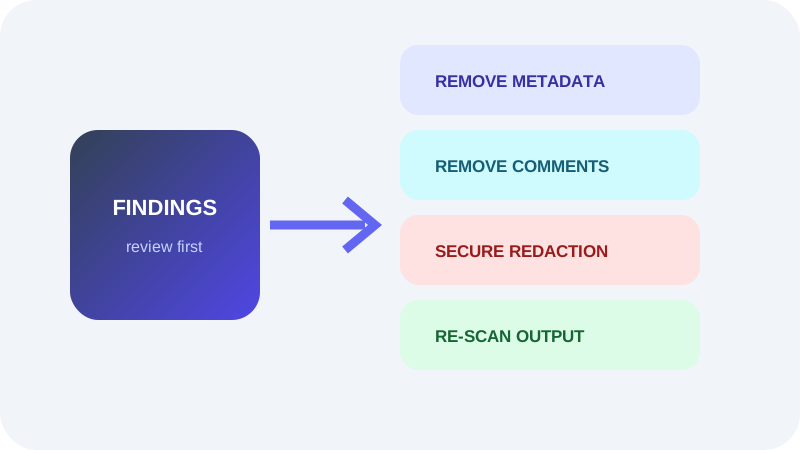
Use editing when required identity should be corrected. Use removal when common fields are unnecessary. Use a privacy checker when the goal is to understand broader document exposure.
After any privacy-sensitive cleanup, re-scan the delivery copy and review reported limitations.
Put the workflow into practice
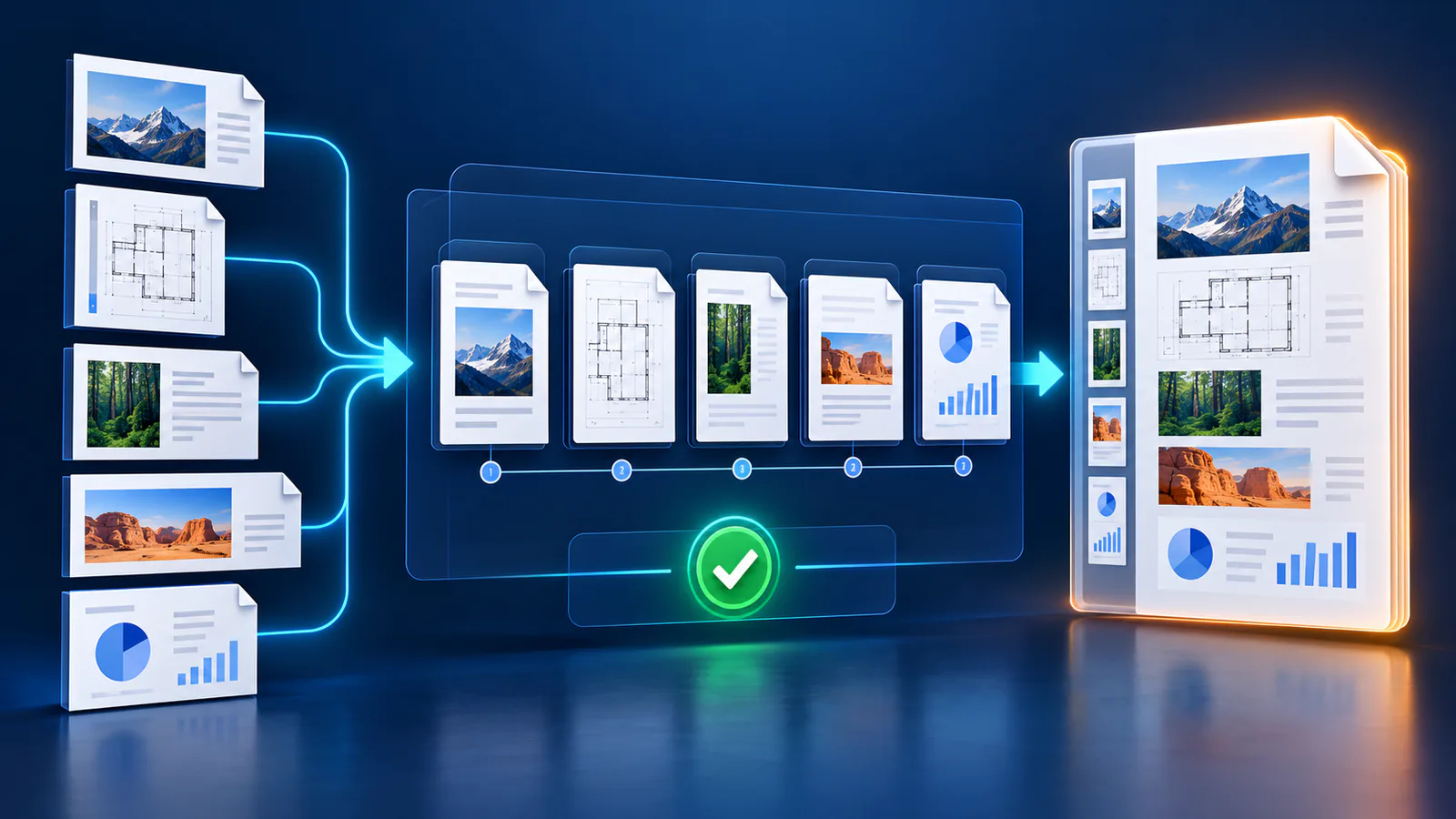
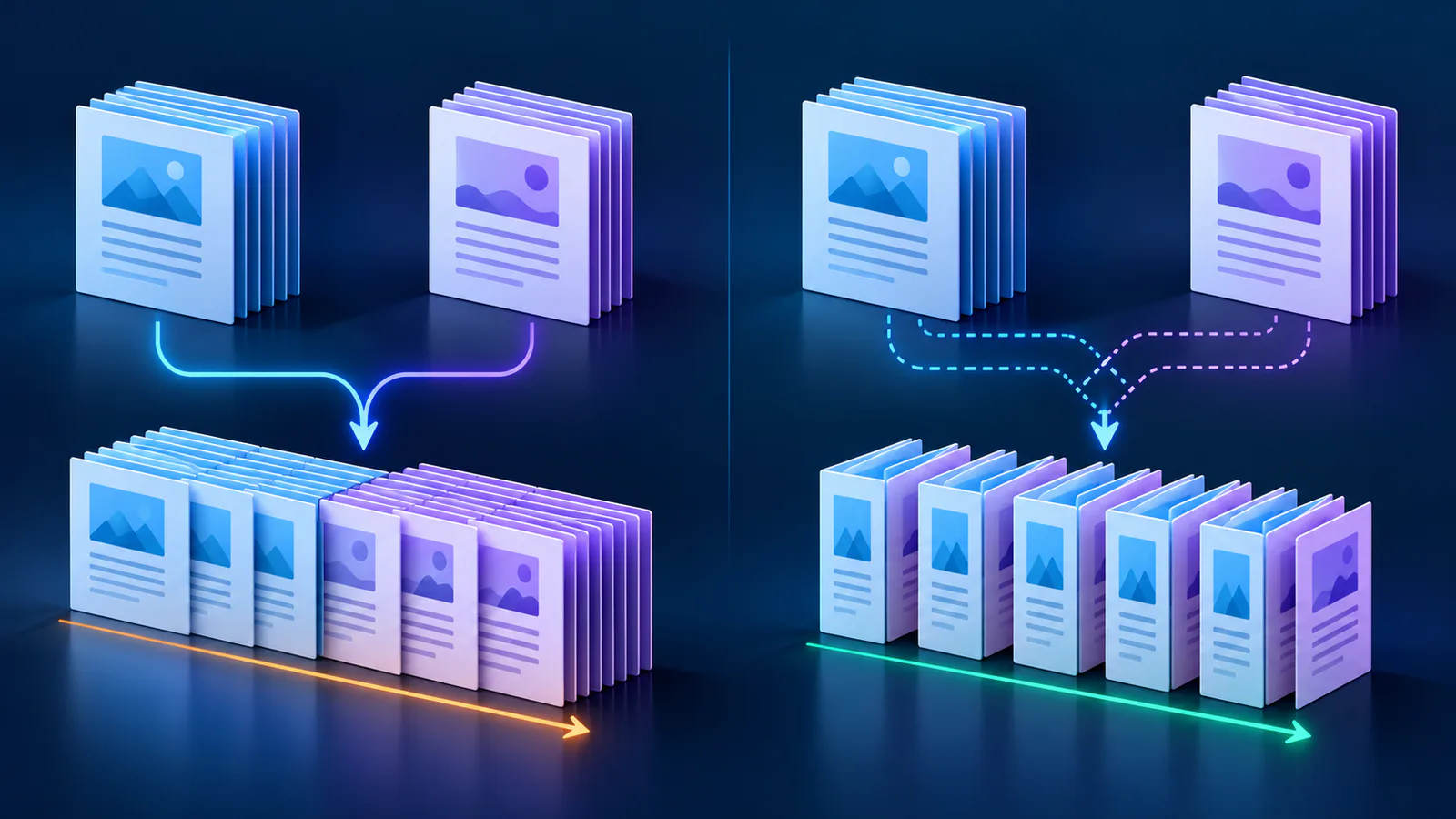
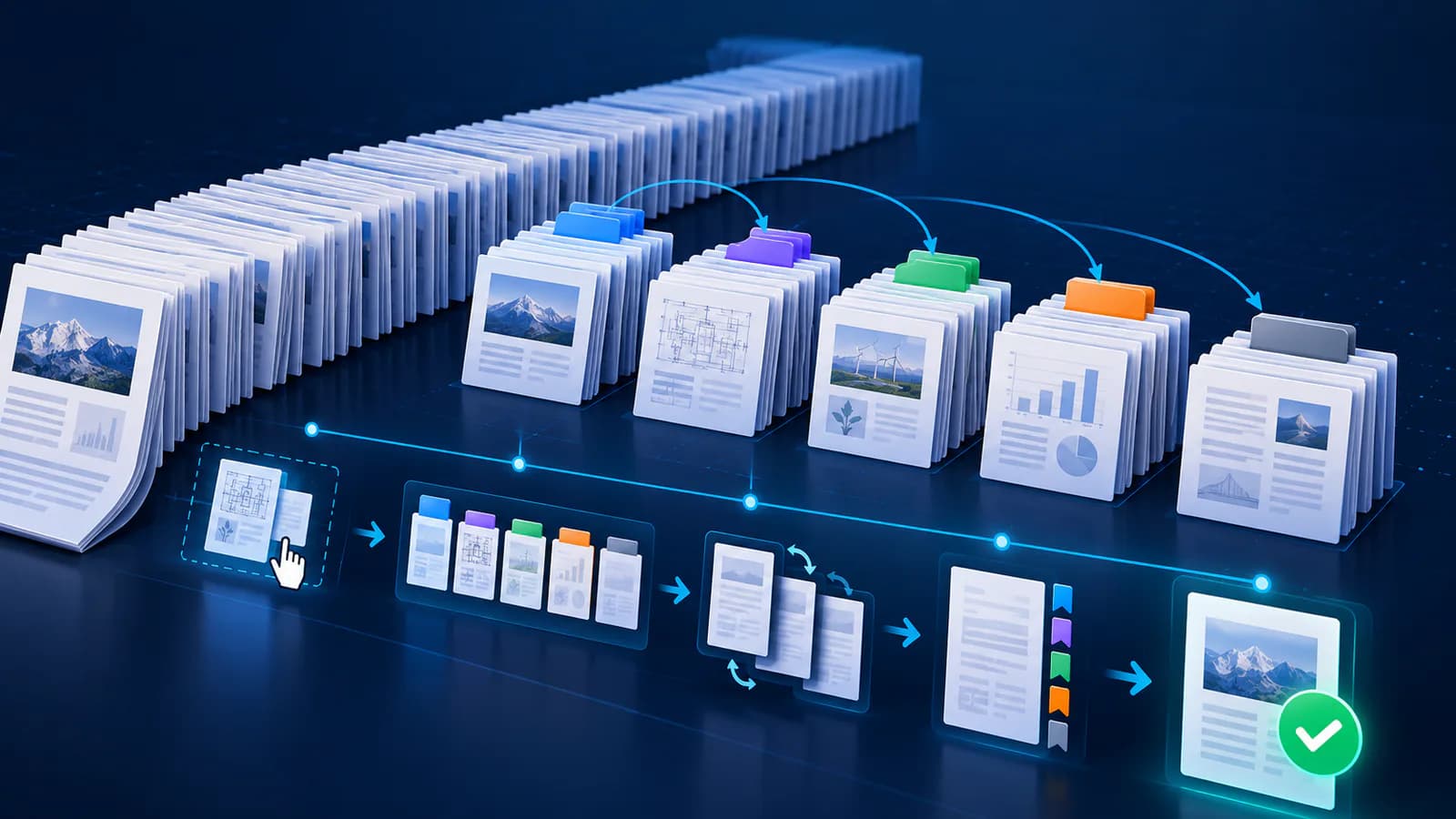
Arrange source documents, select the pages you need, and create one PDF locally in your browser. Review the result before choosing any optional next step.
Try Merge PDFFrequently asked questions
Clear answers before you merge
Does this editor rewrite XMP?
No. It focuses on common PDF document-information fields.
Can XMP duplicate author information?
Yes. Similar values can appear in both layers.
Is removing common metadata enough for anonymity?
Not necessarily. Other document objects and visible content can reveal identity.
Which tool should I start with?
Use Privacy Checker when you first need an inventory of possible exposure.