On this page
An open password controls access
A document-open password encrypts PDF content. The reader must authenticate before protected objects can be accessed.
Unlock PDF uses a known accepted credential to create a new copy that no longer requires that opening password.
An owner password controls permissions
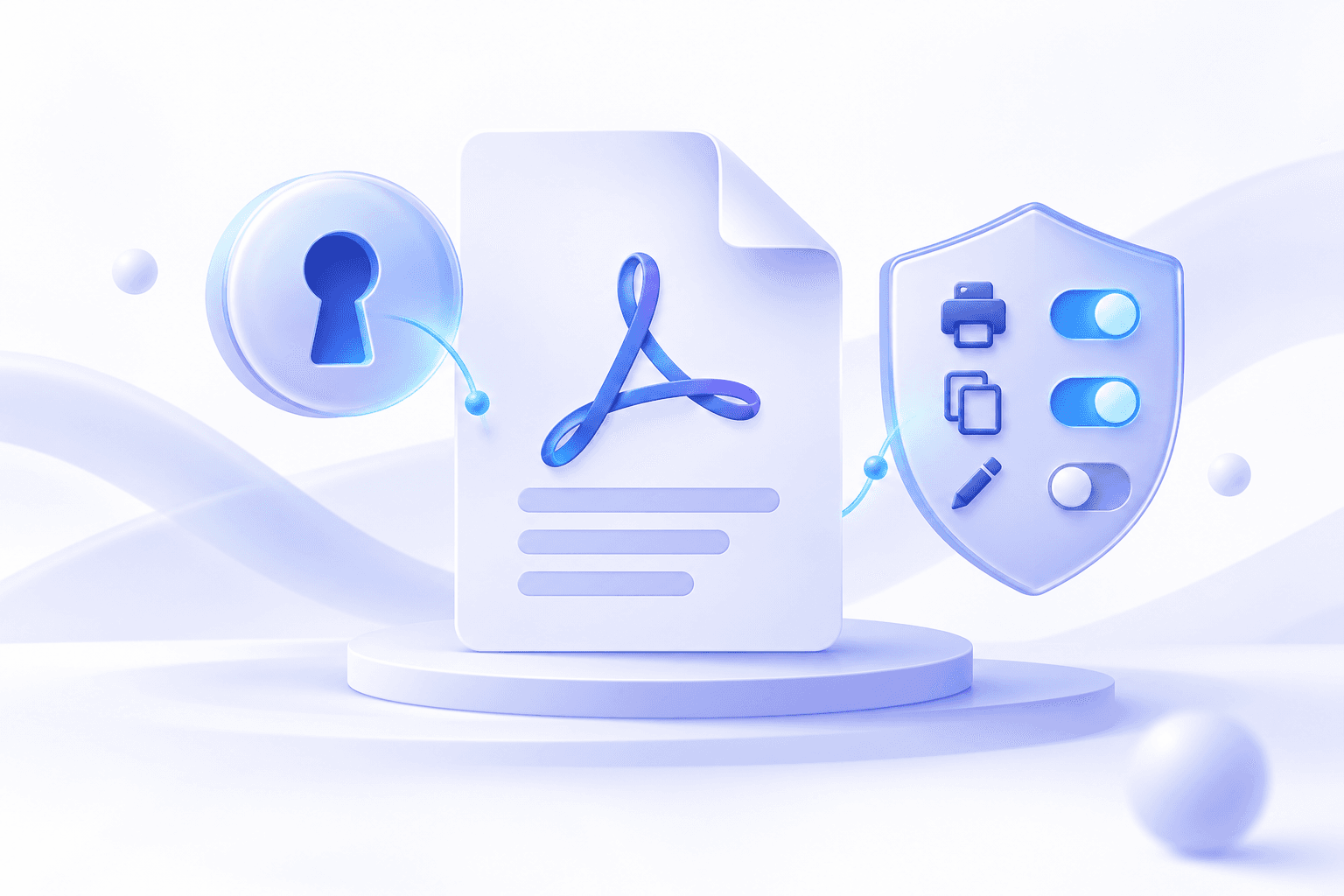
PDFs can request limits on printing, copying, editing or annotation. The owner password protects those settings, but enforcement varies between viewers.
Permission flags are workflow controls rather than digital rights management. Removing them should still be authorized.
| Control | Primary purpose | Important limit |
|---|---|---|
| Open password | Prevent opening without authentication | Correct password required |
| Owner password | Protect security settings | Viewer enforcement varies |
| Permission flags | Request print, copy or edit limits | Not universal DRM |
Choose the correct security tool
Use Unlock PDF when you need an unencrypted copy and know the credential. Use Protect PDF for a simple new opening password, or Encrypt PDF for owner-password and permission choices.
Repair PDF addresses damaged structures and cannot bypass encryption.
Put the workflow into practice
Arrange source documents, select the pages you need, and create one PDF locally in your browser. Review the result before choosing any optional next step.
Try Unlock PDFFrequently asked questions
Clear answers before you merge
Are open and owner passwords always different?
No. Some producers use the same value; advanced workflows can use distinct credentials.
Do permission flags prevent every kind of copying?
No. Viewer enforcement varies and visible content can still be reproduced.
Can Repair PDF remove encryption?
No. Use Unlock PDF only with an authorized known password.