On this page
Create a separate unencrypted copy
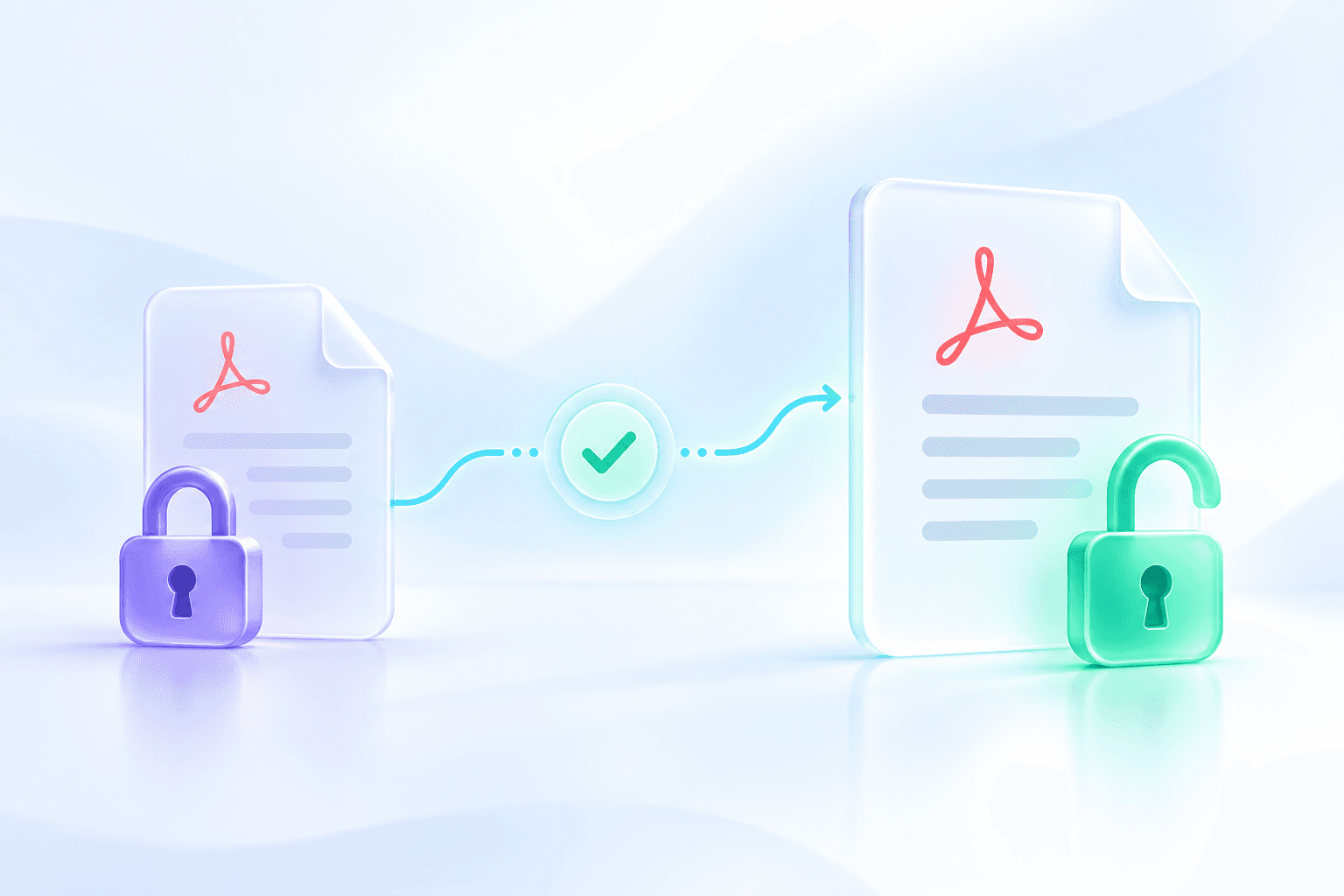
The source remains unchanged. After the password is accepted, the PDF catalog and document objects are cloned into a new file without encryption.
Keeping the source avoids a destructive workflow and provides a recovery path if the new copy behaves differently in a specialist viewer.
| Stage | What happens | Evidence |
|---|---|---|
| Authenticate | Open encrypted structure | Password accepted |
| Rewrite | Create unencrypted copy | Separate output file |
| Verify | Reopen and inspect output | Encryption absent; pages preserved |
Review before sharing
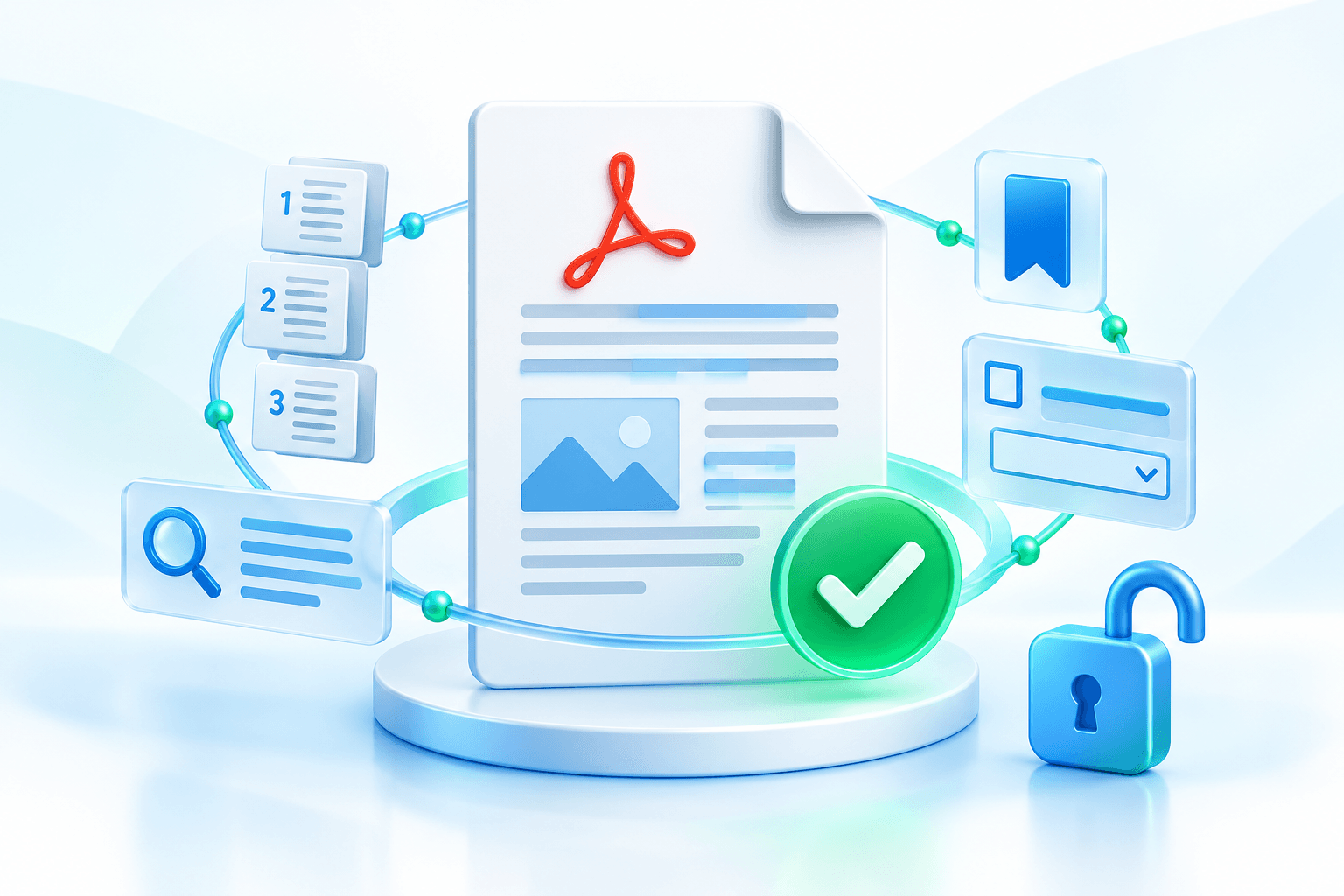
Open the result and inspect representative pages, bookmarks, form fields, annotations and searchable text. Encryption removal does not guarantee that every viewer-specific behavior remains identical.
- Confirm the file opens without a password.
- Check first, middle and last pages.
- Test forms and bookmarks when present.
- Store the unlocked copy appropriately.
Put the workflow into practice
Arrange source documents, select the pages you need, and create one PDF locally in your browser. Review the result before choosing any optional next step.
Try Unlock PDFFrequently asked questions
Clear answers before you merge
Can this recover an unknown password?
No. The correct current password is required.
Is the original PDF replaced?
No. A separate unlocked copy is created.
Does unlocking remove document content?
No. Pages and geometry are preserved while encryption is removed.