On this page
Verify encryption and page structure
The output should be reopened by an independent reader. Its encryption flag must be absent, its page count must match, and each page should retain its original media-box dimensions.
These checks catch empty outputs, incomplete rewrites and files that remain encrypted.
- Encryption is absent.
- Page count is unchanged.
- Page dimensions are unchanged.
- Output reopens as a valid PDF.
Inspect interactive document features
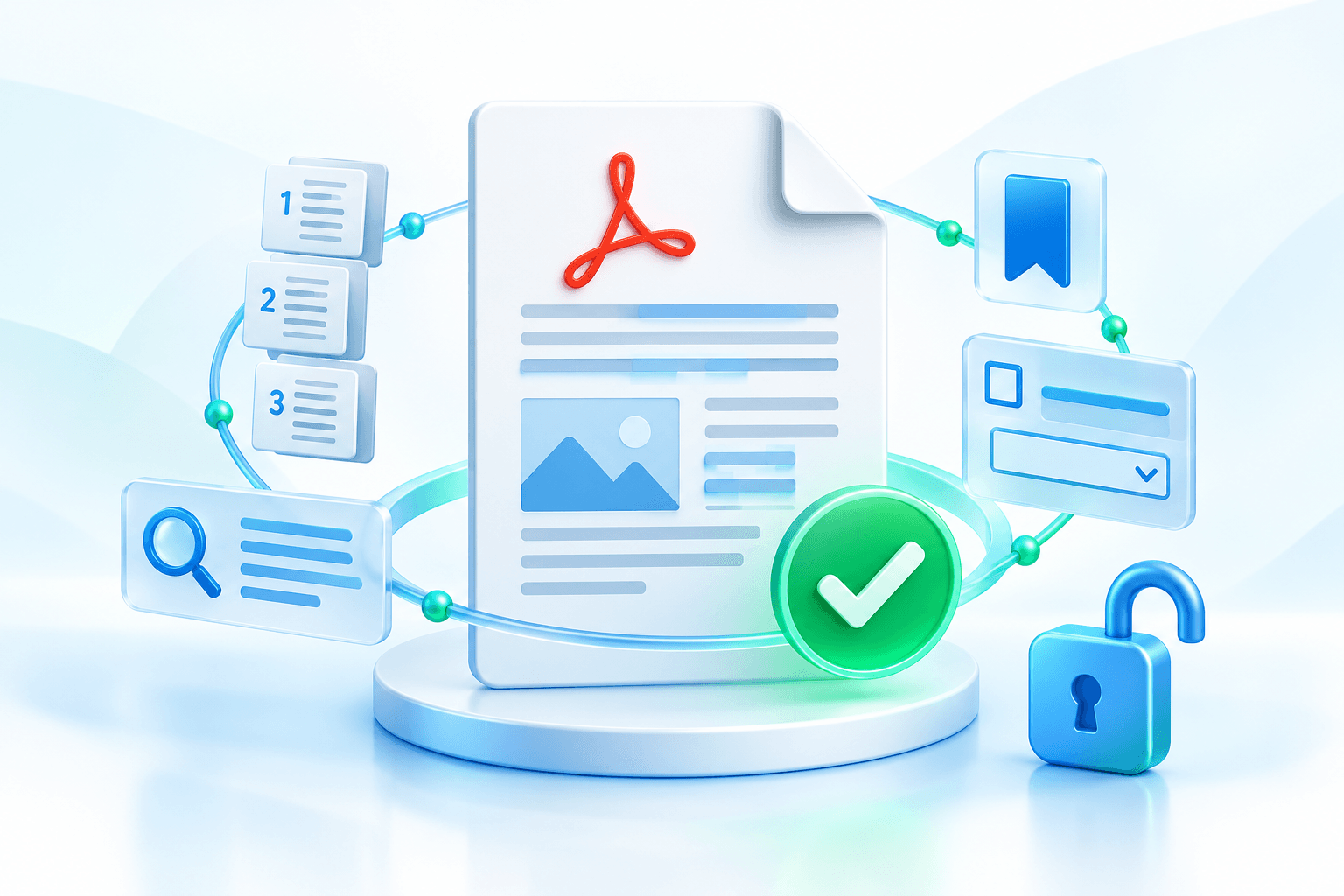
Forms, bookmarks, annotations and attachments can depend on catalog-level objects. A document-clone workflow retains more structure than copying pages alone, but important business documents still deserve review.
Test form inputs and navigation in the intended viewer. Digitally signed PDFs may no longer validate after a rewrite because their signed byte range changed.
Handle the unlocked copy as sensitive data
Removing a password makes the downloaded file easier to open. Store it only where the intended audience has access, and reapply appropriate protection before external delivery when required.
Temporary processing does not replace your retention and access policy after download.
Put the workflow into practice
Arrange source documents, select the pages you need, and create one PDF locally in your browser. Review the result before choosing any optional next step.
Try Unlock PDFFrequently asked questions
Clear answers before you merge
What does Nexynto verify automatically?
It checks that the output is unencrypted, readable, and preserves page count and dimensions.
Will a digital signature remain valid?
Usually not. Rewriting a signed PDF changes its bytes and can invalidate the signature.
Should I test forms and bookmarks?
Yes. Review interactive features in a representative viewer before delivery.