On this page
Understand each control
An open password is required to decrypt and open an encrypted PDF. Permission settings may discourage printing, copying or editing, but enforcement depends on the viewer. A digital signature detects changes and identifies a signing certificate workflow; it does not hide content.
Transfer passwords, expiry and revocation protect the delivery link. After a recipient downloads the file, link controls no longer govern copies already obtained.
| Control | Primary purpose | Important limit |
|---|---|---|
| Open password | Encrypt file access | Password must be shared safely |
| Permission flags | Request action restrictions | Viewer enforcement varies |
| Digital signature | Detect changes and support signer trust | Does not encrypt content |
| Transfer access | Control delivery window | Does not recall downloaded copies |
Choose controls from the threat and workflow
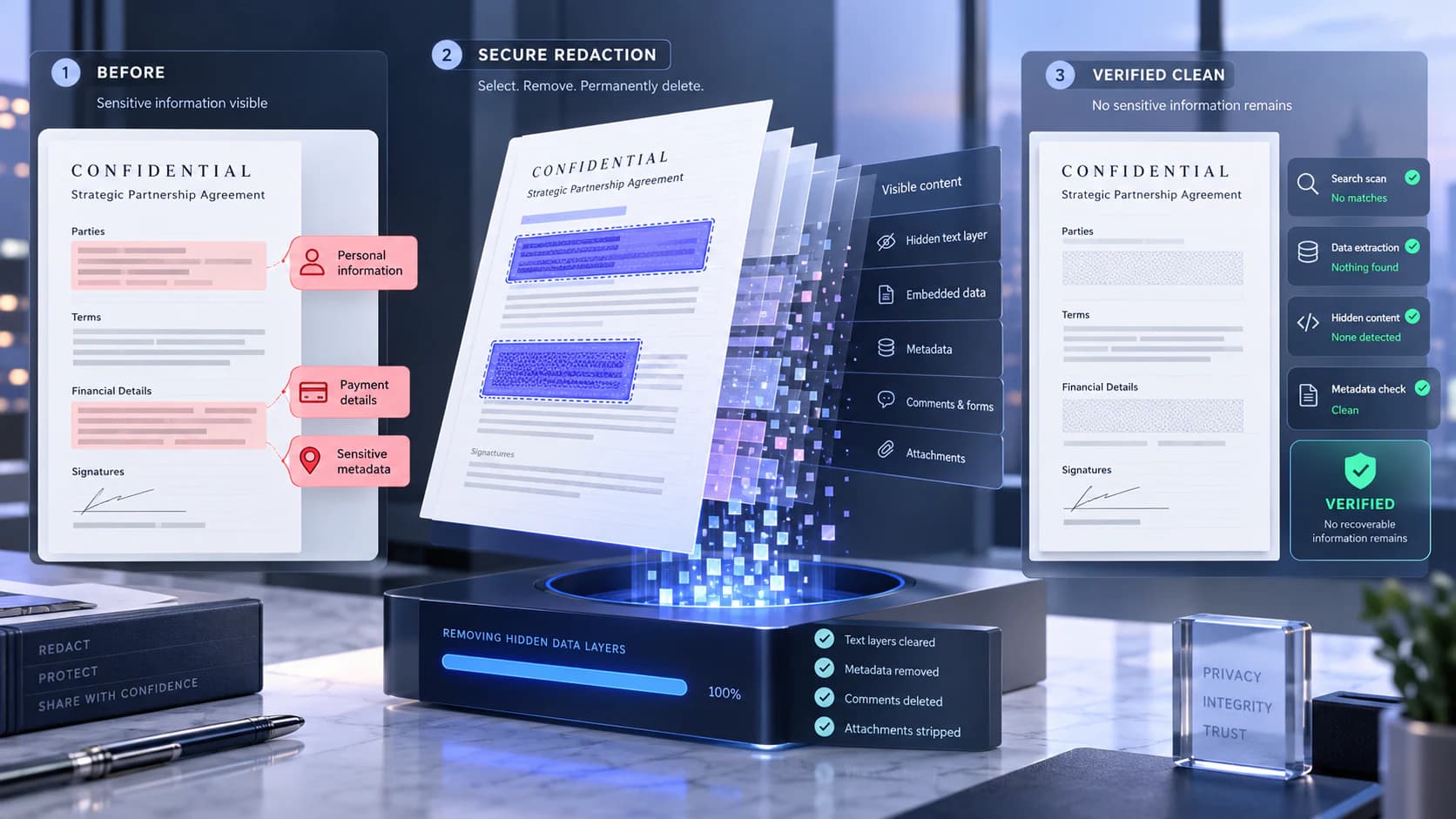
Use an open password when the file itself must require a secret. Use transfer expiry when access should close after a period. Use redaction when content must not be disclosed at all.
Combining controls can be appropriate, but more controls also increase recipient support needs. Record passwords separately and test the output in an independent viewer.
Do not overstate read-only protection
Permission flags are not digital rights management. A capable recipient may use software that ignores them, capture the screen, or reproduce visible content.
Unlock PDF should be used only with authorization and the correct credentials. Removing restrictions can invalidate a signed or controlled workflow.
Put the workflow into practice
Arrange source documents, select the pages you need, and create one PDF locally in your browser. Review the result before choosing any optional next step.
Try Protect PDFFrequently asked questions
Clear answers before you merge
Is a read-only PDF impossible to copy?
No. Permission enforcement varies and visible content can still be reproduced.
Is a transfer password the same as PDF encryption?
No. It protects access to the delivery page, not copies already downloaded.
Can Nexynto recover a forgotten PDF password?
No. Unlocking requires authorization and the correct password.
Does password protection redact content?
No. Authorized viewers can still see all document content.