On this page
Title and author establish identity
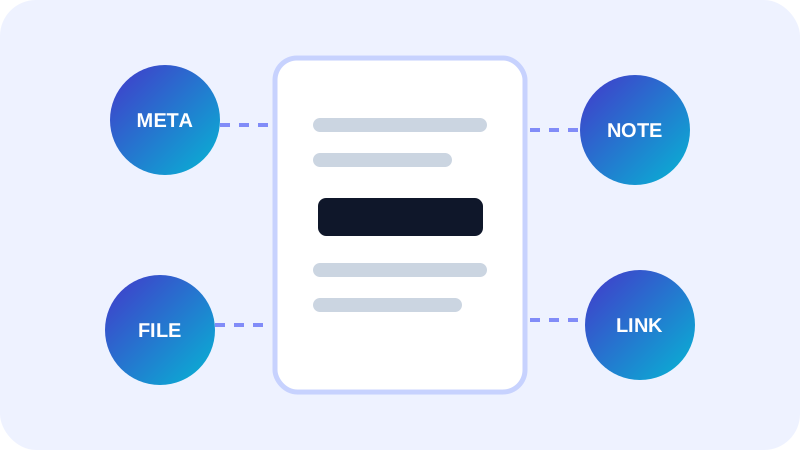
The title should name the document rather than repeat an opaque filename. The author may be a person, department or organization, depending on the publishing context.
Avoid inserting private identity information when the recipient does not need it.
Subject and keywords support discovery
A subject is a short description or topic statement. Keywords are a controlled set of terms used by search or document-management systems.
Use consistent spelling and avoid stuffing unrelated terms. Metadata improves classification; it does not change visible content.
Creator and producer describe software stages
Creator commonly identifies the application used to author the source. Producer identifies the software that wrote or converted the PDF.
These fields can help diagnostics but can also reveal internal workflow details, so review them before external distribution.
Put the workflow into practice
Arrange source documents, select the pages you need, and create one PDF locally in your browser. Review the result before choosing any optional next step.
Try Merge PDFFrequently asked questions
Clear answers before you merge
Is PDF title the same as filename?
No. The internal title can differ from the operating-system filename.
How many keywords should I use?
Use a concise, relevant set aligned with the destination system.
Should author be a person?
Not necessarily; a team or organization can be more appropriate.
Does metadata improve visible accessibility?
It can support document identity, but accessible page structure requires separate work.