On this page
Conversion direction determines the result
Original pages
Text, vectors and images
Copy pages
Keep source objects intact
Merged PDF
New order, same page detail
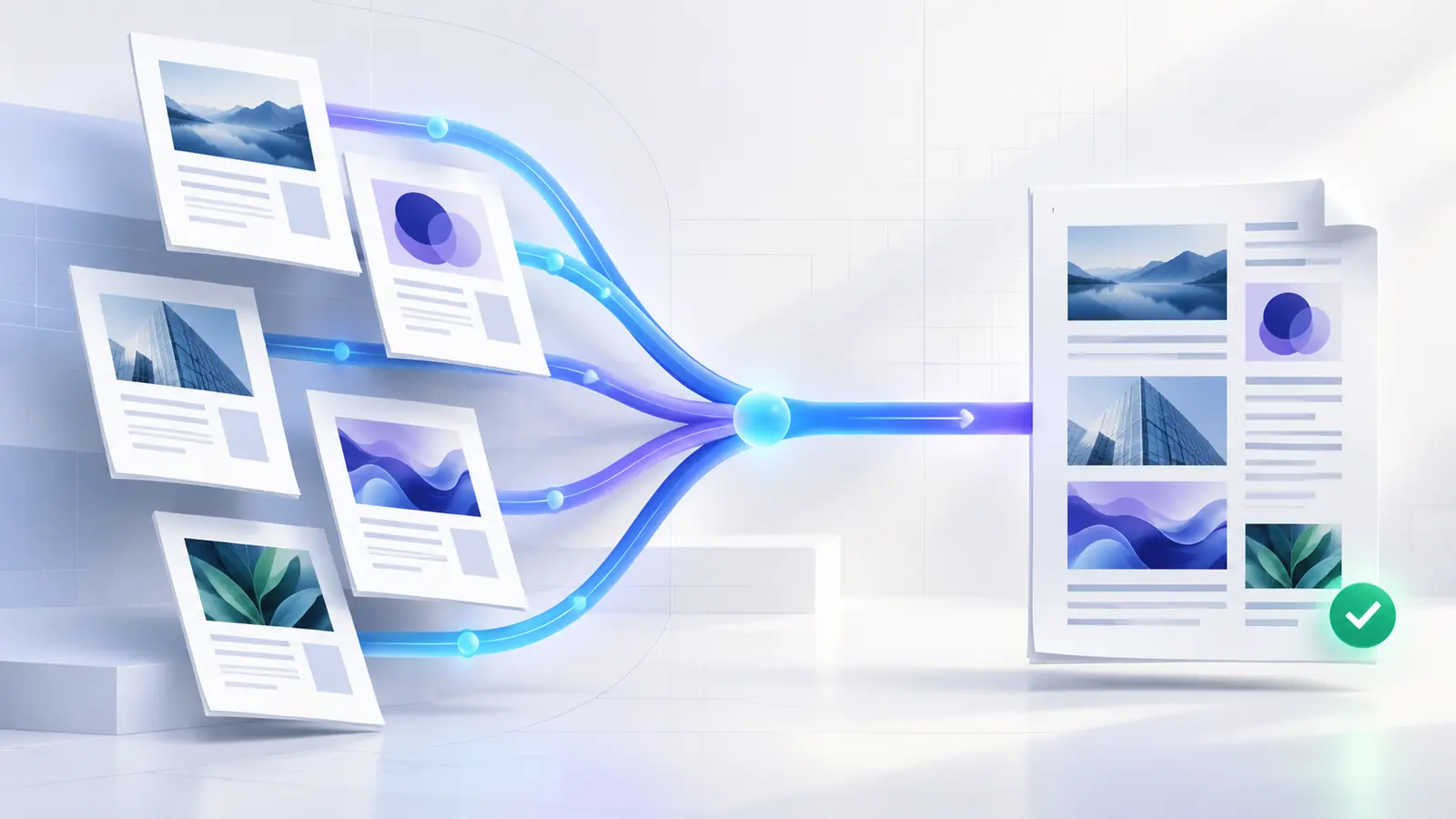
PowerPoint to PDF fixes each slide as a page. Animations, transitions, speaker notes and interactive behavior are not ordinary PDF page content.
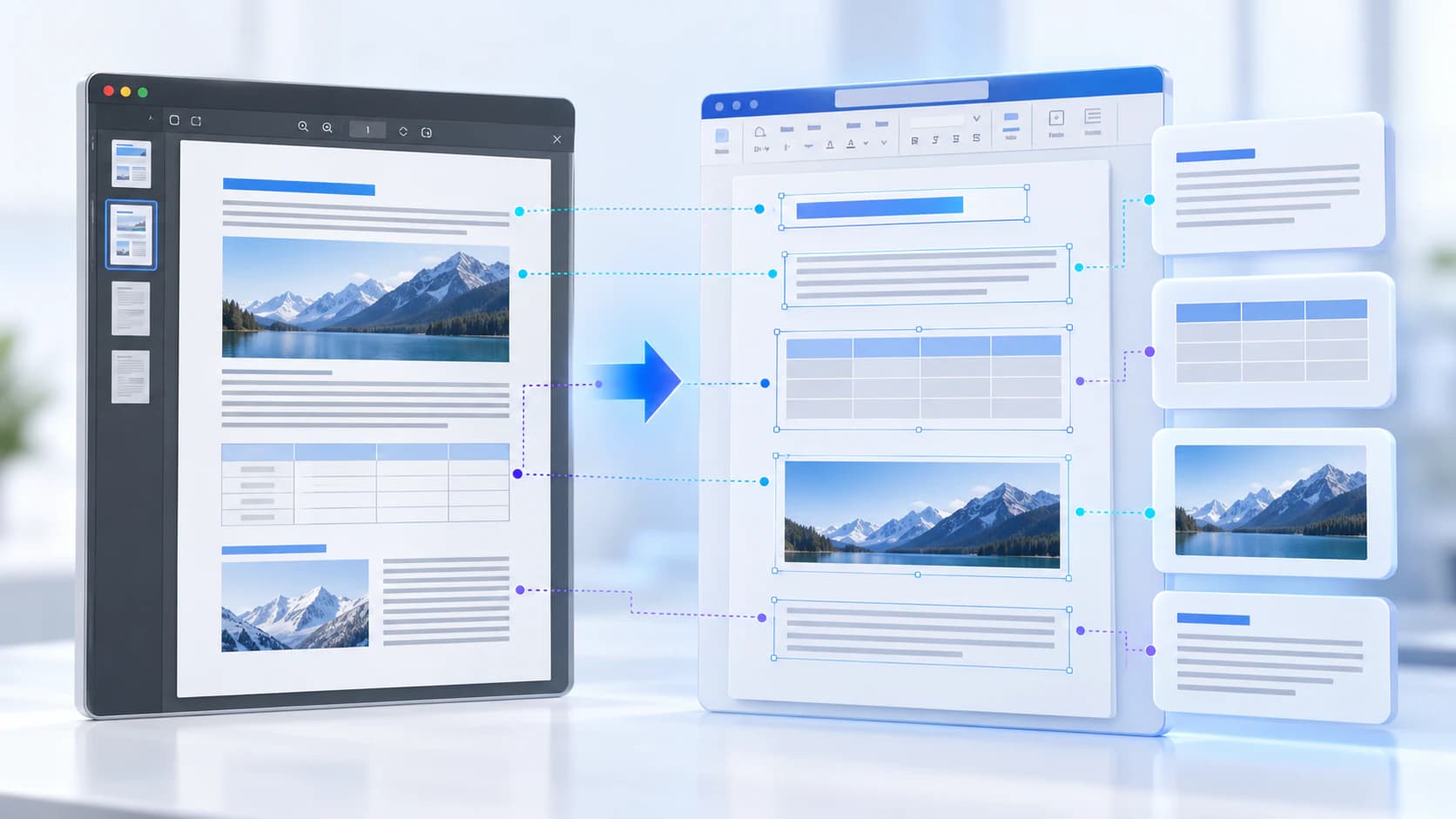
PDF to PowerPoint can prioritize visual fidelity by placing each PDF page as a slide image. That preserves appearance and aspect ratio but does not reconstruct every word, chart or shape as an editable PowerPoint object.
Manage font fidelity
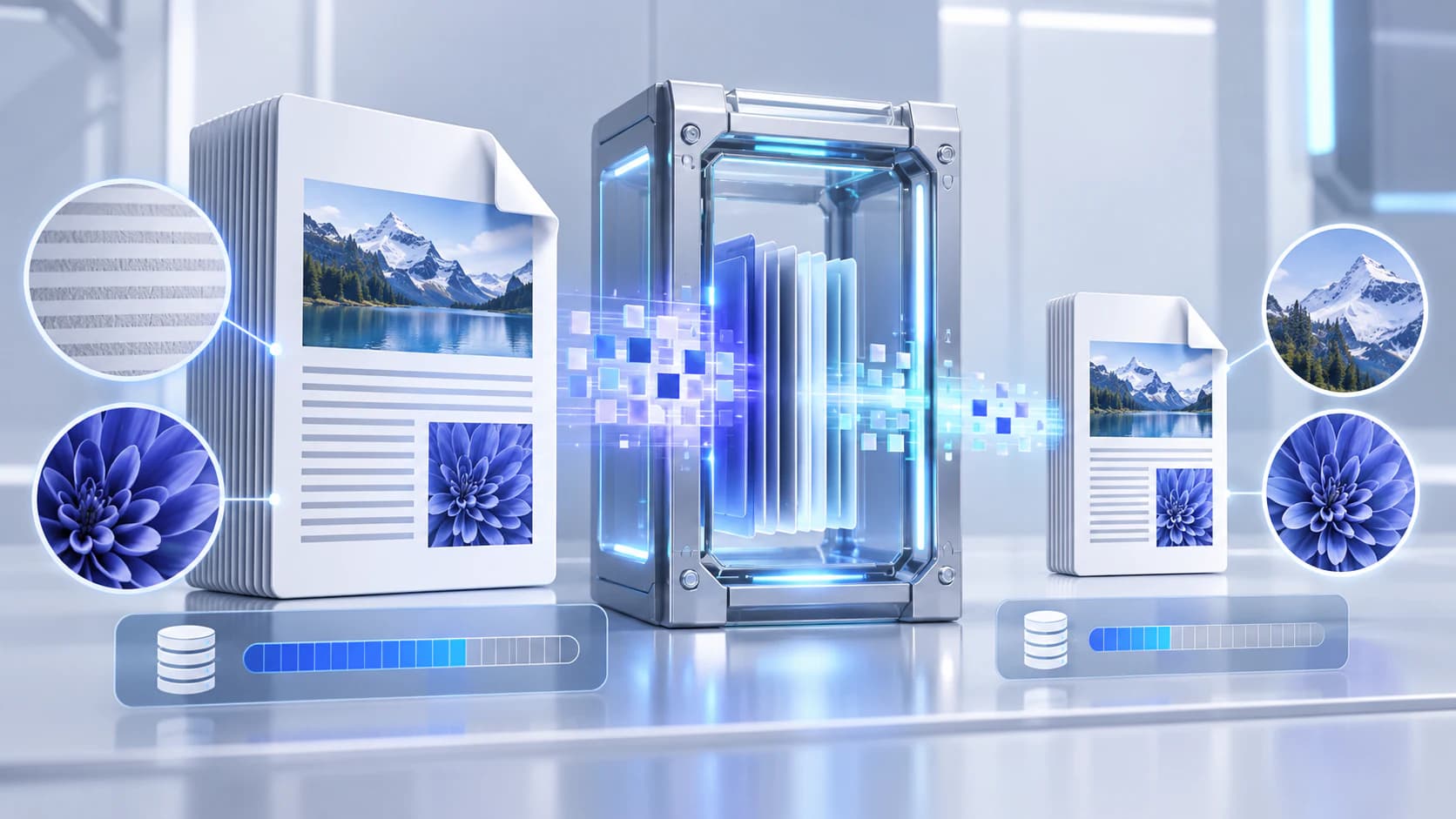
A missing font can change line length, wrapping and alignment during Office rendering. Embed fonts in the presentation where licensing and software support allow, or use widely available alternatives.
Review mathematical symbols, non-Latin scripts, bold weights and custom brand fonts. A visually correct PDF result does not guarantee those objects remain editable after converting back.
- Check the presentation on the conversion environment.
- Review every slide with custom fonts.
- Expect static output for animations.
- Choose visual fidelity or object editability deliberately.
Validate the converted presentation or PDF
Compare slide dimensions, page count, orientation, cropped objects and font wrapping. Open the output in the application your recipient will use.
For a final shareable presentation, convert a copy and keep the original PPTX as the editable source.
Put the workflow into practice
Arrange source documents, select the pages you need, and create one PDF locally in your browser. Review the result before choosing any optional next step.
Try PowerPoint to PDFFrequently asked questions
Clear answers before you merge
Are PowerPoint animations preserved in PDF?
No. PDF pages represent static slide states.
Is PDF-to-PowerPoint text editable?
Not when the workflow uses a high-fidelity rendered page per slide.
Why did a font change?
The source font may be unavailable, restricted from embedding or substituted by the rendering environment.
Does slide size stay the same?
The converter should preserve the source aspect ratio, but the exported result must still be reviewed.