On this page
Identify what makes the PDF large
Original pages
Text, vectors and images
Copy pages
Keep source objects intact
Merged PDF
New order, same page detail
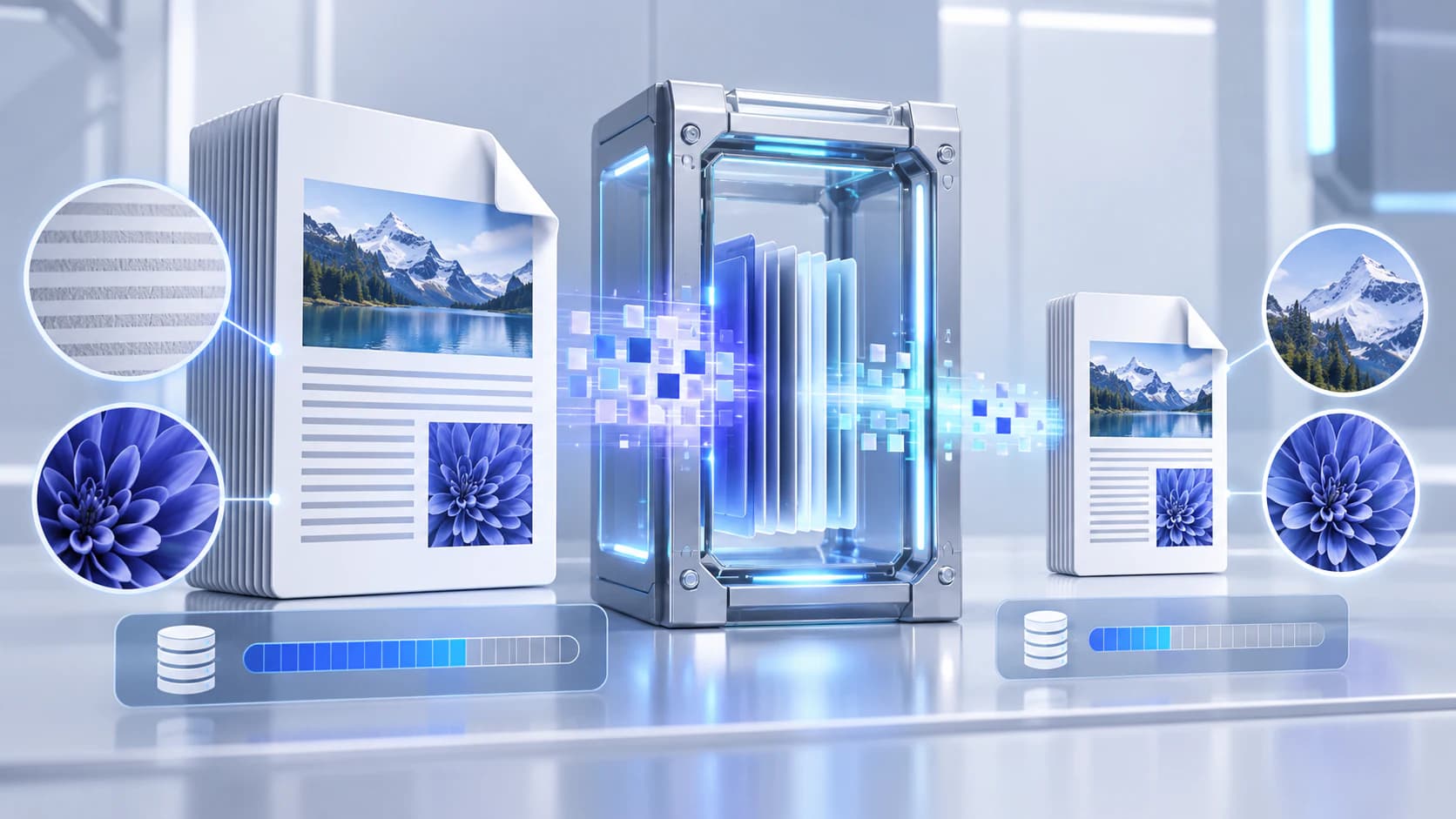
Scanned pages and photographs usually dominate file size. Text and vector graphics are often compact. A document that is already optimized may not shrink much without visible loss.
Compare the source size, page count and purpose. A screen-reading copy can tolerate different image resolution from a print archive or evidence package.
Choose compression deliberately
Use lossless or conservative processing when fidelity matters. Strong image recompression or grayscale can reduce size further but changes the delivered document.
Do not combine unrelated page, conversion and compression operations unless you can validate each consequence. Keep the source file.
- Review small text and diagrams.
- Check color-dependent meaning before grayscale.
- Confirm searchable text remains available.
- Measure the actual output size.
Validate the output copy
Reopen the result and compare representative pages at normal and enlarged zoom. Check page dimensions, orientation, image detail, links and forms that matter.
If the reduction is small, avoid repeated lossy compression. Remove unnecessary pages or choose a different delivery method instead.
Put the workflow into practice
Arrange source documents, select the pages you need, and create one PDF locally in your browser. Review the result before choosing any optional next step.
Try Compress PDFFrequently asked questions
Clear answers before you merge
Why did my PDF barely shrink?
It may already be optimized or contain mostly compact text and vectors.
Does compression always reduce quality?
Not always, but aggressive image recompression, downsampling or grayscale can change appearance.
Can I compress a scanned PDF?
Yes, but inspect small text and OCR searchability after export.
Should I compress repeatedly?
Avoid repeated lossy compression because quality can degrade without proportional savings.