On this page
Improve the source scan
Straight, high-resolution pages with good contrast produce better OCR. Cropped text, shadows and decorative backgrounds increase errors.
Review high-risk content
Check names, dates, amounts, identifiers, non-Latin scripts and punctuation. Remove repeated headers and repair paragraph breaks.
Package validation cannot confirm recognition accuracy.
Set language and navigation
The language helps readers choose pronunciation and hyphenation. Use chapter titles that make sense outside the printed page.
Put the workflow into practice
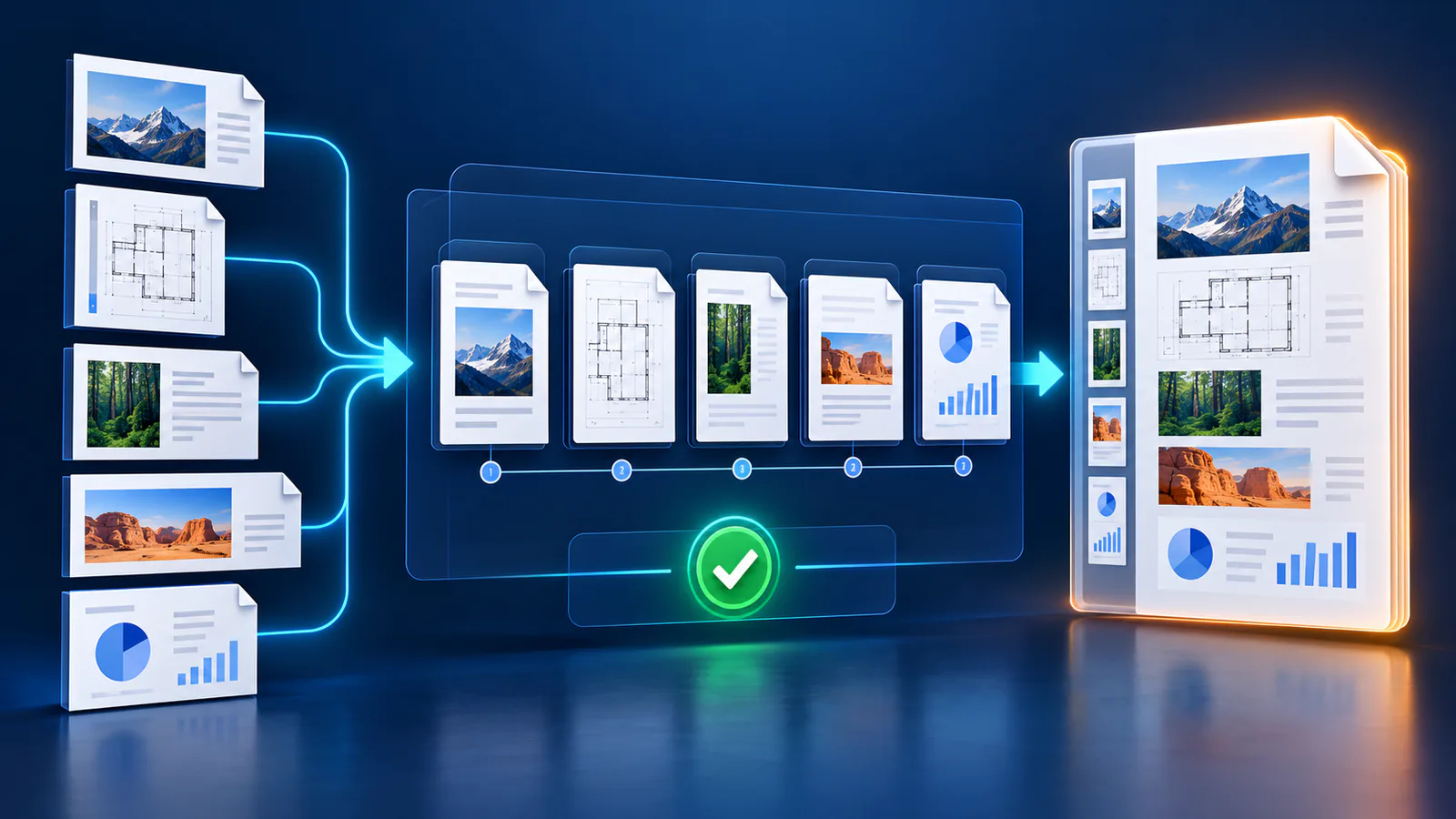
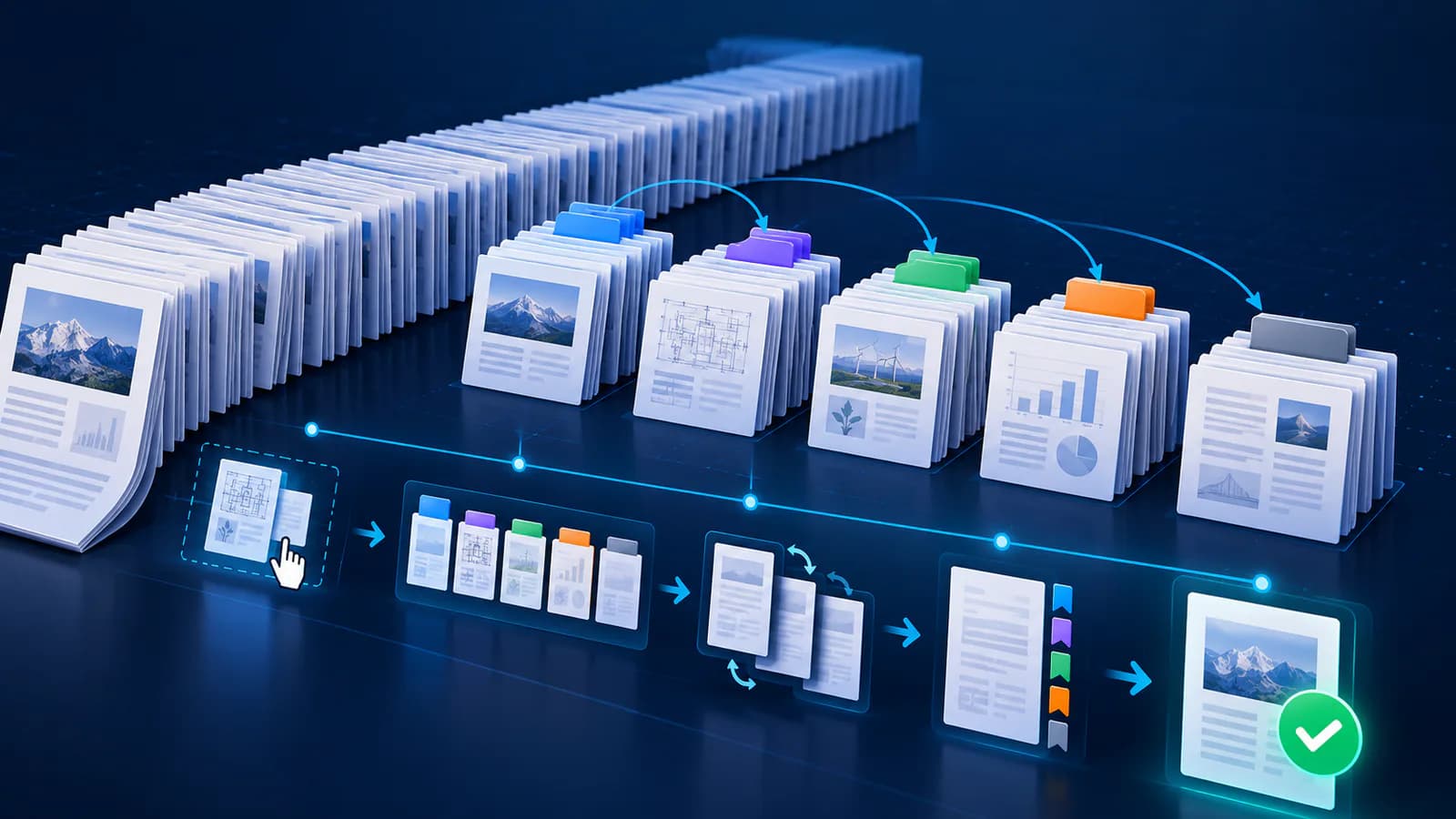
Arrange source documents, select the pages you need, and create one PDF locally in your browser. Review the result before choosing any optional next step.
Try Merge PDFFrequently asked questions
Clear answers before you merge
Does OCR guarantee accuracy?
No. Accuracy depends on image quality, language and layout.
Can mixed-language scans convert?
Yes, with careful review.
Why remove headers?
They otherwise repeat inside chapters.
What should be tested?
Search, selection, resizing and navigation.