On this page
Check the format-defining package parts
The mimetype entry should identify an OpenDocument presentation and remain the first uncompressed package entry. Content XML describes slide pages and image frames, while styles XML defines the shared slide canvas.
The manifest must register the XML parts and every embedded PNG. Missing image entries can produce blank slides or application repair warnings.
Validate metadata and page counts
Check the title, creator, subject, language and keywords when those fields are important to the workflow. Confirm that the slide count matches the selected PDF page count.
Source-page labels are optional visual overlays. Leave them disabled for a clean deck or enable them when reviewers need a direct audit trail back to the PDF.
Open the result in a standards-compatible app
Automated XML validation catches structural errors but cannot judge the rendered appearance in every presentation application. Open an important deck in LibreOffice Impress and review the first, middle and last slides.
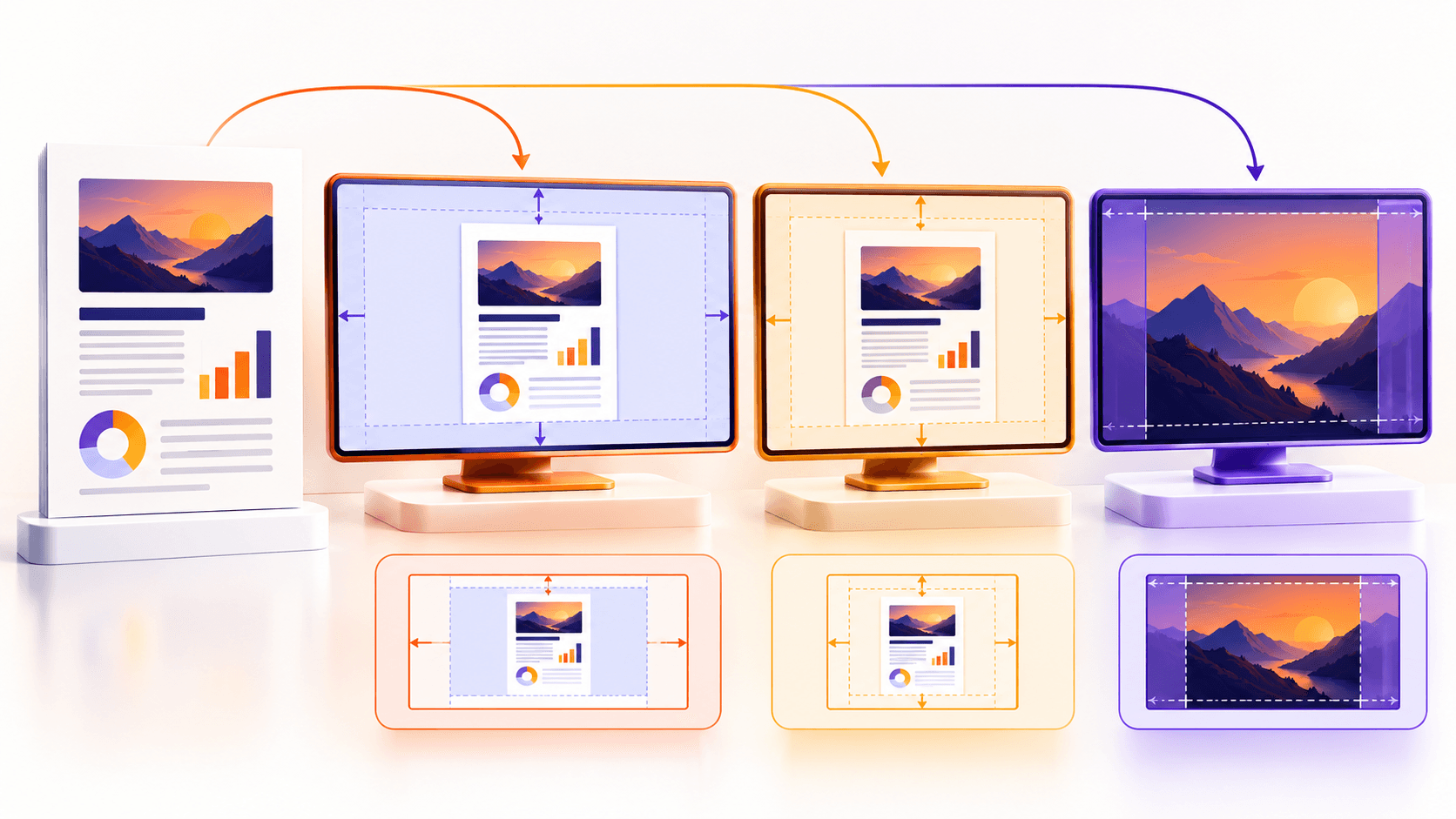
Check contain margins, cover cropping, page orientation, image sharpness and metadata before distributing the file.
Put the workflow into practice
Arrange source documents, select the pages you need, and create one PDF locally in your browser. Review the result before choosing any optional next step.
Try PDF to ODPFrequently asked questions
Clear answers before you merge
Is ODP just a ZIP file?
It is a ZIP-based OpenDocument package with required mimetype, XML, manifest and media conventions.
What does Nexynto verify?
It reopens required XML parts and confirms the first embedded slide image is present.
Should I still open the output?
Yes. Visual review in the intended presentation app remains important.
Why might a slide be blank?
A missing media file or manifest entry can break image loading; package validation is designed to catch that class of error.