On this page
Reconcile selected and output pages
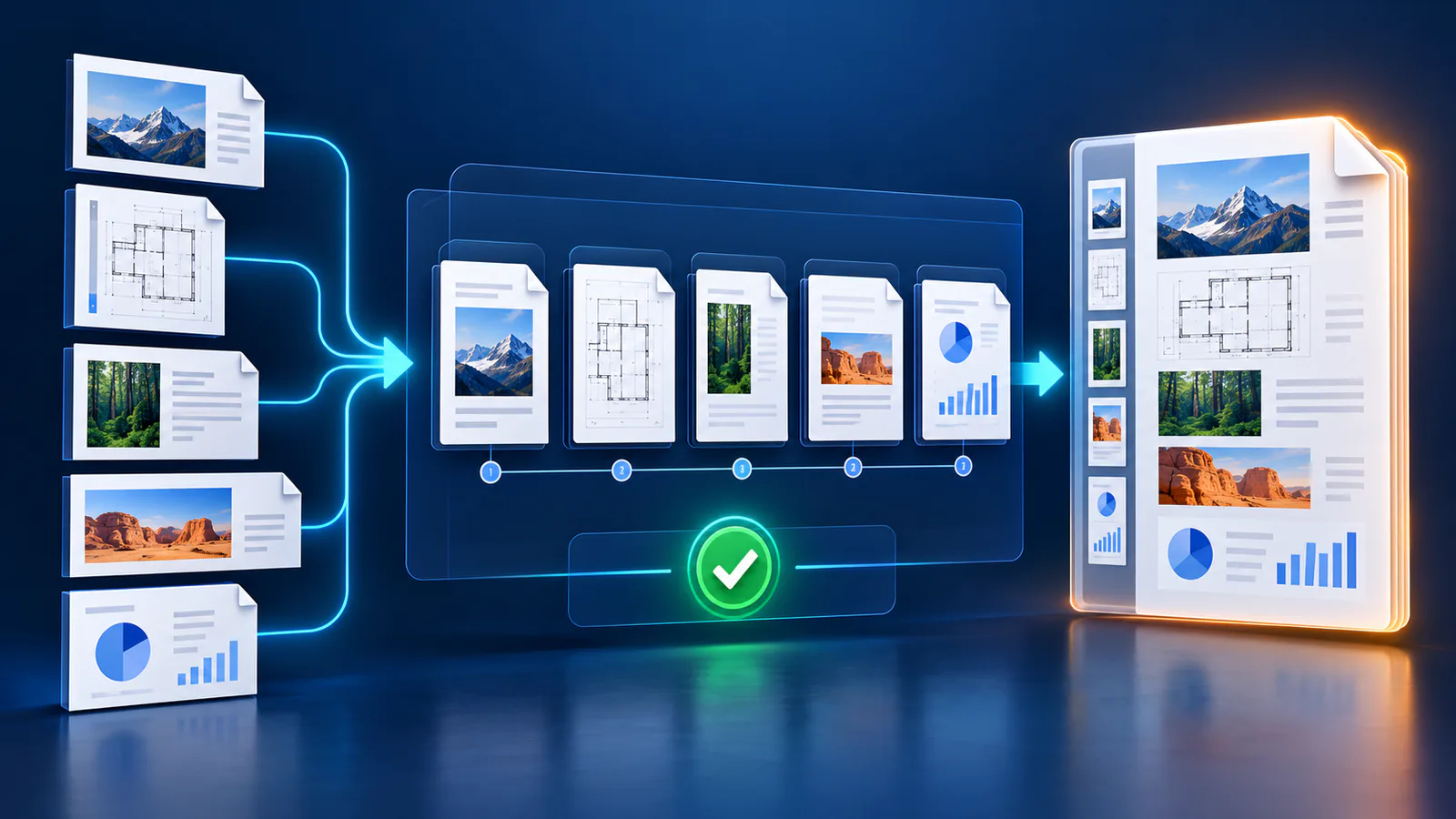
The output page count should match the unique pages selected by the range. If you requested a subset, record that scope in the filename or delivery notes.
A verified tool should reopen the created bytes and confirm the resulting page count before download.
Inspect small and important content
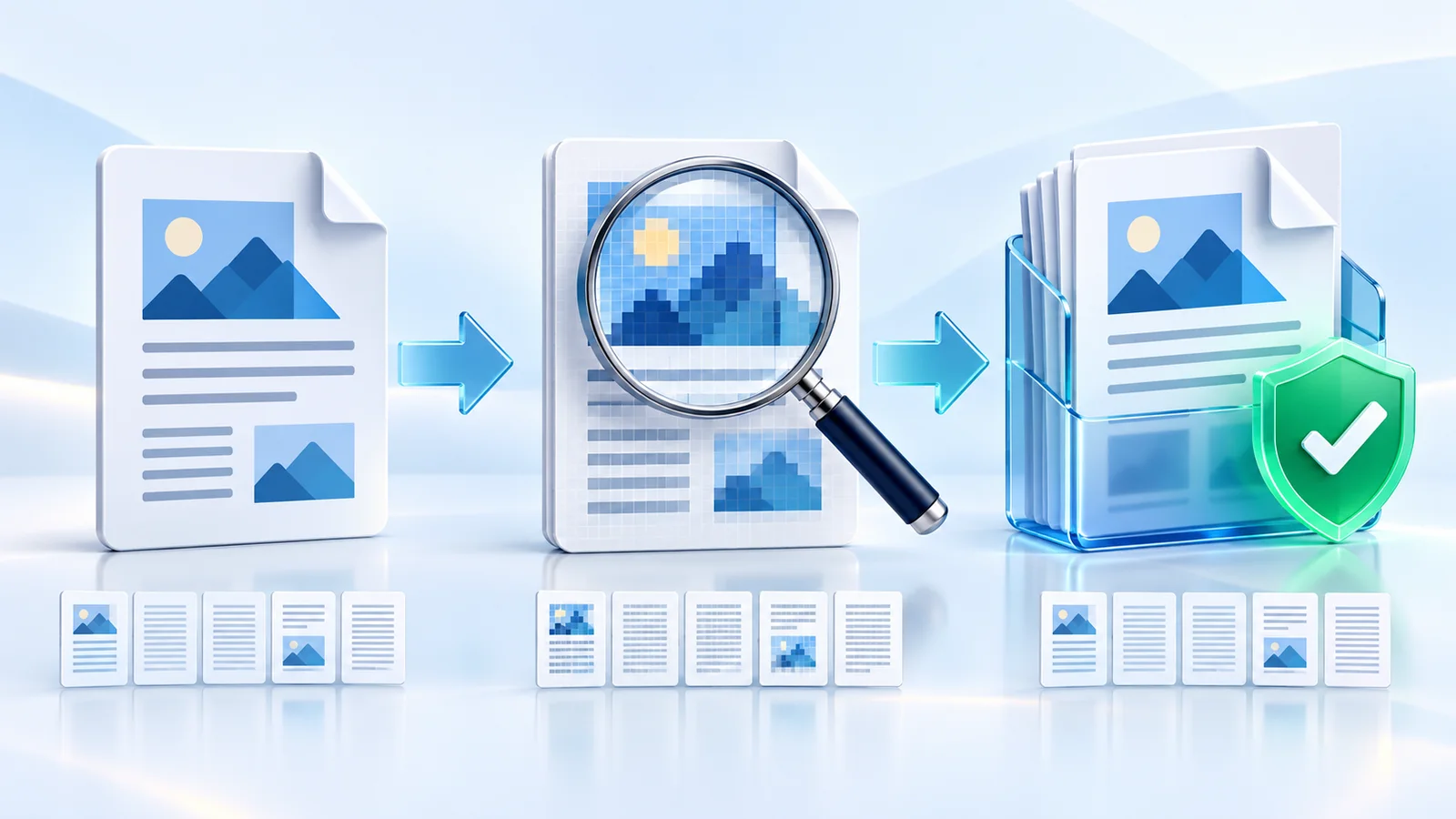
Review fine print, thin lines, barcodes, signatures, stamps and screenshots. Compression artifacts are most visible around sharp high-contrast edges.
Compare page dimensions and orientation with the source. Rasterization should not unexpectedly crop or stretch the visible page.
Confirm the intended behavior changed
Try selecting text and activating links or fields. In a rasterized copy those structures should no longer behave as live page objects.
If searchable text is required, run OCR on the accepted raster copy and verify the OCR text separately.
Keep the source and label the derivative
Store the original when it is authoritative, signed, accessible or needed for later editing. A rasterized PDF is a derived delivery artifact, not a replacement for every workflow.
Use an explicit filename and compare input and output sizes before sharing.
Put the workflow into practice
Arrange source documents, select the pages you need, and create one PDF locally in your browser. Review the result before choosing any optional next step.
Try Merge PDFFrequently asked questions
Clear answers before you merge
How is the output verified?
Nexynto reopens the generated PDF and checks that its page count matches the selected range.
Why can the rasterized file be larger?
Every page becomes a compressed image; high DPI and high JPEG quality can exceed the original vector file size.
Should I delete the original?
No. Keep the original when it is signed, searchable, accessible or needed for later editing.
Can I restore search after rasterization?
Yes, by running OCR on the accepted image-based PDF and reviewing the recognized text.